Interactive example · Bookkeepers & BAS agents
An assistant that does the boring 80% of bookkeeping, with a person approving every entry
Most of a bookkeeper's week is the same bill, again: read it, type the supplier and the GST, pick the account, chase the client for the receipt that never came. Below is a working version for a fictional Ocean Grove practice looking after 70 small businesses on Xero. Use it as the bookkeeper, as the client who gets the text, and as the practice owner who sets the rules.
In short
An AI bookkeeping assistant reads each client's forwarded bills and phone photos overnight, extracts the supplier, date, GST and total, and proposes the Xero account with a confidence score and a reason. A bookkeeper confirms, corrects or parks every entry before anything is pushed. Missing receipts are chased by text, and the practice owner sees readiness across every client.
Interactive demo: AI bookkeeping assistant
Live demo · Hennessy Bookkeeping, Ocean Grove is a fictional business with sample data. Nothing you do here is saved or sent.
- Confirm a captured billAs the bookkeeper, open a row in Kirra Bay Surf Hire's overnight queue, see the document beside what the assistant read, and click Looks right (or change the account first).
- Chase a missing receipt and answer itClick Chase client under the bank lines with no receipt, then switch to Client, open the text, pick a line and send a photo. The bookkeeper's line updates.
- Approve the batch to XeroReview every row (resolve or park the Unsure one, park the duplicate), then click Approve batch to Xero and watch the draft bills go across.
- Tune a firm ruleAs the practice owner, switch a rule off or change its account under Firm rules, then click Save rules. Siobhan's open rows are re-proposed.
Example app · sample data
Hennessydesk
Bookkeeper · Siobhan Hennessy · Kirra Bay Surf Hire
Hennessy Bookkeeping and Kirra Bay Surf Hire are fictional. Suppliers, bills and amounts are sample data. The assistant's reading, coding and confidence scores are scripted for the demo; nothing is sent to an AI service, no text message is sent, and nothing is pushed to Xero.
Built for bookkeepers, BAS agents and accounting practices
Three people it has to work for, and what each is hiring it to do
- Practice ownerMore clients per bookkeeper without lowering the standard, and rules that apply to the whole practice
- BookkeeperOpen a queue that's already read and coded, tick what's right, fix what isn't, and send the batch
- ClientForward a bill or snap it, answer a text about a receipt, and never do the shoebox on the 20th
What you just used
How Hennessy Bookkeeping runs, screen by screen
- Bills forwardedClientEmail or a phone photo
- Read, coded, scoredSystemFirm rules, then history
How the work moves through Hennessy Bookkeeping: who does what, and where the software takes over. Steps with a mint mark are ones you can do in the demo above.
Read overnight, from wherever the bill arrived
Each client has a forwarding address and a phone camera. Forwarded emails and photos are read while the office is shut: supplier, date, invoice number, GST and total, with the document kept and attached to the Xero bill.
A confidence score and a reason, in words
Every proposal is High, Check or Unsure, with the reason beside it: a firm rule, fourteen earlier bills from the same supplier, or a first invoice the assistant won't guess. A bookkeeper reads the reason, not the maths.
Nothing reaches Xero without a person
High needs a tick, Check needs a look, Unsure must be resolved or parked. The batch button stays off until every row has an answer, and a parked row never leaves the queue. That's the control an auditor asks about.
Duplicates caught by invoice number
The same bill photographed twice, or forwarded and photographed, is matched on supplier, invoice number and amount and flagged against the original. Parking it keeps a double claim off the BAS.
Receipts chased by text, answered in a tap
Bank lines with no receipt go to the client as one text per line with a link. They send a photo, which is read on the spot and matched, or say it was personal, which keeps it out of the books. No email thread to read back through.
Rules the practice owns
What the assistant learns from the team's coding is written down as rules the owner can read, switch off or change, applied to every client's next batch when saved. The owner also sees BAS readiness per client and the hours the assistant is saving, as an estimate.
Built for you
Your practice's rules, not a vendor's defaults
The demo is one practice's rules. Built for yours, it would carry your own:
- Your ledger: Xero, MYOB or QuickBooks, with your chart of accounts and tracking categories per client
- Your confidence thresholds: what gets a tick, what gets a look, and what is never guessed
- Your chasing: texts, emails or a client portal, in your words, at the time of day your clients answer
- Your review flow: who approves what, batch sizes, and the BAS lodgement checklist you already use
- Your rules, learned from your team's coding and kept in plain words the owner can edit
- Reporting the owner wants: readiness per client, parked items, what each bookkeeper got through
Connects to what you already use
Where a tool offers an API or a calendar feed, the build talks to it directly. Your data stays in accounts you own.
- Xero
- Xero Practice Manager
- MYOB
- QuickBooks Online
- SMS
- Microsoft 365
- Google Workspace
A shoebox, a capture tool, or a custom assistant?
Dext and Hubdoc are the honest first stop: they extract bills and push them to Xero, and Hubdoc comes bundled with most Xero plans. Custom is for a practice where the coding decisions, the chasing and the review are the work, and a per-client capture fee across 70 clients is a real line on the P&L.
| Criteria | Shoebox and the 20th | Dext or Hubdoc | Custom assistant |
|---|---|---|---|
| Time to start | Today | A week per client | A couple of months for a first version |
| Who codes each bill | A bookkeeper, from scratch | Supplier rules you set up, per client | Your practice's rules plus each client's history, with a reason shown |
| Chasing receipts | Email and phone calls | Reminders to the client's app | Texts per bank line, answered with a photo or a reason, matched automatically |
| The practice's rules | In people's heads | Per client, inside the tool | Written down, owner-editable, applied practice-wide |
| Cost model | Hours | A subscription per client, every month | A fixed build, then hosting and the AI provider's usage; you own the code |
| Best when | A handful of clients | Capture is the problem and the coding is simple | Review, chasing and consistency across many clients are the problem |
How we'd build yours
Fixed price, agreed before we start
Start from one client's month
We sit with a bookkeeper and go through one client's documents end to end: what arrives, what's obvious, what needs a human, what gets chased. That month is the specification.
Fix the scope and the price
Which ledger, which clients first, what the assistant may propose and what it may never touch, and one fixed price you approve before we start.
Run it beside the current process
For the first clients the assistant proposes and your team confirms as they do now, so the confidence scores are earned against real decisions before anything changes.
Open it up client by client
As the rules settle, more clients move across. The owner's dashboard shows readiness and parked items per client, so you know what the assistant is doing without reading its work.
Keep it yours
You own the code and the rules. The AI provider can be swapped, the ledger can change, and the review step stays where a BAS agent needs it.
What moves the price
Custom work is quoted individually, at a fixed price, once the scope is written down. These are the things that make the biggest difference.
- Ledgers and clients
- Xero only is simplest; MYOB or QuickBooks as well, or hundreds of clients, adds integration and scale work.
- What the assistant reads
- Clean forwarded invoices are easy; faded till receipts, statements and multi-page PDFs need more care.
- Chasing and client contact
- Texts with a reply link are standard; a client app or portal with its own login is a bigger build.
- Review and reporting
- A queue and a batch button cover most practices; approval chains, audit trails and per-bookkeeper reporting add to it.
- AI usage
- Reading documents costs a few cents each at the provider; the build keeps that visible so it never surprises the owner.
When you shouldn't build this
If capture is your only problem, use Hubdoc, which is already in most Xero plans, or Dext if you want better supplier rules. Both are good, and cheaper than anything custom for a practice with a few dozen clients. Build this when the per-client fee has become a real cost, when the coding and chasing decisions are where your bookkeepers' hours go, and when you want rules that apply across the practice rather than per client. Whatever you build, a BAS agent still approves every entry.
Want this, with your name on it?
Tell us how the work runs today. We'll reply within one business day with what we'd build first, what we'd leave out, and whether an off-the-shelf tool would serve you better.
Common questions
Software that reads a client's bills and receipts, extracts the fields a bookkeeper would type, proposes the account and tracking in the ledger, and queues each entry for a person to confirm. It can also chase missing receipts and watch for duplicates. It is an assistant, not a bookkeeper: nothing is lodged or pushed without a person approving it.
It depends on the ledgers you support, how messy the documents are, how clients are chased and how much review and reporting the practice wants, which is why we don't publish a figure. We scope it from one client's month and quote a fixed price. Running costs are hosting plus the AI provider's usage, which is a few cents per document read.
For many practices you should. They extract well, they push to Xero, and Hubdoc is bundled with most Xero plans. A custom assistant earns its keep when the decisions after capture are the work: consistent coding across 70 clients, rules the owner can read and change, chasing that answers itself, and a review step built the way your practice reviews.
Yes, and it should be. In the demo the batch to Xero stays off until every row has been confirmed, resolved or parked, and the confidence score is there to make the review fast, not to skip it. A registered BAS agent is responsible for what's lodged, so the build keeps the approval with them.
It can. The demo pushes draft bills to Xero because that's what the fictional practice uses, but the assistant's reading, coding and review are separate from the ledger. Supporting MYOB or QuickBooks Online is an integration decision made at scoping, and it moves the price.
More examples to try
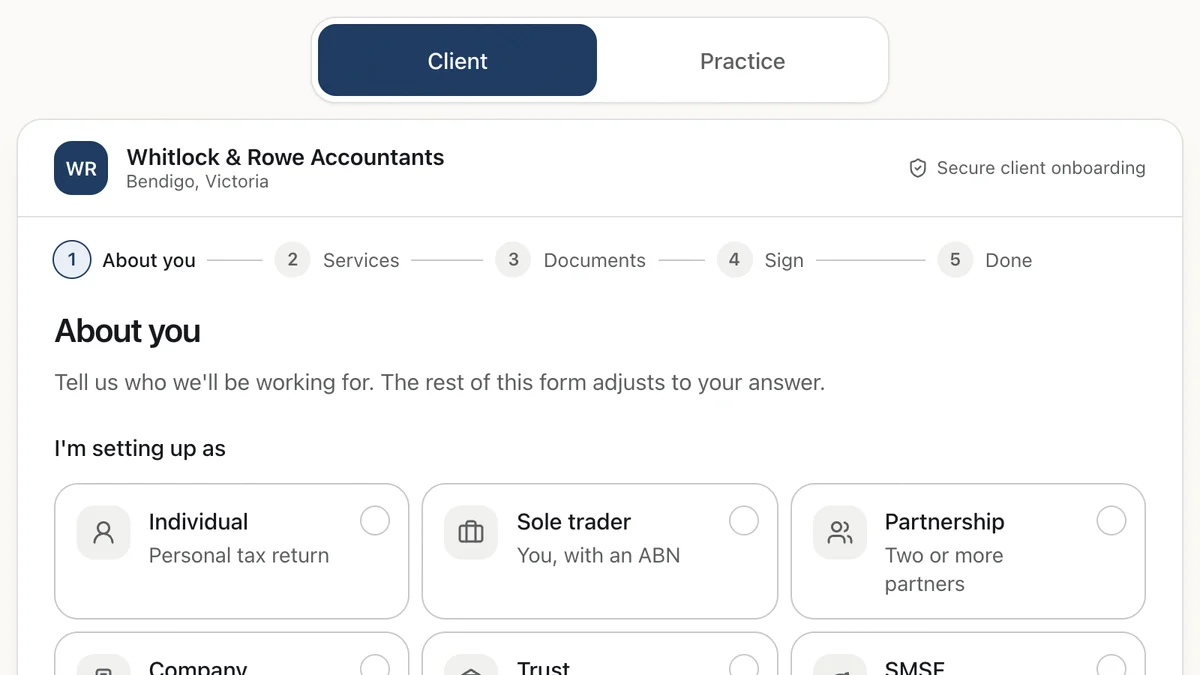
- Accounting and bookkeeping practicesClient onboarding for accountantsA new-client flow that reshapes itself by entity type, and sets up the practice's tasks as the client types.Live demoTry it
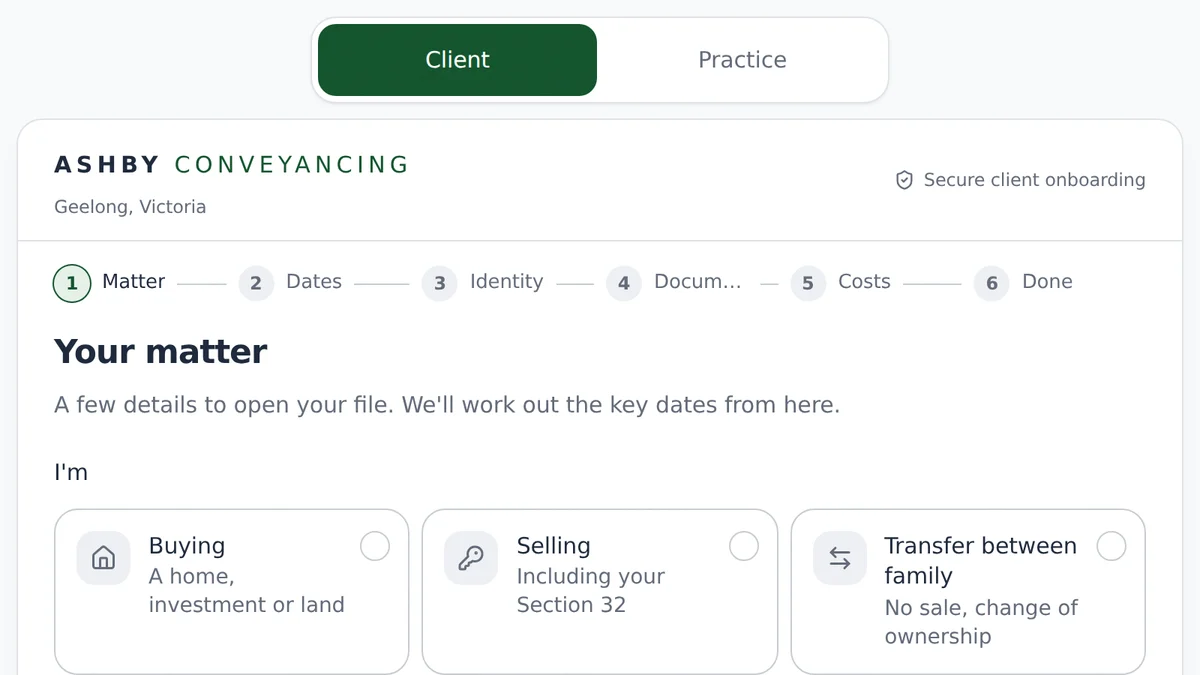
- Conveyancers and property law practicesClient onboarding for conveyancersMatter intake that works out the key dates, verifies identity and gets the cost agreement signed.Live demoTry it
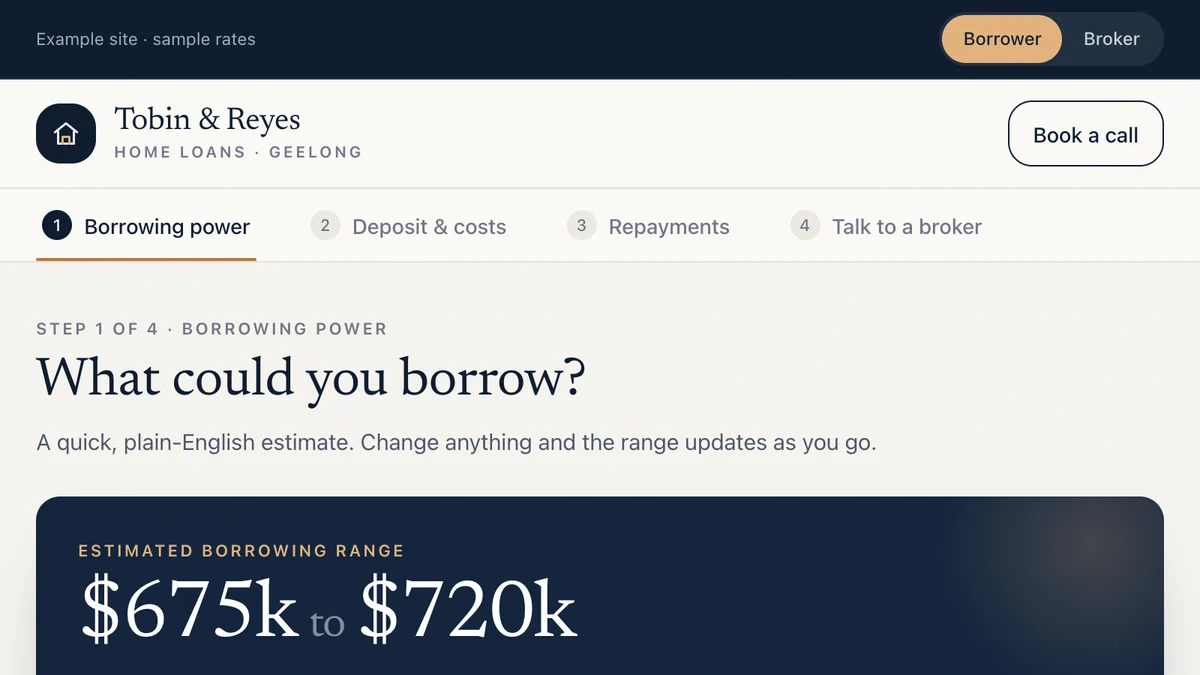
- Mortgage brokers and finance brokersBorrowing power and fact-find tools for brokersBorrowers see an honest estimate, complete a fact-find and book a call. The broker gets the whole scenario.Live demoTry it
Last reviewed .