Interactive example · Accounting
Client onboarding for accountants that does the chasing for you
New-client onboarding in most practices is a PDF, three follow-up emails and a phone call to ask whether they're a company or a trust. The client finds it tedious, and so does whoever is doing the chasing. Below, a fictional Bendigo practice does it differently. Try it as the client, then look at what the practice sees.
In short
A client onboarding system for an accounting practice collects a new client's details, entity information, documents and signed engagement letter in one guided flow that adapts to whether they're an individual, sole trader, company, trust or SMSF. It creates the practice's follow-up tasks automatically and shows exactly what's still outstanding.
Interactive demo: Client onboarding for accountants
Live demo · Whitlock & Rowe Accountants, Bendigo is a fictional business with sample data. Nothing you do here is saved or sent.
- Change the client typePick company, trust or SMSF and watch the questions and document list change to match.
- Upload two documentsUse sample files. The practice's checklist ticks off as each one arrives.
- Sign the engagement letterThe scope is built from what the client asked for. Sign with your finger or mouse.
- Work the practice sideOpen the practice view and tick off one of the tasks it created for you.
Example app · sample clients
Whitlock & Rowe Accountants
Bendigo, Victoria
Secure client onboarding
Step 1 of 5 · About you
- 1About you
- 2Services
- 3Documents
- 4Sign
- 5Done
About you
Tell us who we'll be working for. The rest of this form adjusts to your answer.
Demo: nothing you type leaves this page.
This demo describes software, not accounting or legal obligations. How you collect tax file numbers, verify identity and word engagement letters depends on your professional standards and your advisers. The demo never asks for a TFN or real ID, and nothing you type leaves the page.
Built for accounting and bookkeeping practices
Three people it has to work for, and what each is hiring it to do
- PrincipalTake on a new client without a week of chasing before the work starts
- Practice managerThe file, the documents and the tasks in one place the day the client signs
- New clientOne link, questions that fit their entity, nothing asked twice
What you just used
How Whitlock & Rowe Accountants runs, screen by screen
- Link sentPracticeOne link, no PDF forms
- Filed and taskedSystemRecord, tasks and ATO linking queued
How the work moves through Whitlock & Rowe Accountants: who does what, and where the software takes over. Steps with a mint mark are ones you can do in the demo above.
Questions that follow the entity
An individual isn't asked for an ABN. A trust is asked for its deed and trustee. An SMSF gets audit questions. The flow reshapes itself, so clients answer fewer questions and the practice gets complete answers.
Details checked as they are typed
An ABN lookup fills the entity name, GST status and registration from the public register, which catches the typo before it reaches the ATO. In the demo the lookup is simulated.
A document list built from the answers
The list is built from the answers: a trust deed for a trust, an investment strategy for an SMSF, bank statements for a sole trader. Clients upload from a phone, and the practice sees what's in and what's missing without opening an inbox.
Engagement letter scoped and signed in the flow
The scope is written from the services the client picked, and they sign it on the spot. Authority to act as their tax agent is part of the same step, so it isn't a separate chase.
Tasks created before anyone opens the file
Add to the ATO client list, request the prior-year return, connect Xero, schedule BAS reminders. The practice side builds the to-do list from the client's answers and assigns it.
Sensitive data kept out of email
Tax file numbers and identity documents are collected in a secure portal after sign-up, never by email or an ordinary web form. That's a Privacy (Tax File Number) Rule obligation, and clients notice when it's taken seriously.
Built for you
Your rules, not a template's
Built for your practice, it would follow your process:
- Your engagement letter wording, fee structures and terms, reviewed by you before launch
- Your service lines and the questions each needs, including SMSF, payroll and advisory
- Hand-off into your practice management system where it has an API, such as Karbon, FYI or XPM
- Reminders that chase missing documents by email and SMS, politely, until they arrive
- Business clients walked through the ATO's client-to-agent linking step by step
- Your branding, on your own domain, so clients trust the link they're sent
Connects to what you already use
Where a tool offers an API or a calendar feed, the build talks to it directly. Your data stays in accounts you own.
- Xero
- MYOB
- QuickBooks
- Karbon
- FYI
- Xero Practice Manager
- FuseSign
- SMS
- Microsoft 365
PDFs by email, a practice platform, or custom onboarding?
Practice platforms such as Ignition, Karbon and FuseSign cover parts of this well, and many practices should start there. Custom work makes sense when the pieces don't join up.
| Criteria | PDF forms by email | Practice platform features | Custom onboarding flow |
|---|---|---|---|
| Adapts to entity type | No; one form for everyone | Partly, with templates | Fully, question by question |
| Document chasing | Manual | Automated in some tools | Automated, from the client's own list |
| Engagement letter | Printed, signed, scanned | E-signed, often in a separate tool | Scoped and signed in the same flow |
| Practice tasks | Set up by hand | Via integrations, where they exist | Created from the answers |
| Sensitive data handling | TFNs and IDs end up in inboxes | Secure, within the platform | Secure, designed around your obligations |
| Best when | You take on a few new clients a year | Your process fits the platform you already pay for | You onboard steadily and the gaps between tools cost hours |
How we'd build yours
Fixed price, agreed before we start
Walk through your current onboarding
We look at every form, letter and email a new client gets today, and where the practice waits on them. That becomes the flow's first draft.
Fix the scope and the price
Which entity types, services and integrations are in the first version, written down with one fixed price you approve before we start.
Build it, then run real clients through it
A few new clients go through it alongside your current process, with you watching what lands on the practice side. Wording gets tightened where clients hesitate.
Switch over and measure the chasing
Once it's the default, we track time from first contact to a complete file. That's the number it exists to shrink.
What moves the price
Custom work is quoted individually, at a fixed price, once the scope is written down. These are the things that make the biggest difference.
- Entity types and services
- Each adds its own questions, documents and letter clauses.
- Practice management hand-off
- An API integration versus a clean export your team imports.
- Identity verification
- A third-party verification service adds per-check costs and build time.
- Reminder automation
- Email-only chasing is simpler than email and SMS with escalation.
When you shouldn't build this
If you take on a handful of new clients a year, a well-written PDF and a phone call is fine, and this would be money spent on the wrong thing. If your practice platform already does onboarding and your team actually uses it, improve the templates before you build anything. Custom onboarding pays off for practices that take on new clients every week and still lose hours to chasing between tools.
Want this, with your name on it?
Tell us how the work runs today. We'll reply within one business day with what we'd build first, what we'd leave out, and whether an off-the-shelf tool would serve you better.
Common questions
A guided online flow that takes a new client's details, entity information, documents and signed engagement letter in one place, adapting its questions to the client type, and creates the practice's follow-up tasks automatically. It replaces the PDF-and-email back-and-forth most practices still run.
Yes. The letter's scope is generated from the services the client selects, and they sign it within the same flow on a phone or computer. The signed copy is stored against their record, and the tax agent authority can be captured in the same step.
Only in a system built to protect them. TFNs should never travel by email or an ordinary web form. A secure client portal with encryption, access controls and logging is the right place, and handling must meet the Privacy (Tax File Number) Rule.
Where the practice management system offers an API, a new client can be created there automatically with their details and tasks. Where it doesn't, a clean export your team imports in one step is the fallback.
Often you shouldn't. Those tools are good at proposals and signing. A custom flow makes sense when you need entity-specific questions, document lists and task creation to happen in one sequence, and the gaps between your current tools are costing real hours each week.
More examples to try
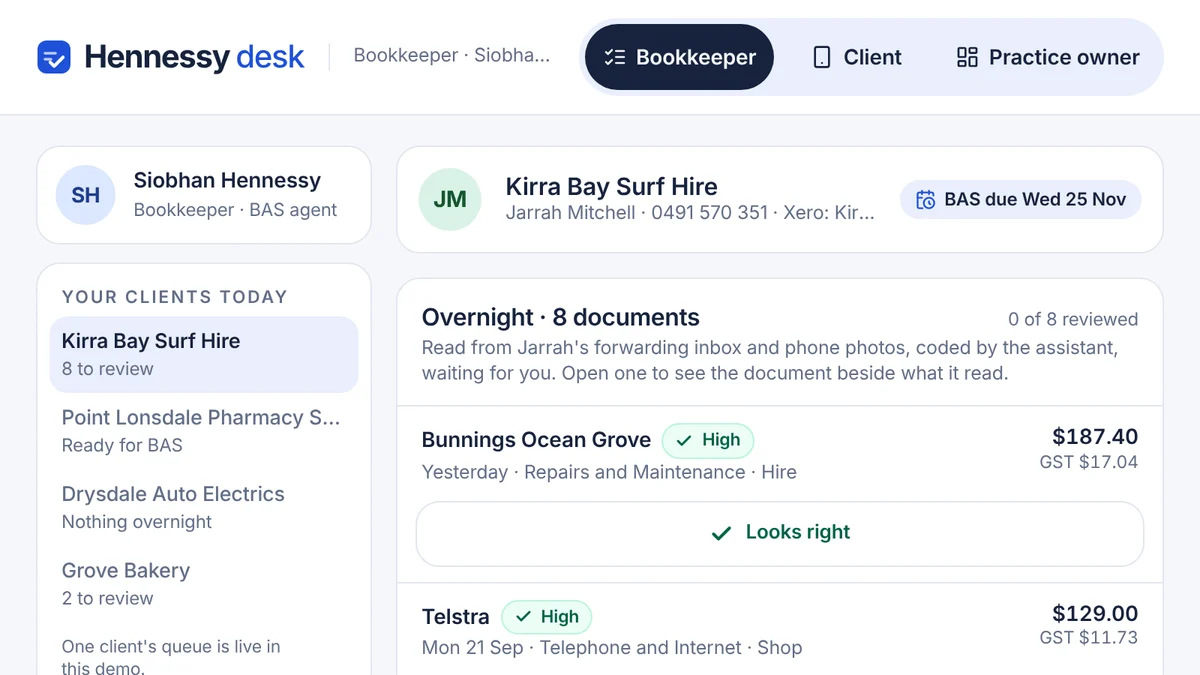
- Bookkeepers, BAS agents and accounting practicesAI bookkeeping assistantBills read and coded overnight with a reason, receipts chased by text, and a person approving every entry.Live demoTry it
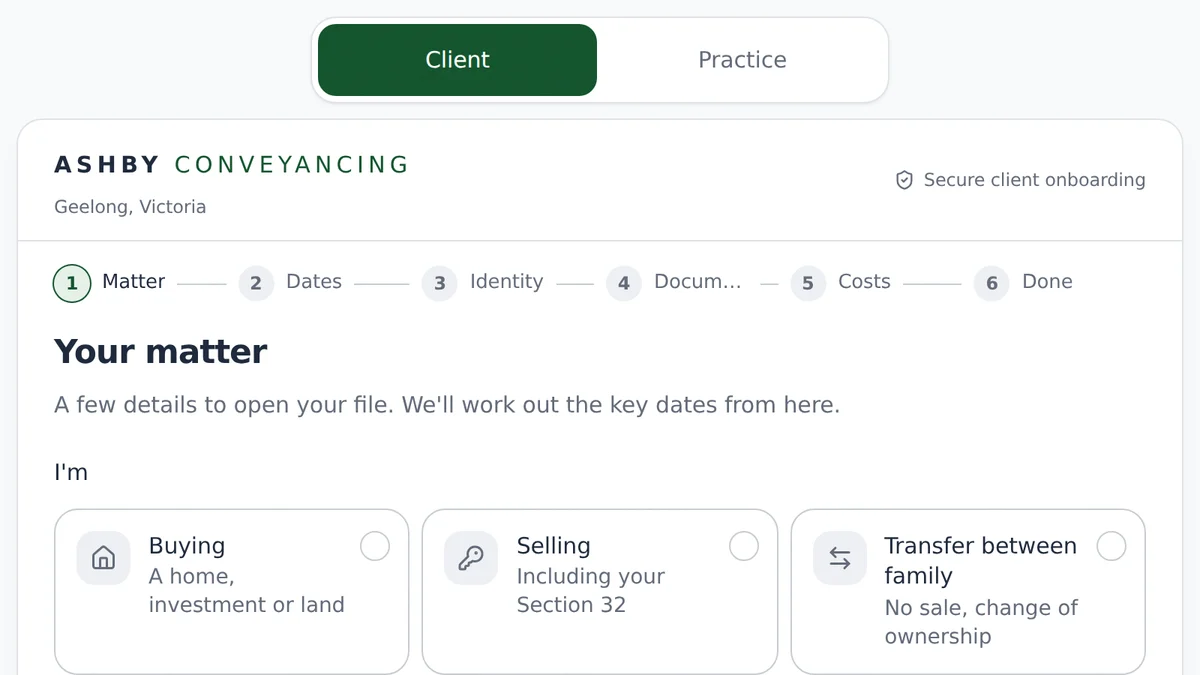
- Conveyancers and property law practicesClient onboarding for conveyancersMatter intake that works out the key dates, verifies identity and gets the cost agreement signed.Live demoTry it
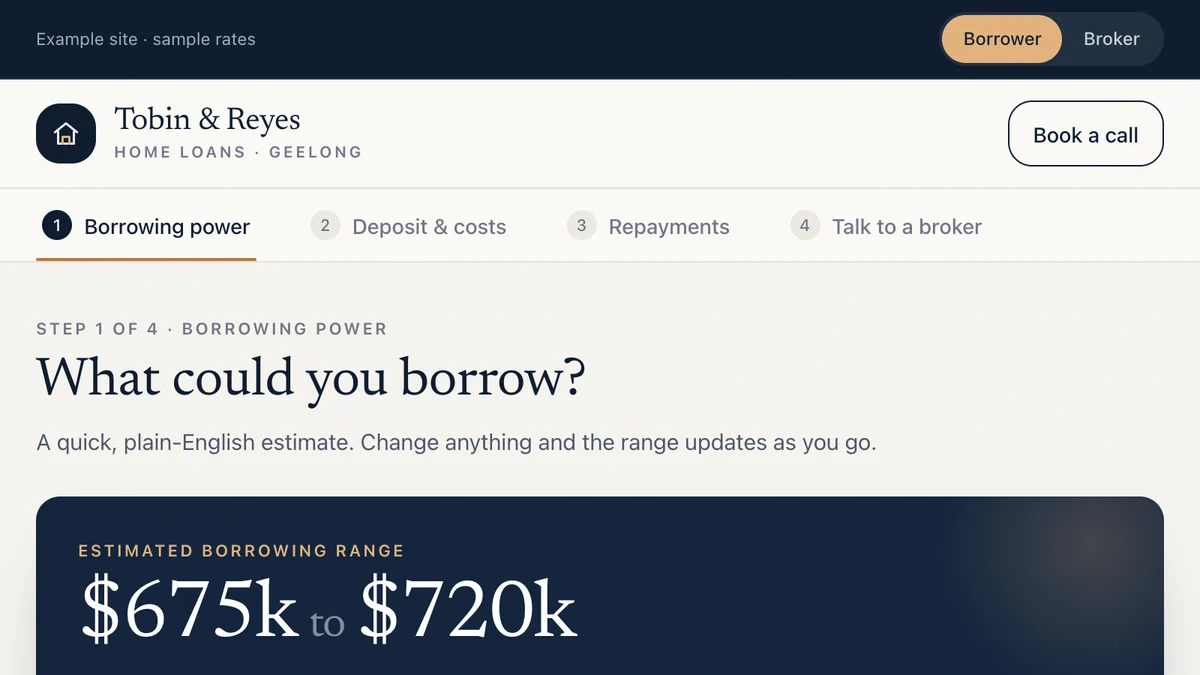
- Mortgage brokers and finance brokersBorrowing power and fact-find tools for brokersBorrowers see an honest estimate, complete a fact-find and book a call. The broker gets the whole scenario.Live demoTry it
Last reviewed .