Interactive example · Conveyancing
Conveyancing onboarding that gets a new matter moving on day one
A buyer signs a contract on Saturday, and their three clear business days of cooling-off run Monday to Wednesday. The practice still needs their details, the contract, the Section 32, a verified identity and a signed cost agreement. Below, a fictional Geelong conveyancer collects all of it in one flow. Try it as the buyer or the seller.
In short
A conveyancing onboarding system opens a new matter from the client's own answers: buying or selling, property, contract and settlement dates, identity verification and a signed cost agreement. It calculates key dates such as the Victorian cooling-off deadline, requests the right documents and creates the practice's tasks, so the matter starts the day the client signs.
Interactive demo: Client onboarding for conveyancers
Live demo · Ashby Conveyancing, Geelong is a fictional business with sample data. Nothing you do here is saved or sent.
- Open a matterChoose buying, enter a contract date and watch the key dates calculate themselves.
- Verify identityRun the simulated online check. No camera or real ID is used.
- Sign the cost agreementReview the fixed fee and sign with your finger or mouse.
- Work the practice sideOpen the practice view and tick off one of the tasks the matter created.
Example app · sample clients
Ashby Conveyancing
Geelong, Victoria
Secure client onboarding
Step 1 of 6 · Matter
- 1Matter
- 2Dates
- 3Identity
- 4Documents
- 5Costs
- 6Done
Your matter
A few details to open your file. We'll work out the key dates from here.
Demo: nothing you type leaves this page.
The key-date calculations in this demo are simplified to show how the software works: they skip weekends but not public holidays, and they aren't legal advice. Cooling-off rights depend on how and when a property was bought. The identity check is simulated; no camera or ID is used, and nothing you type leaves the page.
Built for conveyancers and property law practices
Three people it has to work for, and what each is hiring it to do
- PrincipalEvery matter moving on day one, with identity and key dates already done
- Conveyancing clerkA file that arrives complete: contract, VOI, cost agreement, dates diarised
- Buyer or sellerKnow what happens next and when, without ringing the office
What you just used
How Ashby Conveyancing runs, screen by screen
- Key dates setSystemCooling-off, finance, settlement
- File ready for PEXASystemTasks dated from settlement
How the work moves through Ashby Conveyancing: who does what, and where the software takes over. Steps with a mint mark are ones you can do in the demo above.
Key dates worked out from the contract
Enter a contract date on a private sale and the cooling-off expiry is calculated to the third clear business day. Finance, settlement and final inspection line up on one timeline, so the practice and the client are working from the same dates.
Buyer and seller flows from one intake
A buyer is asked about finance, first-home status and the contract. A seller is asked about the Section 32, the mortgage to discharge and the agent. Nobody answers questions that don't apply to them.
Identity verified before settlement is at risk
Verification of identity is required before an electronic settlement, and leaving it late is a classic cause of delay. Clients do it online on day one, or book an office appointment in the same step.
The right documents, requested once
Contract of sale, Section 32, loan approval, rates notices, an owners corporation certificate for a unit. Each is requested because an answer called for it, and the practice sees it arrive.
Cost agreement signed at the start
A fixed professional fee, disbursements itemised, and the agreement signed before work begins, which is where your professional obligations say it belongs.
A matter that sets up its own tasks
Order searches, review the contract, diary the cooling-off and finance dates, calculate land transfer duty. The practice view shows the tasks, the timeline and when the file is ready for its PEXA workspace.
Built for you
Your rules, not a template's
Built for your practice, it would reflect how you run matters:
- Your fee schedule and cost agreement wording, reviewed by you before launch
- Your matter types: purchases, sales, transfers, subdivisions, off-the-plan
- Your identity verification method, in person, online through a provider, or both
- Hand-off into LEAP, Smokeball or your practice management system where it has an API
- Client updates at each milestone by SMS and email, so fewer 'any news?' calls
- Referral partner intake, so agents and brokers can start a matter for their client
Connects to what you already use
Where a tool offers an API or a calendar feed, the build talks to it directly. Your data stays in accounts you own.
- LEAP
- Smokeball
- Identity verification providers
- Stripe
- Xero
- SMS
- Microsoft 365
- Google Workspace
Email and phone, practice software, or custom intake?
Practice management systems like LEAP and Smokeball run the matter well once it's open. The gap is usually the first few days, when the client is still sending things by email.
| Criteria | Email and phone intake | Practice software forms | Custom onboarding flow |
|---|---|---|---|
| Key dates | Worked out by hand | Entered by staff | Calculated from the client's answers |
| Identity verification | Office appointment, often late | Separate provider or process | In the same flow, on day one |
| Cost agreement | Emailed, printed, returned | Generated and e-signed | Scoped and signed during intake |
| Client experience | Back and forth | Functional | Branded, guided, phone-friendly |
| Referral partners | Forwarded emails | Rarely supported | Their own intake link |
| Best when | Low matter volume | Your software's intake already fits | Steady volume and referral work, where speed on day one wins clients |
How we'd build yours
Fixed price, agreed before we start
Follow one matter through your practice
From the first call to settlement, we note every document, date and follow-up, and where matters stall in the first week.
Fix the scope and the price
Matter types, identity method, integrations and wording in scope, written down with one fixed price you approve before we start.
Build and test with live matters
Real clients go through the flow alongside your usual process. You check the calculated dates and wording on the practice side before anything is relied on.
Launch, then add referral links
Once it's your default intake, agents and brokers get their own links, so their clients arrive already halfway through.
What moves the price
Custom work is quoted individually, at a fixed price, once the scope is written down. These are the things that make the biggest difference.
- Matter types
- Purchases and sales first; off-the-plan and subdivisions add their own logic.
- Identity verification
- A provider integration adds per-check costs and build time.
- Practice management hand-off
- An API integration versus a clean export.
- Client updates
- Milestone messages need your matter data to flow back out.
When you shouldn't build this
If you run a small number of matters and your practice software's intake forms already work, you don't need this. Improve the templates you have. It pays for itself where volume is steady, referral partners send you work, and the first few days of a matter are where you lose time or clients.
Want this, with your name on it?
Tell us how the work runs today. We'll reply within one business day with what we'd build first, what we'd leave out, and whether an off-the-shelf tool would serve you better.
Common questions
An online intake that opens a new matter from the client's answers: whether they're buying or selling, the property, the contract and settlement dates, their identity verification and a signed cost agreement. It calculates key dates, requests the right documents and creates the practice's tasks.
For most private-sale residential purchases in Victoria, the buyer can end the contract within three clear business days of signing it. It generally doesn't apply to auction purchases or sales within three business days either side of an auction. Always confirm against the contract and current rules.
Yes. Online verification through an identity provider, usually a photo of an ID document and a face match, can be built into intake. Many practices also keep an in-person option for clients who prefer it, offered in the same step.
Where your practice management system provides an API, the new matter, client details and documents can be created there automatically. Where it doesn't, a structured export your team imports in one step is the fallback.
No. PEXA is where electronic settlement happens. The onboarding flow makes sure everything a PEXA workspace needs, such as verified identities and a signed client authorisation, is collected early so settlement isn't held up.
More examples to try
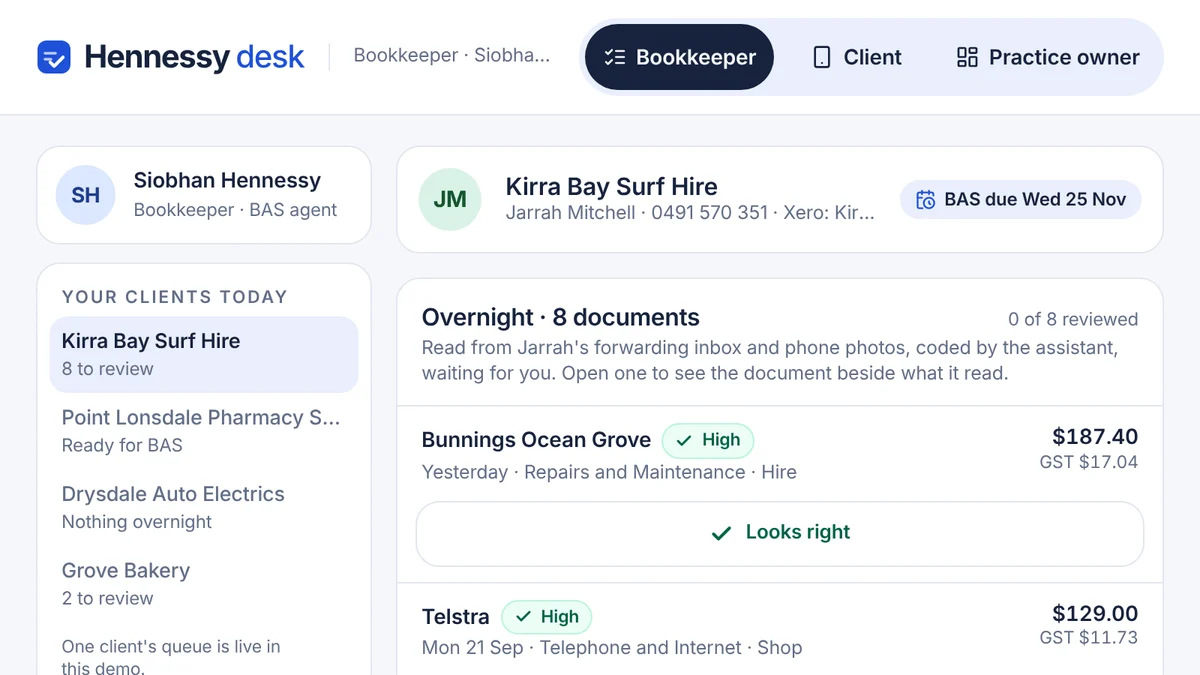
- Bookkeepers, BAS agents and accounting practicesAI bookkeeping assistantBills read and coded overnight with a reason, receipts chased by text, and a person approving every entry.Live demoTry it
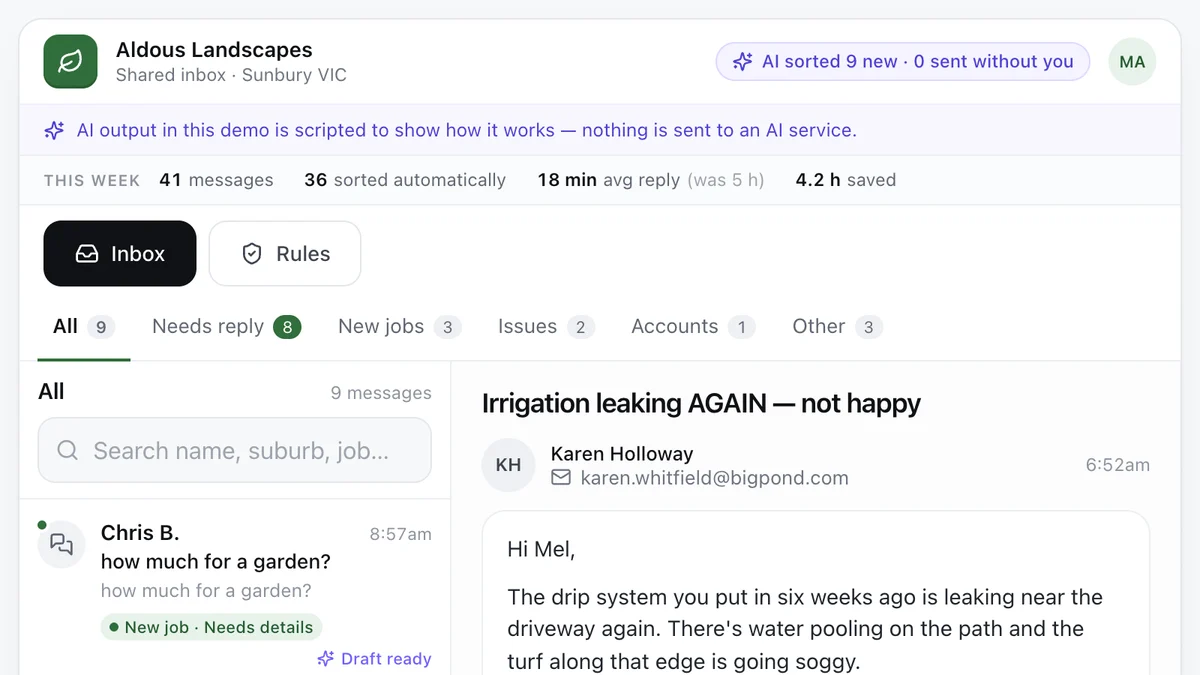
- Tradies and service businesses with a busy inboxAI enquiry inboxEvery message sorted, the details pulled out and a reply drafted, with a person approving what goes out.Live demoTry it
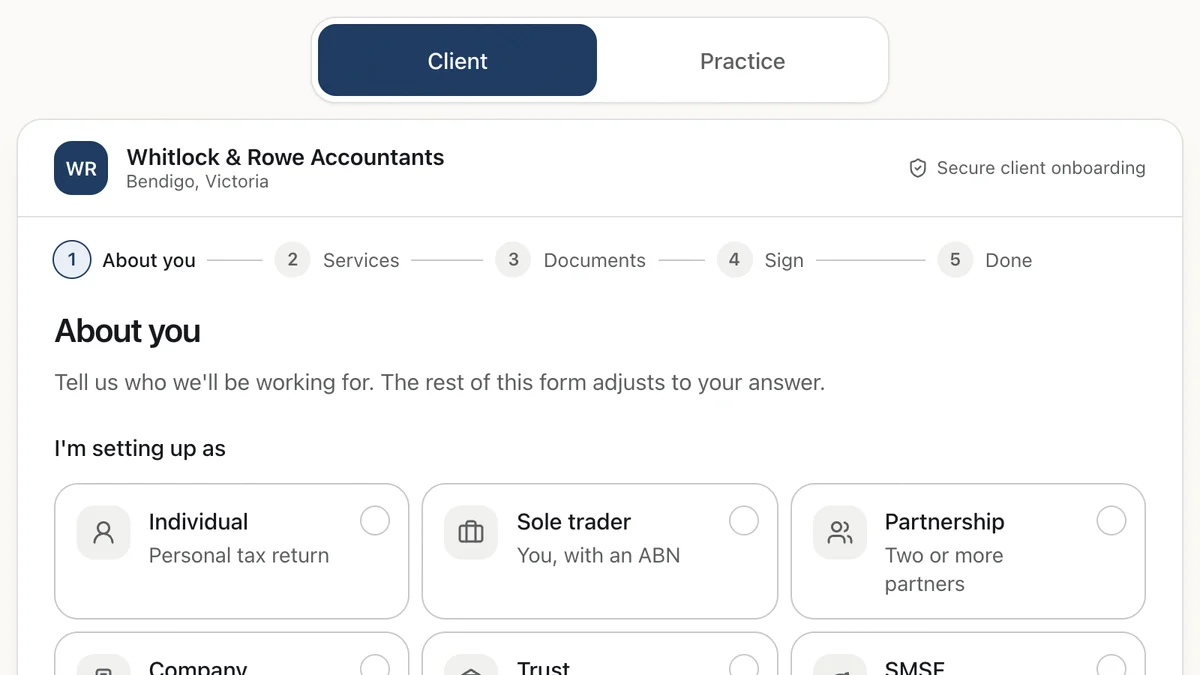
- Accounting and bookkeeping practicesClient onboarding for accountantsA new-client flow that reshapes itself by entity type, and sets up the practice's tasks as the client types.Live demoTry it
Last reviewed .