Interactive example · Gyms & studios
A gym membership app where the waitlist, the door and the retention list are one record
Most gyms rent their member experience: a generic app with someone else's logo, per-member pricing that climbs with the roll, and a waitlist that works in the office but not on the member's phone. Below is a working version for a fictional 24/7 strength gym in Torquay. Use it as a member joining on her phone, as the front desk, and as the owner.
In short
A gym membership app lets members join with a plan, a direct debit and a signed waiver, book classes against real caps with a waitlist that texts the next person when a spot opens, and open the door with a refreshing code. The front desk sees check-ins and debit health live; the owner sees who has stopped coming.
Interactive demo: Gym membership app
Live demo · Spring Creek Strength, Torquay is a fictional business with sample data. Nothing you do here is saved or sent.
- Join on the phoneAs the member, tap Join, keep the fortnightly plan, fill in the bank details (there's a sample button), open the full waiver, tick it, sign with your finger and join.
- Waitlist the full classUnder Classes, open the 5:30 pm Conditioning (16 of 16) and join the waitlist. A cancellation comes through a moment later: take the spot from the text.
- Scan in at the doorUnder Door, show the door QR and scan it. Switch to Front desk and your check-in is at the top of the live list.
- Nudge an at-risk memberAs the owner, open the retention list, send a nudge to someone who hasn't been in for a fortnight, and send the text written for them.
Spring Creek Strength
Member app · Ainslie Kerrigan, trial pass
Spring Creek Strength is fictional. Members, coaches, classes and prices are sample data. Direct debits, texts, the door reader and payments are simulated, and nothing is charged.
Built for gyms, studios and coaches who own their member experience
Three people it has to work for, and what each is hiring it to do
- OwnerOwn the member data and the app, pay a fixed price instead of per head, and see who's drifting before they cancel
- Front desk and coachesCheck-ins, class lists, failed debits and new joins on one tablet, without ringing anyone
- MemberJoin in five minutes, get into the class that fills, and get through the door at 5 am without a fob
What you just used
How Spring Creek Strength runs, screen by screen
- Debit and waiverSystemSet up, filed, first debit booked
- Desk sees check-inFront deskLive list; fourteen quiet days flags a member
How the work moves through Spring Creek Strength: who does what, and where the software takes over. Steps with a mint mark are ones you can do in the demo above.
Joining that finishes on the phone
Plan, direct debit details and the 24/7 access waiver, signed with a finger and filed on the membership. Nobody prints a form, and the first debit is booked before the welcome screen.
Waitlists that do the chasing
Classes have real caps. When one is full the member joins a waitlist, and a cancellation texts the first person in line and holds the spot for ten minutes. The front desk list and the counts move at the same time.
A door code, not a fob
The door QR refreshes every 30 seconds, so a screenshot doesn't get a mate in, and every scan is a check-in. That's the data retention is read from, so it's worth owning.
The front desk on one tablet
Live check-ins, today's classes with waitlists, a member lookup with debit health, and the people who joined today. A failed debit is resolved from the member's record, not a bank portal.
Retention you can act on
Active members with no check-in in fourteen days, their last visit and their usual class. One tap writes them a text with their class in it, and the send is logged on their membership.
The owner's numbers
Members by plan, this fortnight's billing against last with failed debits called out, class fill rates with the one that needs a second session, and how much of each coach's PT week is sold.
Built for you
Your gym's rules, not a template's
The demo is one gym's rules. Built for yours, it would carry your own:
- Your plans, passes, pauses and notice periods, with the debit provider you already use
- Your waiver and any induction or PAR-Q, signed on the phone and filed
- Class caps, waitlist hold times and late-cancel rules, applied by the software
- Your door controller, gates or lockers, with the access rules per plan and per hour
- Retention rules from your own data: which gap, which members, which message
- PT, courses and challenges sold and booked in the same app, paid up front
Connects to what you already use
Where a tool offers an API or a calendar feed, the build talks to it directly. Your data stays in accounts you own.
- Stripe
- Ezidebit
- Xero
- SMS
- Door access controllers
- Google Calendar
- Mailchimp
A spreadsheet and a key fob, Mindbody or Clubworx, or a custom build?
Clubworx is the honest first stop for an Australian gym: memberships, direct debits, classes, waivers and 24/7 access, ready in weeks. Mindbody and Glofox do the same for studios with a bigger brand. Custom is for when the member app and the rules are the business, and per-member pricing has started to hurt.
| Criteria | Spreadsheet and key fob | Mindbody or Clubworx | Custom membership app |
|---|---|---|---|
| Time to start | A weekend | Weeks | A couple of months for a first version |
| Joining and debits | Paper waiver, debit form, manual chasing | Online joining, their debit partner | Your plans and waiver, your debit provider, your rules |
| Classes and waitlists | A text thread and goodwill | Caps and waitlists in their app | Your caps, holds and late-cancel rules, in your app |
| Door access and check-ins | Fobs, no check-in data | Through their access partner | Your controller, your data, read for retention |
| Cost model | Your time | Monthly, usually per member, plus payment fees | A fixed build, then hosting; you own the code and the data |
| Best when | Under 50 members | Most gyms and studios | The app is your edge and the roll has outgrown per-head pricing |
How we'd build yours
Fixed price, agreed before we start
Start from one member's month
We map joining, a fortnight of debits, a full class, a 5 am visit and a pause with you. That's the specification: what the software has to do when a debit fails or a class fills.
Fix the scope and the price
The member app, the desk, the owner's view, the debit provider and the door controller in the first version, what's left for later, and one fixed price you approve before we start.
Move the roll across
Members, plans and debits imported from what you use now, the waiver re-signed in the app over the first month, and the door running on both systems until the old one is switched off.
Grow it from the check-in data
Retention rules, class capacity and the timetable improve from what the door and the bookings show. You own the code, so it goes where the gym goes next.
What moves the price
Custom work is quoted individually, at a fixed price, once the scope is written down. These are the things that make the biggest difference.
- Debit provider
- Using the one you already have is simplest; moving providers or taking cards in the app adds work.
- Door hardware
- A controller with an API is straightforward; older fob systems need a bridge or a replacement.
- Classes and PT
- A timetable with caps and waitlists is standard; courses, challenges and coach pay add rules.
- Apps
- A responsive web app covers members and the desk at first; native iPhone and Android apps add to it.
When you shouldn't build this
If you have under a few hundred members and Clubworx or Mindbody does what you need, use it: it's cheaper this year and it's ready now. Build custom when the member app is how you compete, when per-member pricing has outgrown a fixed build, or when the waitlist, the door and retention rules you want don't fit their settings.
Want this, with your name on it?
Tell us how the work runs today. We'll reply within one business day with what we'd build first, what we'd leave out, and whether an off-the-shelf tool would serve you better.
Common questions
Take a member from joining to their first visit without staff: plan, direct debit, waiver, class bookings with caps and waitlists, and door access. Behind that, it has to show the desk who's in and who hasn't paid, and show the owner who has stopped coming while there's still time to do something.
Usually, yes, at first. Both run memberships, debits, classes and access for a monthly fee and are ready in weeks. Custom makes sense once the member app is how you compete, per-member pricing has outgrown a fixed build, or the rules you want for waitlists, access and retention don't fit their settings.
Through a debit provider such as Ezidebit or Stripe. The member gives their bank or card details once, the app schedules each debit against their plan, and failures come back as events the desk can act on: retry, take payment in person, or pause access after a grace period you set.
Yes, if the door controller has an API or a reader that takes a rotating code. The app shows a QR or sends an unlock, the controller logs the entry, and that log is the check-in data. Fob systems without an API usually need a bridge or a new controller.
It's the member's agreement about training unsupervised outside staffed hours, door codes, injuries and conditions, and the membership terms. Signing on a phone is fine in Victoria if the member can read the whole document, the signature is captured and the signed copy is stored against their record and can be produced.
More examples to try
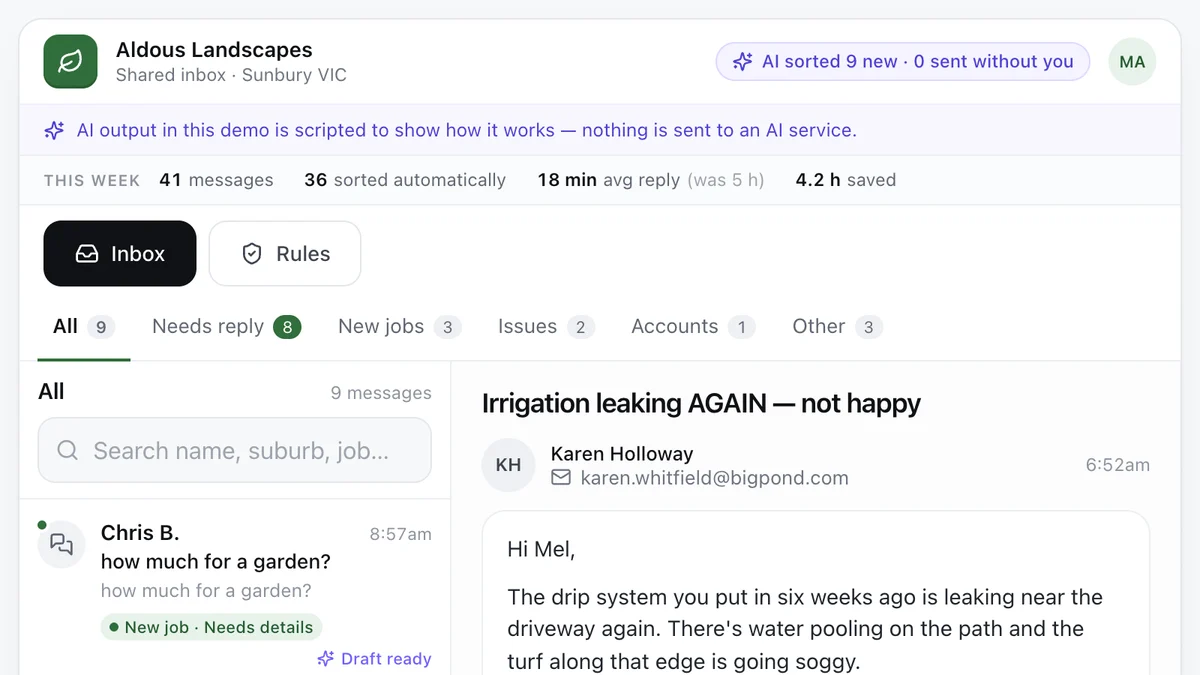
- Tradies and service businesses with a busy inboxAI enquiry inboxEvery message sorted, the details pulled out and a reply drafted, with a person approving what goes out.Live demoTry it
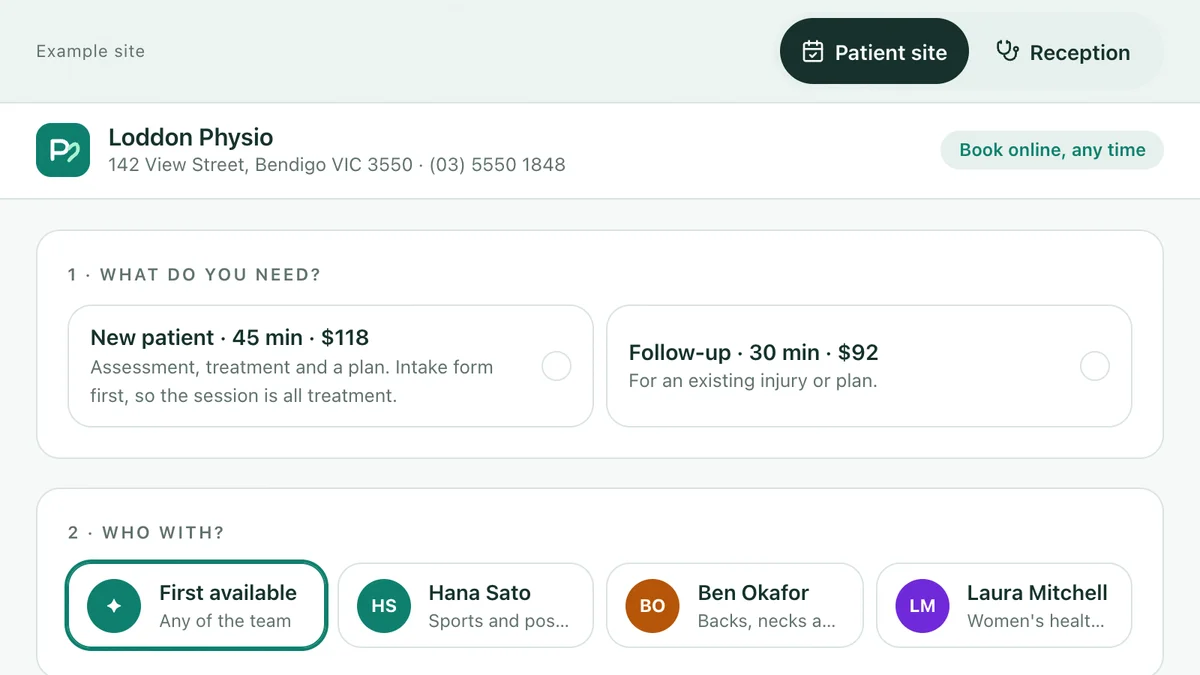
- Physios, allied health, dental and vet clinicsBookings and intake for clinicsBook a physio against real availability, do the intake before the visit, and let the waitlist fill cancellations.Live demoTry it
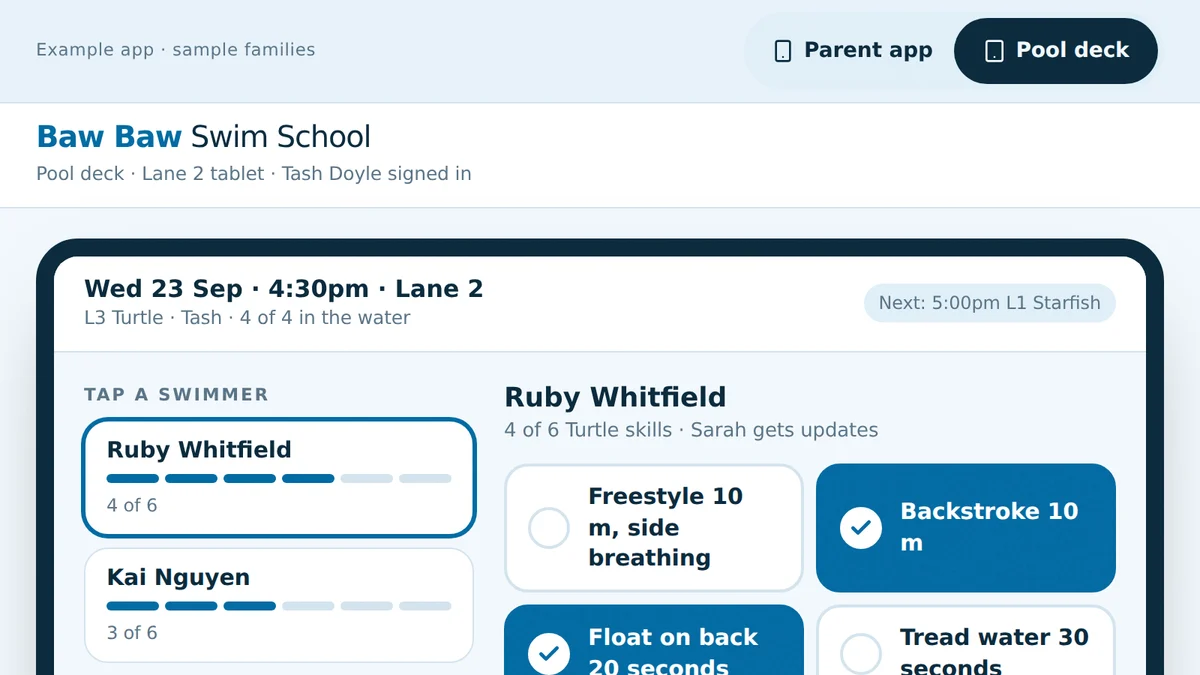
- Swim schools, and anyone running classes by term and levelLessons, make-ups and levels for swim schoolsMake-ups in the right level, skills ticked on the pool deck, move-ups to a class with room, re-enrolment that knows.Live demoTry it
Last reviewed .