Interactive example · Allied health
Clinic bookings and intake that arrive before the patient does
Clinics book by phone and hand new patients a clipboard. The phone rings while someone is at the desk, the clipboard is re-typed later, and a cancellation at 2:15 means ringing down a list. Book into the fictional Bendigo physio below and watch the intake land on reception's screen before you've put your phone down.
In short
A custom clinic booking and intake system lets patients book by practitioner and appointment type against real availability, completes a new-patient intake that adapts to the injury and the funding type before the visit, sends reminders they can reschedule from, and offers cancelled slots to the waitlist by SMS.
Interactive demo: Bookings and intake for clinics
Live demo · Loddon Physio, Bendigo is a fictional business with sample data. Nothing you do here is saved or sent.
- Book an appointmentPick new patient or follow-up, a physio (or first available) and a slot. Only slots that fit the length show.
- Complete the intakeTap where it hurts, answer the question that follows, choose the funding and sign. Watch reception's record.
- Move it from the reminderThe day-before SMS carries a reschedule link. Use it and the old slot goes back on offer.
- Fill a cancellationOn reception, a patient rings to cancel Hana's 2:15. The waitlist is texted and the slot refills.
Example site
Loddon Physio
142 View Street, Bendigo VIC 3550 · (03) 5550 1848
Loddon Physio is fictional. Fees, practitioner details and names are sample data. Funding descriptions are simplified for the demo and not advice on Medicare, WorkCover, TAC or DVA eligibility. SMS and claims are simulated.
Built for physios, allied health, dental and vet clinics
Three people it has to work for, and what each is hiring it to do
- Practice ownerFill the book without a receptionist on the phone all day
- ReceptionA day sheet that's always right, and cancellations filled without a ring-around
- PatientBook in two minutes at 9 pm, and walk in without a clipboard
What you just used
How Loddon Physio runs, screen by screen
- On the recordSystemA structured note, flags raised
- Waitlist textedSystemFirst match takes the slot
How the work moves through Loddon Physio: who does what, and where the software takes over. Steps with a mint mark are ones you can do in the demo above.
Slots that fit the appointment
A new patient needs 45 minutes, a follow-up 30. The grid only offers starts where the whole appointment fits, around lunch and each physio's own hours. No double-booking, no 'can you come 15 minutes earlier'.
First available, or your physio
Patients who want Hana see Hana's diary. Patients who want the soonest see everyone's, with the physio marked on each slot. Both come from the same live availability.
An intake that follows the injury
Tap the knee and the next question is about swelling and locking; tap the neck and it's about headaches and pins and needles. The funding question opens the fields that funding needs: a WorkCover claim number, sessions left on a care plan, a DVA card.
A structured note, not a scanned form
The intake lands on the patient record as fields the physio reads in ten seconds, with a screening flag raised at the top if the patient reported one. Nothing is re-typed at the desk.
Reminders that do something
Two reminders and a same-day no-show follow-up, each with a link that moves the appointment rather than a number to ring. Every change updates the day sheet as it happens.
The waitlist fills the gap
A cancellation texts the first match on the waitlist with a 20-minute window to take it. Reception watches the slot refill instead of working the phone.
Built for you
Your rules, not a template's
The demo is one physio clinic. Built for yours, it carries your own:
- Appointment types and lengths per practitioner, including group classes and telehealth
- Intake questions by presentation, with your screening questions and your consent wording
- Funding rules: private with HICAPS on the day, Medicare care plans, WorkCover, TAC, DVA and NDIS
- Reminder timing and wording, and what happens on a no-show
- Waitlist rules: who's offered first, how long they have, and which slots are eligible
- Sync with the practice software you keep (Cliniko, Nookal, Halaxy or Best Practice) so nothing is entered twice
Connects to what you already use
Where a tool offers an API or a calendar feed, the build talks to it directly. Your data stays in accounts you own.
- Cliniko
- Nookal
- Halaxy
- Best Practice
- HICAPS
- Medicare Online
- SMS
- Google Calendar
- Xero
The phone, practice software's booking page, or a custom build?
Cliniko, Nookal and Halaxy all include an online booking page and forms, and for many clinics that is enough. The question is whether your intake, funding and waitlist rules fit their templates.
| Criteria | Phone and clipboard | Practice software booking page | Custom booking and intake |
|---|---|---|---|
| Time to start | Already running | Hours | Weeks |
| Booking rules | In reception's head | Per type and practitioner | Anything you can describe, including class capacity and room limits |
| Intake | Clipboard, re-typed | A fixed form, often a PDF | Adapts to the presentation and the funding; lands as a structured note |
| Waitlist | A ring-around | Usually a list to ring | Texts the first match automatically |
| Owns the patient data | You, on paper | The vendor, exportable | You, in your own database, in Australia |
| Best when | You're starting out | One or two practitioners with standard needs | Multiple practitioners, mixed funding, and a front desk that's a bottleneck |
How we'd build yours
Fixed price, agreed before we start
Sit at the front desk for a morning
We watch how bookings, cancellations and intake actually happen, and write down every rule reception applies without thinking.
Fix the scope and the price
A written scope: appointment types, intake presentations, funding types and integrations in the first version, and one fixed price you approve before we start.
Build booking first, then intake, then the waitlist
Booking goes live against your practice software while intake is built, so patients use it early and reception's feedback shapes the rest.
Switch the phone number's message
Once reception trusts it, the after-hours message points to the booking page and the clipboard goes in a drawer.
What moves the price
Custom work is quoted individually, at a fixed price, once the scope is written down. These are the things that make the biggest difference.
- Practice software sync
- Two-way sync with Cliniko or Nookal is standard; older desktop systems take more work.
- Intake presentations
- Each set of questions and screening flags is written with a clinician.
- Funding types
- Medicare and WorkCover checks add fields and rules; private-only is simplest.
- Telehealth and classes
- Video appointments and group capacity are extra workflows.
When you shouldn't build this
If you're one or two practitioners and Cliniko's booking page and forms do the job, keep using them; the money is better spent on the clinic. Custom makes sense when the front desk is the bottleneck, your intake needs to be clinical rather than a PDF, funding rules trip patients up at the desk, or cancellations are costing you sessions every week.
Want this, with your name on it?
Tell us how the work runs today. We'll reply within one business day with what we'd build first, what we'd leave out, and whether an off-the-shelf tool would serve you better.
Common questions
Software that lets patients book an appointment by practitioner and type against the clinic's real diary, complete a new-patient intake before the visit, receive reminders they can act on, and be offered cancelled slots from a waitlist. Reception sees the day sheet and the patient record update live.
You wouldn't replace it. A custom booking and intake layer sits in front of Cliniko (or Nookal, Halaxy or Best Practice) and syncs with it, adding the rules their forms can't: intake that follows the presentation, funding checks, a waitlist that texts, and a design that's yours.
Yes. The funding question opens the fields that funding needs, so reception can check a claim or a referral before the patient arrives. Eligibility rules are yours to set; the demo's are simplified.
Yes. A custom build keeps records in a database you own, hosted in an Australian region, with access logged. Health information carries extra obligations under the Privacy Act, and we build to them.
The shape is the same: practitioners, appointment types with lengths, intake, reminders and a waitlist. The words and the questions change. A vet's intake asks about the animal; a dental one about the last X-ray.
More examples to try
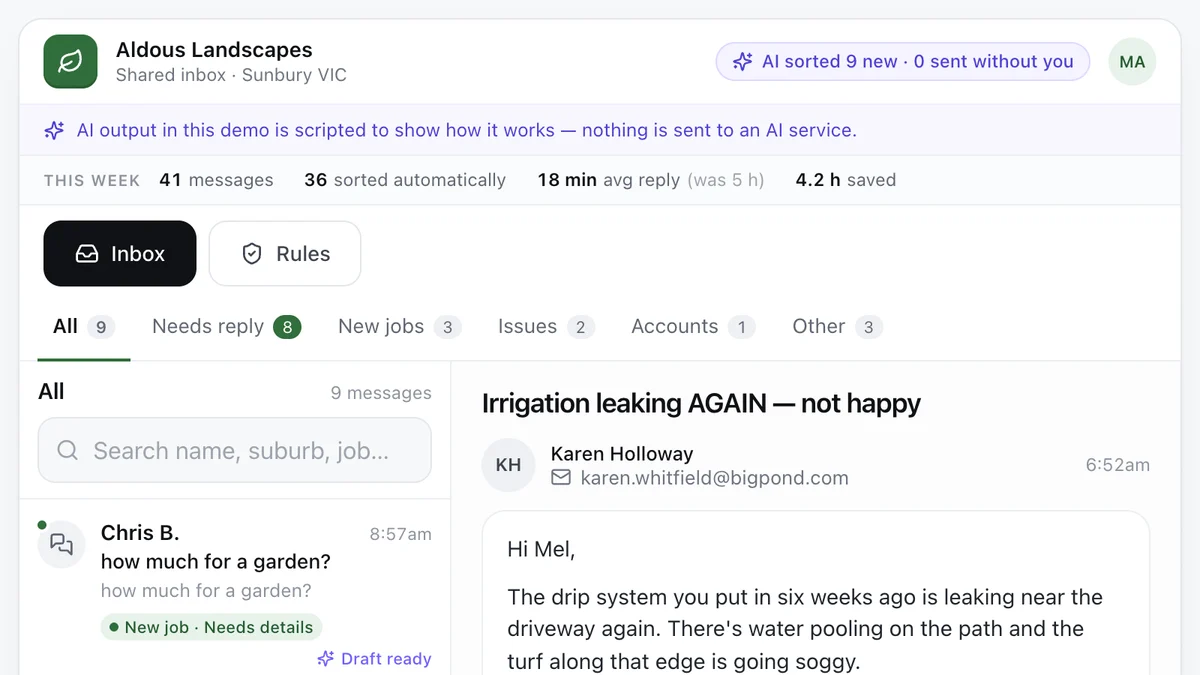
- Tradies and service businesses with a busy inboxAI enquiry inboxEvery message sorted, the details pulled out and a reply drafted, with a person approving what goes out.Live demoTry it
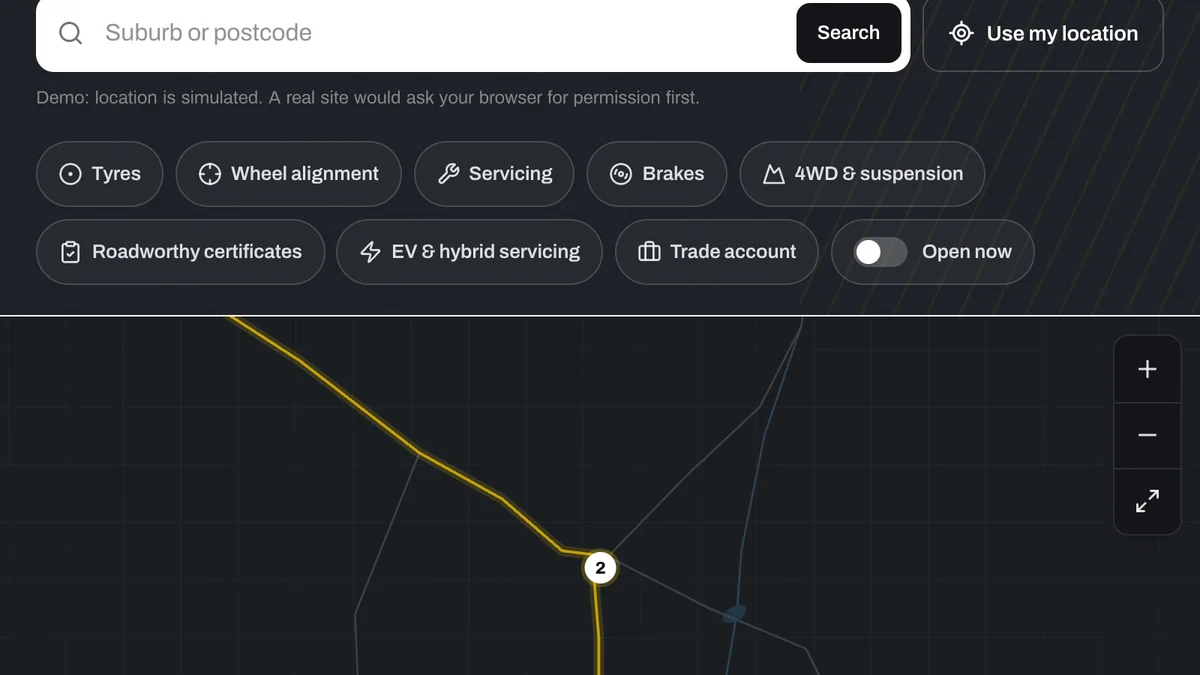
- Chains, franchises and multi-site businessesStore locator for multi-site businessesNearest store, open now, services, stock and a booking, for a regional chain with nine locations.Live demoTry it
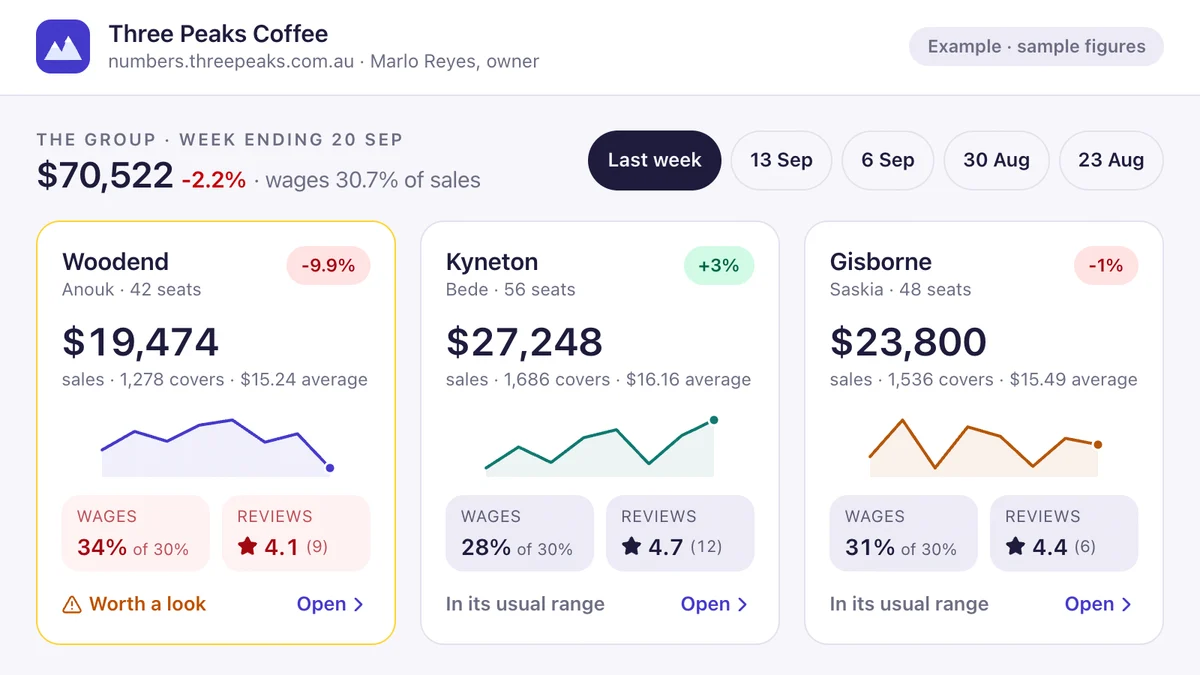
- Owners of cafés, venues, retail and multi-site businessesOwner's dashboard with a weekly briefThree venues on one screen, a drill-in for the one that's off, a Monday brief from the numbers and a Friday wage alert.Live demoTry it
Last reviewed .