Interactive example · Swim schools & classes
A swim school app that handles the make-ups, so the front desk doesn't
Most swim schools have a system that knows who's enrolled, and a front desk that handles everything else: the sick-day calls, the make-up juggling, the 'is she ready for Level 4 yet?', the re-enrolment chase at the end of every term. Use the version below, for a fictional Warragul swim school, as the parent and then as the teacher on the pool deck.
In short
A custom swim school app lets parents mark a lesson missed and book a make-up only into classes at their child's level with room, lets teachers tick skills on the pool deck, moves swimmers up to the nearest class with a spot when they're ready, and carries every change into next term's re-enrolment.
Interactive demo: Lessons, make-ups and levels for swim schools
Live demo · Baw Baw Swim School, Warragul is a fictional business with sample data. Nothing you do here is saved or sent.
- Book a make-upArchie's sick for Saturday. In the parent app, mark him away and book a make-up: only Level 1 classes with a free spot are offered.
- Assess on the pool deckSwitch to the pool deck. Ruby is in Tash's Wednesday Level 3 class. Tick her last two skills and save; her progress reaches the parent app.
- Move her up a levelRuby has every Level 3 skill. Offer her the nearest Level 4 class with a spot, then accept it in the parent app.
- Re-enrol for next termBoth kids' spots are held until Friday. Confirm them in the parent app: Ruby's new class carries over and the sibling discount applies.
Example app · sample families
Baw Baw Swim School
Parent app · Sarah Whitfield, Ruby and Archie's mum
Baw Baw Swim School is fictional. Families, classes, levels, skills and prices are sample data, and the levels are illustrative rather than a national framework. Texts, payments and direct debit are simulated.
Built for swim schools, and anyone running classes by term and level
Three people it has to work for, and what each is hiring it to do
- OwnerFill every lane without the front desk living on the phone
- Teacher on the pool deckTick skills between swimmers with wet hands, and never write a progress card again
- ParentSwap a sick day and see how their kid is going, without ringing anyone
What you just used
How Baw Baw Swim School runs, screen by screen
- Lesson marked awayParentCredit issued on the spot
- Next class foundSystemNearest time with a spot
How the work moves through Baw Baw Swim School: who does what, and where the software takes over. Steps with a mint mark are ones you can do in the demo above.
Make-ups that only offer what fits
Mark a lesson missed and the credit is issued on the spot. The make-up list only shows classes at your child's level with a free spot before the credit runs out, so nobody lands in the wrong lane and the ratio holds. How many a term and how far ahead are your rules.
Class sizes the booking can't break
Each level has its own ratio: three to a teacher for beginners, more as swimmers get stronger. Enrolments, make-ups and move-ups all check the same number, so a full class is full everywhere, including at the desk.
Skills ticked on the pool deck
The teacher's tablet shows the class, each swimmer's level and the skills still to get. One tap marks a skill achieved. The targets are big because hands are wet and the next group is already in the water.
Progress parents can see
A ticked skill shows in the parent app the same afternoon, with what's next. 'How's she going?' is answered before it's asked, and the end-of-term progress card writes itself.
Moving up finds the class
When a swimmer has every skill for their level, the app offers the next level's classes with room, nearest their current day and time first. The parent accepts in the app and the old spot opens for the waitlist.
Re-enrolment that already knows
Existing families have their spots held for next term before anything is released. A move-up, a changed day and the sibling discount are already in the confirmation, so it's one tap, not a form.
Built for you
Your rules, not a template's
The demo is one pool and five levels. Built for your school, it carries your own:
- Your levels and skills, from your own program or a national framework, in the words parents see
- Class sizes by level, and which pools, lanes and times each level uses
- Make-up rules: how many a term, how far ahead, how much notice, and what happens to unused credits
- Move-up rules: who recommends, who approves, and whether a swimmer keeps their day
- Term dates, holiday intensives, pricing, sibling discounts and direct debit
- Sync with the system you keep for billing or memberships, so nothing is entered twice
Connects to what you already use
Where a tool offers an API or a calendar feed, the build talks to it directly. Your data stays in accounts you own.
- Stripe
- Ezidebit
- Xero
- SMS
- Mailchimp
- Google Calendar
Custom build, swim school software, or the front desk?
Dedicated swim school platforms already handle enrolments, levels and billing, and for many schools they're the right answer. The question is whether their make-up, move-up and re-enrolment rules match yours, and what the parent app is like at 7 am on a sick day.
| Criteria | Swim school software | Custom-built | Front desk and a spreadsheet |
|---|---|---|---|
| Time to start | Days to weeks | Weeks to months | Already running |
| Make-ups | Built in, on the platform's rules | Your rules: level, ratio, notice and expiry | Phone calls and a whiteboard |
| Skills and progress | A standard assessment screen | Your levels and skills, ticked on the pool deck, seen by parents the same day | A card at the end of term |
| Moving up | Often a manual transfer | Finds the nearest class with room and offers it | A chat at the desk |
| Parent experience | The vendor's app | Your app, your brand, your words | Ring the desk |
| Cost model | A monthly fee, often per student or per site | A fixed build, then hosting and support | Front desk hours |
| Best when | One pool, standard rules | Several pools or programs, and rules the platform can't hold | A small program, for now |
How we'd build yours
Fixed price, agreed before we start
Spend a busy afternoon on the pool deck
We watch a session change over, stand at the desk through the sick-day calls, and write down every rule the coordinators apply without thinking.
Fix the scope and the price
A written scope: levels, make-ups, assessment, move-ups and re-enrolment in the first version, and one fixed price you approve before we start.
Parents and make-ups first
The parent app goes live for make-ups while the rest is built, because that's where the phone calls are. Enrolments sync from the system you already use.
Then the pool deck and next term
Teachers move to the tablet one level at a time. Re-enrolment runs through the app at the end of the next term, once families already use it.
What moves the price
Custom work is quoted individually, at a fixed price, once the scope is written down. These are the things that make the biggest difference.
- Levels and programs
- A handful of levels is quick; babies, adults, squads and holiday intensives each add a set.
- Billing
- Syncing with your current billing is simplest; running direct debit in the app is more.
- Pools and sites
- One pool is simplest; several sites and shared lanes add scheduling rules.
- Existing system
- A clean export makes the move quick. Years of history in an old system take longer.
When you shouldn't build this
If you run one pool with standard levels and your swim school software's make-up and re-enrolment rules fit, keep it and spend the money on teachers. Custom makes sense when the front desk is still the make-up system, when you run several pools or programs the software can't hold, or when the parent experience is the reason families leave.
Want this, with your name on it?
Tell us how the work runs today. We'll reply within one business day with what we'd build first, what we'd leave out, and whether an off-the-shelf tool would serve you better.
Common questions
It runs the term: enrolments by class and level, make-ups for missed lessons, teacher assessments, move-ups, re-enrolment and billing. A custom app does the same things with your own rules, and gives parents one place to do all of it without calling the front desk.
A parent marks a lesson missed before it starts and a credit is issued. The app then offers only classes at the child's level with a free spot, inside the window your rules allow. Booking one updates the teacher's class list straight away.
Yes. It's designed for a tablet in a waterproof case, with large targets and nothing to type. If the pool's Wi-Fi drops out, ticked skills are kept on the tablet and sync once it's back.
Yes. The shape is the same: classes by term and level, class sizes, make-ups, progress and re-enrolment. A dance school has exams instead of skills; a tennis coach has courts instead of lanes.
Usually. The app can sync enrolments with the platform you bill through, or take over billing with Stripe or Ezidebit. Which is better depends on how much of your current system you want to keep.
More examples to try
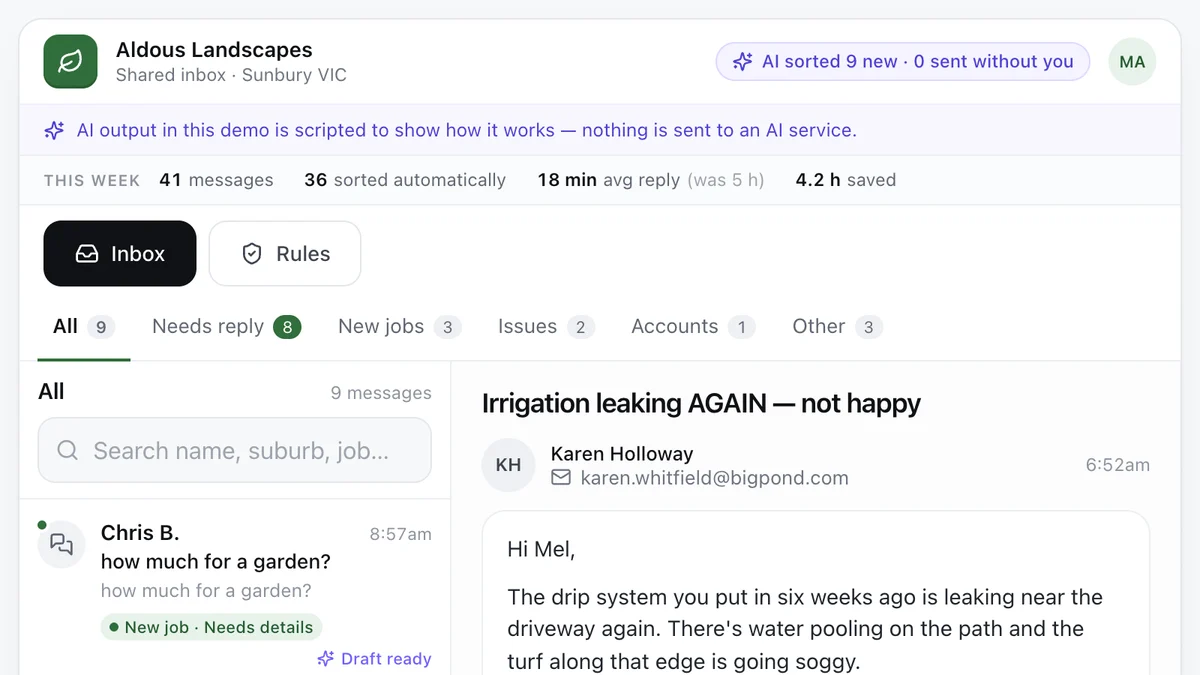
- Tradies and service businesses with a busy inboxAI enquiry inboxEvery message sorted, the details pulled out and a reply drafted, with a person approving what goes out.Live demoTry it
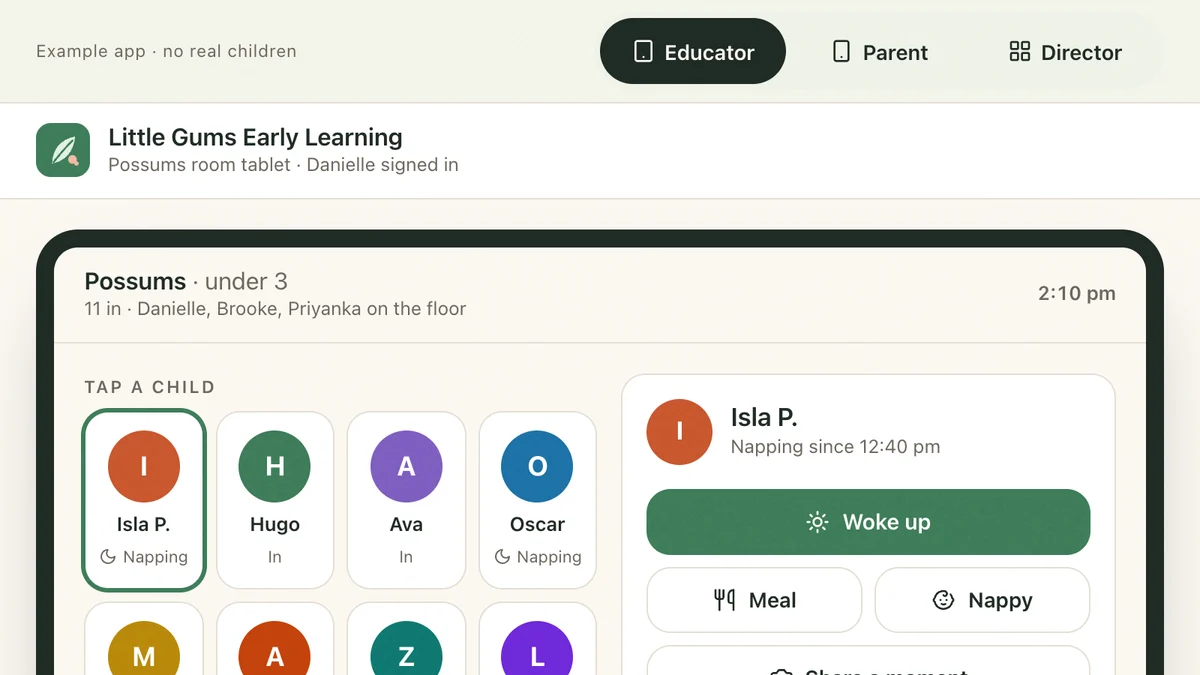
- Childcare centres, kinders and OSHCParent updates and enrolments for childcareAn educator logs the afternoon on the room tablet, the parent watches it arrive and signs out with a PIN, and the director holds the ratio and fills a place from the waitlist.Live demoTry it
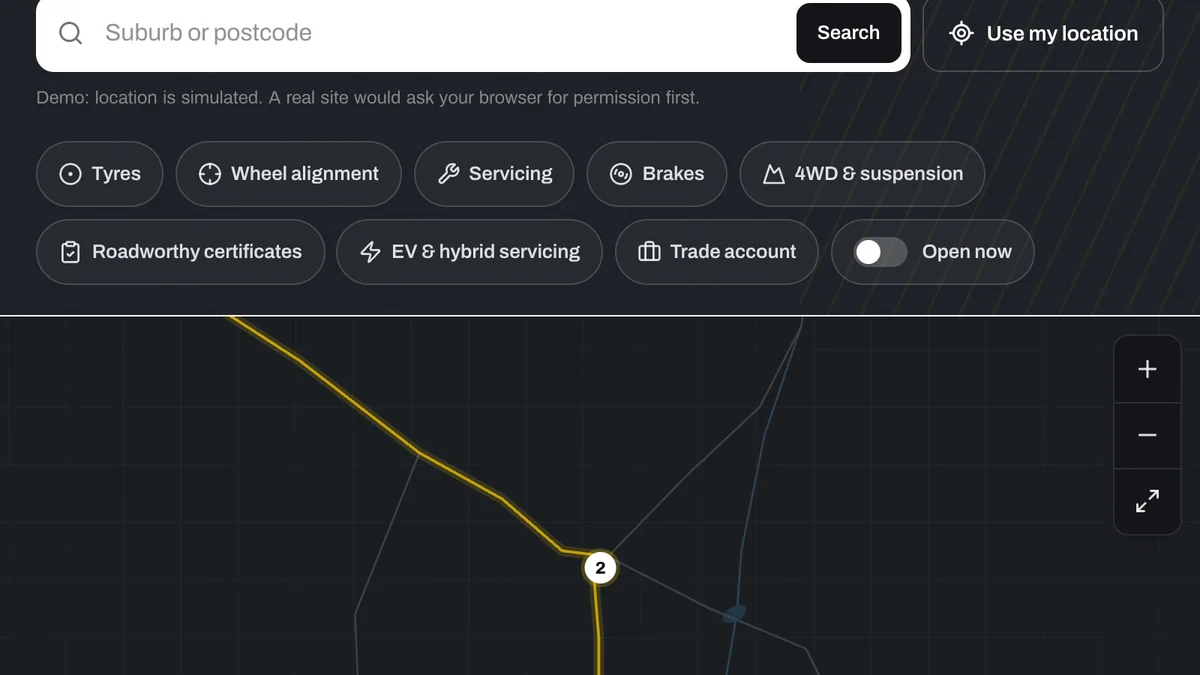
- Chains, franchises and multi-site businessesStore locator for multi-site businessesNearest store, open now, services, stock and a booking, for a regional chain with nine locations.Live demoTry it
Last reviewed .