Interactive example · Property management
Maintenance requests from reported to repaired, without the phone tag
Most property managers run maintenance by email and phone: a tenant rings about the hot water, someone emails a plumber, the plumber's quote waits in an inbox for the owner, and the tenant rings again to ask what's happening. Use the version below, for a fictional Wodonga agency, as the tenant and then as the property manager.
In short
A custom maintenance system lets tenants report repairs with photos and troubleshooting before a job is raised, flags urgent repairs against Victoria's list, sends work orders to the right tradie from your approved panel, asks owners to approve quotes over their limit by text, and keeps the tenant updated until they confirm it's fixed.
Interactive demo: Maintenance requests for property managers
Live demo · Nolan & Vo Property, Wodonga is a fictional business with sample data. Nothing you do here is saved or sent.
- Report a repairOn the tenant's phone, report no hot water. Try the pilot light first, add a photo and say how the plumber gets in. Watch it land as urgent.
- Send the right tradieSwitch to the property manager. The urgent job tops the board. Open it and send it to the suggested licensed plumber.
- Get the owner's approvalThe plumber's quote is over the owner's $600 limit. Send it for approval, then approve it as the owner from the text.
- Close it outThe plumber marks it done with photos. On the tenant's phone, confirm it's fixed; the invoice goes to the owner's statement.
Example app · sample properties
Nolan & Vo Property
Tenant app · Jess Tran, 14 Banksia Ct
Nolan & Vo Property is fictional. Tenants, owners, tradies, properties and prices are sample data. Urgent repair categories are simplified from Victoria's rental laws and are not legal advice; Consumer Affairs Victoria has the current rules. Texts, photos and the accounting sync are simulated.
Built for property managers and real estate agencies
Three people it has to work for, and what each is hiring it to do
- Property managerEvery job's status on one screen, and no more chasing owners by phone
- OwnerApprove a quote in one tap, with the photo and the price in front of them
- TenantReport it once, know what's happening, and never ring to ask
What you just used
How Nolan & Vo Property runs, screen by screen
- Flagged urgentSystemAgainst Victoria's list
- Invoice to statementSystemMatched to the approval
How the work moves through Nolan & Vo Property: who does what, and where the software takes over. Steps with a mint mark are ones you can do in the demo above.
Troubleshooting before a job is raised
The report asks what a property manager would: gas or electric, is the pilot light out, have you tried the reset. Some requests are fixed right there, and the rest arrive with the answers the tradie needs, a photo and how to get in.
Urgent means urgent
No hot water, no heating, a burst pipe, a gas leak: requests that match Victoria's list of urgent repairs are flagged the moment they're reported, go to the top of the board with a clock on them, and reach whoever is on call after hours.
The right tradie, from your panel
Work orders go to your approved tradies, filtered by trade, licence and insurance currency, nearest and fastest first. The tradie gets the tenant's contact, access notes, photos and the owner's limit in one message.
Owner approval by text
A quote over the owner's approval limit goes to them with the photo, the price and a one-tap approve. No reply within your time frame and the property manager is prompted to call. The approval is on the record, with the time.
Tenants always know where it's at
Every step shows on the tenant's phone as it happens: plumber booked, waiting on the owner, fixed. The 'just checking in' calls stop, and the tenant's own confirmation is what closes the job.
Invoice to the statement
The tradie's invoice is matched to the work order and the approval and goes to the owner's statement in your trust accounting, with the photos attached. Nothing is keyed twice.
Built for you
Your rules, not a template's
The demo is one agency and one hot water system. Built for yours, it carries your own:
- Repair categories, the troubleshooting steps for each, and the questions they ask
- Your urgent list, after-hours rules and on-call roster
- Approved tradies by trade and area, with licence and insurance expiry tracked
- Owner approval limits from each management agreement, and what happens when an owner doesn't reply
- Tenant and owner updates by SMS and email, in your wording and brand
- Sync with PropertyMe, PropertyTree or Console Cloud, so properties, owners and invoices aren't entered twice
Connects to what you already use
Where a tool offers an API or a calendar feed, the build talks to it directly. Your data stays in accounts you own.
- PropertyMe
- PropertyTree
- Console Cloud
- SMS
- Microsoft 365
- Google Maps
Custom build, a maintenance platform, or email and the phone?
Tapi and the maintenance tools in PropertyMe and PropertyTree handle requests, quotes and approvals, and for most agencies that's the right answer. The question is whether their triage, tradie and approval rules fit how your agency works, and whether tenants and owners actually use them.
| Criteria | Maintenance platform | Custom-built | Email and the phone |
|---|---|---|---|
| Time to start | Days | Weeks to months | Already running |
| Triage | Categories and photos | Your troubleshooting steps, your urgent list, your after-hours rules | Whoever answers the phone |
| Tradies | Their marketplace or your list | Your panel, filtered by licence, insurance and area | The plumber you always ring |
| Owner approval | Built in | Built in, with each owner's limit and your escalation rules | An email, then a call, then another |
| Tenant updates | Platform notifications | Every step, in your brand and wording | When they ring |
| Cost model | Per property, per month | A fixed build, then hosting and support | Property manager hours |
| Best when | Standard maintenance, standard rules | A large rent roll, in-house maintenance or rules the platform can't hold | A small rent roll, for now |
How we'd build yours
Fixed price, agreed before we start
Follow a week of requests
We sit with the property managers and follow real jobs from the tenant's call to the owner's statement, writing down every rule that lives in someone's inbox.
Fix the scope and the price
A written scope: categories, urgent rules, tradies, owner approval and the trust accounting sync in the first version, and one fixed price you approve before we start.
Tenant reporting first
Tenants move to the report form while jobs are still sent the old way, so triage improves from the first week and the property managers see the difference.
Then tradies, owners and invoices
Work orders and owner approvals follow, then the invoice match to your trust accounting once the job records are right.
What moves the price
Custom work is quoted individually, at a fixed price, once the scope is written down. These are the things that make the biggest difference.
- Trust accounting sync
- Reading properties and owners is standard; writing invoices and bills back adds work.
- Triage depth
- Each category's troubleshooting steps and questions are written with your team.
- Tradie side
- Work orders by SMS and email are simplest; a tradie app for quotes and photos is more.
- After hours
- An on-call roster and escalation rules add logic and testing.
When you shouldn't build this
If you manage a few hundred properties and Tapi or your trust accounting's maintenance tools do the job, keep them. Custom makes sense when maintenance is where your property managers' days go, when you run in-house maintenance or a build-to-rent portfolio with rules no platform holds, or when owners and tenants simply won't use the tools you have.
Want this, with your name on it?
Tell us how the work runs today. We'll reply within one business day with what we'd build first, what we'd leave out, and whether an off-the-shelf tool would serve you better.
Common questions
Software that takes a tenant's repair request with photos and troubleshooting, flags urgent repairs, sends work orders to approved tradies, gets the owner's approval for quotes over their limit, keeps the tenant updated and matches the invoice to the owner's statement. It replaces the email chain and the phone tag.
Victoria's rental laws list urgent repairs, including a burst water service, a blocked or broken toilet, a serious roof leak, a gas leak, a dangerous electrical fault, and the failure of essential services such as hot water, heating or cooking. They must be done immediately, and if the rental provider can't be reached or doesn't act, a renter can arrange them up to $2,500. Consumer Affairs Victoria publishes the full list.
Probably not, if its maintenance tools are working for you. A custom layer makes sense when you need triage, tradie rules or owner approvals it can't hold, and it syncs with PropertyMe rather than replacing it, so properties, owners and invoices stay in one place.
No. Work orders arrive by SMS and email with a link to a simple page for the quote, photos and completion. No login to forget and nothing to install.
Yes. In Victoria that means gas and electrical safety checks every two years and smoke alarm testing every year, plus your routine inspections. They're the same shape as a repair: a job, a tradie or inspector, and a record. The demo shows repairs; compliance scheduling is a common addition.
More examples to try
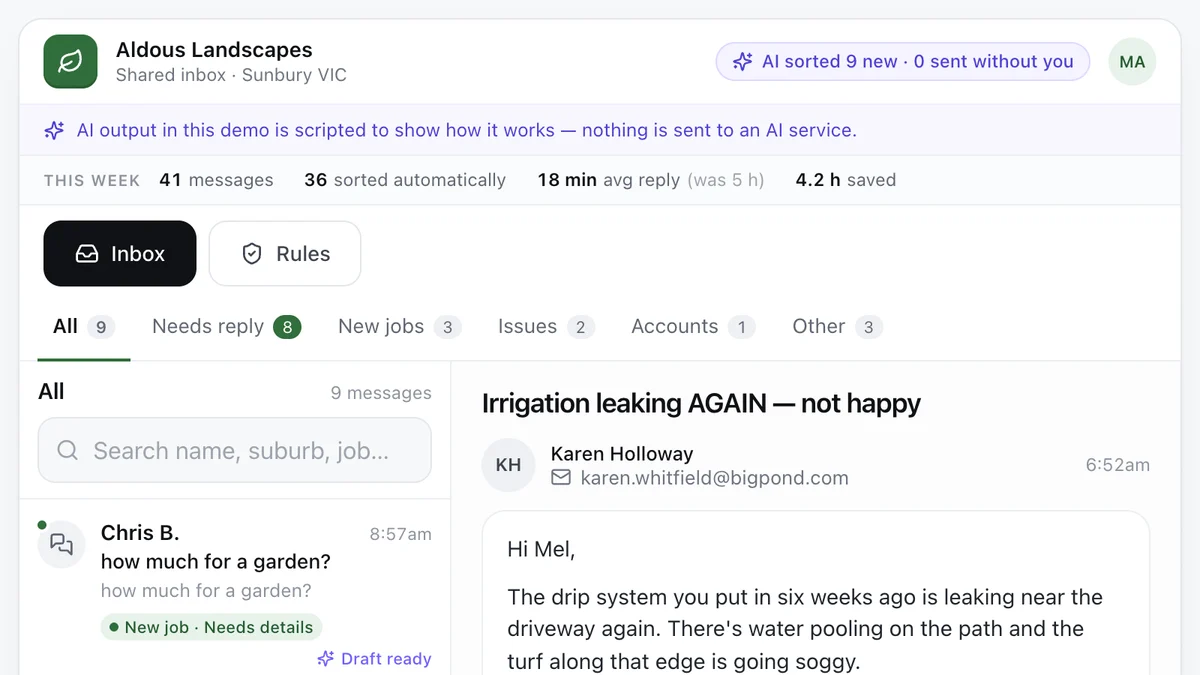
- Tradies and service businesses with a busy inboxAI enquiry inboxEvery message sorted, the details pulled out and a reply drafted, with a person approving what goes out.Live demoTry it
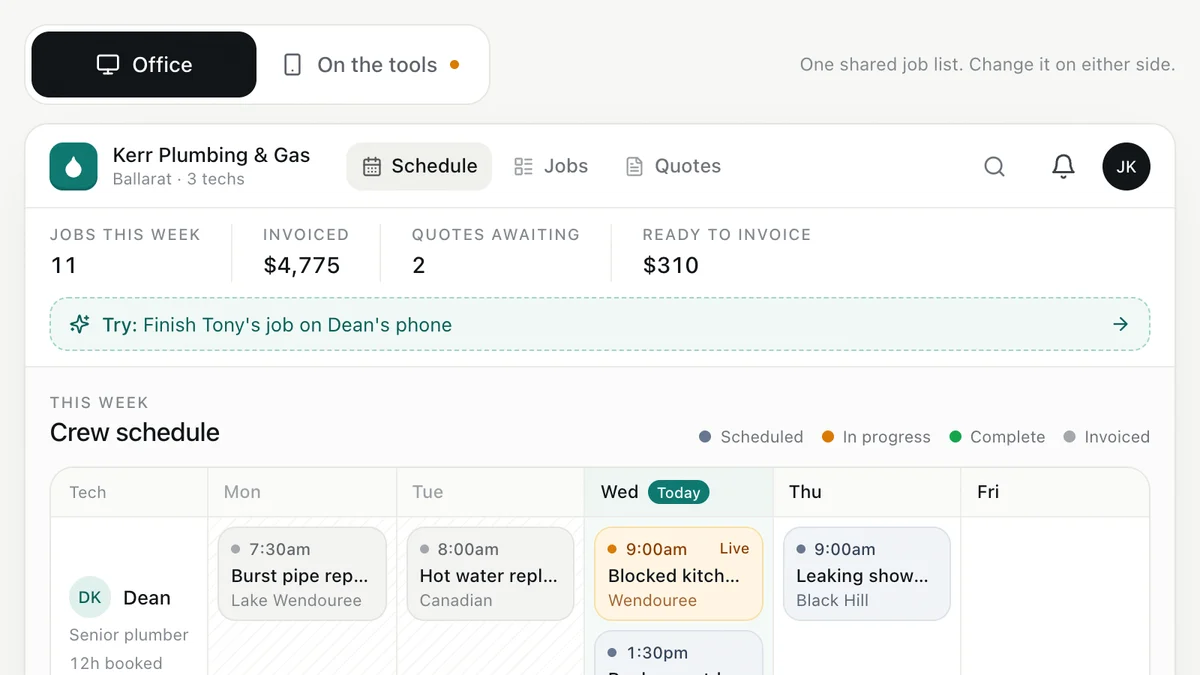
- Plumbers, electricians, HVAC and trade businessesJob management for tradiesEnquiry to quote to schedule to invoice, with the office and the van looking at the same job.Live demoTry it
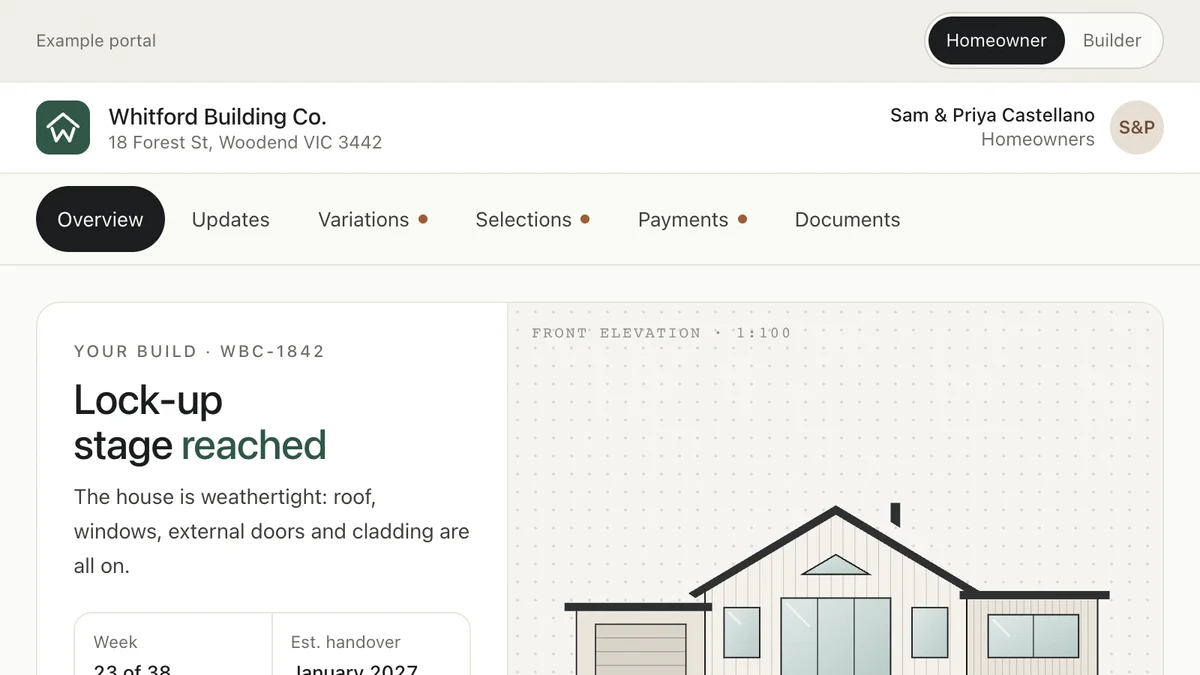
- Custom home builders and renovatorsClient portal for buildersHomeowners follow the build, approve variations, lock in selections and pay claims in one place.Live demoTry it
Last reviewed .