Interactive example · Trades & building
Contractor induction and site sign-in that knows who is on site right now
Managing contractors is a duty, not a nicety: every person past the gate has to be inducted, fit to work and signed on to the method statement for their task, and when the horn goes the supervisor has to know who is there. Below is a working version for a fictional civil contractor in Colac with three sites. Use it as a contractor, as the site supervisor and as the safety manager.
In short
A site induction and sign-in app inducts contractors on their phone before day one: a course, a quiz with a pass mark, licences and a signed SWMS. Each day they scan the gate QR and declare themselves fit for work. The supervisor gets a live board and a roll call; the safety manager gets every induction, expiry and attendance recorded.
Interactive demo: Site induction and sign-in
Live demo · Barwon Ridge Civil, Colac is a fictional business with sample data. Nothing you do here is saved or sent.
- Do the site inductionAs the contractor, watch all four chapters, then pass the quiz with 5 of 5. A wrong answer explains itself; change it and mark again.
- Sign today's SWMSOpen today's safe work method statement, tick all six controls, sign with your finger or mouse and tap Acknowledge.
- Sign in at the gateScan the site QR, answer the three fit-for-work questions and sign in. You appear on the supervisor's board and in the safety manager's headcount.
- Run an evacuation roll callSwitch to Supervisor, tap Evacuation and start the roll call. Mark everyone on site as accounted, the new contractor included, then tap All clear.
Example app · sample data
Barwon RidgeCivil
Contractor · Ollie Brennan-Dyer's phone, Western Vic Traffic Control
Example app · sample data
Barwon Ridge Civil is fictional. Sites, people, inductions and licences are sample data. The gate QR, texts, roll call and export are simulated, and nothing leaves the browser.
Built for builders, civil contractors, manufacturers and mines
Three people it has to work for, and what each is hiring it to do
- Safety managerProve every person on every site was inducted, licensed and signed on, without chasing paper
- Site supervisorKnow who is on site right now, and count every one of them when the horn goes
- ContractorGet inducted on my phone before day one, sign in at the gate and get on with the job
What you just used
How Barwon Ridge Civil runs, screen by screen
- Quiz marked, savedSystem5 of 5, valid a year
- Live site boardSystemWho is on site now
How the work moves through Barwon Ridge Civil: who does what, and where the software takes over. Steps with a mint mark are ones you can do in the demo above.
Induction on the contractor's phone, before day one
A text link opens the site's course: short chapters, a quiz with a pass mark and the licences the site needs, done in the ute or at the kitchen table. Nobody stands at the gate reading a laminated sheet, and the record is written the moment the quiz passes.
Inductions that expire, and say so
Every induction has a date. The safety manager sees who lapses inside 30 days and sends the renewal with a tap. An expired induction can't sign in, because the gate QR checks it first.
SWMS signed on the job, not in a folder
Today's safe work method statement is read on the phone, every control is ticked and the acknowledgement is signed. The register shows who has signed which, so a task can't start on a statement nobody read.
A sign-in that doubles as a fit-for-work check
The gate QR takes the induction check, three fit-for-work questions and the sign-in in one scan. A No doesn't block anyone; it flags the supervisor to talk to them before they start, and it's logged.
A live board and a roll call built for the horn
The supervisor's phone shows everyone on site right now with their induction and SWMS status. Evacuation texts the muster point to everyone, counts them off one tap at a time to all clear, and writes the log entry itself.
The records an inspector asks for
Headcount by site, inductions and expiries, the SWMS register, the incident and evacuation log and the week's attendance, exportable for the client's monthly safety report. Nothing to find in the site shed.
Built for you
Your sites' rules, not a template's
The demo is one contractor's rules. Built for yours, it would carry your own:
- Your induction content: videos, a quiz written by your safety team and a pass mark you set per site
- The licences and tickets each site needs, with expiries tracked: White Card, HR, EWP, confined space, first aid
- Your SWMS library, and the rule for re-signing when a statement changes
- Fit-for-work questions, drug and alcohol testing records and the escalation you want when someone answers No
- Muster points, roll call groups, and a visitor flow for deliveries and inspectors
- Client reporting in the format each principal contractor asks for, and a feed to your HR or payroll system
Connects to what you already use
Where a tool offers an API or a calendar feed, the build talks to it directly. Your data stays in accounts you own.
- SMS
- Xero
- MYOB
- Procore
- Employment Hero
- Microsoft 365
- Google Sheets
- Power BI
A visitor book, a sign-in app, or a custom build?
SignOnSite is the honest first stop for most builders: QR sign-in, inductions, SWMS and evacuation on a per-site plan, running within days. Sitepass and Donesafe cover contractor compliance and incident management at a larger scale. Custom is for when your induction, your reporting or your other systems won't fit theirs.
| Criteria | Visitor book and laminate | Sign-in app | Custom site system |
|---|---|---|---|
| Time to start | Today | Days | Weeks to a first version |
| Inductions | Read a sheet, sign a page, hope it's filed | Online course and quiz, per site plan | Your course, your quiz, your expiries, on every site |
| Who is on site now | Whoever remembered the book | Live from the QR, with a roll call | Live, with roll call groups, visitors and plant |
| Records and reporting | Folders in the site shed | Standard reports and exports | The report each client asks for, and a feed to your other systems |
| Cost model | Free, and the paperwork is the cost | Monthly, per site or per user | A fixed build, then hosting; you own the code |
| Best when | One site, a handful of people | Most builders and contractors, most of the time | Many sites, your own induction, or systems that must talk to each other |
How we'd build yours
Fixed price, agreed before we start
Walk one person through the gate
We map one contractor from the text before day one to the roll call: what they have to prove, who checks it, what happens when it lapses, and what the client wants to see at month end. That's the specification that matters.
Fix the scope and the price
Induction, sign-in, SWMS and the roll call in the first version, what's deliberately left for later, and one fixed price you approve before we start.
Run it on one site first
A first version at one site with one supervisor, so the course, the questions and the board are shaped by a real crew before every site gets it.
Roll out and connect
The other sites, the client reports, and the links to payroll, HR or the principal contractor's system. You own the code, so it goes wherever the business goes, with us or without.
What moves the price
Custom work is quoted individually, at a fixed price, once the scope is written down. These are the things that make the biggest difference.
- Induction content
- A short course and quiz is standard; video production, several languages or per-site variants add work.
- Sites and groups
- One site with one supervisor is simplest; many sites, roll call groups and visitor flows add screens.
- Integrations
- An export is simple; two-way links to payroll, HR or a principal contractor's system are more.
- Offline and hardware
- A phone with signal is simplest; offline sign-in, a kiosk at the gate or turnstiles add engineering.
When you shouldn't build this
If you run a few sites and need induction, sign-in and evacuation working next week, use SignOnSite: it's good, it's priced per site, and most builders never outgrow it. Sitepass or Donesafe suit a large contractor base or a full safety management system. Build custom when your induction and your reporting are specific to you, you have many sites or a principal contractor's format to meet, or the sign-in needs to feed your other systems.
Want this, with your name on it?
Tell us how the work runs today. We'll reply within one business day with what we'd build first, what we'd leave out, and whether an off-the-shelf tool would serve you better.
Common questions
Yes. Under Victoria's OHS laws the person in control of a workplace has to make sure everyone working there, contractors included, knows the site's hazards, rules and emergency arrangements before they start. A site induction is how that is done and recorded, on top of the general construction induction (White Card) each person already holds.
A safe work method statement sets out the hazards of a high-risk construction task and the controls for it. Everyone doing the task is taken through it and acknowledges it before the task starts, and it's redone when the job changes. An app keeps the register of who signed which, and when, without anyone collating paper.
Because the sign-in is what the supervisor relies on in an evacuation. A QR at the gate takes seconds, checks the induction and the fit-for-work questions on the way through, and keeps the list of who is on site current without anyone transcribing a book.
SignOnSite is an Australian site sign-in app with inductions, SWMS, permits and evacuation on a per-site plan. For most builders and subcontractors it's the right answer and runs within days. Custom makes sense once you have your own induction content, many sites, a client's reporting format to meet, or systems the sign-in needs to feed.
Yes, if it's built for it. The phone keeps the induction, the sign-in and the roll call locally and syncs when it finds signal, and the gate QR still works because the check happens on the phone. Whether you need it depends on your sites, and it's one of the things that moves the price.
More examples to try
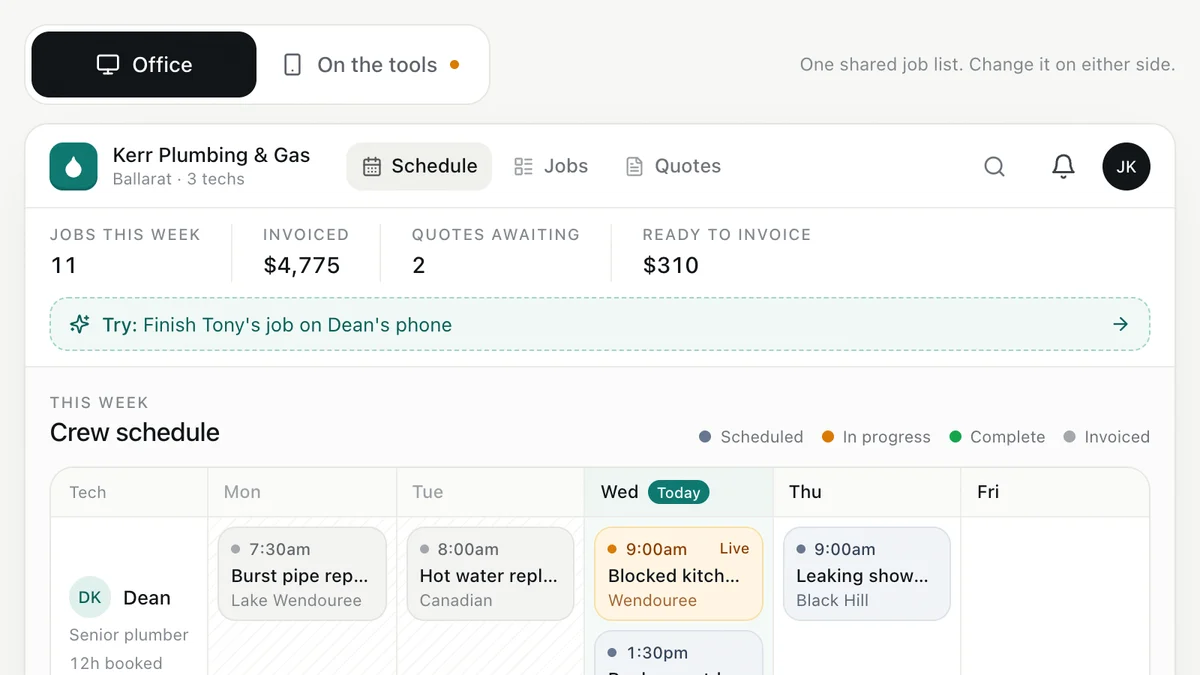
- Plumbers, electricians, HVAC and trade businessesJob management for tradiesEnquiry to quote to schedule to invoice, with the office and the van looking at the same job.Live demoTry it
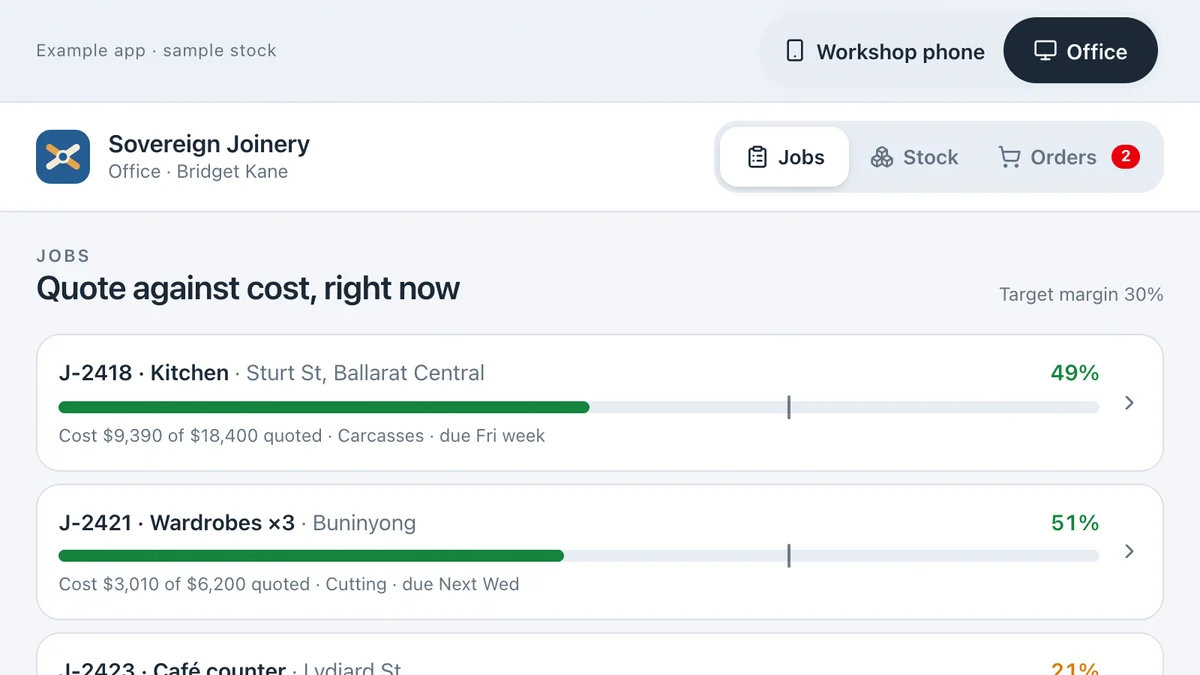
- Joiners, cabinet makers, fabricators and small manufacturersStock and job costing for a workshopScan stock to a job from the floor, watch its margin move in the office, reorder and receive on a phone.Live demoTry it
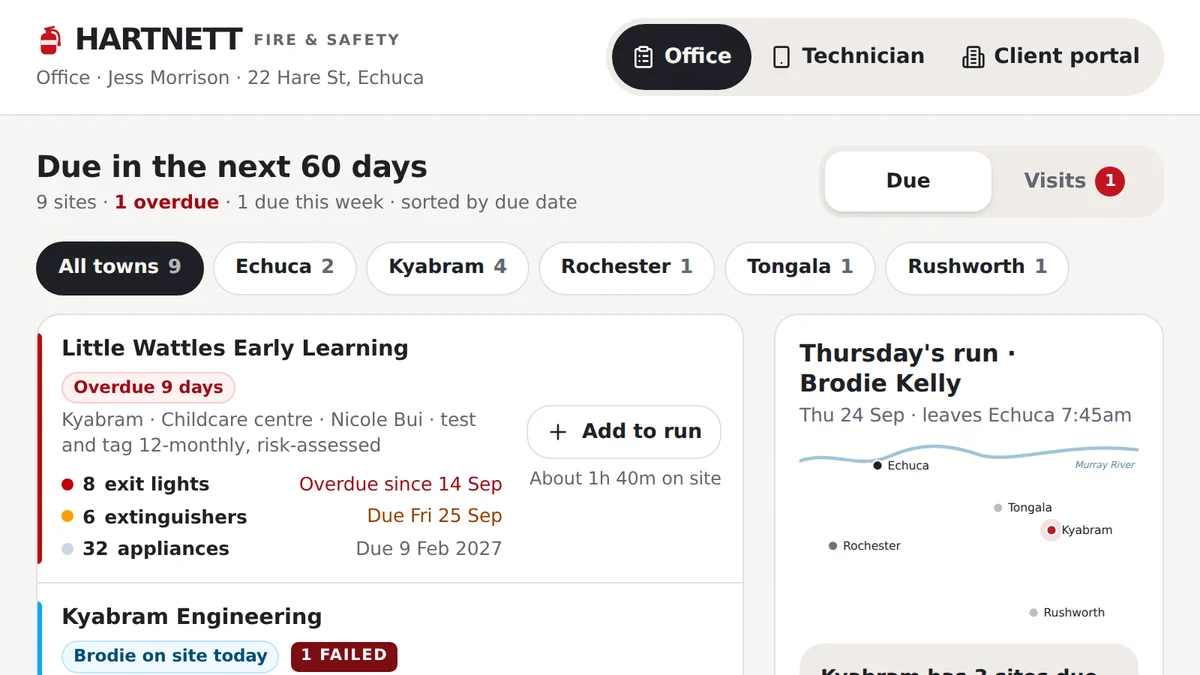
- Fire safety, test and tag and electrical compliance businessesTest, tag and fire safety inspectionsEvery asset due on its own cycle: tests done on a phone, failures tagged out, repairs approved, certificate sent.Live demoTry it
Last reviewed .