Interactive example · Fire and electrical safety
Inspections that fall due on their own, get done on a phone, and send their own certificates
A fire and safety business lives by due dates: extinguishers every six months, exit lights every six, a factory's power tools every six, a building site's every three. Most run it on a spreadsheet, a tag gun and a Friday of typing up reports. Below is the alternative, for a fictional Echuca business. Plan the run, test on the tools, then see what the client gets.
In short
Inspection software for a fire and safety business keeps a register of every asset on every client's site, works out when each is due from its standard and the site's environment, plans technicians' runs, records tests on a phone with photos, tags out failures, gets repairs approved and sends the certificates and maintenance records by itself.
Interactive demo: Test, tag and fire safety inspections
Live demo · Hartnett Fire & Safety, Echuca is a fictional business with sample data. Nothing you do here is saved or sent.
- Plan Thursday's runIn the office, the due list puts every asset on every site in date order. Add the Kyabram sites to Thursday's run and send the site contacts their times.
- Test and tag on siteOn the technician's phone at Kyabram Engineering, work through the tools. The angle grinder's lead is damaged: fail it and tag it out.
- Approve a repair as the clientOpen the client portal as the site manager. Failed items wait there with a photo and a price. Approve one.
- Send the certificateBack in the office, close a finished visit. The certificate, the updated register and the maintenance record go to the client together.
HARTNETTFire & Safety
Office · Jess Morrison · 22 Hare St, Echuca
Hartnett Fire & Safety and its clients are fictional. Assets, readings, intervals and prices are sample data, simplified from AS/NZS 3760, AS 1851 and AS/NZS 2293.2 for the demo, and aren't compliance advice. Tags, texts, photos and certificates are simulated.
Built for fire safety, test and tag and electrical compliance businesses
Three people it has to work for, and what each is hiring it to do
- OwnerNever miss a due date across hundreds of sites, and stop losing Fridays to reports
- TechnicianWalk the site with the list on the phone: scan, test, tag, next, with nothing written twice
- Client's site managerKnow it's compliant, approve repairs in one tap, and have the records when an inspector asks
What you just used
How Hartnett Fire & Safety runs, screen by screen
- Due list buildsSystemFrom each asset's standard
- Failure tagged outTechnicianPhoto, quote drafted
How the work moves through Hartnett Fire & Safety: who does what, and where the software takes over. Steps with a mint mark are ones you can do in the demo above.
Every asset, due on its own cycle
Extinguishers and exit lights every six months, a factory's tools every six, a building site's every three. Each asset carries its standard and its site's environment, so the due date works itself out and nothing hangs on someone's spreadsheet.
Runs planned from what's due
Overdue first, then due this month, grouped by town so a day on the road covers sites near each other. Site contacts get the visit time by text, and access notes travel with the job.
Tests on a phone, not a clipboard
Scan the tag, record the visual check and the readings, pass or fail. The limits are built in, so a reading outside them fails the item instead of relying on memory at the end of a long day.
Failures tagged out, and followed up
A failed item is tagged out on the spot with a photo, marked out of service on the register, and a repair or replacement quote is drafted before the technician leaves the site.
A portal the client actually uses
The site manager sees every asset, what's due, what failed and what it costs to fix, and approves a repair in one tap. The records are there when the insurer or the building surveyor asks.
Certificates and records that write themselves
Close the visit and the certificate, the updated register and the maintenance record for the owner's annual essential safety measures report go out together. Friday's typing session goes with them.
Built for you
Your rules, not a template's
The demo is one business and three kinds of asset. Built for yours, it would hold your own:
- Your asset types and test forms: extinguishers, blankets, hose reels, exit and emergency lights, RCDs, portable appliances, fire doors
- Intervals from the standards you work to, and each client's environment and risk assessment
- Your prices per item, per visit and per repair, with quotes drafted from them
- Your technicians, their licences and regions, and runs planned around them
- A client portal in your brand, with each site's register, reports and approvals
- Your registers and tag numbers brought across from spreadsheets or your current app
Connects to what you already use
Where a tool offers an API or a calendar feed, the build talks to it directly. Your data stays in accounts you own.
- Xero
- MYOB
- Google Maps
- SMS
- Bluetooth testers
- Label printers
- Microsoft 365
Custom build, an inspection platform, or spreadsheets?
Uptick is built for fire protection contractors and handles AS 1851 schedules and compliance reports well. simPRO and AroFlo run maintenance for larger multi-trade businesses, and test and tag apps suit one-person operators. The question is whether your mix of work and clients fits one of them.
| Criteria | Inspection platform | Custom-built | Spreadsheets and a tag gun |
|---|---|---|---|
| Time to start | Weeks, with setup | Weeks to a couple of months | Already running |
| Asset types and intervals | Theirs, configurable | Yours, including the odd ones | A column someone keeps up |
| Client portal | Included, in their shape | In your brand, showing what your clients ask for | PDFs by email |
| Reports and certificates | Standard formats | Your formats, generated when the visit closes | Typed up on Friday |
| Cost model | Per user or per asset, monthly | A fixed build, then hosting and support | Admin hours and missed dates |
| Best when | Mostly fire systems, standard workflows | Mixed services, many sites, a portal that helps win the contract | A handful of clients |
How we'd build yours
Fixed price, agreed before we start
Walk a site with a technician
We follow a real visit from the due list to the certificate and write down every asset type, reading, limit, tag and form along the way.
Fix the scope and the price
Asset types, intervals, the phone app, the client portal and the reports in the first version, with one fixed price you approve before we start.
Bring the registers across
Sites, assets, tag numbers and last test dates come in from your spreadsheets or current app, so the due list is right from the first day.
Phone app first, then the portal
Technicians test on the phone while reports still go out the old way. The client portal and automatic certificates follow once the records are trusted.
What moves the price
Custom work is quoted individually, at a fixed price, once the scope is written down. These are the things that make the biggest difference.
- Asset types
- Each type's test form, limits and interval rules are built and tested.
- Offline use
- Plant rooms and basements often have no signal, so the phone app needs to work offline and sync.
- Client portal
- A read-only register is simplest; approvals, quotes and payments add to it.
- Data migration
- Clean registers are quick; years of per-client spreadsheets take longer.
When you shouldn't build this
If your work is fire systems in commercial buildings, Uptick was built for exactly that, and most fire contractors should start there. If you're a one-person test and tag business, an app and a tag printer will do. Custom earns its place when you run several kinds of inspection across hundreds of sites, your clients want their own portal, and the reports are a big part of what they pay you for.
Want this, with your name on it?
Tell us how the work runs today. We'll reply within one business day with what we'd build first, what we'd leave out, and whether an off-the-shelf tool would serve you better.
Common questions
It depends on the environment and the equipment. Under AS/NZS 3760, equipment on construction sites is typically tested every three months and in factories and workshops every six, while lower-risk office equipment can go longer where a risk assessment supports it. Your state's workplace safety rules and your own risk assessment set what applies.
Under AS 1851, portable fire extinguishers are inspected every six months and pressure tested every five years. Exit signs and emergency lighting get a six-monthly discharge test under AS/NZS 2293.2. Each inspection is recorded against the asset.
Owners of most buildings other than houses must prepare a yearly report confirming that essential safety measures, such as extinguishers, exit signs and emergency lighting, have been maintained. It's due in the 28 days before each anniversary date, and the records must be available within 24 hours when a municipal building surveyor or the fire authority asks. The contractor's maintenance records are the evidence behind it.
Yes. The phone app can hold the day's sites and assets and record tests without signal, then sync when it's back. It adds to the build, so we include it when your technicians need it.
Yes. Each client logs in to a portal for their sites: the register, what's due, what failed, quotes to approve, and every certificate and report, so the records are there when an inspector, insurer or auditor asks.
More examples to try
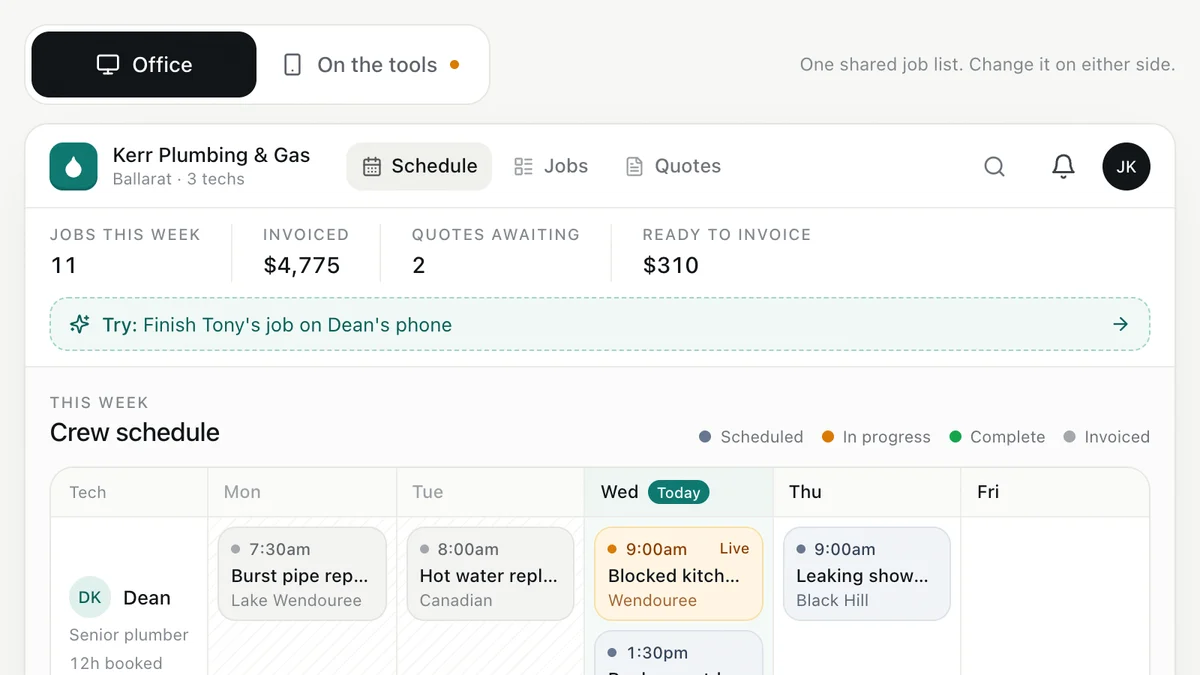
- Plumbers, electricians, HVAC and trade businessesJob management for tradiesEnquiry to quote to schedule to invoice, with the office and the van looking at the same job.Live demoTry it
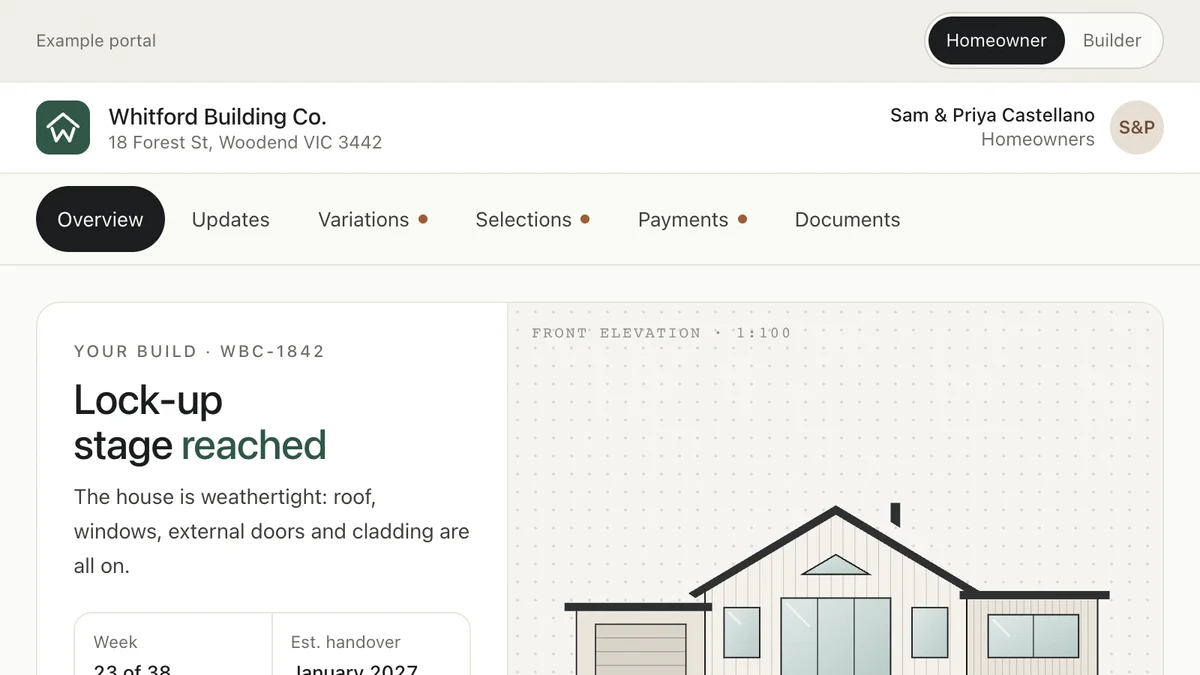
- Custom home builders and renovatorsClient portal for buildersHomeowners follow the build, approve variations, lock in selections and pay claims in one place.Live demoTry it
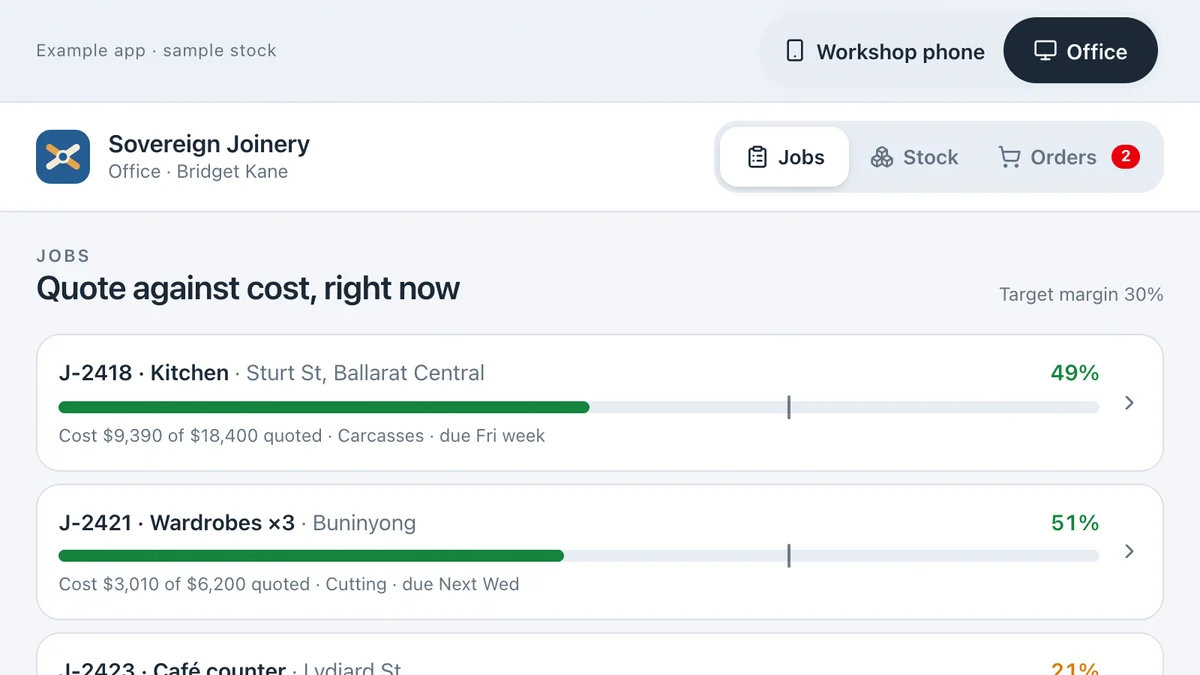
- Joiners, cabinet makers, fabricators and small manufacturersStock and job costing for a workshopScan a bay and issue sheets to a job from the floor, watch the job's margin move in the office, raise purchase orders from the reorder list and receive the delivery on the phone.Live demoTry it
Last reviewed .