Interactive example · Trades & building
Stock that moves when the job does, and margins you can see before the invoice
A workshop's stock usually lives on a spreadsheet nobody updates until stocktake, jobs are costed from memory, and the margin turns up when the accountant does. The sheets get used, the reorder gets missed, and a job quoted at 30% comes in at 12. Below, a fictional Ballarat joinery runs it from the floor: scan a bay, issue four sheets, and watch the office's numbers move.
In short
A custom workshop inventory and job costing app lets the floor scan and issue stock to a job from a phone, updating stock on hand and the job's cost at once. The office sees each job's quote against cost and margin, raises purchase orders from the reorder list by supplier, and receives deliveries against them.
Interactive demo: Stock and job costing for a workshop
Live demo · Sovereign Joinery, Ballarat is a fictional business with sample data. Nothing you do here is saved or sent.
- Issue stock from the floorOn the workshop phone, tap the melamine bay's label to scan it, pick the kitchen job and issue four sheets. Watch the count and the office mirror.
- Check the job's marginSwitch to the office and open J-2418. The four sheets are on it, against the quote, with the margin as it stands.
- Raise the purchase ordersOn the Orders tab, the melamine is under its reorder point. Raise the orders; they group by supplier.
- Receive the deliveryBack on the phone, Deliveries. Receive the board order, one sheet damaged. Stock returns, a credit is requested, and the job carries the landed cost.
Example app · sample stock
Sovereign Joinery
Workshop floor · Gareth Vinh
Sovereign Joinery is fictional. Stock, jobs, prices, suppliers and margins are sample data. Barcode scans, supplier emails and the invoice are simulated. Software names in the comparison are their owners' trademarks and are mentioned for comparison only.
Built for joiners, cabinet makers, fabricators and small manufacturers
Three people it has to work for, and what each is hiring it to do
- OwnerKnow the margin on every job today, not at year end, and stop paying for stock twice
- OfficeReorder before the floor runs out, and cost the invoice from real numbers
- FloorGrab the sheets and get on with it; two taps, no clipboard
What you just used
How Sovereign Joinery runs, screen by screen
- Job cost updatesSystemStock and cost from one record, on both screens
- Landed cost appliedSystemCredit requested, jobs recosted
How the work moves through Sovereign Joinery: who does what, and where the software takes over. Steps with a mint mark are ones you can do in the demo above.
Scan, pick the job, done
A label on every bay and bin. The floor scans it, picks the job, sets a quantity and issues. On hand drops, the job's material cost rises, and nobody transcribes anything at 5 pm.
Quote against cost, as it stands
Every job shows materials issued, hours logged and the margin they leave against the quote, with a marker for the margin you aimed at. The one that's going wrong is red before it's invoiced.
A reorder list that builds itself
Drop under a reorder point and the item lands on the list with a suggested quantity, grouped by supplier with their lead time. One button raises and emails the purchase orders.
Receive against the order
The delivery is checked on the phone against the PO, line by line. Short or damaged lines are recorded, the credit is requested, and stock is right without a stocktake.
Landed cost on the job
When the supplier's invoice price differs from the standard cost, the jobs that used the stock are recosted. The margin you see is the real one.
Reserved, not just on hand
Open jobs reserve what they still need, so the office sees what's spoken for and what's actually free to issue, and the reorder point counts both.
Built for you
Your rules, not a template's
The demo is one rack and four jobs. Built for yours, it carries your own:
- Your stock list, units, reorder points and suppliers, imported from the spreadsheet you run today
- Barcodes or QR labels printed for every bay, bin and offcut rack, with a scanner or the phone camera
- Job costing the way you quote: materials, labour rates by person, machine time, subcontractors and markup
- Cut lists and nesting exports that reserve sheets when the job is released
- Purchase orders emailed in each supplier's format, with price lists and lead times kept current
- Sync with Xero or MYOB for bills, and with your quoting software so the quote and the cost meet
Connects to what you already use
Where a tool offers an API or a calendar feed, the build talks to it directly. Your data stays in accounts you own.
- Xero
- MYOB
- Zebra label printers
- Barcode scanners
- Cabinet Vision
- Microvellum
- Google Sheets
The spreadsheet, inventory software off the shelf, or a custom build?
Cin7, Unleashed and Katana are capable inventory systems, and Simpro and Tradify cost jobs well. The question is whether a workshop that cuts sheets, keeps offcuts and costs by the job fits their model, and whether you'll pay per user for a floor that just wants to scan.
| Criteria | The spreadsheet | Inventory software off the shelf | Custom inventory app |
|---|---|---|---|
| Time to start | Already running | Weeks, plus data cleanup | Weeks to months |
| Fit for a workshop | Whatever you made it do | Built for warehouses and retail; sheets and offcuts are awkward | Your units, your bays, your offcuts, your cut lists |
| Job costing | A second spreadsheet, updated at the end | Often a separate product | Materials, labour and margin on the same screen as stock |
| The floor | Doesn't touch it | Per-user licences for people who scan once an hour | A phone screen with two taps, no licence per person |
| Purchasing | A phone call and a memory | Reorder reports, POs built in | Reorder list to POs to receiving, in your suppliers' formats |
| Best when | Two people and twenty items | You're mostly buying and selling finished goods | You make things from stock and need the job margin, not just the count |
How we'd build yours
Fixed price, agreed before we start
Walk the workshop with the spreadsheet open
We map every column to what actually happens on the floor: where stock lives, how it's issued, who orders, what gets counted and what doesn't.
Fix the scope and the price
A written scope: stock, labels, issuing, job costing, purchasing and integrations in the first version, with one fixed price you approve before we start.
Labels and the phone first
The floor starts scanning against the real stock list in week one, while the office keeps the spreadsheet. The two are compared until the app is trusted.
Costing, then purchasing, then the accountant
Job costing goes live once issues are flowing, purchase orders once reorder points are tuned, and Xero last, when the numbers are already right.
What moves the price
Custom work is quoted individually, at a fixed price, once the scope is written down. These are the things that make the biggest difference.
- Stock complexity
- Sheets, lengths and offcuts with partial use take more modelling than boxes of hardware.
- Costing depth
- Materials and labour is standard; machine time, subcontractors and progress claims add rules.
- Purchasing
- Reorder lists and POs are standard; supplier price lists and receiving with credits add work.
- Integrations
- Xero or MYOB bills are standard; cut-list software and label printers are each their own piece.
When you shouldn't build this
If you're two people and the spreadsheet works, keep it, and put reorder points in a column. If you buy and sell finished goods, Cin7 or Unleashed will do. Custom makes sense when you make things from stock and the margin on each job is the number you're missing, when the floor won't touch a per-user system, or when the spreadsheet has become a job in itself. The app is the spreadsheet you meant to build, with a phone on the floor.
Want this, with your name on it?
Tell us how the work runs today. We'll reply within one business day with what we'd build first, what we'd leave out, and whether an off-the-shelf tool would serve you better.
Common questions
Software that tracks the stock a workshop makes things from, lets the floor issue it to jobs by scanning, shows each job's material and labour cost against its quote, and handles reordering and receiving. It replaces the stock spreadsheet, the job cost spreadsheet and the clipboard with one record everyone updates by doing their job.
Yes, and that's the usual starting point. Your spreadsheet already holds the stock list, units and (roughly) the reorder points, and its columns tell us the rules. We import it, add labels and a phone screen for the floor, and keep the spreadsheet running alongside until the app is trusted.
No. The phone camera reads the same labels, and a cheap Bluetooth scanner works if hands are full. Labels are printed from the app for bays, bins and offcut racks, so anything that moves has a code.
Each job carries its quote and the materials and hours you budgeted. Every issue and timesheet adds to cost, and the margin is shown as it stands with a marker for your target. When a supplier's invoice comes in higher than the standard cost, the jobs that used that stock are recosted, so the margin is real.
Xero and MYOB receive purchase orders as bills and jobs as invoices. Cut-list software such as Cabinet Vision or Microvellum can push the sheet requirements so a released job reserves its material. Each integration is scoped separately, and none is required for the first version.
More examples to try
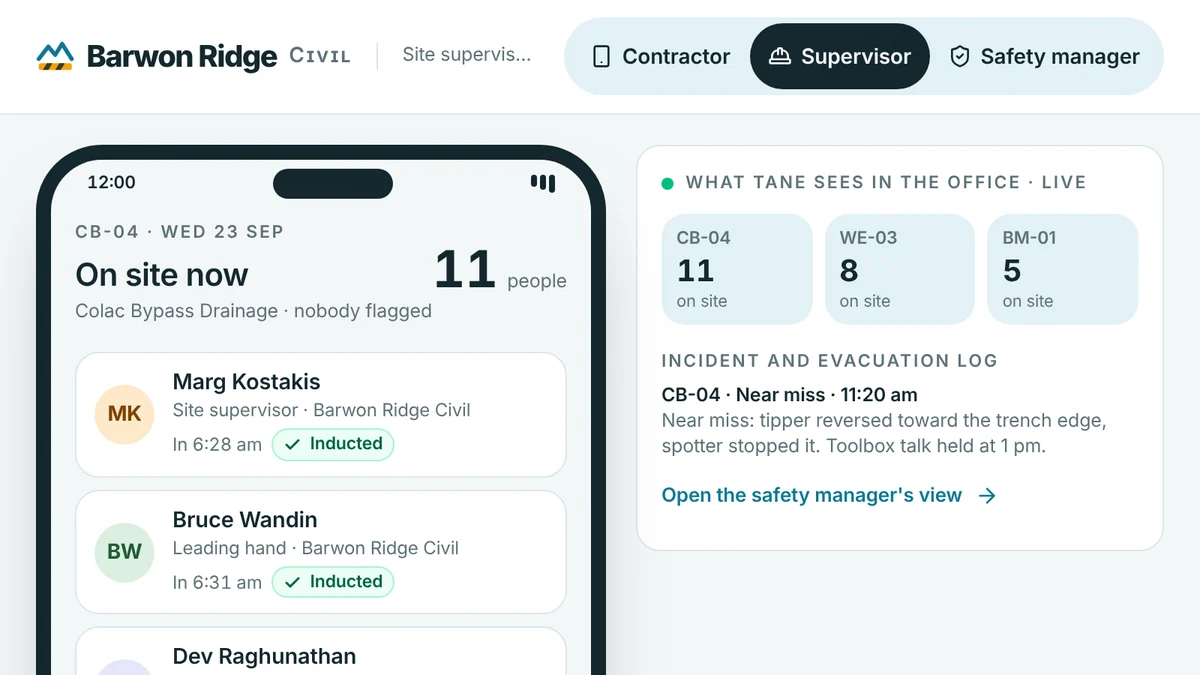
- Builders, civil contractors, manufacturers and minesSite induction and sign-inContractors inducted on their phone, signed in at the gate QR and counted in an evacuation, every record kept.Live demoTry it
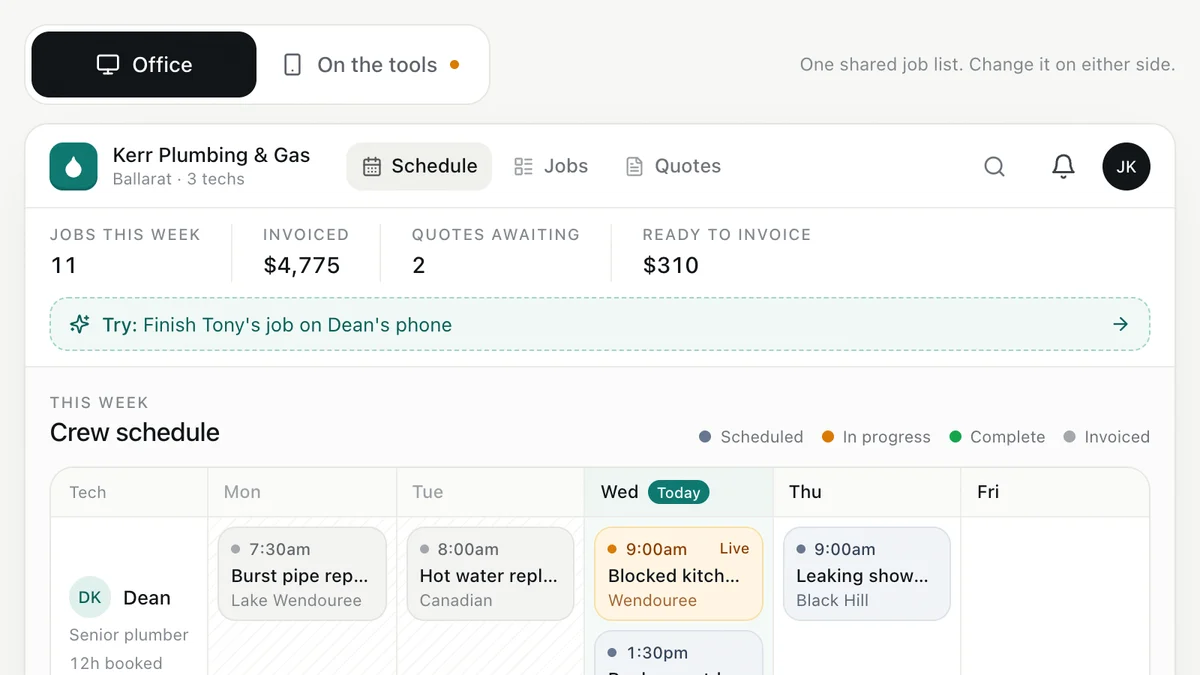
- Plumbers, electricians, HVAC and trade businessesJob management for tradiesEnquiry to quote to schedule to invoice, with the office and the van looking at the same job.Live demoTry it
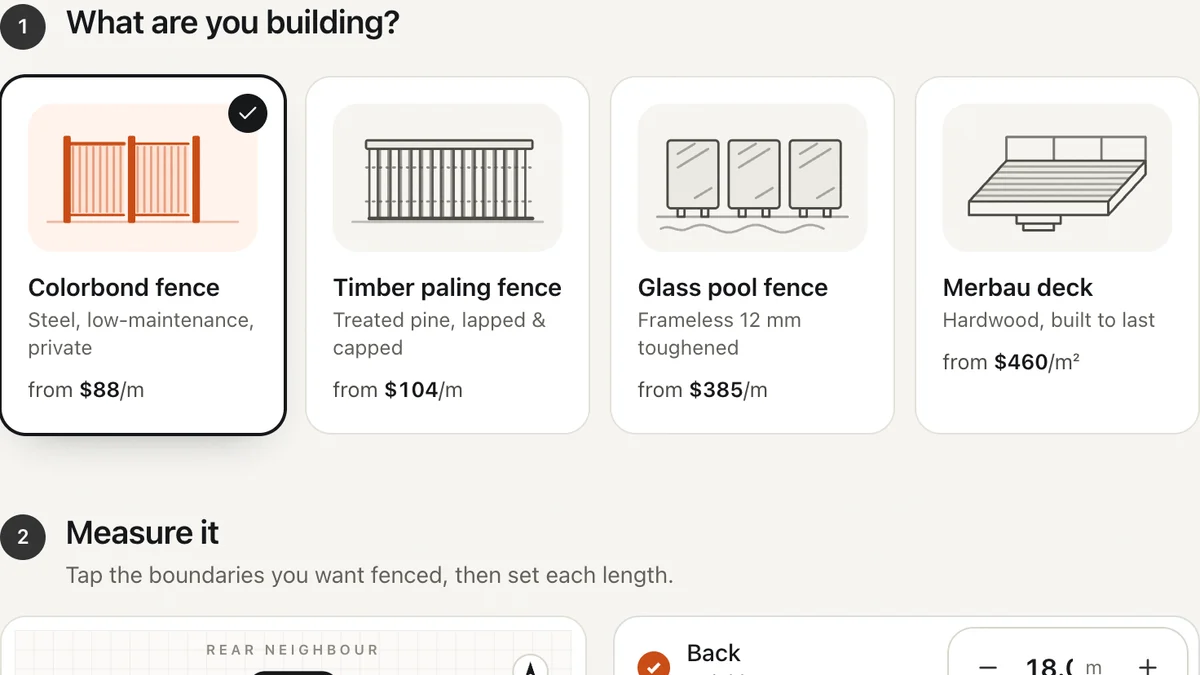
- Fencing, decking, landscaping, paving and solar businessesInstant quote calculatorVisitors measure, choose and get a price range on the spot, then book a measure. You get a specified lead.Live demoTry it
Last reviewed .