Cloud and hosting
Is your cloud and hosting set up securely?
Cloud platforms are secure; the way they're configured often isn't. A storage bucket left public, a database open to the internet, an admin account without multi-factor login, a backup nobody has tested. Security misconfiguration is second on the OWASP Top 10:2025, and it's exactly what automated scanners look for.
Rather just ask someone? Talk to usIn short
Most cloud exposures come from configuration, not the platform: public storage, open databases, admin accounts without multi-factor login and untested backups. Check who has admin access, enforce multi-factor login, make sure nothing is public by accident, confirm backups restore, and turn on logging. The provider secures the platform; your settings are your responsibility.
General information, current as at November 2026, not legal advice. A review lowers risk; it can't guarantee a system won't be breached, and it isn't a certified penetration test or a compliance audit.
- What is the shared responsibility model?
- Cloud providers secure the infrastructure: data centres, hardware and their own software. You are responsible for how you use it: who has access, what's public, how data is protected and whether backups exist. ASD published guidance on this in October 2025. Most cloud breaches happen on the customer's side of that line.
What actually matters
Admin access is the crown jewel
List everyone with owner or admin rights on your cloud, hosting, DNS, database and code accounts. Remove anyone who doesn't need it, enforce multi-factor login for all of them, and never use the AWS root account or a shared login for day-to-day work.
Nothing should be public by accident
Check storage buckets (S3, Supabase Storage, Firebase Storage), database network rules, preview deployments and admin panels. The Tea app's 2025 exposure of 72,000 images came from storage that should never have been readable. If it doesn't need to be public, it shouldn't be.
Database rules do the real work
With Supabase and Firebase, the browser talks to the database directly, so row-level security and security rules are the only thing between users and every record. Check that each table and collection has rules, and that they've been tested with a second account.
A backup you haven't restored isn't a backup
Confirm backups exist, are stored separately from the system they protect, and have been restored at least once. Ransomware and accidental deletions are survivable when this is true, and very expensive when it isn't.
Turn on the logs, and the alerts
Enable audit logs for logins, permission changes and data access, keep them long enough to investigate, and set alerts for the events that matter: new admins, disabled multi-factor login, public buckets and unusual spend.
Mind the edges: DNS, previews and old projects
Forgotten subdomains pointing at deleted services can be taken over. Preview deployments can expose unfinished features and test data. Old projects keep keys and data long after anyone looks at them. Delete what you don't use.
Where to look first, by platform
The settings most often wrong on the platforms small teams use.
| Criteria | Check first | Then |
|---|---|---|
| AWS | Root account locked away with multi-factor login; IAM users and keys reviewed | Public S3 buckets, security groups open to the internet, CloudTrail on |
| Vercel | Team members and roles; deployment protection on previews | Environment variables scoped correctly; old projects removed |
| Supabase | Row-level security on every table; service key never in the browser | Storage bucket policies; Security Advisor warnings cleared |
| Firebase | Firestore and Storage rules not left in test mode | API key restrictions; App Check on |
| Domains and DNS | Registrar account with multi-factor login, in the business's name | Subdomains pointing at services that no longer exist |
Where we'd point you elsewhere
If your business runs on Microsoft 365 or Google Workspace and a hosted website, with no custom cloud infrastructure, your IT provider is the right person for most of this. We review cloud and hosting set up for an application: AWS, Google Cloud, Azure, Vercel, Netlify, Supabase, Firebase and the like.
Tell us what you'd like checked
Describe what you run and what's worrying you. We'll suggest a sensible scope and a fixed price, or tell you plainly if a different kind of specialist would serve you better.
Common questions
The major platforms are very secure, and usually more secure than a server in an office. Most cloud breaches come from configuration: public storage, weak access controls, missing multi-factor login. The platform does its part; the settings are yours.
In Supabase, check the Security Advisor and confirm row-level security is enabled with policies on every table. In Firebase, check that Firestore and Storage rules aren't in test mode. Then test with a second account: can it read records that belong to the first?
Yes, for the parts that support an application: identity and access, network exposure, storage, databases, secrets, logging and backups. For large, regulated or multi-account enterprise estates, a specialist cloud security firm with a dedicated tooling stack may be the better fit, and we'll say so.
Admin accounts without multi-factor login, closely followed by storage or databases that are public by accident. Both are quick to fix once someone looks.
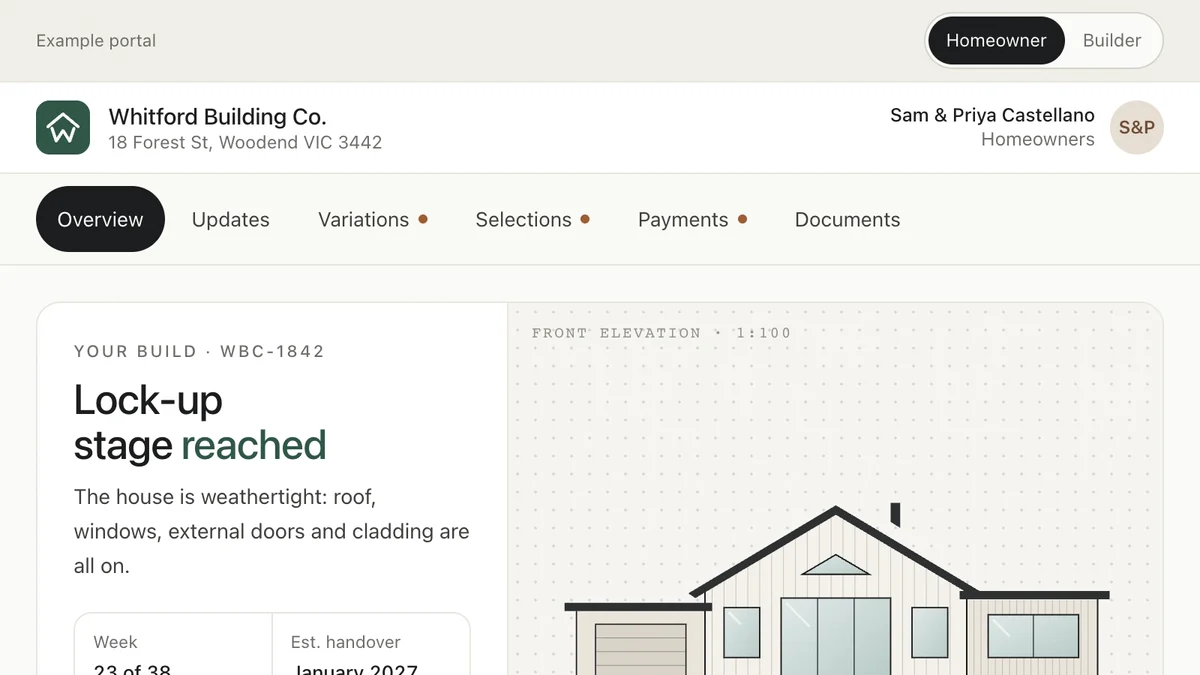
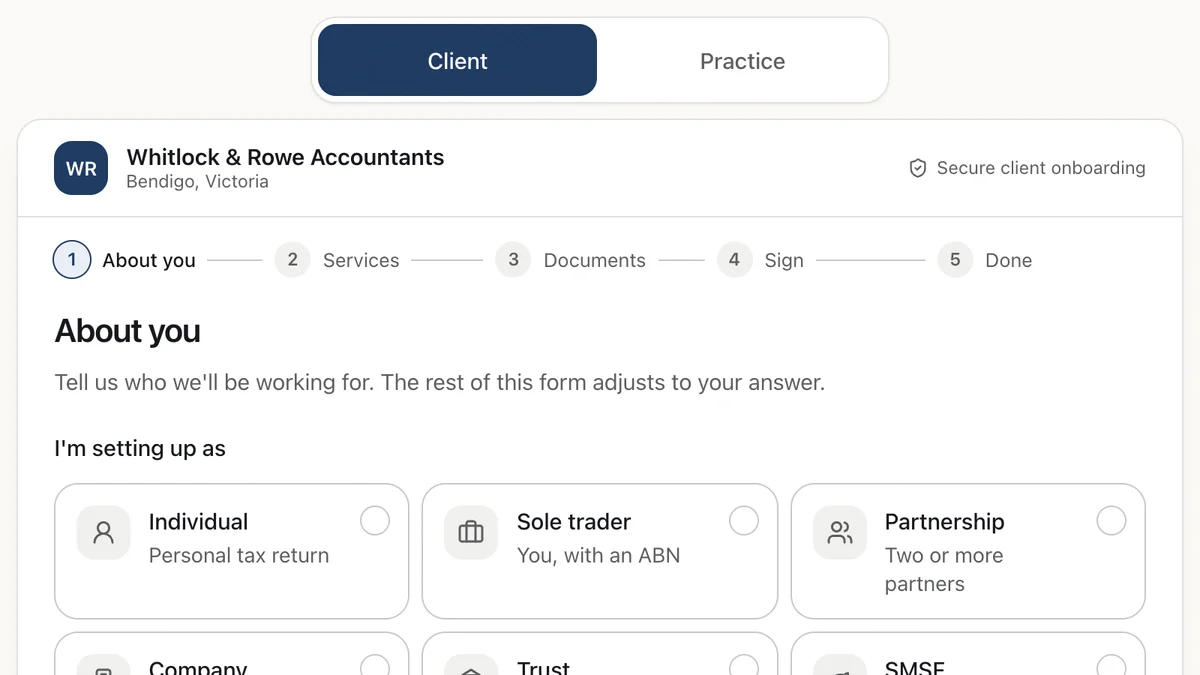
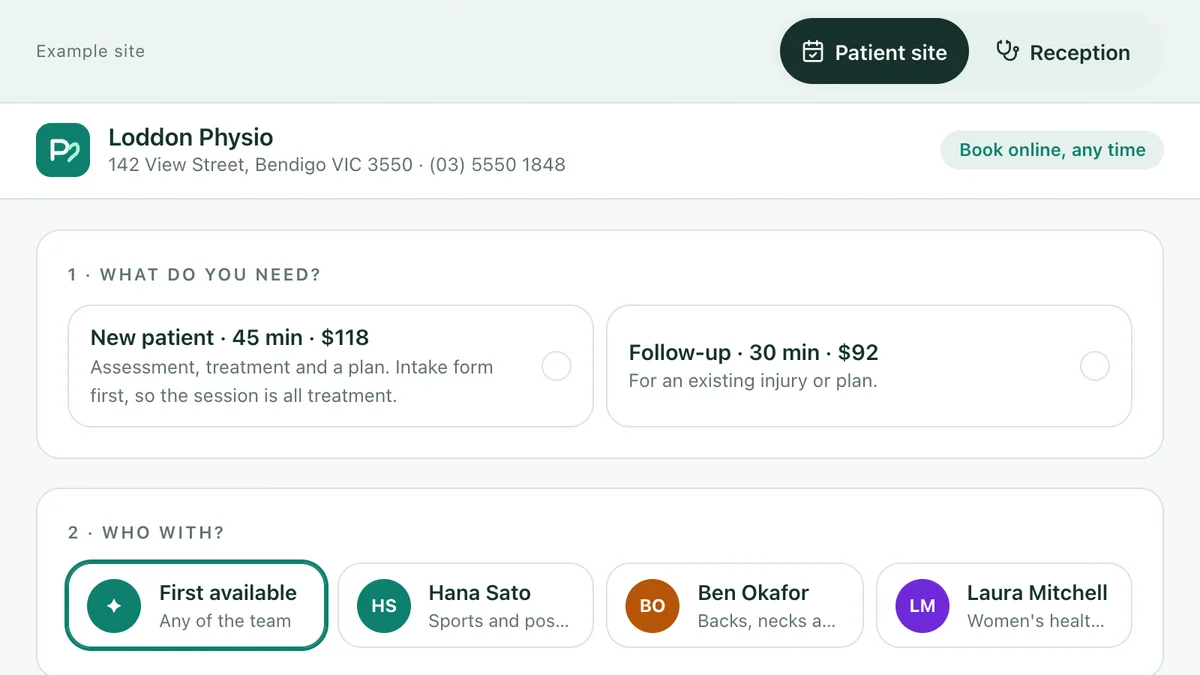
See it working
Software we'd build, running with a fictional business and sample data. Use it, then decide.
Also worth a look
- Code and Infrastructure Security Review
- Securing Integrations and Connected Apps
- npm, PyPI and Software Supply Chain Attacks
- Already broken or stuck? Fix & rescue
Last reviewed . General information, not legal advice. Figures cited are from the sources named on each page.