Secrets
Leaked an API key? How to check, and what to do now
An API key is a password for software. Leak a Stripe, AWS, OpenAI or Supabase service key and someone can spend your money, read your data or run up a bill, often within minutes, because bots watch public code for exactly this. Keys leak through front-end code, Git history, screenshots, AI tool configs and shared documents far more often than through hacking.
Rather just ask someone? Talk to usIn short
If a key has leaked, revoke or rotate it first, before investigating, because automated bots find public keys within minutes. Then update the systems that use it, check the provider's logs for use you don't recognise, and find out how it leaked. GitGuardian counted 28.65 million new secrets leaked on public GitHub in 2025 alone.
General information, current as at November 2026, not legal advice. A review lowers risk; it can't guarantee a system won't be breached, and it isn't a certified penetration test or a compliance audit.
- What is a secret, in software?
- Any credential that lets software act on your behalf: API keys, access tokens, database passwords, signing keys, webhook secrets and private keys. Some keys are designed to be public, such as Stripe's publishable key or Supabase's anon or publishable key. Secret keys, service keys and tokens must never appear in a browser, a repository or a shared document.
What actually matters
Rotate first, investigate second
Revoke the key or issue a new one and retire the old, then deploy the replacement. Investigating first gives whoever found it more time. Most providers let you create a second key before revoking the first, so you can rotate without downtime.
Deleting the file doesn't remove the secret
Git keeps history. A key committed and then deleted is still in every clone and fork. Treat any secret that was ever committed as leaked, even to a private repository: GitGuardian found internal repositories are six times more likely to contain secrets than public ones.
Check what the key was used for
Look at the provider's usage and audit logs for the period it was exposed: unexpected API calls, new users, data exports, unfamiliar regions or a jump in spend. If personal information may have been accessed, you may have obligations under the Notifiable Data Breaches scheme.
Old keys stay dangerous for years
GitGuardian found that most credentials confirmed valid in 2022 were still valid in January 2026. Nobody had rotated them. A key that 'probably isn't used any more' should be revoked, not assumed dead.
Know which keys are meant to be public
A Supabase anon or publishable key in the browser is normal, as long as row-level security protects every table. A service-role or secret key in the browser hands over the whole database. The difference matters, and AI tools sometimes mix them up.
Stop the next one at the source
Keep secrets in your host's environment settings or a secrets manager, turn on secret scanning and push protection in GitHub or GitLab, and give each key the narrowest permissions and spending limits the provider allows.
If a key has leaked, in this order
Do the first two now. The rest can follow today.
- Revoke or rotate the key at the provider
- Deploy the new key everywhere the old one was used
- Review the provider's logs and billing for activity you don't recognise
- Find how it leaked, and check for other secrets in the same place
- Assess whether personal information could have been accessed
- Turn on secret scanning and push protection so it can't happen the same way again
Where we'd point you elsewhere
If you've found one leaked key and rotated it, and the provider's logs show nothing unusual, you may not need us at all. A review is worth it when you don't know how many secrets are out there, when keys sit in front-end code by design, or when an AI tool built the app and you've never checked.
Tell us what you'd like checked
Describe what you run and what's worrying you. We'll suggest a sensible scope and a fixed price, or tell you plainly if a different kind of specialist would serve you better.
Common questions
No. The key stays in the repository's history and in any copy anyone has made. Revoke or rotate it at the provider straight away. Rewriting history is optional tidying; rotation is what actually protects you.
Not on its own. The anon or publishable key is designed to be public. It's only safe if row-level security is enabled with proper policies on every table. The service-role or secret key is different: if that's in the browser, rotate it immediately.
Often within minutes for keys pushed to public GitHub, because bots scan new commits continuously. Keys in private repositories, documents or chat are found more slowly, usually after another breach exposes them. Either way, assume a leaked key has been seen.
Yes. A review scans the current code, the full Git history, build configuration and front-end bundles for keys and tokens, checks which are still live, and gives you a rotation list in priority order.
See it working
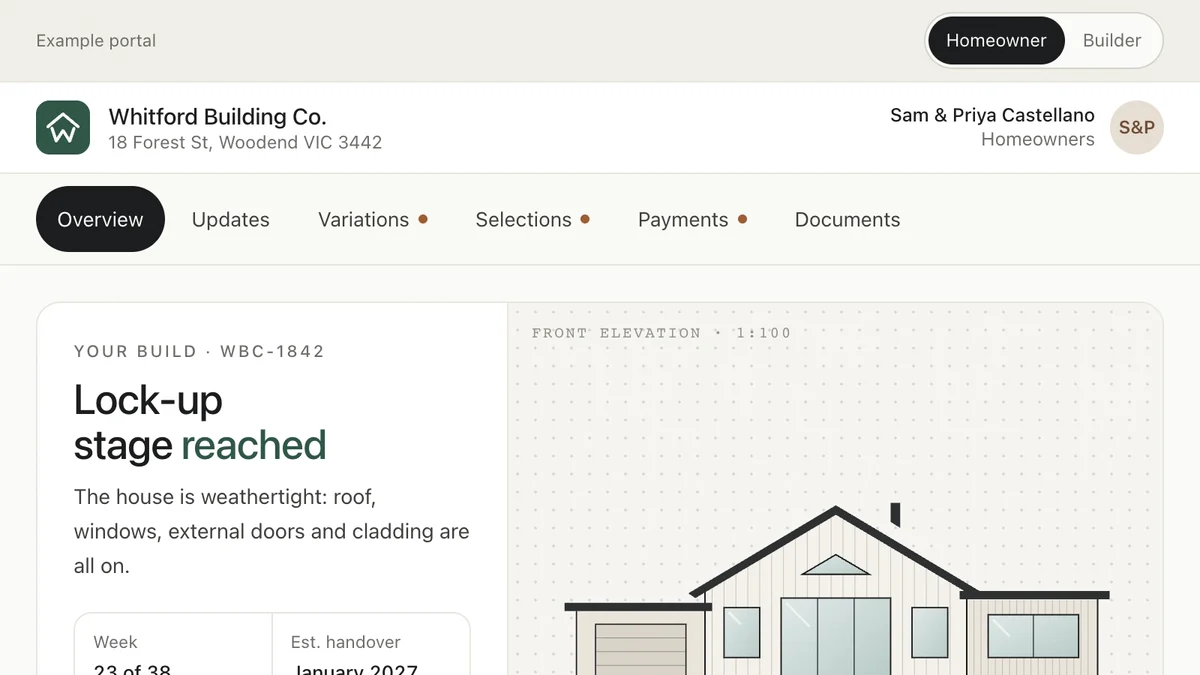
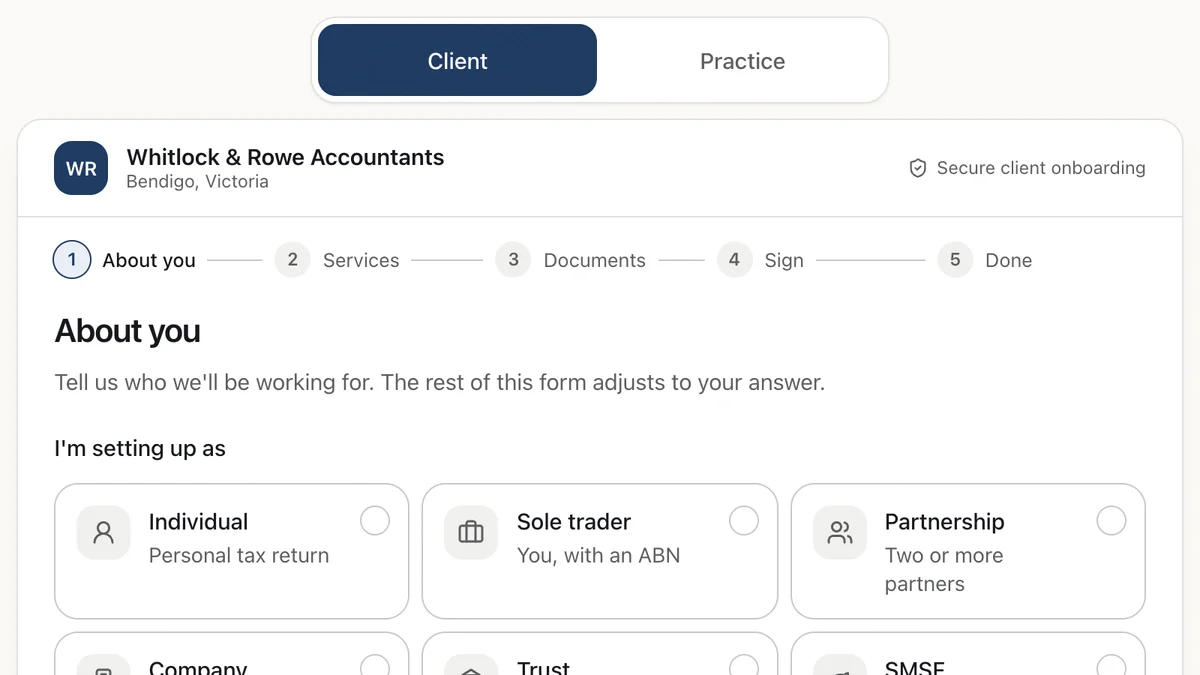
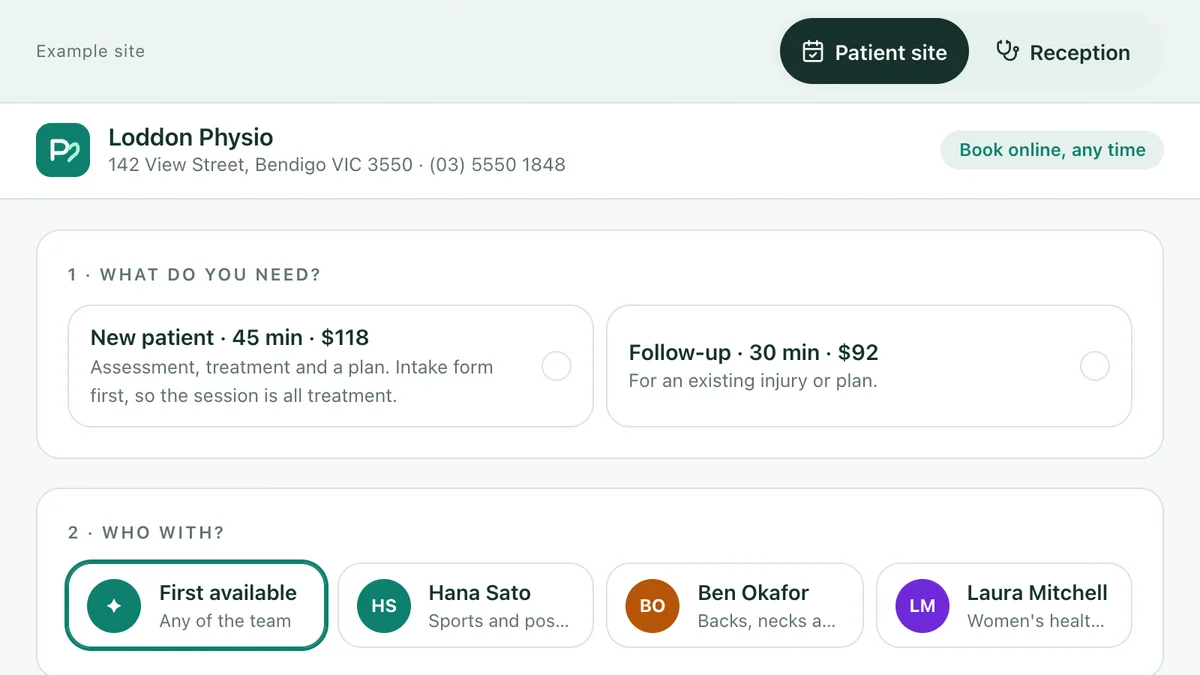
Software we'd build, running with a fictional business and sample data. Use it, then decide.
Also worth a look
- Is AI-Generated Code Secure?
- npm, PyPI and Software Supply Chain Attacks
- Think You've Been Hacked? What to Do First
- Already broken or stuck? Fix & rescue
Last reviewed . General information, not legal advice. Figures cited are from the sources named on each page.