Interactive example · Home & aged care
A home care portal that answers the question every family asks: what did you do for Mum this week, and what did it cost?
Since Support at Home replaced Home Care Packages, families see a quarterly budget, a list of services with prices and their own contribution. Most providers still answer questions about it with a statement by post and a phone call. Below is a working version for a fictional provider in Wangaratta. Use it as the daughter, as the care worker and as the coordinator.
In short
A home care client and family portal shows a family who is visiting, when and for what, and sends the care worker's note the moment a visit ends. It carries the care plan with its services and prices, the quarter's budget with spend to date and a projection, messages with the coordinator, and monthly statements showing the participant's contribution.
Interactive demo: Home care family portal
Live demo · Warby Ranges Home Care, Wangaratta is a fictional business with sample data. Nothing you do here is saved or sent.
- Complete a visit on the phoneSwitch to Care worker, open Joan's 9:30 visit, tick what was done, say how she was, add a note and flag the ankle, then tap Complete visit.
- Read the note and message the coordinatorAs the family, open the new note from Hemi on the Today screen, then go to Messages and send Fiona a message. She replies a moment later.
- Add a service and see the budget moveAs the coordinator, add Podiatry, fortnightly, to Joan's plan and watch the quarter's projection change, then save the plan.
- Issue the monthly statementOn the coordinator's Statements tab, issue last month's statement. It appears on Caroline's phone under Statements.
Example app · sample clients
Warby Ranges Home Care
Family app · Caroline Pemberton, Joan's daughter
Warby Ranges Home Care is fictional. Clients, families, workers, prices and budgets are sample data. The budget and statement follow the structure of Support at Home with illustrative figures; no programme rates or contribution percentages are quoted. Messages, calls and statements are simulated.
Built for home care and aged care providers, and the families who choose them
Three people it has to work for, and what each is hiring it to do
- Provider owner or managerFewer calls about budgets and statements, and a record that stands up when the Commission asks
- Care coordinatorPlans, concerns, rosters and statements for 35 clients without a spreadsheet for each
- Family memberKnow what happened at Mum's this morning, what it cost, and who to ask without ringing the office
What you just used
How Warby Ranges Home Care runs, screen by screen
- Note to familySystemPriced on the budget
- Flag to coordinatorSystemAhead of the note
How the work moves through Warby Ranges Home Care: who does what, and where the software takes over. Steps with a mint mark are ones you can do in the demo above.
The note is written once, at the door
The care worker's checklist is the client's own plan, not a generic form. How the client was is a word and a picture, not a score, and a concern reaches the coordinator before the note itself. Nothing is typed up again in the office.
Families see the visit, not a summary of it
Who came, when, what was done, how Mum was and what the worker wrote, within a minute of the visit ending. A drawn stand-in shows where the dosette photo sits. The phone call to ask how it went stops being necessary.
A budget a family can actually read
The quarter's allocation, what's been used, what the rest of the quarter will cost at the current plan, and this week's visits priced from the plan's unit rates. The same figures the coordinator sees, not a separate report.
A plan editor that shows the cost of a change
Add a service or change how often one happens and the quarter's projection moves as you do it. The coordinator sees whether podiatry fits before saving, and the family's app and the roster update when she does.
Concerns that go somewhere
A flag from the phone lands in the coordinator's inbox with the worker's note beside it. Call the GP, note the family, and both go on the record with the time. The flag closes when it's dealt with, not when someone remembers it.
Statements built from the visits
The month's statement is assembled from the completed visits: services delivered, the government's share and the participant's contribution. It goes to the family's phone and email in one step, and it can't disagree with the budget.
Built for you
Your plans, prices and rules, not a template's
The demo is one provider's way of working. Built for yours, it would carry your own:
- Your service list, unit prices and the groups they belong to, so contributions calculate the way your agreements say
- Your visit checklists per client and per service, with the prompts your workers actually use
- Your concern pathways: who is told, how fast, and what has to be recorded for the Commission
- Budgets by quarter with the carry-over rules applied, and alerts when a client is over or under
- Statements and claims from the same visit records, in the format your finance team lodges
- Family access set per client: who can see notes, budgets and statements, and who only gets the roster
Connects to what you already use
Where a tool offers an API or a calendar feed, the build talks to it directly. Your data stays in accounts you own.
- Xero
- MYOB
- Google Calendar
- SMS
- Stripe
- Microsoft 365
- Services Australia claiming
A statement by post, a home care platform, or a custom portal?
AlayaCare, Lookout and Turnpoint are the honest first stop for most providers: rostering, care plans, claiming and a client or family app, ready in months. Custom is for when your way of working, your family experience or the systems you already run don't fit one of them.
| Criteria | Post and phone | Home care platform | Custom portal |
|---|---|---|---|
| Time to start | Already running | Months, with migration | A few months for a first version |
| What families see | A statement, late | The platform's family app | Your visits, budget and statements, your way |
| Concerns and plans | Whoever answers the phone | Built in, the platform's workflow | Your pathways and your plan rules |
| Your own systems | Nothing to connect | Its integrations, or export | Connected to your rostering and finance as they are |
| Cost model | Staff time, every month | Per client, per month | A fixed build, then hosting; you own the code |
| Best when | Under twenty clients | You want the whole operation in one product | You have the operation and need the family experience to fit it |
How we'd build yours
Fixed price, agreed before we start
Start from one visit
We follow a single visit with you from the roster to the family's phone to the statement: what the worker records, who needs to know, what it costs and where the figures come from. That's the specification that matters.
Fix the scope and the price
The family app, the worker's phone and the coordinator's desk in the first version, what connects to your existing rostering and finance, what's left for later, and one fixed price you approve before we start.
Pilot with one coordinator's caseload
A first version for one coordinator and the families who opt in, so the checklists, the budget view and the statement are shaped by real visits before everyone moves across.
Roll out and keep it yours
The rest of the caseload moves over in groups. You own the code, so it can follow the programme's rules as they change, with us or without.
What moves the price
Custom work is quoted individually, at a fixed price, once the scope is written down. These are the things that make the biggest difference.
- What you already run
- A portal on top of your existing rostering and finance is simplest; replacing them is a bigger job.
- Claiming
- Statements for families are straightforward; lodging claims from the same records adds integration and testing.
- Family access rules
- One contact per client is simple; several family members with different views is more.
- Apps
- A responsive web app covers families and coordinators; a native worker app with offline notes adds to it.
- Clinical records
- Visit notes and concerns are the core; nursing assessments and care documentation extend the scope.
When you shouldn't build this
If you don't already have a rostering and claiming system you're happy with, don't start here. AlayaCare, Lookout or Turnpoint will run the whole operation and give families an app, and that's the right first move for most providers. Custom makes sense when you have the operation and the platform's family experience, concern handling or plan rules don't fit how you work, or you need the portal to sit on systems you won't be replacing.
Want this, with your name on it?
Tell us how the work runs today. We'll reply within one business day with what we'd build first, what we'd leave out, and whether an off-the-shelf tool would serve you better.
Common questions
A private app or website where a client's nominated family members see the roster, each visit's note as the worker finishes it, the care plan, the quarter's budget and the monthly statements, and can message the coordinator. It replaces the statement by post and the call to the office.
Providers must give participants a statement each month showing the services delivered, what was charged and the contribution, and families expect to understand the quarterly budget those statements draw on. Showing it live, with a projection, answers most questions before they're asked.
Use one of them unless you already know it won't fit. They cover rostering, care plans, claiming and a family app together. Build custom when you have an operation that works and the family experience, concern handling or plan rules need to be your own, or when the portal has to sit on systems you're keeping.
The worker completes the visit on their phone and the note is saved to the client's record once. The family app, the coordinator's desk and the budget all read that record, so there's nothing to re-enter and nothing waits for the office.
Access is set per client: which family members are nominated, and whether each can see notes, budgets and statements or only the roster. Workers see their own clients. Every view and change is logged, which is also what the Aged Care Quality and Safety Commission expects to see.
More examples to try
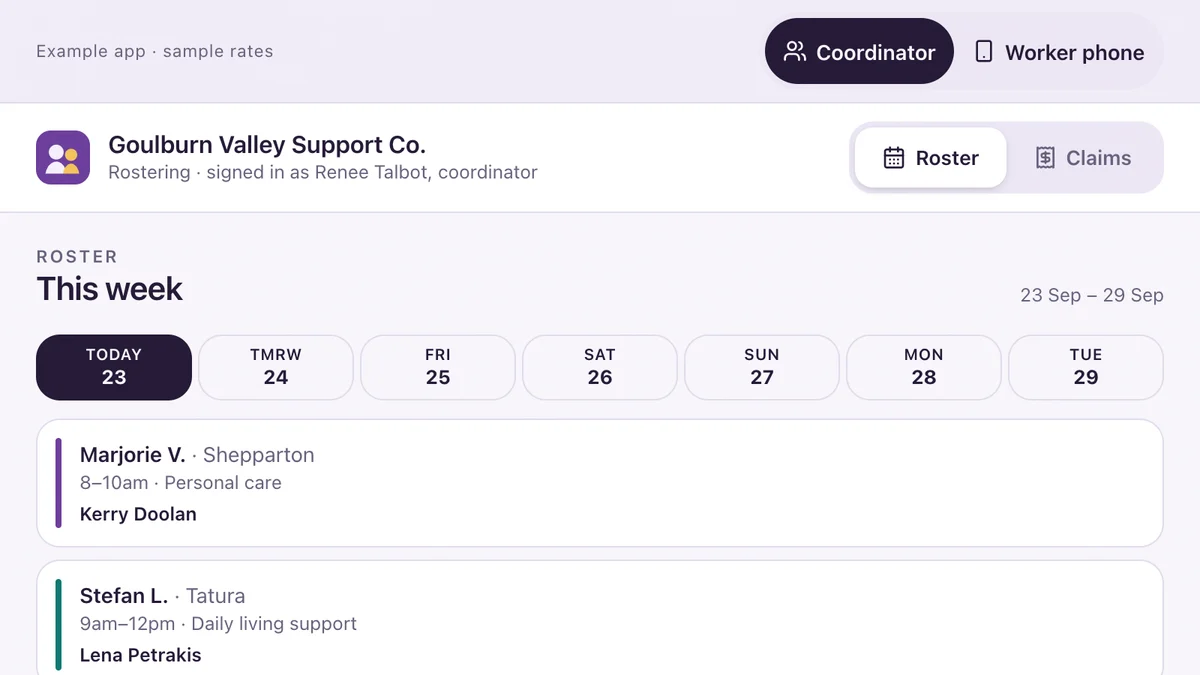
- NDIS providers, aged care and community servicesRostering and shift notes for NDIS providersRoster a worker with their checks verified, write the shift note on a phone, flag an incident, prepare the claims.Live demoTry it
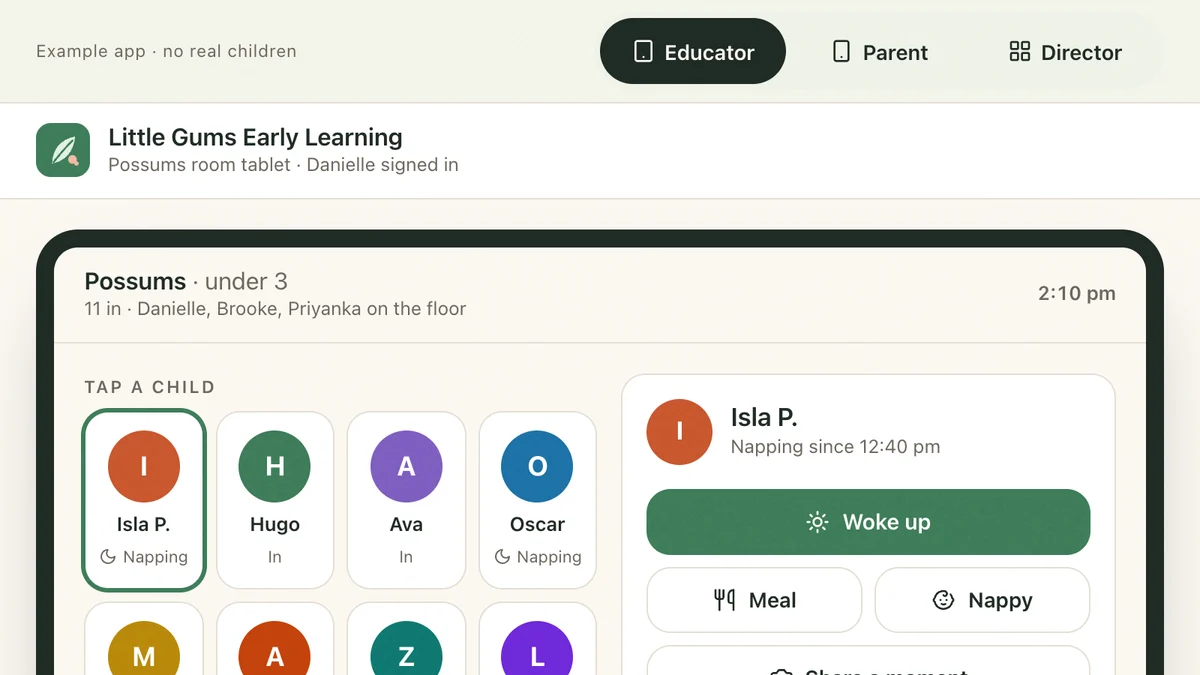
- Childcare centres, kinders and OSHCParent updates and enrolments for childcareTwo taps on the room tablet, live on the parent's phone, PIN sign-out, and the director holding the ratio.Live demoTry it
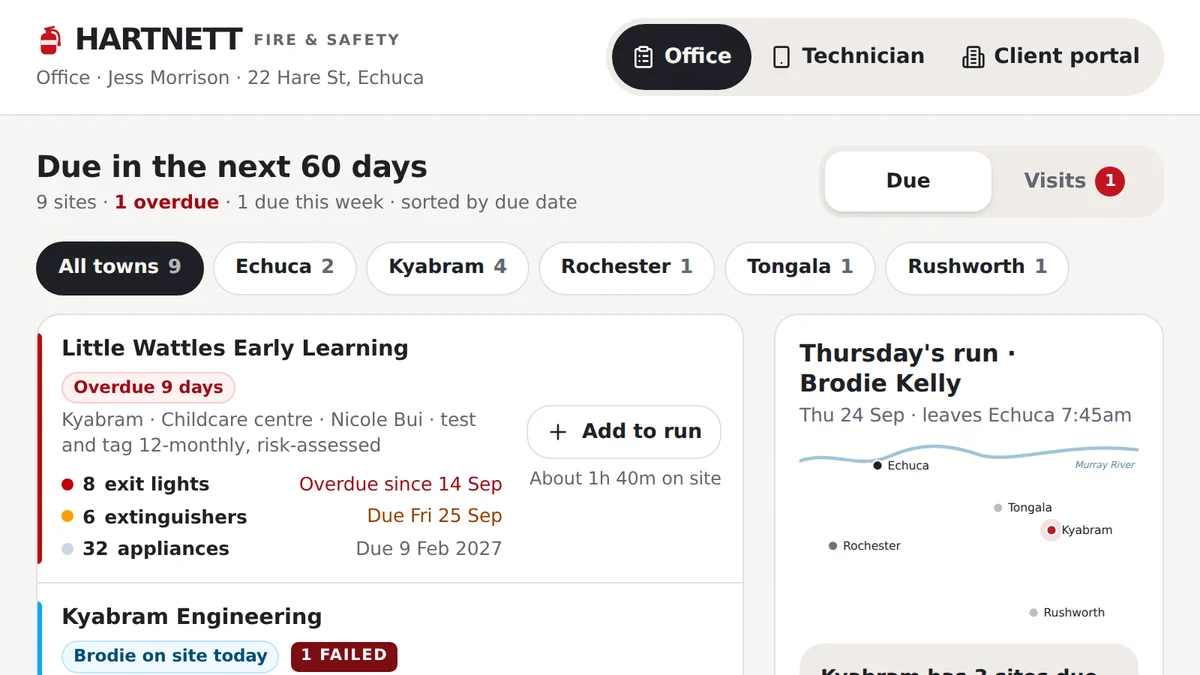
- Fire safety, test and tag and electrical compliance businessesTest, tag and fire safety inspectionsEvery asset due on its own cycle: tests done on a phone, failures tagged out, repairs approved, certificate sent.Live demoTry it
Last reviewed .