Interactive example · Health & community
NDIS rostering, shift notes and claims that keep you audit-ready
Providers roster in a spreadsheet, take shift notes on paper or in a group chat, and build the bulk payment request by hand on a Sunday night. A worker with a lapsed screening check gets rostered because nobody looked. The fictional Shepparton provider below runs the checks before the shift is even offered.
In short
A custom NDIS provider app rosters workers against each participant's plan rules and each worker's screening, first aid and existing shifts, captures shift notes, travel and incidents on the worker's phone, alerts the coordinator the moment an incident is flagged with the 24-hour reportable-incident clock, and turns delivered shifts into claim lines by support item and funding route.
Interactive demo: Rostering and shift notes for NDIS providers
Live demo · Goulburn Valley Support Co., Shepparton is a fictional business with sample data. Nothing you do here is saved or sent.
- Fill the unfilled shiftOne of Eloise's community access shifts has nobody on it: the amber one. Open it and see who passes screening, first aid, her plan's rules and that day's roster.
- Do a shift on the phoneSwitch to the worker phone, start a shift (location checked), answer the note prompts, log the kilometres and end it.
- Flag an incidentIn the shift note, report an incident. When the shift ends the coordinator is alerted and the 24-hour reportable-incident clock starts.
- Prepare the week's claimsOn the coordinator's Claims tab, delivered shifts are lines by support item, your shift among them. Prepare the bulk payment request and the invoices.
Example app · sample rates
Goulburn Valley Support Co.
Rostering · signed in as Renee Talbot, coordinator
Goulburn Valley Support Co. is fictional. Participants, workers, support items and rates are sample data, not the current NDIS Pricing Arrangements and Price Limits. Incident and reporting descriptions are simplified and not advice on your obligations under the NDIS Practice Standards. SMS, location checks and claims are simulated.
Built for NDIS providers, aged care and community services
Three people it has to work for, and what each is hiring it to do
- Owner or general managerPass the audit, get paid on time, and never roster someone who shouldn't be on shift
- Support workerSee today's shifts, write the note before driving off, and never chase a timesheet
- Participant and familyThe right worker, on time, with what happened on the shift written down the same day
What you just used
How Goulburn Valley Support Co. runs, screen by screen
- Shift unfilledCoordinatorThe usual worker is away
- Offer acceptedWorkerBy SMS, on the roster at once
How the work moves through Goulburn Valley Support Co.: who does what, and where the software takes over. Steps with a mint mark are ones you can do in the demo above.
Checks before the offer
Pick a worker for a shift and the app checks their NDIS Worker Screening Check, first aid, the participant's plan rules (female workers only, needs a driver) and what they're already rostered to. A lapsed check blocks with the reason; something due soon warns and lets you decide.
A shift note that asks the right questions
Instead of a blank box: the participant's own goals to tick, how they were today, anything to report, kilometres driven. The note lands on the coordinator's screen the moment the shift ends, in the participant's record, ready for an audit.
Location checked, not tracked
Starting a shift checks the phone is near the participant's address and records the time. Nothing is tracked between shifts, which is what workers will accept and what the evidence needs.
Incidents with a clock
Flagging an incident alerts the coordinator at once with what happened and whether anyone was hurt, and starts the 24-hour reminder for a reportable incident. Deciding whether it's reportable stays with a person; the record and the timing are kept for the Commission.
Claims by support item and funding route
Delivered shifts become lines against support items and time bands (weekday, evening, Saturday, Sunday) with provider travel. Agency-managed lines go into the bulk payment request, plan-managed ones invoice the plan manager, self-managed ones invoice the participant. One button, three outputs.
Hours that match payroll
The same delivered shifts export to payroll by shift type and allowance, so claims and wages come from one record and the difference between them is your margin, not a mystery.
Built for you
Your rules, not a template's
The demo is one small provider. Built for yours, it carries your own:
- Service types: core supports, community access, SIL houses, group programs, plan management
- Onboarding checks: NDIS Worker Screening, first aid, the NDIS Worker Orientation Module, licence and insurance, work rights
- Shift note templates per participant, from the plan's goals and your quality framework
- Incident and complaints workflows that match the NDIS Practice Standards and your own policies
- Claims against the current Pricing Arrangements, including cancellations, travel and non-face-to-face rules
- Payroll export under SCHADS: shift types, broken shifts, sleepovers and allowances
Connects to what you already use
Where a tool offers an API or a calendar feed, the build talks to it directly. Your data stays in accounts you own.
- my NDIS provider portal
- PRODA
- Xero
- MYOB
- Employment Hero
- SMS
- Google Maps
Spreadsheets, NDIS software off the shelf, or a custom build?
ShiftCare, Brevity, Lumary and CareMaster are built for NDIS providers and many run well on them. The question is whether their rostering rules, note templates and claim handling fit how you actually work, and what the per-worker subscription adds up to as you grow.
| Criteria | Spreadsheets and group chats | NDIS software off the shelf | Custom rostering app |
|---|---|---|---|
| Time to start | Already running | Days | Weeks to months |
| Rostering checks | Whoever remembers | Expiry warnings, usually | Every rule your plans and policies set, blocking with the reason |
| Shift notes | Paper, or a group chat you'd rather not show an auditor | The vendor's templates | Prompts per participant, from their plan |
| Claims | Built by hand on Sunday | Bulk upload built in | Bulk upload, plan-manager and self-managed invoices, matched to payroll |
| Cost model | Your time | Per worker per month, for as long as you use it | A fixed build, then hosting and support |
| Best when | Very small, and not for long | Under about twenty workers with standard services | Growing providers, SIL or mixed services, or a process that's yours |
How we'd build yours
Fixed price, agreed before we start
Sit with the coordinator for a roster week
We watch how gaps get filled, notes get chased and claims get built, and write down every rule applied from memory.
Fix the scope and the price
A written scope: services, checks, note templates, claim routes and integrations in the first version, and one fixed price you approve before we start.
Roster and phone first, then claims
The roster goes live against your worker list and the phone app to a pilot team. Claims come once a month of real notes is in, so they're built on how you actually deliver.
Run a month in parallel
The first claim run is checked line by line against your old process before the spreadsheet is retired.
What moves the price
Custom work is quoted individually, at a fixed price, once the scope is written down. These are the things that make the biggest difference.
- Services you deliver
- Core supports and community access are simplest; SIL houses, group programs and sleepovers add rostering rules.
- Claim routes
- Bulk payment requests are standard; plan-manager and self-managed invoicing add Xero or MYOB work.
- Payroll export
- Mapping SCHADS shift types and allowances to your payroll system is its own piece.
- Participant and family portal
- Letting families see the roster and notes is an extra surface with its own permissions.
When you shouldn't build this
If you're under twenty workers and ShiftCare or Brevity does what you need, use it; a subscription is cheaper than a build. Custom makes sense when you're growing, running SIL or mixed services, your notes and incident handling need to match your own quality framework, the per-worker subscription has become a real number, or you want participant data in a system you own.
Want this, with your name on it?
Tell us how the work runs today. We'll reply within one business day with what we'd build first, what we'd leave out, and whether an off-the-shelf tool would serve you better.
Common questions
Software that rosters support workers to participants with the compliance checks built in, gives workers a phone app for their shifts, notes, travel and incidents, and turns delivered shifts into claims and payroll. The coordinator sees the roster, the notes and the alerts in one place instead of a spreadsheet, a group chat and a pile of paper.
You might not need to. ShiftCare, Brevity and Lumary are good products and most small providers should stay on one. A custom build makes sense when your services or your quality framework don't fit their templates, when the per-worker subscription has grown into a real cost, or when you want the participant data and the process to be yours.
Yes. Each worker's checks and expiry dates are on their record, and rostering runs them: a lapsed Worker Screening Check blocks the shift with the reason, a first aid certificate due soon warns. Which checks apply, and what blocks versus warns, is set by your policies.
Delivered shifts map to support items and time bands. Lines for agency-managed participants go into a bulk payment request for the NDIA portal; plan-managed lines become an invoice to the plan manager; self-managed lines invoice the participant. Invoices are drafted in Xero or MYOB. Rates come from the current Pricing Arrangements, which you maintain.
Yes. Records live in a database you own, hosted in an Australian region, with access by role: a worker sees only their own participants and shifts, a coordinator their team, and every view is logged. Health and disability information carries extra obligations under the Privacy Act and the NDIS Practice Standards, and we build to them.
More examples to try
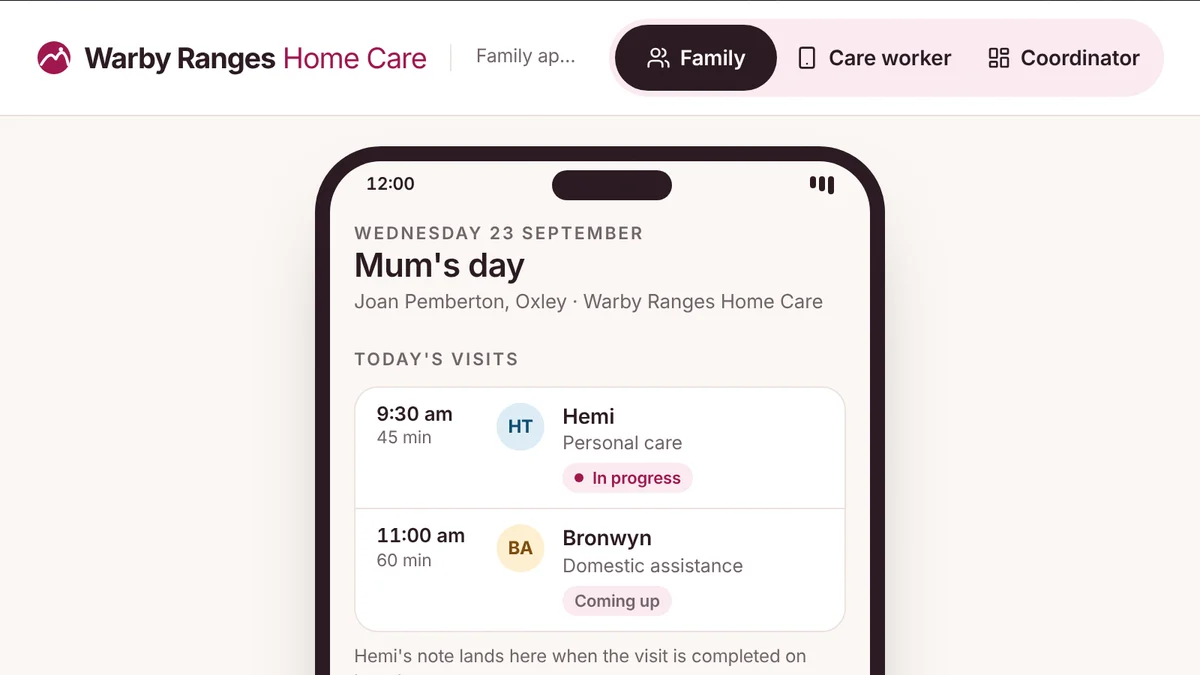
- Home care and aged care providers, and the families who choose themHome care family portalThe care worker's visit note lands on the family's phone, with the care plan, the budget and the statement.Live demoTry it
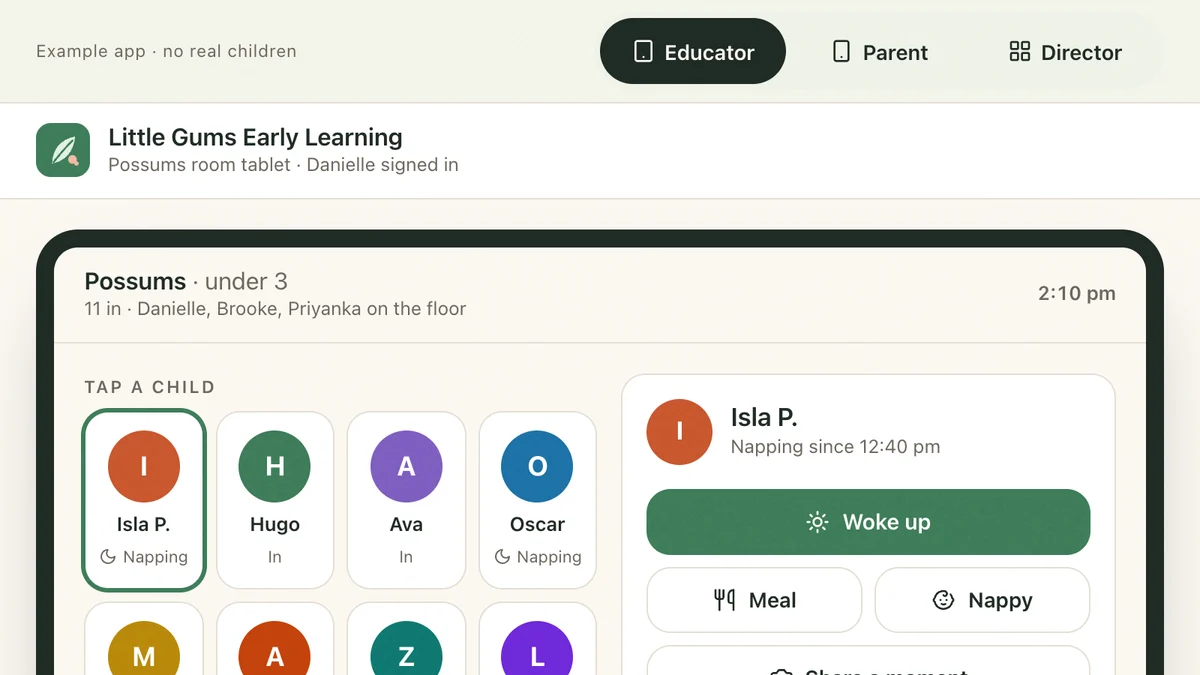
- Childcare centres, kinders and OSHCParent updates and enrolments for childcareTwo taps on the room tablet, live on the parent's phone, PIN sign-out, and the director holding the ratio.Live demoTry it
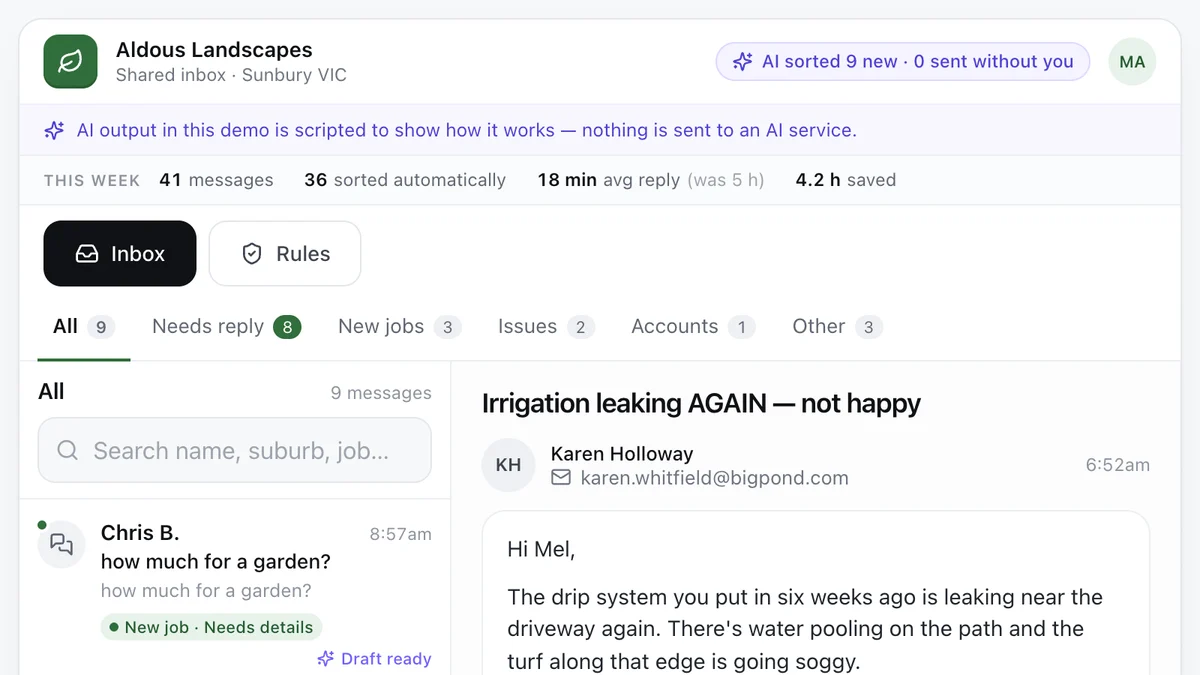
- Tradies and service businesses with a busy inboxAI enquiry inboxEvery message sorted, the details pulled out and a reply drafted, with a person approving what goes out.Live demoTry it
Last reviewed .