Interactive example · Health & community
A childcare app parents open at lunch and directors trust at 2:30
A centre typically runs three systems and a wall of paper: one app for parent updates, a spreadsheet for the waitlist, a roster on the office wall, and a director doing ratio maths in her head at 2:30 every afternoon. Try the fictional Gisborne centre below: log Isla's afternoon on the room tablet, then pick her up on her mum's phone.
In short
A custom childcare centre app gives educators a room tablet to log meals, naps, nappies and learning moments in two taps, sends each one to the child's family as it happens, and signs children in and out with a PIN. The director gets a live board of ratios through the day, the week's places and the waitlist.
Interactive demo: Parent updates and enrolments for childcare
Live demo · Little Gums Early Learning, Gisborne is a fictional business with sample data. Nothing you do here is saved or sent.
- Log Isla's afternoonOn the room tablet, tap Isla. Wake her up, log afternoon tea and share a moment. Each one lands on Tash's phone as you tap.
- Pick Isla upSwitch to the parent phone, read the day, then sign her out with the pickup PIN (2468). The room count drops as you do.
- Fill a place from the waitlistOn the director's board, Otis has waited since February and Thursday has a place. Offer it and watch the family accept.
- Hold the ratio at 2:30Possums drops to two educators for eleven children when Danielle finishes. Move the float and the chart holds to close.
Example app · no real children
Little Gums Early Learning
Possums room tablet · Danielle signed in
Little Gums Early Learning is fictional. Children, families and educators are invented and the moments are drawn, not photographed. Ratios shown are the Victorian ratios for those age groups, as a sample; check the current National Regulations and your service approval. Messages, sign-out and CCS are simulated.
Built for childcare centres, kinders and OSHC
Three people it has to work for, and what each is hiring it to do
- Owner or directorRatios held, places filled, CCS right, and families who tell their friends
- Room leaderDocument the day without a clipboard, and be finished when the day is
- ParentKnow she ate, slept and laughed, and pick her up without a queue at the desk
What you just used
How Little Gums Early Learning runs, screen by screen
- Family sees itSystemSeconds later, their child only
- Room count updatesSystemAttendance and the ratio board
How the work moves through Little Gums Early Learning: who does what, and where the software takes over. Steps with a mint mark are ones you can do in the demo above.
Two taps, not a clipboard
Tap the child, tap what happened. Meals with how much, naps with the time, nappies, and a moment with a caption and the learning outcome it shows. Educators log at the change table, not at the desk after 6.
Families see it as it happens, and only their child
Each entry is on the family's phone seconds later. No photos of anyone else's child, no group feed, no 'ask reception'. Parents open it at lunch and again in the car park.
Sign-in and sign-out that mean something
A PIN from the authorised pickup list signs the child out, stamps the time and drops them from the room count. Attendance and the CCS session report come from the same record, so nothing is reconciled by hand.
Ratios by the half hour, not by gut
The director's board shows each room's educators on the floor against what the children in the room need, through to close, with the short patches in red before they happen. Moving the float fixes it on the board and on the timesheet.
A waitlist you can actually offer from
Places by room and day, updated by absences and departures as they're logged. Offer a place by email and SMS with a 48-hour hold; accepting requests the enrolment form and the CCS details. Priority of access rules are yours.
Documentation done at the same time
A shared moment carries an EYLF outcome and lands in the child's learning record. Learning stories and QIP evidence draw on what was logged, not on a Sunday of catching up.
Built for you
Your rules, not a template's
The demo is one room in one centre. Built for yours, it carries your own:
- Rooms, age groups and the ratios that apply to you, including any you set tighter than the regulations
- Your daily log: what educators record, in what words, for each age group
- Learning documentation aligned to the EYLF or your own curriculum, with QIP evidence tagging
- Sign-in rules: authorised pickups, PINs or QR codes, late pickups and casual days
- Waitlist and enrolment: priority of access, siblings, offer windows and your enrolment form
- CCS session reports through your approved software, and fees to Xero or MYOB
Connects to what you already use
Where a tool offers an API or a calendar feed, the build talks to it directly. Your data stays in accounts you own.
- Xero
- MYOB
- Stripe
- SMS
- Google Calendar
- CCS-approved software
Paper, childcare software off the shelf, or a custom build?
Xplor, OWNA, Kidsoft and Storypark are built for centres and most single centres should be on one. The question is whether their parent app, waitlist and rostering fit how you run, and what happens when you have three centres or a kinder program that doesn't fit the template.
| Criteria | Paper and a Facebook group | Childcare software off the shelf | Custom parent app |
|---|---|---|---|
| Time to start | Already running | Weeks | Months |
| Parent updates | Photos in a group parents eventually leave | Their app, their branding, everyone's looks the same | Your app, your words, your rules about photos and sharing |
| Ratios and rostering | The director's head at 2:30 | Attendance yes, ratio planning rarely | A live ratio board with the day's coverage, short patches flagged ahead |
| Waitlist and enrolment | A spreadsheet and phone calls | A list, offers by hand | Offers by room and day with holds; accept and enrol in one flow |
| CCS | By hand | Built in, as an approved provider | Through an approved provider for sessions, yours for everything else |
| Best when | Never for long | One centre with standard needs | A group of centres, a kinder or OSHC program, or a way of working that's yours |
How we'd build yours
Fixed price, agreed before we start
Spend a day in the rooms
We watch what educators log, when and on what, and where the director's afternoon goes. Every rule the centre applies from memory gets written down.
Fix the scope and the price
A written scope: rooms, the daily log, sign-in rules, the family app, the director's board and the CCS arrangement, with one fixed price you approve before we start.
Room tablet and family app first
One room and its families pilot it for a fortnight. The director's board comes next, then waitlist and enrolment, each shaped by what the pilot showed.
Run beside the old app for a month
Attendance and CCS sessions are checked against the old system before it's switched off. Families move over with one message.
What moves the price
Custom work is quoted individually, at a fixed price, once the scope is written down. These are the things that make the biggest difference.
- Rooms and centres
- One centre is simplest; a group with a shared waitlist and staff pool adds permissions and reporting.
- CCS handling
- Sessions through your approved provider is standard; deeper CCS reporting inside the app is more work.
- Learning documentation
- Moments with outcomes are standard; full learning stories, portfolios and QIP linking are extra.
- Family features
- Casual-day bookings, invoices and payments, and messaging each add a surface.
When you shouldn't build this
If you're one centre and Xplor or OWNA does the job, stay on it. Custom makes sense when you run several centres or a mix of long day care, kinder and OSHC, when the parent app is part of how you win enrolments, when waitlist and ratio maths are costing you places and stress, or when you want family and child data in a system you own. CCS still goes through an approved provider; we build around that, not instead of it.
Want this, with your name on it?
Tell us how the work runs today. We'll reply within one business day with what we'd build first, what we'd leave out, and whether an off-the-shelf tool would serve you better.
Common questions
An app that shows families their child's day as it's logged by the room: meals, naps, nappies and learning moments, plus sign-in and sign-out, absences and messages. For the centre it's the same record that feeds attendance, ratios, documentation and the CCS session report, so nothing is entered twice.
You might not need to. Xplor, OWNA and Kidsoft are good and most single centres should stay on one. A custom build makes sense when their parent app, waitlist or rostering doesn't fit how you run, when you're a group or a mix of services, or when the app is part of how you win enrolments and you want it to be yours.
Child Care Subsidy session reports have to go through software approved by the department. A custom app sends sessions to your approved provider (or keeps your current one for that job) and handles everything else: the family app, the room tablet, ratios, waitlist and enrolment. We don't pretend otherwise.
Families see only their own child. Photos are stored in Australia, tagged to the children in them, and shared only with those children's families; a child whose family opts out is never in a shared photo. Access is by role and every view is logged. The demo uses drawings so no real child appears.
The shape is the same: children, sessions, educators, families and ratios. Kinder adds funded-program reporting, OSHC adds school pickups and sessions before and after school, family day care adds educators working from home with the scheme in the middle. The words and rules change; the build doesn't start over.
More examples to try
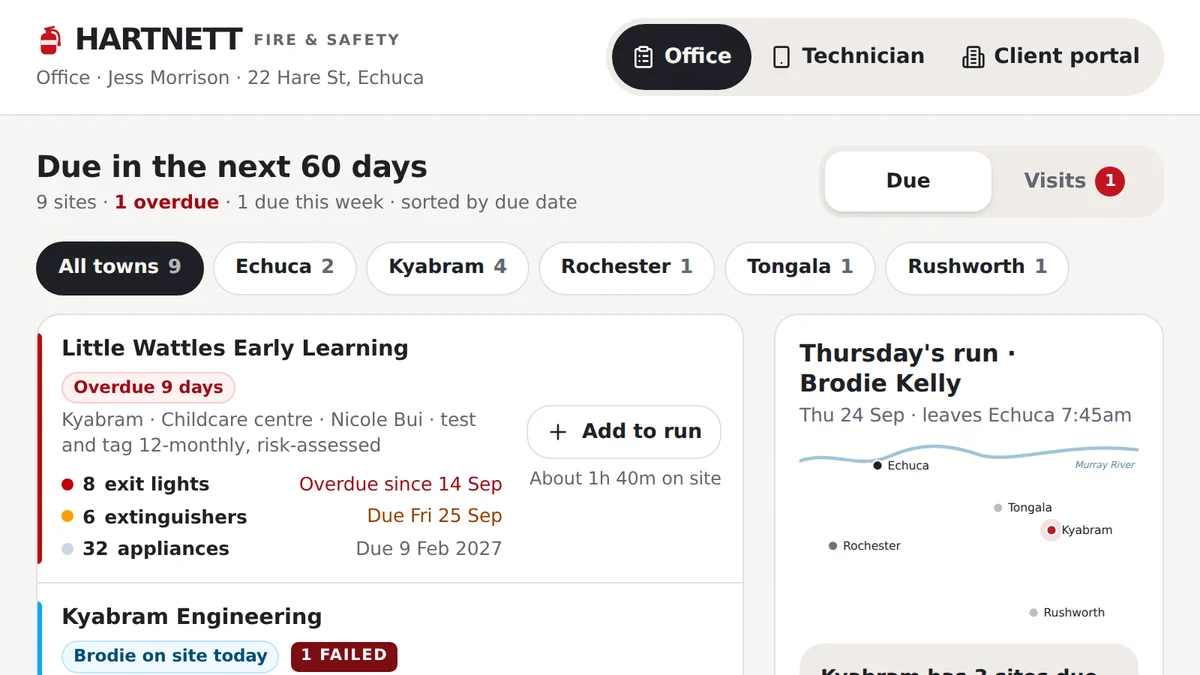
- Fire safety, test and tag and electrical compliance businessesTest, tag and fire safety inspectionsEvery asset due on its own cycle: tests done on a phone, failures tagged out, repairs approved, certificate sent.Live demoTry it
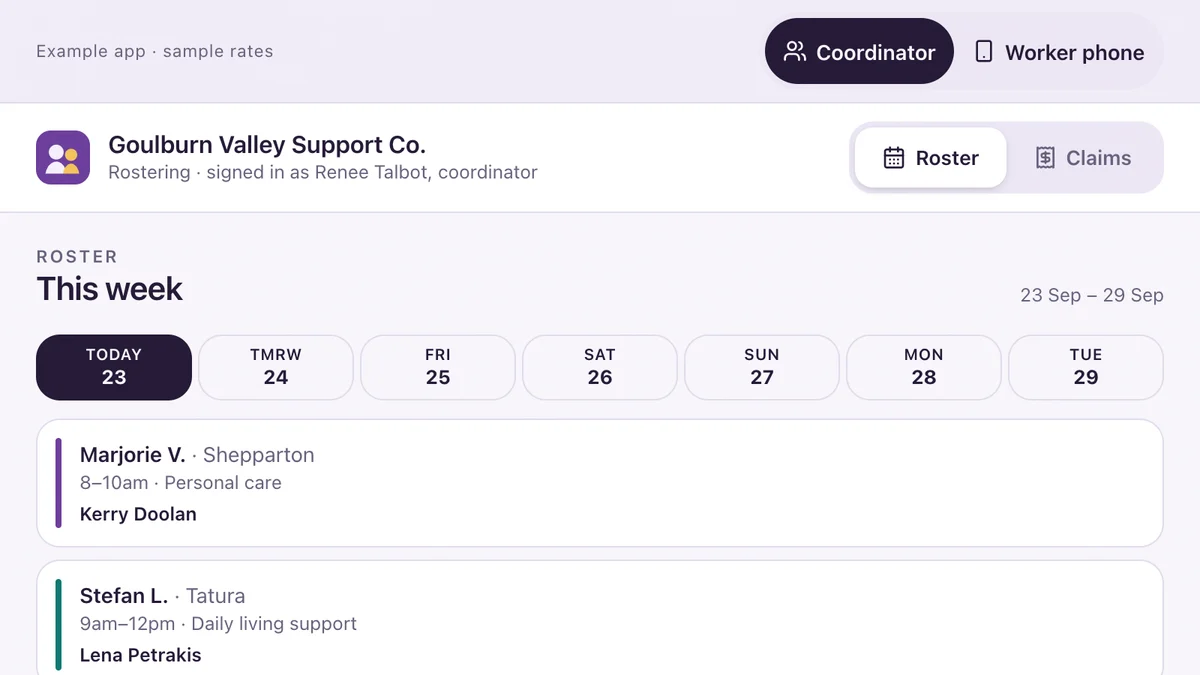
- NDIS providers, aged care and community servicesRostering and shift notes for NDIS providersRoster a worker with their checks verified, write the shift note on a phone, flag an incident, prepare the claims.Live demoTry it
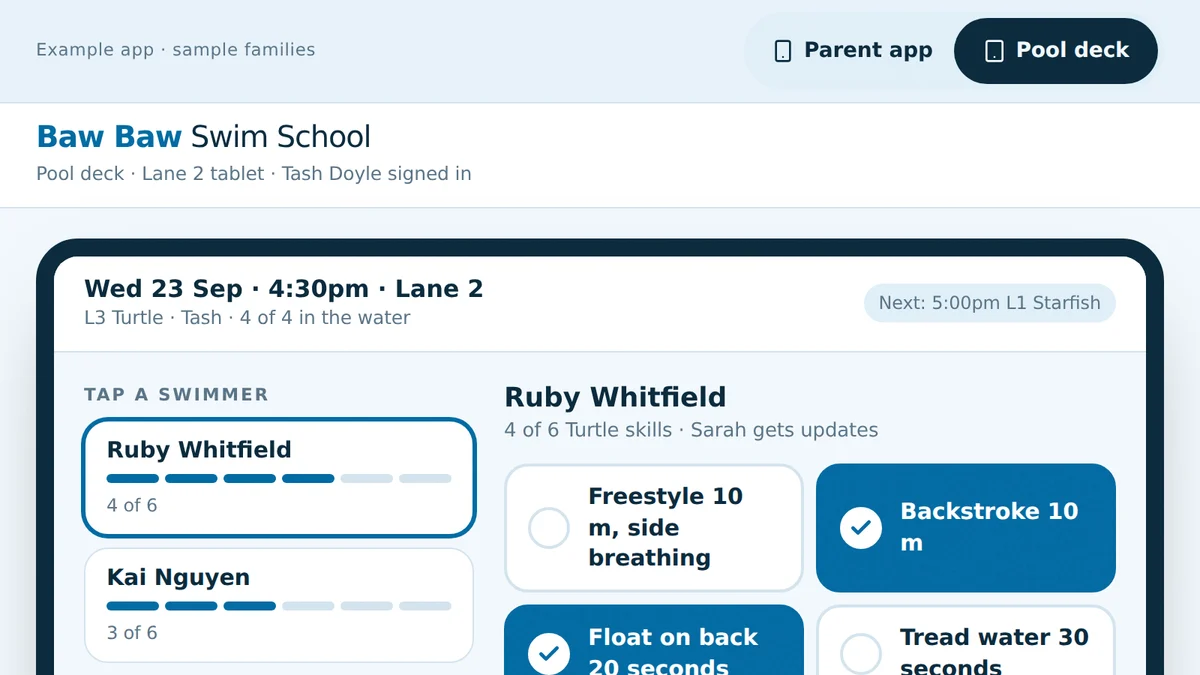
- Swim schools, and anyone running classes by term and levelLessons, make-ups and levels for swim schoolsMake-ups in the right level, skills ticked on the pool deck, move-ups to a class with room, re-enrolment that knows.Live demoTry it
Last reviewed .