Interactive example · Mechanics & auto workshops
A workshop app where customers book a real bay and approve the extra work from a text
Dealers have had it for years: book online, get the inspection on your phone with photos, tap to approve, pay before you pick up. Most independent workshops still run on the phone, the diary and "I'll have to ring you back", and that's where the extra work gets lost. Below is a working version for a fictional family workshop in Stawell. Use it as the customer, as the technician on the tablet and as the service desk.
In short
A mechanic workshop app takes bookings online against the bays and technicians actually free, runs a digital vehicle inspection on a tablet with traffic-light findings and photos, texts the customer the recommended work to approve item by item, and turns the booked service plus the approved lines into an invoice in Xero, paid from the customer's phone.
Interactive demo: Workshop bookings and inspections
Live demo · Tonkin & Daughters Automotive, Stawell is a fictional business with sample data. Nothing you do here is saved or sent.
- Book a service onlineAs the customer, find the car by rego, pick the logbook service, choose a drop-off time that still has room, and confirm. It lands on the service desk board.
- Inspect the car on the tabletSwitch to the technician and open Morgan's Forester. Set the tread depths and pad wear, add a photo, add a recommended line from the price list, then send the inspection.
- Approve the extra work by textBack on the customer's phone, open the inspection from the text. Approve at least one recommended line and tap Approve selected.
- Finalise and invoiceAt the service desk, open Morgan's job card and finalise it. The invoice is built from the booked service and the approved lines, sent to Xero, and the customer is texted that the car's ready.
Tonkin & DaughtersAutomotive
Customer · Morgan Reilly's phone · book.tonkinauto.com.au
Tonkin & Daughters Automotive is fictional. Customers, cars, readings and prices are sample data. Texts, photos, the battery tester, payments and the Xero sync are simulated, and nothing is charged.
Built for mechanics, tyre and auto service workshops
Three people it has to work for, and what each is hiring it to do
- OwnerStop losing the extra work to "I'll ring you back", and know the day's bays are full before it starts
- Service deskSee every car's status without walking into the workshop, and invoice the minute it's done
- CustomerBook without ringing, see what's actually wrong with photos, and only pay for what I said yes to
What you just used
How Tonkin & Daughters Automotive runs, screen by screen
- Slot held, reminderSystemText the day before
- Findings textedSystemEach line with its price
How the work moves through Tonkin & Daughters Automotive: who does what, and where the software takes over. Steps with a mint mark are ones you can do in the demo above.
Bookings against real capacity
Each drop-off time shows how many cars it can still take, worked out from the bays and the technicians free at that hour, not a guess. A booking holds a bay and a technician at once, and the desk board shows it before the customer has put the phone down.
The car found by rego
A rego the workshop has seen before fills in the make, model and kilometres, so the booking carries the right service schedule. The customer isn't asked for anything the workshop already knows.
A digital vehicle inspection on a tablet
Tyres by tread depth per corner, brakes by pad material left, the battery from the load test, and the eyeball checks tapped green, amber or red. Every rating is set by the measurement, with a photo attached to what the customer needs to see.
Recommended work from the price list
An amber or red finding offers the line that fixes it, priced from parts and labour hours at the workshop's rate. The technician recommends; nothing is added to the job until the customer says so.
Approval from a text, item by item
The customer gets a link, not a phone call: each finding as a traffic light with the photo, each line with its price, and Approve or Not today on every one. The reply lands on the job card and the tablet at the same moment.
Finalise once, invoice to Xero
The invoice is built from the booked service and the approved lines, parts and labour split, GST shown, and sent to Xero. The customer is texted that the car's ready and pays from the phone or at the desk.
Built for you
Your workshop's rules, not a template's
The demo is one workshop's rules. Built for yours, it would carry your own:
- Your bays, technicians and hours, with the services and how long each takes on the tools
- Your inspection sheet: the items you check, the limits that make them amber or red, and the photos you insist on
- Your price list and labour rate, with parts from your supplier's catalogue
- Loan cars, courtesy drop-offs and the customers who always get the same technician
- Reminders and texts in your words, with the reply address your desk actually watches
- Invoices to Xero or MYOB the way your bookkeeper already files them
Connects to what you already use
Where a tool offers an API or a calendar feed, the build talks to it directly. Your data stays in accounts you own.
- Xero
- MYOB
- Stripe
- Square
- SMS
- Google Calendar
- Google Business reviews
The diary and the phone, workshop software, or a custom build?
Workshop Software, AutoLeap and MechanicDesk already do bookings, inspections and Xero for a monthly fee, and for most single-site workshops one of them is the right answer. Custom is for when the way you book, inspect or approve doesn't fit their screens.
| Criteria | Diary and phone | Off-the-shelf workshop software | Custom workshop app |
|---|---|---|---|
| Time to start | Today | A few weeks, with your price list loaded | A couple of months for a first version |
| Online bookings | Ring us | A booking form; capacity is usually a setting | Against your real bays and technicians |
| Inspections and approvals | A phone call, if someone's free | A digital inspection with photos, built in | Your sheet, your limits, approval from a text |
| Invoicing | Typed up at the desk | To Xero, from the job | To Xero or MYOB, built from what was approved |
| Cost model | Your time, and the jobs that get away | Monthly fee, often per user | A fixed build, then hosting; you own the code |
| Best when | One mechanic, a handful of regulars | A typical workshop that fits the software | Several sites, fleet work, or a process the software fights |
How we'd build yours
Fixed price, agreed before we start
Follow one car through
We spend a morning at the desk and in the workshop: how a booking is taken, what the inspection sheet looks like, how approvals happen now and where they get lost. That's the specification.
Fix the scope and the price
Bookings, the inspection, approvals and invoicing in the first version, what's deliberately left for later, and one fixed price you approve before we start.
Run it alongside the diary
The first version goes live for online bookings only, with the diary still running, so the desk trusts the board before it depends on it.
Switch the inspection on
Technicians start using the tablet on real cars with your sheet, and approvals go by text. Xero is connected once the invoices match what the bookkeeper expects.
Improve it from the numbers
Approval rates per line, no-shows, bay utilisation: the board tells you where the money is, and you own the code, so it can go wherever the workshop goes next.
What moves the price
Custom work is quoted individually, at a fixed price, once the scope is written down. These are the things that make the biggest difference.
- The inspection sheet
- A fixed list of items is simplest; different sheets per vehicle type or service add work.
- Capacity rules
- Bays and technicians by the hour is standard; hoists, specialist tools and parts lead times add logic.
- Payments
- Pay at the desk needs nothing; online payment adds Stripe or Square and the reconciliation in Xero.
- Parts and suppliers
- A price list you maintain is simplest; live supplier catalogues and ordering are an integration each.
- Sites and apps
- One site on the web covers most workshops; several sites or a native tablet app add to it.
When you shouldn't build this
If you run one site and you're still on the diary, start with Workshop Software, AutoLeap or MechanicDesk: bookings, a digital inspection and Xero are in the box for a monthly fee, and that's most of what this demo shows. Build custom when their inspection or approval flow doesn't match how you work, when you run several sites or fleet contracts with their own rules, or when per-user fees across a growing team have overtaken what a build would cost.
Want this, with your name on it?
Tell us how the work runs today. We'll reply within one business day with what we'd build first, what we'd leave out, and whether an off-the-shelf tool would serve you better.
Common questions
A checklist the technician fills in on a tablet instead of a sheet: tyres, brakes, battery, fluids, lights and the rest, each rated green, amber or red with a photo. The customer gets it by text with the recommended work priced, and approves item by item. Workshops that use one sell more of the work they find, because the customer can see it.
Yes, if the app knows your bays, your technicians and how long each service takes. Each drop-off time then shows how many cars it can still take, and a booking holds a bay and a technician at once. A form that just emails the desk isn't the same thing.
For most single-site workshops, yes. They cover bookings, inspections, invoicing and Xero for a monthly fee. Custom makes sense when their flow doesn't match yours, when you run several sites or fleet contracts, or when the per-user fees have grown past what a build would cost.
In the demo, finalising a job builds the invoice from the booked service and the approved lines, with parts and labour split and GST shown, and sends it to Xero. Built for you, it would match your chart of accounts and the way your bookkeeper files invoices, and MYOB works the same way.
Loan cars are a capacity like bays: the demo offers one only if there's one free that day. Regulars who always want the same technician, fleet accounts with their own approval rules and customers who pay on account are all workshop rules, and a custom build carries them instead of asking you to work around a setting.
More examples to try
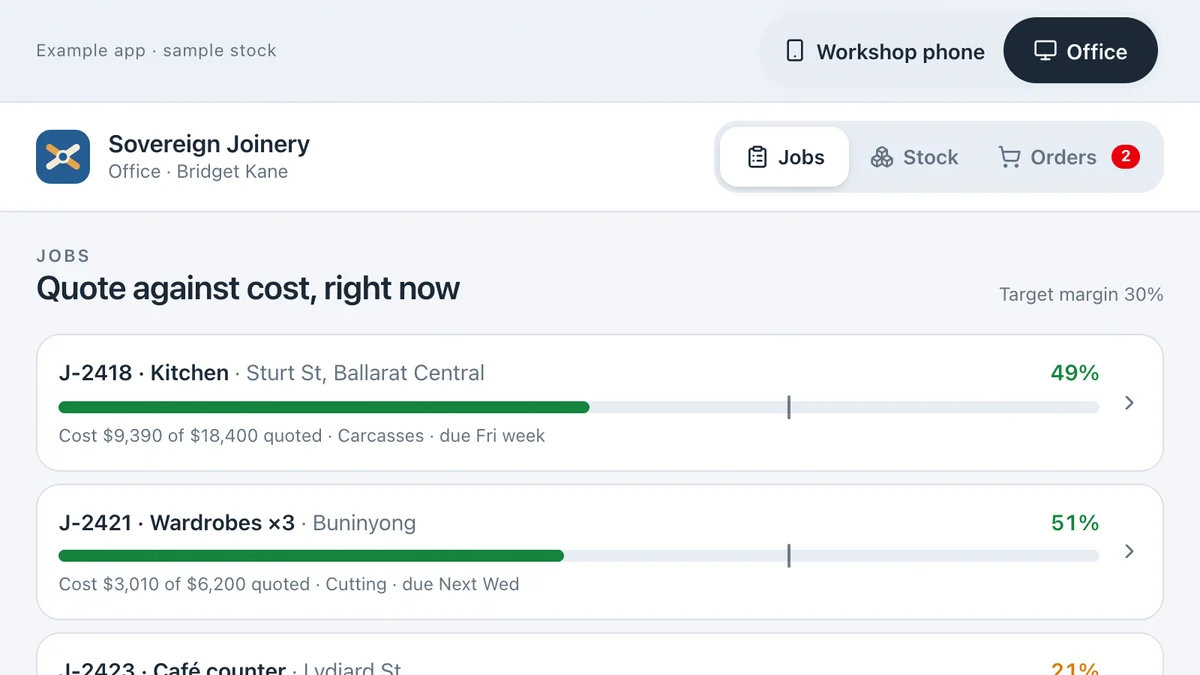
- Joiners, cabinet makers, fabricators and small manufacturersStock and job costing for a workshopScan stock to a job from the floor, watch its margin move in the office, reorder and receive on a phone.Live demoTry it
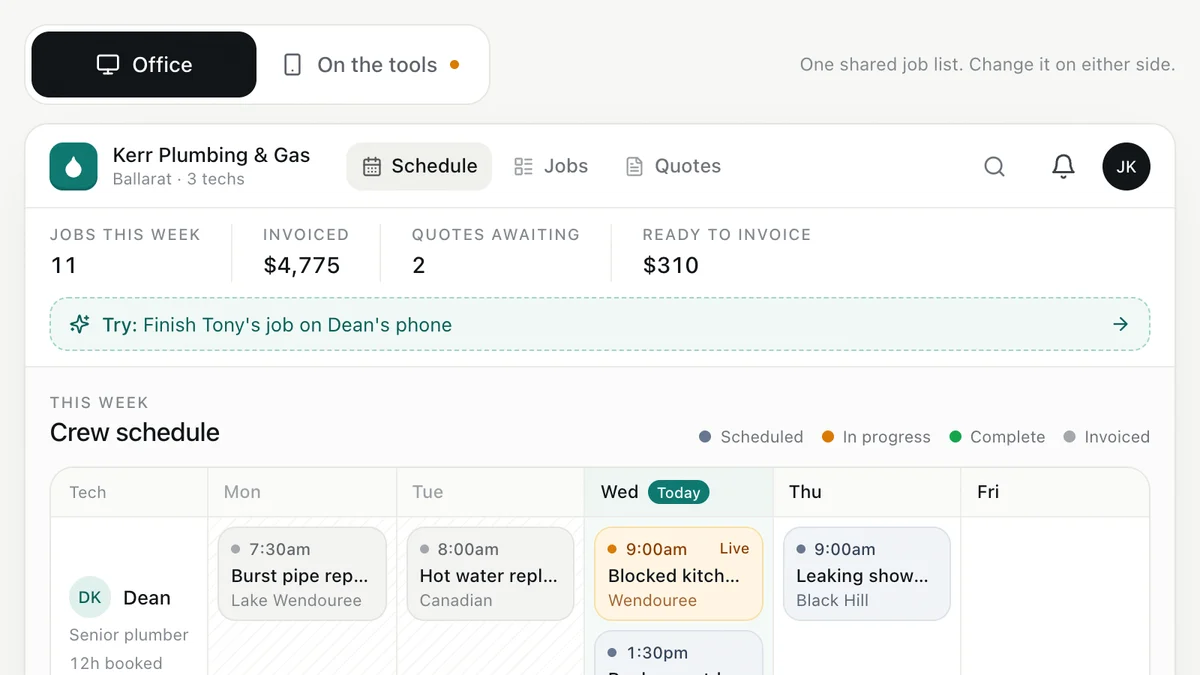
- Plumbers, electricians, HVAC and trade businessesJob management for tradiesEnquiry to quote to schedule to invoice, with the office and the van looking at the same job.Live demoTry it
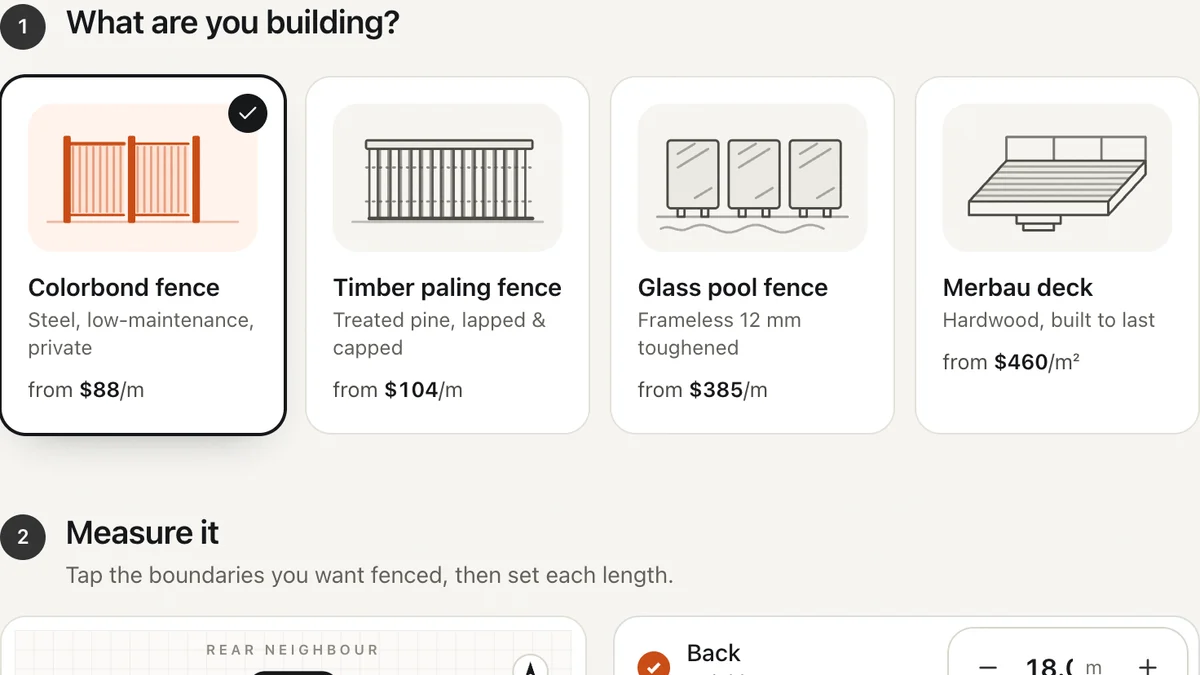
- Fencing, decking, landscaping, paving and solar businessesInstant quote calculatorVisitors measure, choose and get a price range on the spot, then book a measure. You get a specified lead.Live demoTry it
Last reviewed .