Getting started
Where to start with AI when you don't know where to start
More than half the business owners we talk to say the same thing: they know AI could help, they've tried ChatGPT, and they have no idea which part of the business to point it at. That's not a knowledge gap. It's a prioritisation problem, and it has a short, unglamorous answer.
Rather just ask someone? Talk to usIn short
Start with one repetitive task that happens every week, follows a pattern, and costs someone an hour or more. Write down how it's done today, automate that one thing, measure the hours it gives back, then pick the next. Don't start with a chatbot, a strategy document or a platform.
- What counts as 'using AI' in a business?
- Three different things get called AI. Using a tool like ChatGPT to draft something is the first, and most businesses already do it. Workflow automation is the second: software that moves information between your systems when something happens, sometimes with an AI step to read or write text. Agents are the third: software given a goal and the tools to complete it, with judgement in between. The first costs nothing to try. The second and third are where the hours come back, and they're where you need to choose carefully.
What a first project usually looks like
Indicative, from the automation work we scope for Australian small businesses. Ranges, not quotes.
- Scoping 30 minutes
- A call to walk through how the task is done today and where the information lives. We tell you on the call if it isn't worth automating.
- Build 1 to 3 weeks
- One workflow, connected to the tools you already use, with an approval step wherever it touches a customer or money.
- Running alongside 2 to 4 weeks
- The automation runs next to the manual process while someone checks the output and the edge cases surface.
- Time given back 3 to 10 hours a week
- The range we see for a first workflow chosen for frequency rather than pain. Below three, we'd usually have said no at scoping.
What actually matters
List what repeats, not what's hard
The best first project is rarely the most painful problem. It's the dullest: the enquiry re-typed into a spreadsheet, the quote built from the same template, the invoice chased on the same day each month. If it happens weekly and follows a pattern, it's a candidate. If it needs a conversation and a judgement call every time, park it.
Put an hour figure next to each one
Ask whoever does the task how long it takes, then multiply by how often. A fifteen-minute job done twenty times a week is five hours. That number is what you're buying back, and it's the only honest way to compare candidates. Anything under an hour a week is usually not worth a build.
Check the information is somewhere a computer can read it
Automation needs an input it can see: an email arriving, a form submitted, a row added to Xero, a booking made. If the trigger is a phone call nobody writes down, the first step is capturing it, not automating it. This is where a lot of 'AI projects' quietly become 'get a booking system' projects, and that's fine.
Decide what the software may do without asking you
Sending an internal summary is low stakes. Replying to a customer, issuing a quote or changing a record is not. Draw the line before anything is built: below it the automation acts, above it the automation drafts and a person approves. That line is most of the design, and you're the only one who can draw it.
Run one workflow alongside the old way
One process, running for a few weeks next to the manual version, with someone checking the output. This is where you learn the edge cases nobody mentioned in the scoping call. It's also cheap, and it turns 'should we use AI' into 'did this save four hours a week', which is a question you can actually answer.
Measure hours, not sentiment
Compare the time before and after, honestly, including the time spent checking. If the number is good, expand. If it isn't, you've spent a small amount to learn something true about your business, which is better than most AI spending.
Leave the strategy document for later
Businesses that start with an AI strategy tend to still be writing it a year on. Businesses that start with one automated workflow have a strategy by accident: the list of the next three things. Do the small thing first.
The thirty-minute audit
Do this before talking to anyone, including us.
- Write down every task that happens at least weekly and follows the same steps
- Next to each, an honest estimate of hours per week across the team
- Circle the ones where the input already arrives digitally: email, form, booking, invoice
- Cross out anything that needs a judgement call every single time
- For what's left, mark whether the output goes to a customer or stays internal
- Pick the highest-hours internal one. That's your first project
- Note the tools it touches: Xero, your CRM, your inbox, a spreadsheet
- Decide who will check the output for the first month
When this isn't the answer
If the task you circled happens a few times a month, a template and a checklist will beat an automation on cost for years. And if your business is mostly conversations and site visits, with little that arrives as text, there may be nothing worth automating yet. We'd rather tell you that in the first call than build something you'll turn off.
Start with a 30-minute call
Tell us the task that eats the most time, or just that you're not sure where to begin. We'll tell you on the call whether it's worth automating, and what we'd do first.
Common questions
The most frequent task that follows a pattern and arrives digitally, weighted by hours rather than by how annoying it is. For most service businesses that's enquiry handling, quoting or invoice follow-up. For trades it's often the gap between a job finishing and the invoice going out.
Not the way vendors mean it. You need the input to exist somewhere a computer can read, which for a small business usually means a form, an inbox or an accounting system rather than a database. If it's on paper or in someone's head, capture it first.
Usually not. A chatbot is customer-facing, so its mistakes are public, and most small business sites don't have enough repeat questions to justify one. Internal automation is lower risk, faster to prove, and usually saves more hours.
Ask whether anyone in the business spends an hour or more a week moving information from one place to another, or writing the same kind of message repeatedly. If yes, it's relevant. If genuinely no, it may not be yet, and that's a legitimate answer.
Often, for a single trigger-and-action with no judgement in it, and it's worth trying. The point where people call us is when the workflow has exceptions, touches money or customers, or needs an AI step to read something messy. That's where the build and the guardrails matter.
See it working
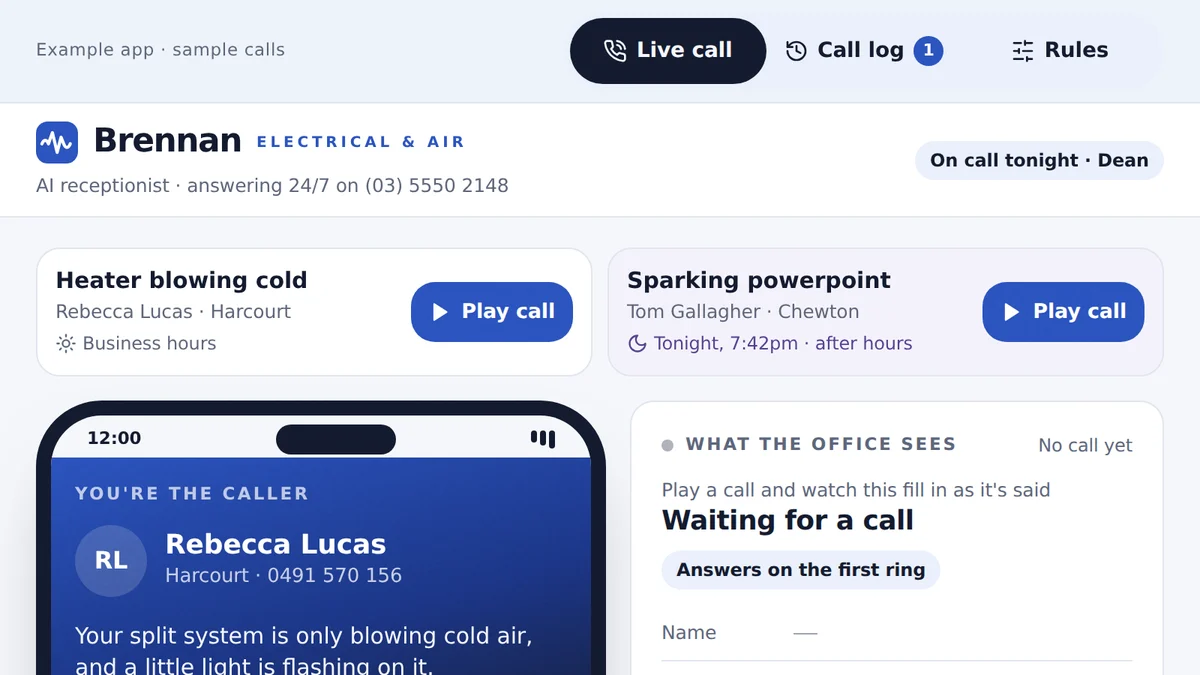
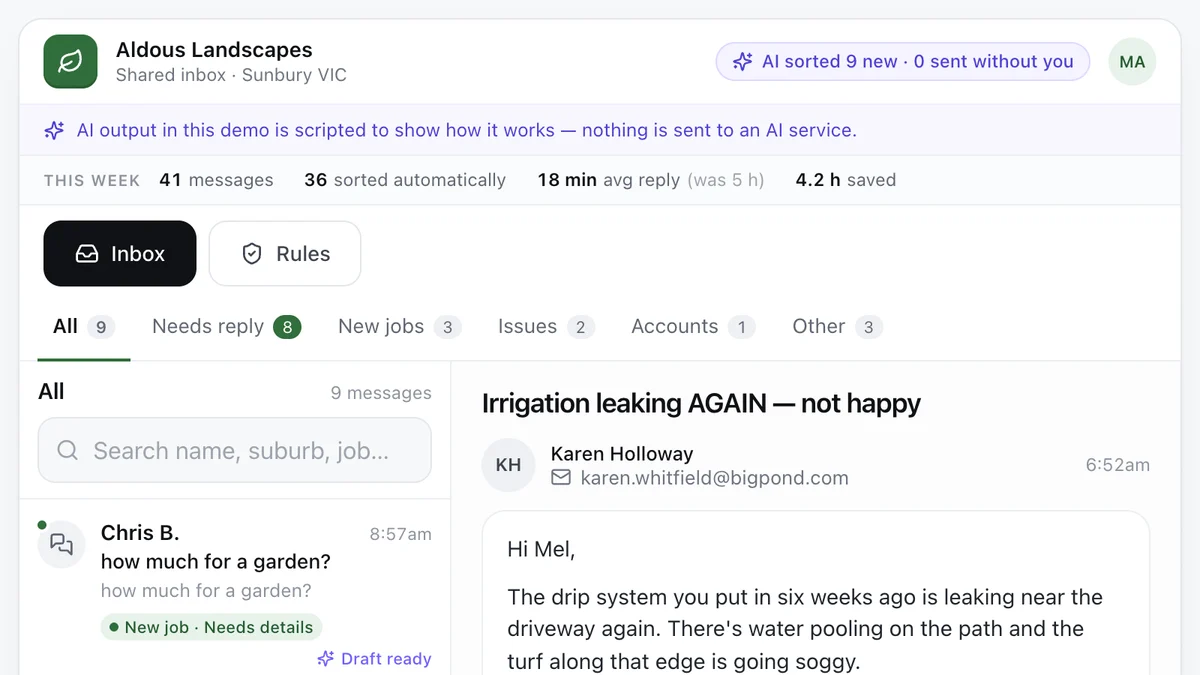
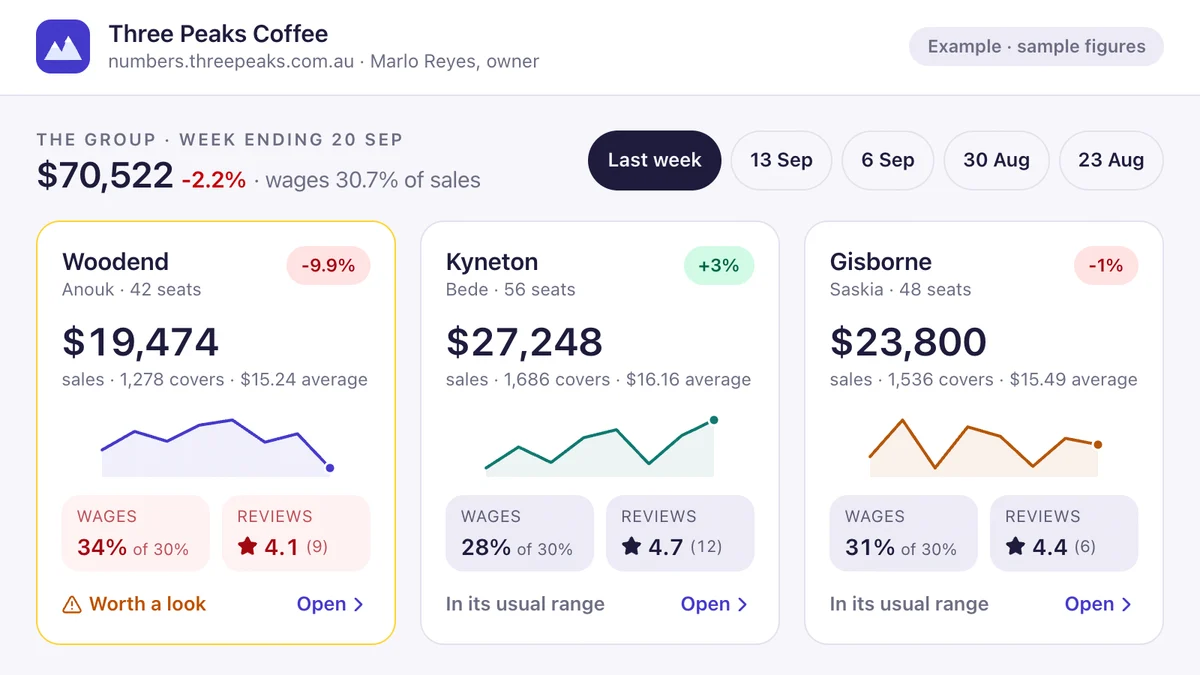
Software we'd build, running with a fictional business and sample data. Use it, then decide.
Also worth a look
- AI Agent vs Automation vs Chatbot
- What AI Automation Costs in Australia (2026)
- Is AI Safe for My Business? Privacy and Control
- Want the do-it-yourself guide to showing up in AI answers?
Last reviewed . Figures are indicative Australian ranges, not quotes.