Interactive example · Trades
An AI receptionist that answers every call while you're on the tools
A tradie up a ladder can't answer the phone, and a new customer who gets voicemail rings the next number on the list. Below is the alternative, for a fictional Castlemaine electrician. Play a call as the customer, then see what the office receives. The voice shows as captions, and the rules are yours to change.
In short
An AI phone receptionist answers a business's calls when nobody else can, says it's an AI, works out what the caller needs, books simple jobs into the real calendar within rules the owner sets, puts emergencies straight through to whoever is on call, and texts the office a summary with the transcript.
Interactive demo: AI phone receptionist
Live demo · Brennan Electrical & Air, Castlemaine is a fictional business with sample data. Nothing you do here is saved or sent.
- Take a booking callPlay the heating call as the customer. Answer its questions and pick one of the two times it offers, then watch the job land in the calendar.
- Ring about an emergencyPlay the after-hours call about a sparking powerpoint. It gives the safety steps, then puts the caller through to the electrician on call.
- Change a ruleIn Rules, stop it booking jobs itself or change the call-out fee, then play the heating call again and hear the difference.
- Pick up a callbackIn the call log, open the EV charger enquiry that came in before the office opened. Everything's written down; book the site visit it asked for.
Example app · sample calls
BrennanElectrical & Air
AI receptionist · answering 24/7 on (03) 5550 2148
Brennan Electrical & Air is fictional. The calls are scripted to show how the software behaves, and nothing you do is sent to an AI service, a phone line or anyone else. People, fees and times are sample data, and the safety steps are examples for the demo, not electrical safety advice. In an emergency, call Triple Zero (000).
Built for electricians, plumbers and trade businesses that miss calls
Three people it has to work for, and what each is hiring it to do
- OwnerStop losing jobs to voicemail, without paying someone to sit by the phone
- Office managerEvery call written down, booked or queued, with nothing to ring back and ask again
- CallerAn answer on the first ring, a time that suits, and a real person when it matters
What you just used
How Brennan Electrical & Air runs, screen by screen
- Customer ringsCallerDay, night or mid-job
- Answered, sortedAISays it's AI, asks what you would
How the work moves through Brennan Electrical & Air: who does what, and where the software takes over. Steps with a mint mark are ones you can do in the demo above.
Answers on the first ring, and says it's AI
It picks up every call, day or night, tells the caller it's an AI assistant and that the call is recorded, and offers a callback from a person to anyone who'd rather. Customers mind being fooled, not being helped.
Asks what you would ask
Heating or cooling, which brand, is there an error light, is the outdoor unit running. The questions come from your own triage, so the job arrives with what the tech needs before anyone rings back.
Books into the real calendar, within your rules
It only offers times that are actually free, with a tech licensed for the work, in your service area, and only for the job types you've said it may book. Everything else becomes a callback, not a guess.
Emergencies go straight to a person
Sparks, a burning smell, no power to the whole house: it gives the safety steps you've approved, then puts the call through to whoever's on call, with a text summary landing before they answer.
It never quotes what you haven't priced
Your call-out fee and after-hours rate, if you want them said. Install prices, diagnoses and arrival promises, never. Those limits are locked, so a helpful-sounding guess can't reach a customer.
The office gets it written down
Every call becomes a record: who, where, what, how urgent, the outcome and the full transcript, with a text to the office. A callback starts from the details, not from "sorry, what was it again?"
Built for you
Your rules, not a template's
The demo is one electrician's rules. Built for you, it would carry your own:
- Your service area, your job types, and the ones it may book without you
- Your triage questions for each kind of job, written with you from real calls
- Your on-call roster, and what counts as an emergency after hours
- Your fees, if you want them said, and the promises it must never make
- Your number: it answers when you don't, after a set number of rings, or all the time
- Your job system: bookings and callbacks straight into ServiceM8, Tradify, simPRO or a custom app
Connects to what you already use
Where a tool offers an API or a calendar feed, the build talks to it directly. Your data stays in accounts you own.
- Your existing number
- ServiceM8
- Tradify
- simPRO
- Google Calendar
- Outlook
- SMS
- Website chat
Custom build, an off-the-shelf AI receptionist, or voicemail?
Several Australian services now answer calls for tradies for a monthly fee and book into ServiceM8 or Tradify, and for plenty of businesses that's the right answer. A custom build is for when your rules, your roster or your job system don't fit their settings.
| Criteria | Off-the-shelf AI receptionist | Custom-built | Voicemail and call-backs |
|---|---|---|---|
| Time to start | Same day to a week | A few weeks | Already running |
| Booking rules | The settings it offers | Yours: licences, areas, job types, rosters | Whoever rings back |
| Emergencies | Usually a transfer number | Your on-call roster and safety steps, by job type | Heard hours later |
| Where calls land | Its app, plus the popular job systems | Your job system or calendar, exactly as you'd enter it | A voicemail box |
| Cost model | Monthly plan, often with call or minute limits | A fixed build, then usage by the minute | The jobs that went elsewhere |
| Best when | Standard trade, standard rules, a popular job system | Several trades, on-call rosters, or a system of your own | You rarely miss a call |
How we'd build yours
Fixed price, agreed before we start
Listen to a fortnight of calls
With your permission, we go through recent calls and messages and write down every kind of caller, what you ask each of them, and what you'd never want said.
Fix the rules and the price
What it may book, what it hands over, who's on call and what it says about money, in a written scope with one fixed price and the expected monthly running cost.
Run it after hours first
It takes the calls you'd miss anyway: nights, weekends and while you're on the tools. You read every transcript for the first few weeks, and we tune the rules from them.
Then let it answer when you can't
Once you trust it, it picks up after a few rings in business hours too. We report weekly on calls answered, jobs booked and what it handed over.
What moves the price
Custom work is quoted individually, at a fixed price, once the scope is written down. These are the things that make the biggest difference.
- Job system
- Booking into Google Calendar is simplest; writing jobs into ServiceM8, simPRO or a custom app adds an integration.
- Call rules
- More job types, triage paths and exceptions mean more to write and test.
- On-call handling
- A roster, live transfers and a fallback when nobody picks up add logic.
- Call volume
- Voice is charged by the minute, so running costs follow how many calls it takes.
When you shouldn't build this
If you or someone in the office answers nearly every call, this solves a problem you don't have. If you miss calls but your rules are simple and you run ServiceM8 or Tradify, an off-the-shelf AI receptionist will do the job for a monthly fee, and we'd tell you to start there. Custom makes sense when the rules are the hard part: several trades, licences, service areas, an on-call roster, or a job system of your own.
Want this, with your name on it?
Tell us how the work runs today. We'll reply within one business day with what we'd build first, what we'd leave out, and whether an off-the-shelf tool would serve you better.
Common questions
A system on your business number that answers when you can't, says it's an AI, works out what the caller needs, books simple jobs into your calendar within rules you set, and passes emergencies and everything else to a person with a written summary and the transcript.
Yes, in how we build it. It says so in its first sentence, says the call is recorded, and offers a callback from a person to anyone who'd rather. Being plain about it costs nothing and heads off the complaint.
You decide what counts as one. For an electrician that's things like sparks, a burning smell, an electric shock or no power to the whole property. It gives the safety steps you've approved, tells the caller to ring Triple Zero if there's fire or injury, and puts the call through to whoever's on call with a text summary. If they don't pick up, it tries the next person on the roster.
Yes. Calls can divert to it all the time, after a set number of rings, or only after hours, so your number and your customers' habits stay the same.
Where the system has an API, yes. ServiceM8, Tradify, simPRO, Google Calendar and Outlook all do. It books only the job types you allow, with a tech who's free and licensed for the work, and everything else lands as a callback with the details.
The build is quoted at a fixed price. Running costs are the phone number plus a charge per minute of calls it handles, so they follow how busy you are. For a small trade business that's well under the cost of a part-time receptionist.
More examples to try
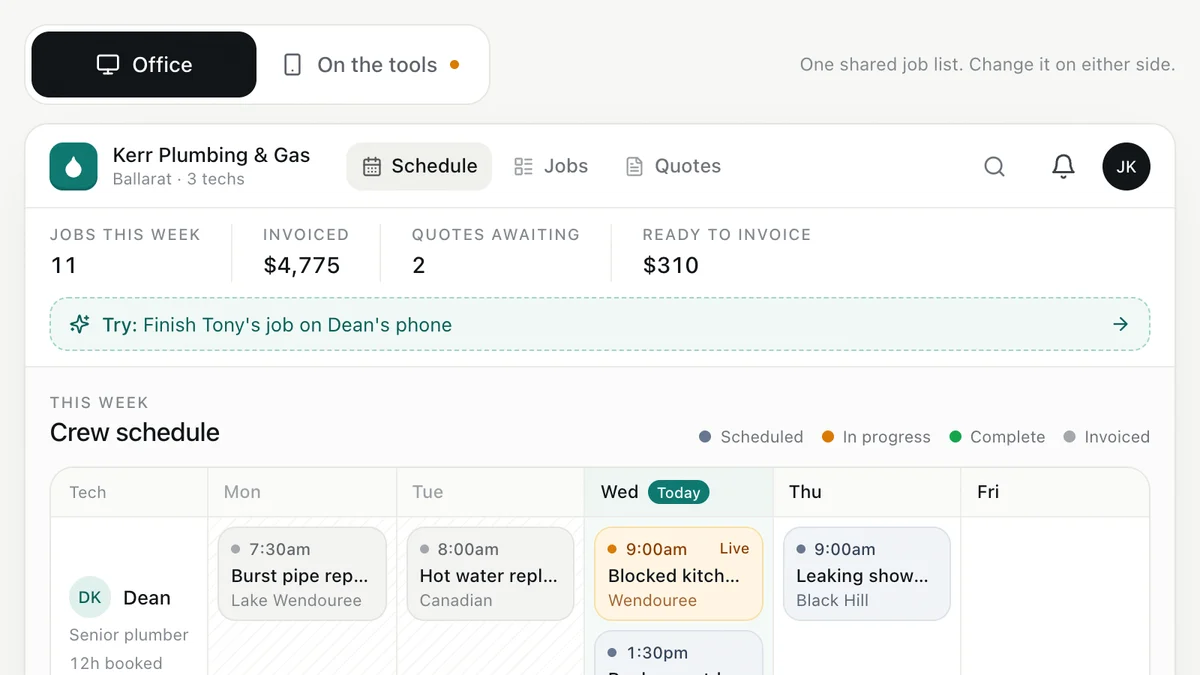
- Plumbers, electricians, HVAC and trade businessesJob management for tradiesEnquiry to quote to schedule to invoice, with the office and the van looking at the same job.Live demoTry it
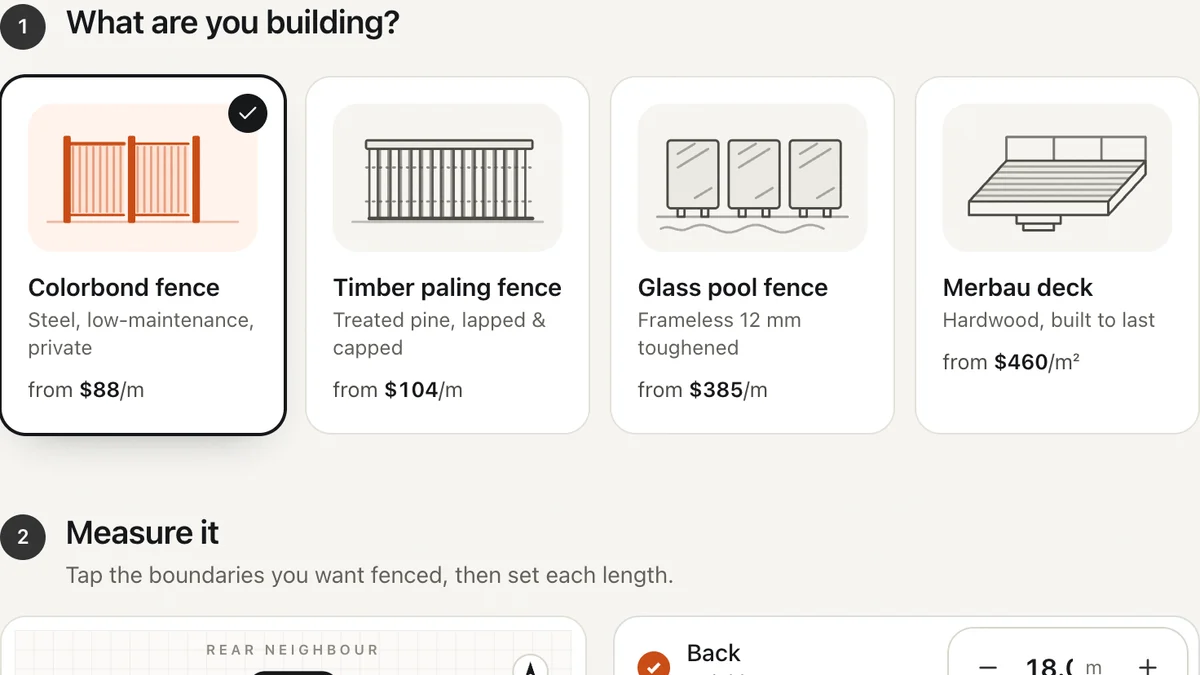
- Fencing, decking, landscaping, paving and solar businessesInstant quote calculatorVisitors measure, choose and get a price range on the spot, then book a measure. You get a specified lead.Live demoTry it
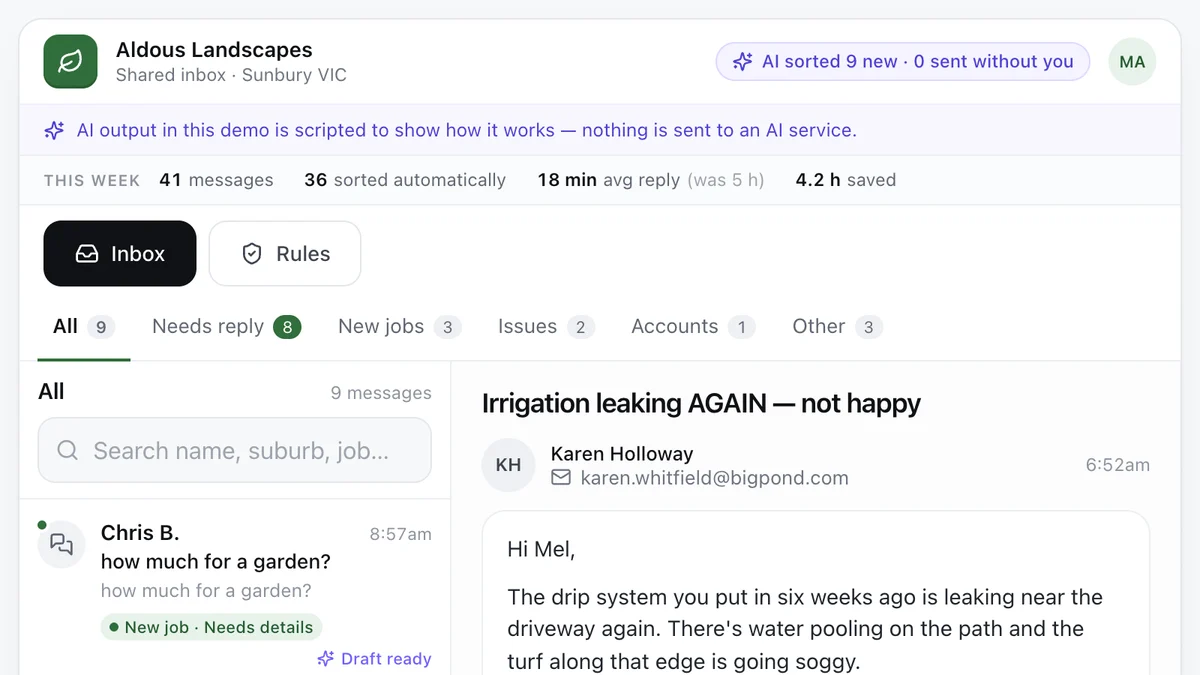
- Tradies and service businesses with a busy inboxAI enquiry inboxEvery message sorted, the details pulled out and a reply drafted, with a person approving what goes out.Live demoTry it
Last reviewed .