Interactive example · Made-to-order products
A product configurator that shows customers exactly what they are buying
Made-to-order products are hard to sell from a dropdown. The customer can't picture forty options, so they email, and you spend the week drawing mock-ups for orders that may never come. Below, a fictional Beechworth jeweller lets customers design a bracelet bead by bead on a drawing that is true to scale, with the price moving as they go and nothing changed without their say.
In short
A product configurator lets customers design a made-to-order product on your website and watch it change as they choose. A good one draws the product to scale, prices it live, stops combinations that can't be made, and asks before changing anything. The finished order reaches the workshop as a build sheet listing every part.
Interactive demo: Product configurator
Live demo · Thelonious, Beechworth is a fictional business with sample data. Nothing you do here is saved or sent.
- Choose a styleOpen Style and pick another bracelet. If the change would remove something you chose, it asks first.
- Find your fitPick a size, or type your wrist in centimetres and take the recommendation.
- Place a beadChoose a bead from the library, then tap a position on the bracelet. The price follows.
- Move, replace or remove a beadTap a bead you placed and use Move, Replace or Remove. Undo brings it straight back.
- Open the reviewOnce a size is chosen, Review design lists every position and the price line by line.
Classic
Size not chosen
Classic Bracelet
Size not chosen · Black cord · Gold · onyx base · 3 custom beads
Total
$263Thelonious is fictional, and its beads, prices and stock levels are sample data. The price in the demo is calculated in your browser. A live store re-checks price and stock on the server before anything reaches the cart.
Built for jewellers, furniture makers and brands selling made-to-order products
Three people it has to work for, and what each is hiring it to do
- Brand ownerSell made-to-order pieces without a week of emails and mock-ups for each one
- MakerA build sheet that lists every position, so nothing is read off a picture
- CustomerSee exactly what I'm buying and what it costs before I pay
What you just used
How Thelonious runs, screen by screen
- Price follows liveSystemRules stop what can't be made
- Build sheet sentWorkshopPosition by position
How the work moves through Thelonious: who does what, and where the software takes over. Steps with a mint mark are ones you can do in the demo above.
Drawn to scale in millimetres
The bracelet is laid out in real millimetres: cord, beads, clasp and length. An 8 mm bead beside a 6 mm bead looks exactly that much bigger, and choosing a longer size grows the ring by the centimetre you picked. What's on screen is the proportion that gets made.
Rules that stop impossible designs
Each style knows which bead sizes, cords and finishes it's made in and how many beads it holds. Anything that can't be built is shown as unavailable with the reason, so nobody designs a piece the workshop has to ring about.
Nothing changed without asking
Switch style or size and the builder works out what that forces: a bead that isn't made in the new size, a base stone the new style doesn't carry. It lists every consequence and waits for a yes before it touches the design.
A live price
Every bead shows what it adds before it's placed, and the total rolls to the new figure as it lands. The customer never reaches the cart to find a different number from the one they were watching.
Undo for everything
Every change is one step back, from a single bead to a whole change of style, and the offer appears the moment it happens. People experiment more when nothing is permanent, and experimenting is how they arrive at a design they want to buy.
A review that lists every position
Before ordering, the customer sees the drawing, the price line by line and every position with the bead that goes in it. The workshop builds from that same list, so an order never depends on someone reading a picture.
Built for you
Your rules, not a template's
Built for your business, the configurator runs on your products and your rules:
- Your products, parts, sizes and finishes, managed in an admin screen you control
- Your rules for what fits with what, written once and applied everywhere
- Your prices, including per-part add-ons, with the server as the final word
- Artwork drawn from your real materials and measurements, in your brand's style
- Finished designs added to your store's cart, with the details attached
- A build sheet in the format your workshop already works from
Connects to what you already use
Where a tool offers an API or a calendar feed, the build talks to it directly. Your data stays in accounts you own.
- Shopify
- WooCommerce
- Stripe
- Square
- Xero
- Inventory systems
- Email and SMS
- Workshop job sheets
Variant dropdowns, an options app, or a custom configurator?
Most stores should start with what their platform already does. A custom configurator earns its place when the product has more combinations than a dropdown can show and rules an app can't express.
| Criteria | Variant dropdowns | Product options app | Custom configurator |
|---|---|---|---|
| What the customer sees | A photo and a list | A photo with option fields | The product itself, redrawn as they choose |
| Combinations | A few dozen variants | Many, as separate fields | As many as the product allows |
| Rules between options | None | Simple show and hide | Your full rules, with the reason shown |
| Price while choosing | Per variant | Add-ons summed | Live and itemised, re-checked on the server |
| What the workshop gets | A variant name | A list of field values | A build sheet, part by part |
| Best when | A handful of sizes and colours | Engraving, a few add-ons and simple choices | Customers arrange the parts and position matters |
How we'd build yours
Fixed price, agreed before we start
Write down what can be made
We sit with whoever makes the product and list the parts, sizes, finishes and the rules between them: what fits with what, how many, and what a change forces. The configurator is only as trustworthy as that list.
Fix the scope and the price
Products, options, artwork and integrations in the first version, written down with one fixed price you approve before we start.
Draw the product to scale
Each part is drawn once from your real materials and measurements, then assembled on screen from the same numbers the workshop uses. Photographs can't be rearranged; a drawing can.
Make the server the final word
The page prices and checks a design instantly, so it feels live. In a live build the server re-prices the design and re-checks stock on every order, and that is the only figure the cart trusts.
Send the workshop a build sheet
Each order is saved as a fixed record of every part and its position, and arrives in the format your makers already work from. We test it on real orders before launch.
What moves the price
Custom work is quoted individually, at a fixed price, once the scope is written down. These are the things that make the biggest difference.
- Options and rules
- A few choices with nothing depending on each other is quick; many parts with rules between them is where the work is.
- Drawn or modelled
- A drawn 2D product like this one costs less than a 3D model the customer can turn.
- Creating the artwork
- Someone has to draw or model every part. Your own files shorten that; starting from samples and photos takes longer.
- Cart integration
- Passing the design and its price into your store's cart and checkout depends on the platform you sell on.
- Production output
- An emailed build sheet is simplest; feeding the system your workshop already runs is more.
- Live stock
- Checking each part against real stock needs your inventory system to share it.
When you shouldn't build this
If your product comes in a few sizes and colours, variant dropdowns are enough. With only a few options to add, such as engraving or a gift box, an off-the-shelf product options app is the right answer, and we'll say so. A custom configurator pays off when customers arrange the parts themselves and fit, position and rules matter. And to be plain about this demo: it is a to-scale 2D drawing, not a 3D model.
Want this, with your name on it?
Tell us how the work runs today. We'll reply within one business day with what we'd build first, what we'd leave out, and whether an off-the-shelf tool would serve you better.
Common questions
Yes. The configurator sits on the product page and adds the finished design to the Shopify cart with its details attached, so checkout, payments and shipping stay where they are. The same approach works with WooCommerce and other platforms. How the price is locked in depends on the platform and plan, and it's one of the first things we check.
Yes, where it helps. A 3D model the customer can turn suits furniture and anything judged from several sides, and it costs more because every part has to be modelled. This demo is deliberately a flat drawing to scale: for a bracelet the order of the beads is what matters, and a drawing shows that clearly on any phone.
As a build sheet: a fixed record of the design that lists every part and its position, alongside the customer's order. It can be an email, a printable page or an entry in the system the workshop already uses. Because it's a list and not a picture, nothing depends on someone interpreting a screenshot.
The part is marked unavailable with the reason, so new designs can't use it. If a design a customer saved earlier includes it, the design is kept and the part is flagged for them to replace; it is never swapped silently. Stock is checked again on the server when the order is placed.
It depends on how many parts and rules the product has, whether it's drawn or modelled, and what it has to connect to. The timeline is written into the fixed-price scope before any work starts. Starting with one product keeps the first version small, and you can take real orders on it while the rest is added.
More examples to try
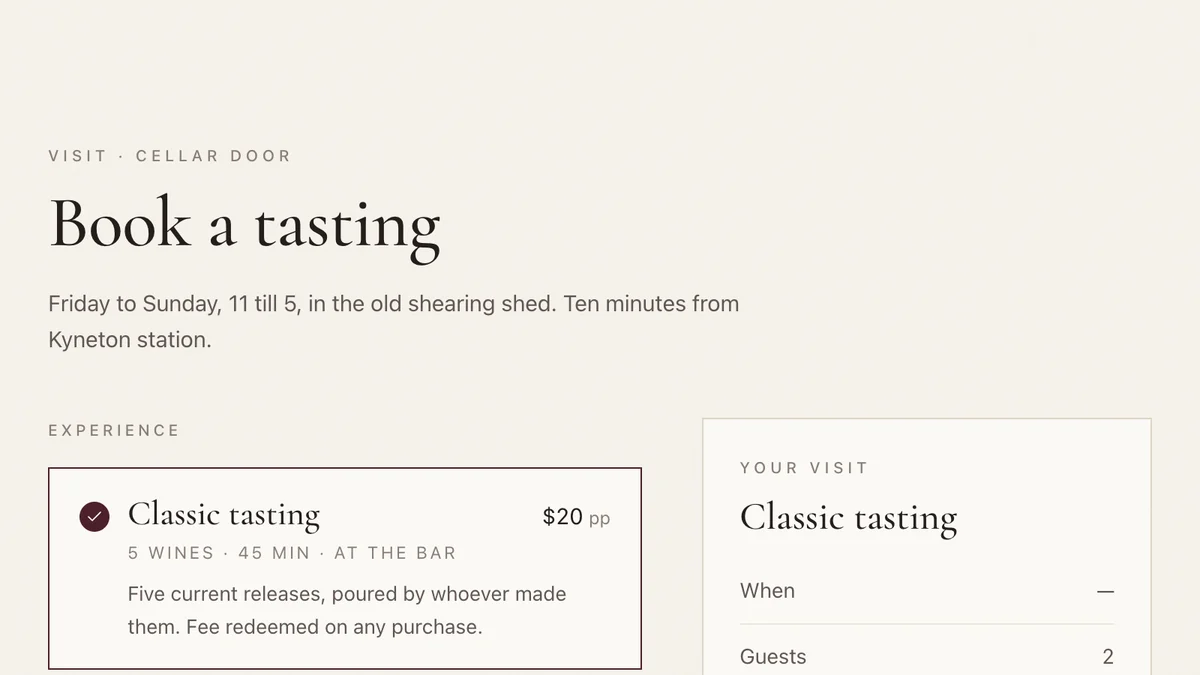
- Wineries, cellar doors and small producersCellar door and wine clubTasting bookings, club memberships and member-customised shipments for a small winery.Live demoTry it
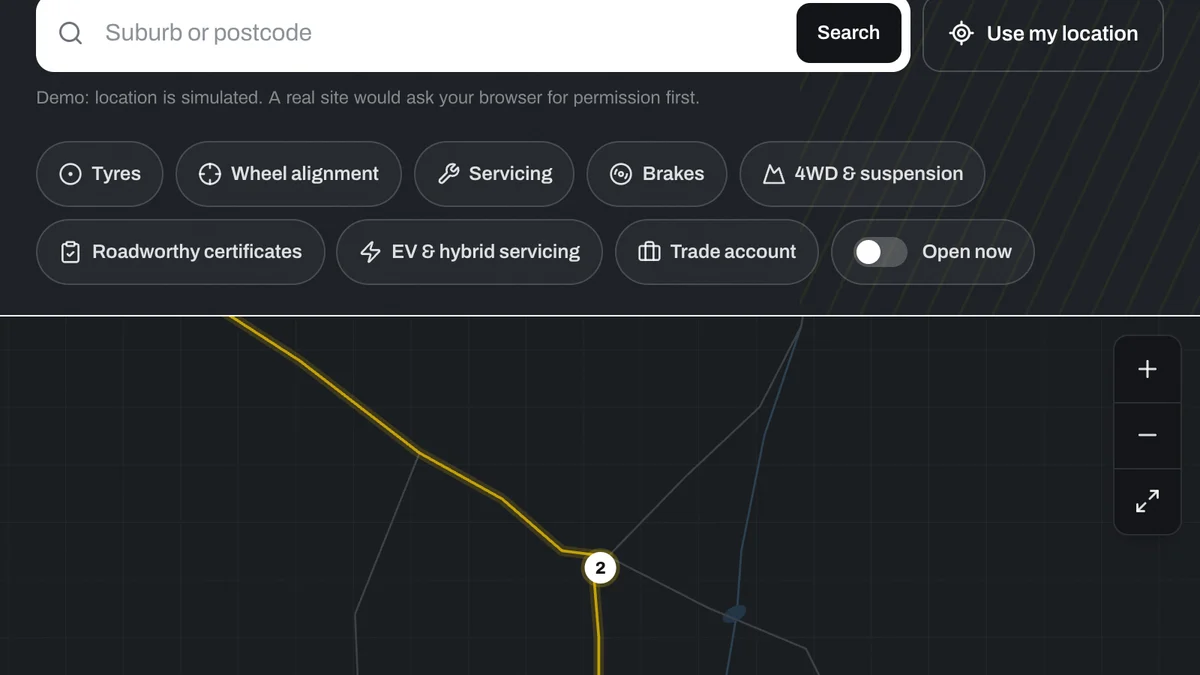
- Chains, franchises and multi-site businessesStore locator for multi-site businessesNearest store, open now, services, stock and a booking, for a regional chain with nine locations.Live demoTry it
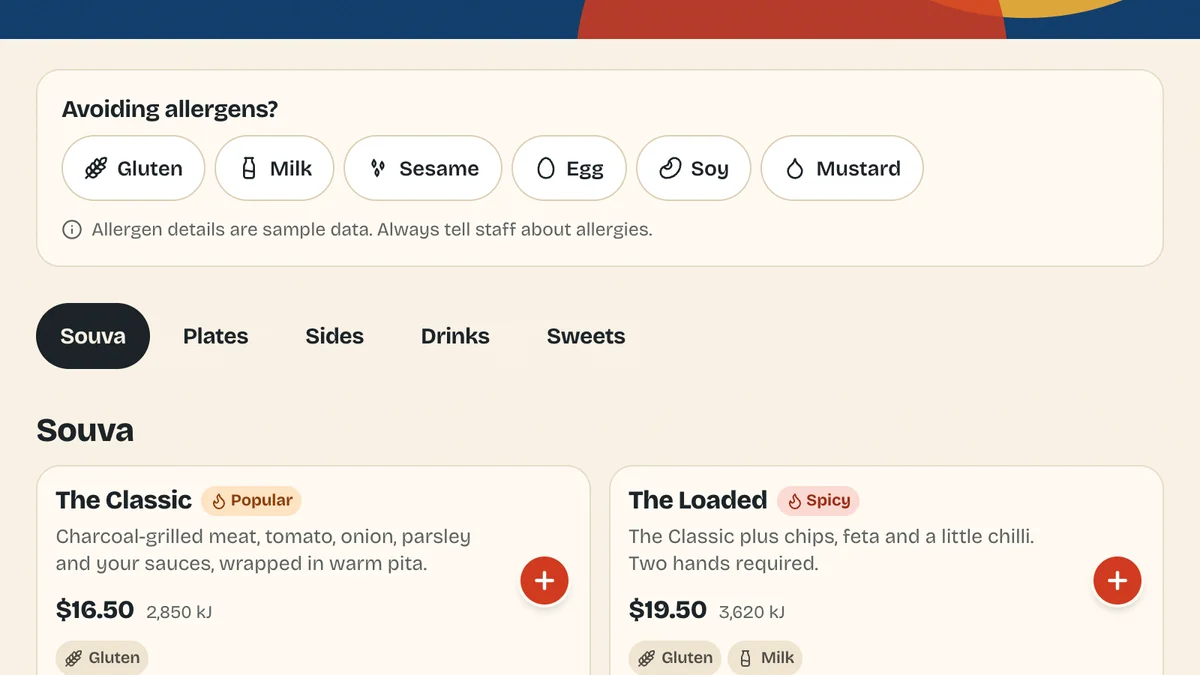
- Quick-service restaurants, cafés and takeawaysOnline ordering for restaurantsCommission-free order-ahead with modifiers, allergens and kitchen-aware pickup times.Live demoTry it
Last reviewed .