Product configurators
A product configurator your customers can trust and your workshop can build from
Made-to-order sells better when the customer can see it. A configurator lets them choose the size, the material and every option, watch the price change as they go, and buy exactly what is on the screen. The hard part isn't the picture. It's the rules underneath: what fits, what it costs, what's in stock, and an order your workshop can make without ringing anyone.
Rather just ask someone? Talk to usIn short
A product configurator lets a customer build a made-to-order product on screen and buy exactly what they see. PixelApps builds them around your own rules: which options fit together, what each choice costs and what is in stock. The price updates live, and every order arrives as a build sheet your workshop can make from.
- What is a product configurator?
- A tool on a product page that lets the customer assemble the product from your options and shows the result as they go. A drawn configurator renders the product from flat artwork, to scale. A 3D configurator renders a model the customer can turn around. Both sit on the same thing: rules that decide what is allowed and what it costs.
What goes into it
Rules first, picture second
Most of the work is deciding what can go with what. A size that only takes so many parts, a finish that isn't offered in one range, an option that changes the price of another. Written down as rules, the configurator can stop an impossible order before it's placed rather than after.
Show it at true proportion
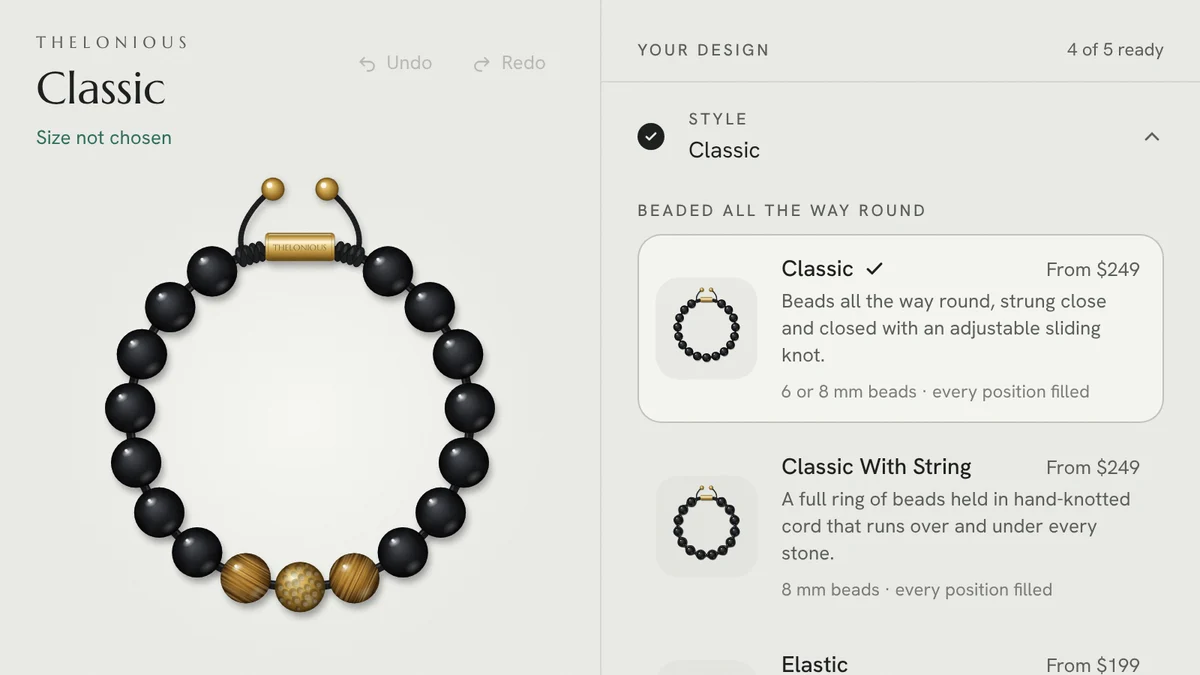
Customers lose confidence when the picture is only a rough guide. In our bracelet example the drawing is in millimetres, so an 8 mm bead on a 17 cm bracelet looks exactly as big as it will be. The same applies to a table, a sign or a window: draw it to scale.
Check the price twice
The price on screen should move the moment an option changes. The price that's charged should be worked out again on the server when the order is placed, along with stock, so a stale page or a tampered request can't produce a wrong order.
Never change the customer's design quietly
When a change means something no longer fits, say so and ask. Shrinking a size and dropping two parts without warning is how a customer ends up with something they didn't choose. Every change should be undoable.
The order is a build sheet, not a screenshot
Production shouldn't depend on reading a picture. Each order should list every choice and position as plain data: which part, where, in what finish. That's what goes to the workshop, the cart and your records.
It has to work on a phone
Most product pages are opened on a phone first. Options need to be reachable with a thumb, the product has to stay in view while they change, and the page still has to load quickly on mobile data.
Dropdowns, an options app or a custom configurator
Three ways to sell a product with choices, from simplest to most capable.
| Criteria | Variant dropdowns | Product options app | Custom configurator |
|---|---|---|---|
| Best for | A few sizes and colours | Extra fields, add-ons and simple upcharges | Products with rules, placement or a visual result |
| What the customer sees | A photo per variant | Form fields beside a photo | The product itself, changing as they choose |
| Rules between options | None | Basic show and hide | Whatever your product needs |
| Pricing | A price per variant | Fixed add-on prices | Calculated from the design, checked on the server |
| What production receives | A variant name | A list of field values | A build sheet with every part and position |
| Cost and upkeep | Included in your store | A monthly app fee | A project, quoted at a fixed price |
What to have ready before you ask for a quote
A configurator is quicker and cheaper to quote when these are written down, even roughly.
- Every option a customer can choose, and the choices within each
- The rules: what can't go together, and any limits on size or quantity
- How the price is worked out, including anything that changes with size
- What your workshop needs to see on an order to make it
- The store or checkout it has to connect to
- Whether stock is tracked per part, and where that lives
- Product artwork, drawings or models you already have
When this isn't the answer
If your product has a handful of options and no rules between them, your store's variants or an options app will do the job for a small monthly fee, and we'll say so. A custom configurator earns its cost when the options interact, when the customer needs to see the result to buy with confidence, or when orders keep arriving that the workshop can't make as specified. Our working example is drawn in 2D on purpose, because a bracelet reads best flat and to scale. If your product has to be turned around to be understood, that points to a 3D viewer instead.
Tell us what people need to see
Describe the product, place or data, who needs to look at it, and what they should be able to do. We'll tell you what we'd build, what it depends on, and when something off the shelf would do the job.
Common questions
Yes. The configurator runs on the product page, and the finished design goes into the cart with its price and full specification attached. The same approach works with WooCommerce and with a custom checkout. How the price is carried into the cart depends on the store platform and plan, and we confirm that before quoting.
No. Many products read better drawn flat and to scale: jewellery, signage, shelving, anything where proportion and layout matter more than the view from behind. 3D earns its place when shape, depth or material from several angles is what the customer is deciding on.
As data, not a picture. Each order lists every choice and position, and can be sent as a printable build sheet, an email, a line in your order system, or all three. We agree the format with whoever makes the product.
The design is kept as it is and the unavailable part is flagged so the customer can choose a replacement. Stock is checked again when the order is placed, so nothing unavailable gets sold.
It depends mostly on the number of options and rules, whether the product is drawn or modelled in 3D, who supplies the artwork, and what it connects to. Custom work is quoted individually, at a fixed price agreed before anything starts.
See it working
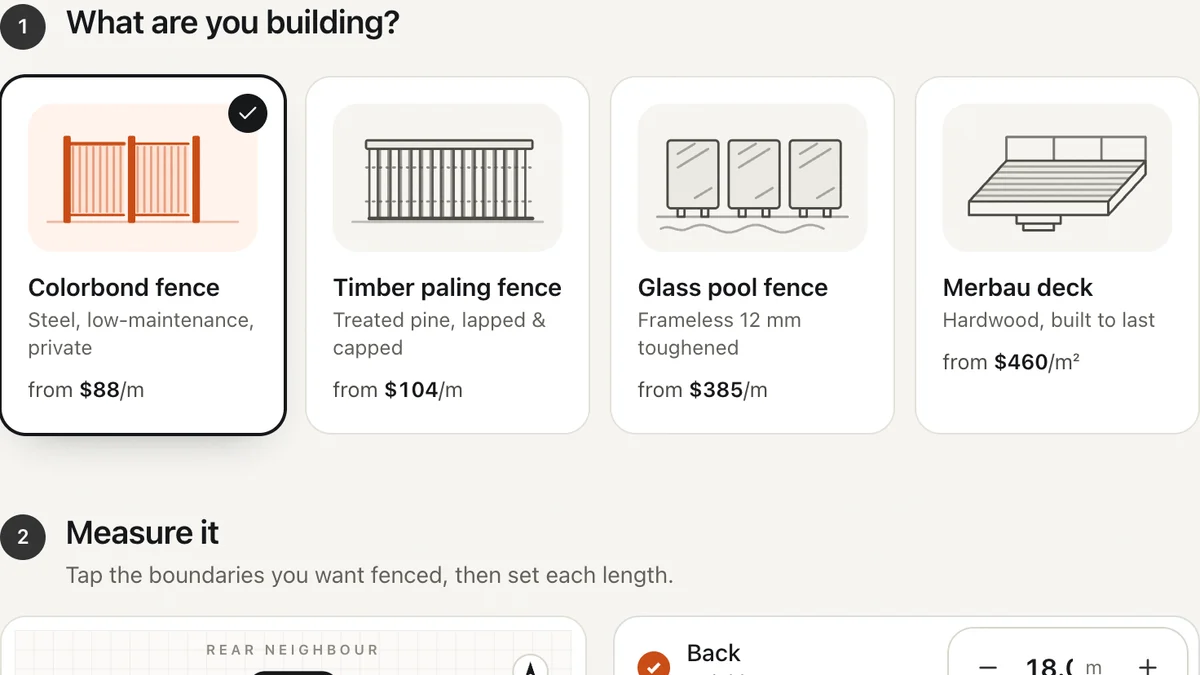
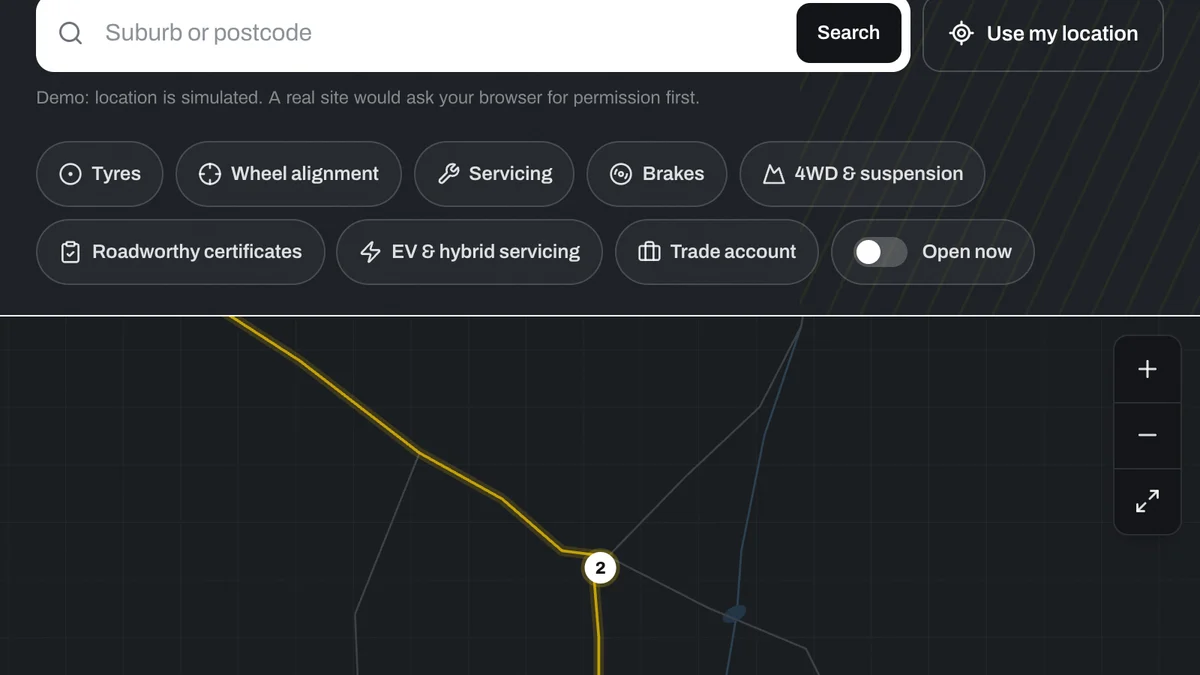
Software we'd build, running with a fictional business and sample data. Use it, then decide.
Also worth a look
- 3D Product Viewers and AR for Online Stores
- Interactive Site Plans and Apartment Finders
- Interactive Map Development for Websites
- See one working: a bracelet configurator you can use right now
Last reviewed . Custom work is quoted individually, at a fixed price.