Interactive example · Hospitality
Online ordering that keeps the margin, and only promises what the kitchen can make
Delivery apps bring orders and take a large share of each one, and customers who already know you still end up paying through them. Below, a fictional Warrnambool souvlaki bar takes orders on its own site. Build an order with your own tweaks, pick a time the kitchen can actually meet, then watch it land on the kitchen screen.
In short
Commission-free online ordering lets customers order and pay on a restaurant's own website for pickup, with the menu's options, allergen information and a loyalty program. Pickup times are limited to what the kitchen can make, and orders go straight to a kitchen screen, without the 25 to 35 per cent delivery apps commonly take.
Interactive demo: Online ordering for restaurants
Live demo · Oxi Souva Co., Warrnambool is a fictional business with sample data. Nothing you do here is saved or sent.
- Build a souva your wayPick a filling, sauces and extras. The price and allergens update as you go.
- Filter by allergenAvoiding something? Items that contain it step aside, and "may contain" stays visible.
- Order for a time that's freeBusy slots show as full, because the kitchen can only make so much in ten minutes.
- Cook it on the kitchen screenSwitch to the kitchen and bump your order through to ready.
Example site
Oxi Souva Co.
Charcoal souva, ready when you are.
- Pickup · Liebig St, Warrnambool
- Open 11am–9pm
- Ready in about 15 min
Oxi Souva Co. is fictional. The menu, prices and allergen details are sample data; in any real venue, customers should always tell staff about allergies. No payment is taken in the demo.
Built for quick-service restaurants, cafés and takeaways
Three people it has to work for, and what each is hiring it to do
- OwnerKeep the margin the delivery apps take, without breaking the kitchen
- KitchenOrders on one screen, at a pace the pass can handle
- CustomerOrder ahead, avoid the allergen, collect when it's actually ready
What you just used
How Oxi Souva Co. runs, screen by screen
- Pays onlineSystemNo marketplace commission
- Ready notificationSystem
How the work moves through Oxi Souva Co.: who does what, and where the software takes over. Steps with a mint mark are ones you can do in the demo above.
Your menu, your options
Fillings, sauces, extras and "no onion" are all part of the item, with prices that update as they're chosen. Orders arrive exactly as customers want them, not as a note the kitchen has to read.
Allergens shown carefully
Customers can hide items containing an allergen, while "may contain" stays visible and every screen reminds them to tell staff. It's helpful without promising more than a busy kitchen can guarantee.
Pickup times the kitchen can keep
Each ten-minute window takes only as many items as the kitchen can make. Full slots are shown as full, so lunch-rush orders arrive on time instead of late.
Orders straight to a kitchen screen
Online orders appear on the kitchen display beside counter and kiosk orders, with timers, allergy flags and one tap to move them along. No printer, no re-keying.
Loyalty that lives on your site
Stamps build with each order and redeem on the next. The customer relationship stays with you, not the app they happened to order through.
The margin you keep
Paying card fees instead of commission turns a meaningful share of every order back into margin. The owner view shows it per order, so the case for ordering direct is plain.
Built for you
Your rules, not a template's
Built for your venue, it would run on your menu and your kitchen:
- Your menu, modifiers and prices, with item availability you can switch off when you run out
- Kitchen capacity and prep times that match your team and equipment
- Payment through Stripe or Square into your own account
- Orders to your kitchen screen or POS, and SMS when orders are ready
- Loyalty, gift cards and promo codes on your terms
- Multiple locations, each with its own hours and menu
Connects to what you already use
Where a tool offers an API or a calendar feed, the build talks to it directly. Your data stays in accounts you own.
- Tyro
- Doshii
- Square
- Stripe
- Lightspeed
- Kitchen display screens
- Receipt printers
- SMS
- Google Business Profile
A delivery app, an off-the-shelf ordering tool, or your own ordering?
Delivery apps reach new customers and handle drivers, and many venues should stay on them. Ordering tools from POS providers are a good middle ground. Custom ordering fits when your menu, brand or volume outgrows them.
| Criteria | Delivery apps | POS ordering add-on | Custom ordering |
|---|---|---|---|
| Cost per order | Commonly 25–35% commission | Monthly fee and card fees | Card fees, plus hosting and support |
| Customer relationship | The app's | Yours, mostly | Yours |
| Menu modifiers | Supported | Depends on the POS | Exactly as your kitchen works |
| Kitchen capacity limits | No | Sometimes | Yes, by time slot |
| Brand and loyalty | The app's | Templates | Yours, end to end |
| Best when | You need delivery reach and new customers | Your menu is simple and your POS offers it | Regulars order often and commission adds up |
How we'd build yours
Fixed price, agreed before we start
Watch a lunch rush
We look at how orders arrive, how the kitchen works through them and where it jams. That sets the capacity rules and the kitchen screen.
Fix the scope and the price
Menu, payments, kitchen screen, loyalty and integrations in the first version, with one fixed price you approve before we start.
Test with regulars first
A soft launch to regulars shakes out menu wording, modifiers and timing before it's promoted widely.
Move regulars off the apps
Counter cards, receipts and your Google profile point people to order direct. We track the share of orders that move, and the commission saved.
What moves the price
Custom work is quoted individually, at a fixed price, once the scope is written down. These are the things that make the biggest difference.
- Menu complexity
- Many modifiers and combos take longer to set up and test.
- POS integration
- Sending orders into your POS needs its API; a standalone kitchen screen doesn't.
- Loyalty and gift cards
- Each program adds rules and redemption flows.
- Locations
- Several venues with different menus and hours add configuration.
When you shouldn't build this
If most of your orders are from new customers finding you on delivery apps, your own ordering site won't replace that reach, so stay on the apps and add direct ordering for regulars. If Square's or Lightspeed's online ordering handles your menu, start there. Custom ordering pays off when regulars order often, commission is a real cost, and the menu or kitchen doesn't fit an off-the-shelf tool.
Want this, with your name on it?
Tell us how the work runs today. We'll reply within one business day with what we'd build first, what we'd leave out, and whether an off-the-shelf tool would serve you better.
Common questions
Commission commonly runs from about 25 to 35 per cent of each order, depending on the plan, whether the app delivers and what marketing is included. Ordering on your own site replaces that with card fees and the cost of the software, usually under two per cent.
Ordering on a restaurant's own website or app, where the business pays card processing fees and a fixed cost for the software rather than a percentage of every order. Customers order and pay directly, usually for pickup.
A screen in the kitchen that shows incoming orders from the counter, kiosk and online, with timers and allergy flags. Staff tap to move each order from new to cooking to ready, which replaces printed tickets.
The kitchen can make a set number of items in each window, say eight every ten minutes. Once a window is full, customers are offered the next free one, so orders placed during a rush are still ready when promised.
Usually, yes. Delivery apps bring new customers and handle delivery. The goal of your own ordering is to move regulars and pickup orders to a channel you own, not to leave the apps entirely.
More examples to try
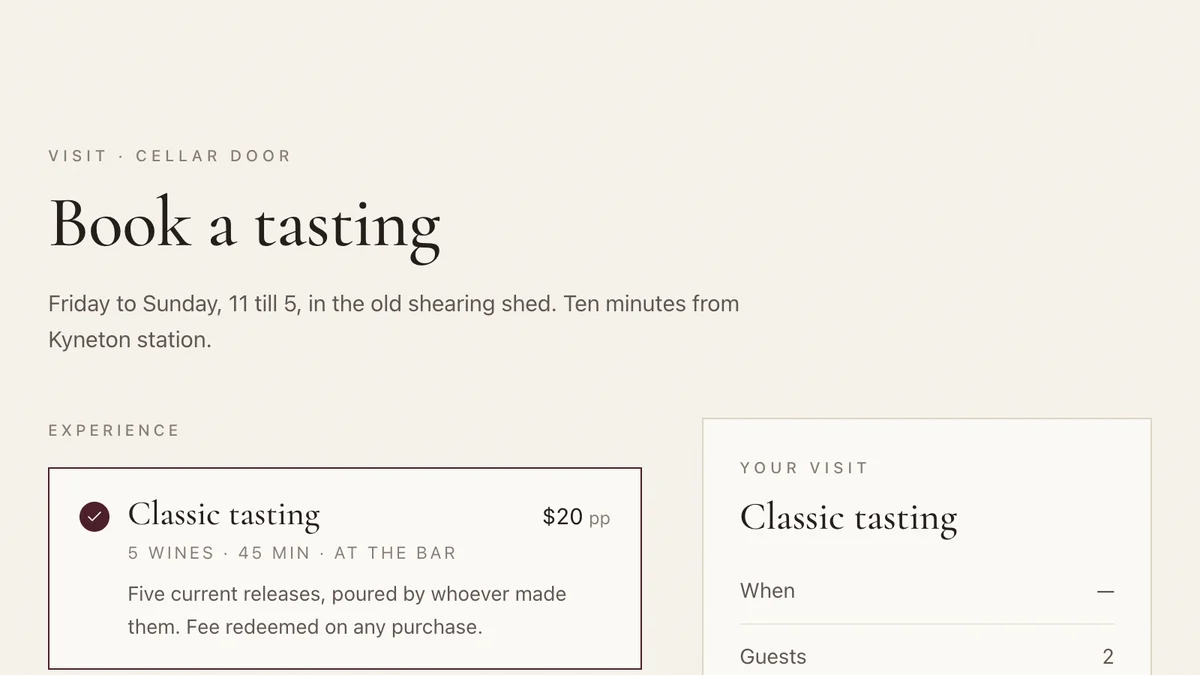
- Wineries, cellar doors and small producersCellar door and wine clubTasting bookings, club memberships and member-customised shipments for a small winery.Live demoTry it
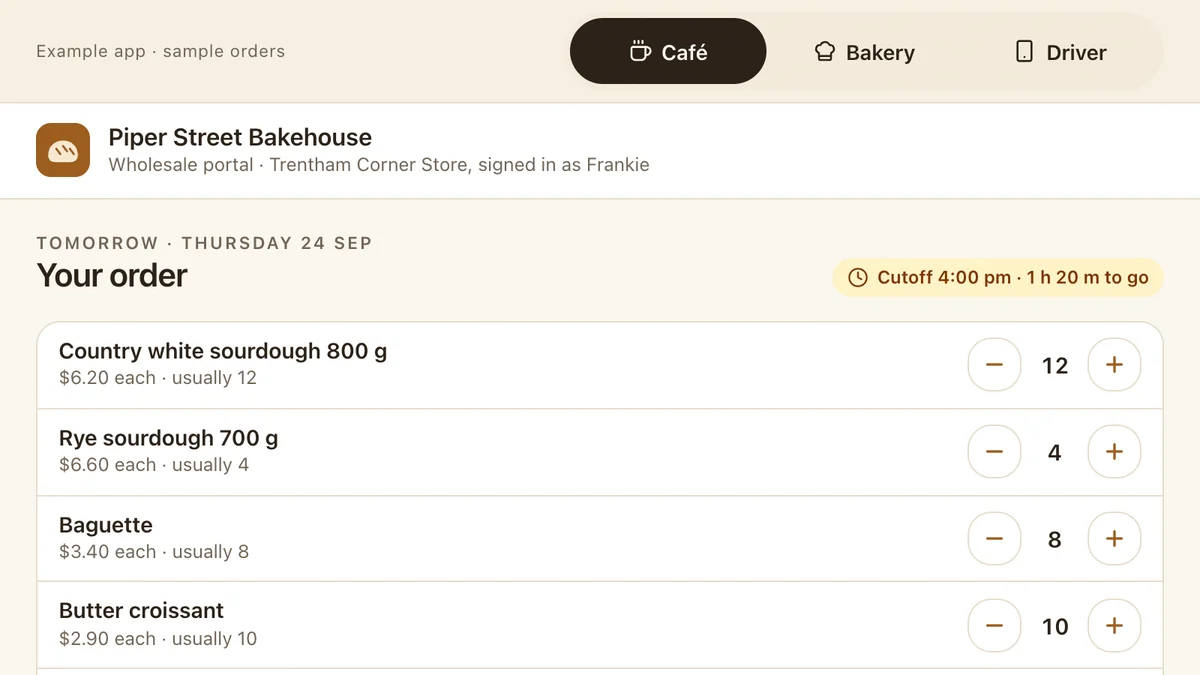
- Bakeries, wholesale food and drink suppliers, growersWholesale orders and delivery runsStanding orders with a cutoff, bake and run sheets that build themselves, proof of delivery and invoices to Xero.Live demoTry it
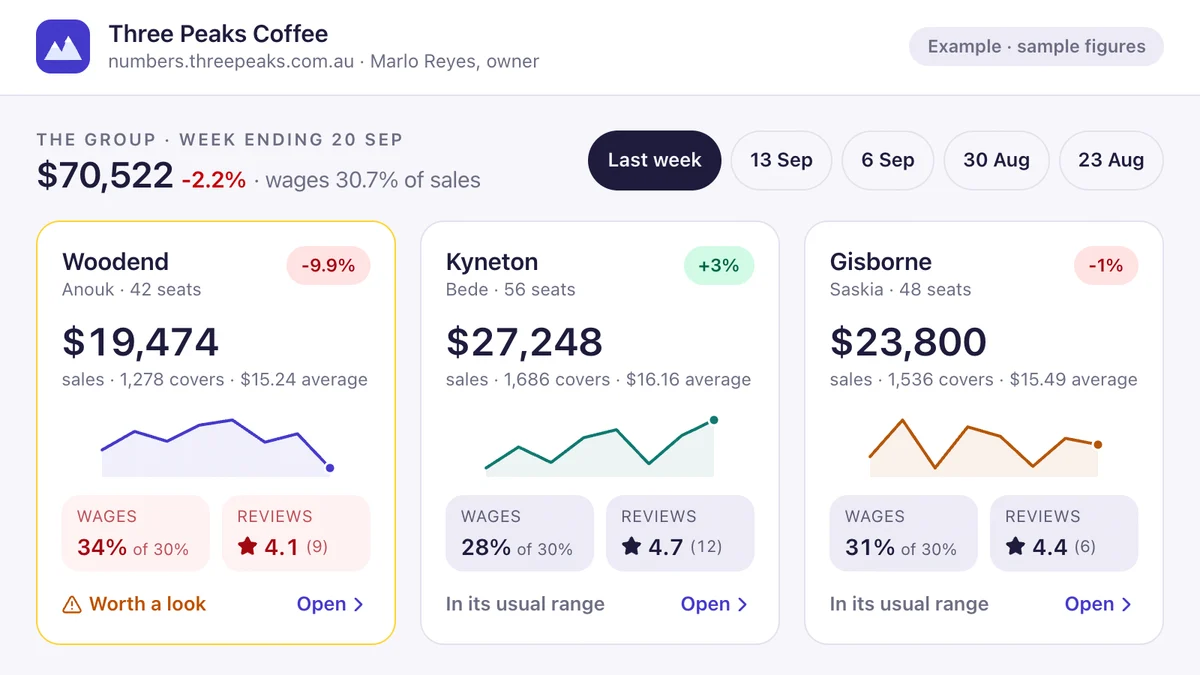
- Owners of cafés, venues, retail and multi-site businessesOwner's dashboard with a weekly briefThree venues on one screen, a drill-in for the one that's off, a Monday brief from the numbers and a Friday wage alert.Live demoTry it
Last reviewed .