Interactive example · Hospitality
A self-order kiosk that shortens the queue and sells the meal, without the hard sell
At the lunch rush, the queue is the bottleneck, and the person at the till has no time to suggest chips and a drink. A kiosk takes orders in parallel and asks the question every time. Below is the same fictional souvlaki bar's counter kiosk, sending orders to the same kitchen screen as its online ordering.
In short
A self-order kiosk is a touchscreen at the counter where customers browse the menu, customise items, pay at the reader and receive an order number. It takes orders in parallel during busy periods, suggests upgrades consistently, and sends every order straight to the kitchen screen alongside counter and online orders.
Interactive demo: Self-order kiosk
Live demo · Oxi Souva Co., Warrnambool is a fictional business with sample data. Nothing you do here is saved or sent.
- Start an orderTap the attract screen and choose dine in or take away.
- Say yes to the mealAdd a souva and the kiosk offers chips and a can. Accept it, or an add-on at checkout.
- Pay at the readerPayment is simulated. You'll get an order number to watch for.
- Send it through the kitchenBump your order on the kitchen screen until it's ready.
Oxi Souva Co. is fictional. The menu, prices and allergen details are sample data, and payment is simulated; no card is read or charged.
Built for quick-service restaurants, cafés and venues
Three people it has to work for, and what each is hiring it to do
- OwnerServe the lunch rush with the staff you have, and sell more meals
- Counter staffFewer orders to key in, and the allergy ones flagged
- CustomerOrder at their own pace, pay, and get a number without the queue
What you just used
How Oxi Souva Co. runs, screen by screen
- Number calledSystem
How the work moves through Oxi Souva Co.: who does what, and where the software takes over. Steps with a mint mark are ones you can do in the demo above.
Designed for a finger, at arm's length
Large tiles, clear prices and one decision per screen. Kiosk design is its own discipline: it's used standing up, in a hurry, often by someone who has never seen it before.
The upsell, asked every time
Chips and a drink are offered at the moment they make sense, with a clear no. Staff forget to ask during a rush; a kiosk never does, and it never pushes twice.
Built for public use
An attract screen draws people in, a "still there?" prompt clears abandoned orders, and the kiosk resets itself for the next person. Nobody finds someone else's half-built order.
Accessible reach
An accessible view moves every control into the lower half of the screen, within reach from a wheelchair, with larger text. It's a detail the reach-range standards ask for.
Payment at the reader
Card payment happens on the reader built into the kiosk, with a pay-at-counter option for cash. The order number appears the moment payment clears.
One kitchen, every channel
Kiosk, counter and online orders land on the same kitchen screen, with timers and allergy flags. The kitchen works one queue, however the order arrived.
Built for you
Your rules, not a template's
Built for your venue, the kiosk would carry your menu, brand and hardware:
- Your menu, modifiers, combos and upsell rules, shared with online ordering
- Hardware chosen with you: screen size, stand or wall mount, and card reader
- Payment through your provider's card reader
- Orders into your kitchen screen or POS
- Loyalty sign-in by phone number or QR
- Remote menu updates and sold-out switches from your phone
Connects to what you already use
Where a tool offers an API or a calendar feed, the build talks to it directly. Your data stays in accounts you own.
- Card readers
- Square
- Stripe Terminal
- Lightspeed
- Kitchen display screens
- Receipt printers
Staff at the till, a POS kiosk add-on, or a custom kiosk?
Many POS providers sell kiosk software that works well for standard menus. A custom kiosk makes sense when your menu, brand or ordering channels need to work as one.
| Criteria | Staff at the till | POS kiosk add-on | Custom kiosk |
|---|---|---|---|
| Queue at the rush | One order at a time | Orders in parallel | Orders in parallel |
| Upsell consistency | Depends on the day | Built in | Built in, timed your way |
| Look and feel | Your team | The provider's templates | Your brand, end to end |
| Shared with online ordering | No | If the same provider | Yes, one menu and one kitchen screen |
| Cost | Wages | Monthly fee per kiosk plus hardware | Build, hardware and support |
| Best when | Queues are short and staff have time to chat | Your POS provider's kiosk suits your menu | Busy periods, complex menus or several ordering channels |
How we'd build yours
Fixed price, agreed before we start
Time your busiest hour
How long the queue gets, how long each order takes at the till, and what gets forgotten. That tells us whether a kiosk will pay for itself.
Fix the scope, the hardware and the price
Software, screen, stand, card reader and integrations, written down with one fixed price you approve before we start.
Trial it beside the till
One kiosk runs beside the counter for a few weeks. We watch where people hesitate and tune the screens.
Measure the queue and the average order
We compare queue time and average order value before and after, so the decision on a second kiosk is based on numbers.
What moves the price
Custom work is quoted individually, at a fixed price, once the scope is written down. These are the things that make the biggest difference.
- Hardware
- Screen size, enclosure and card reader, bought or leased.
- Menu and combos
- Complex menus take longer to design for touch.
- POS and payments
- Card reader and POS integrations depend on your providers.
- Shared ordering
- Sharing a menu with online ordering saves work if both are built together.
When you shouldn't build this
If your queues are short and your staff enjoy the chat at the counter, a kiosk may cost more than it earns, and some customers prefer a person. If Square's or Lightspeed's kiosk handles your menu, it's the cheaper start. A custom kiosk earns its place in busy venues with complex menus, or where it shares one menu and kitchen screen with your own online ordering.
Want this, with your name on it?
Tell us how the work runs today. We'll reply within one business day with what we'd build first, what we'd leave out, and whether an off-the-shelf tool would serve you better.
Common questions
A touchscreen at a restaurant or café counter where customers browse the menu, customise their order, pay at a built-in card reader and receive an order number. Orders go straight to the kitchen, freeing staff from the till during busy periods.
They often do, because the kiosk offers upgrades and add-ons consistently, at the right moment, on every order. The increase varies by venue and menu, so it's worth measuring during a trial before buying more kiosks.
Yes, when they're built on the same menu and kitchen system. A sold-out item disappears from both, price changes happen once, and every order lands on the same kitchen screen.
A commercial touchscreen, a stand or wall mount, a card reader and a network connection, plus a receipt printer if you want one. Hardware can be bought or leased, and is chosen with the venue's space and traffic in mind.
They should be. Good kiosks offer an accessible view with controls within reach from a wheelchair, larger text and high contrast, and the counter should still take orders for anyone who prefers a person.
More examples to try
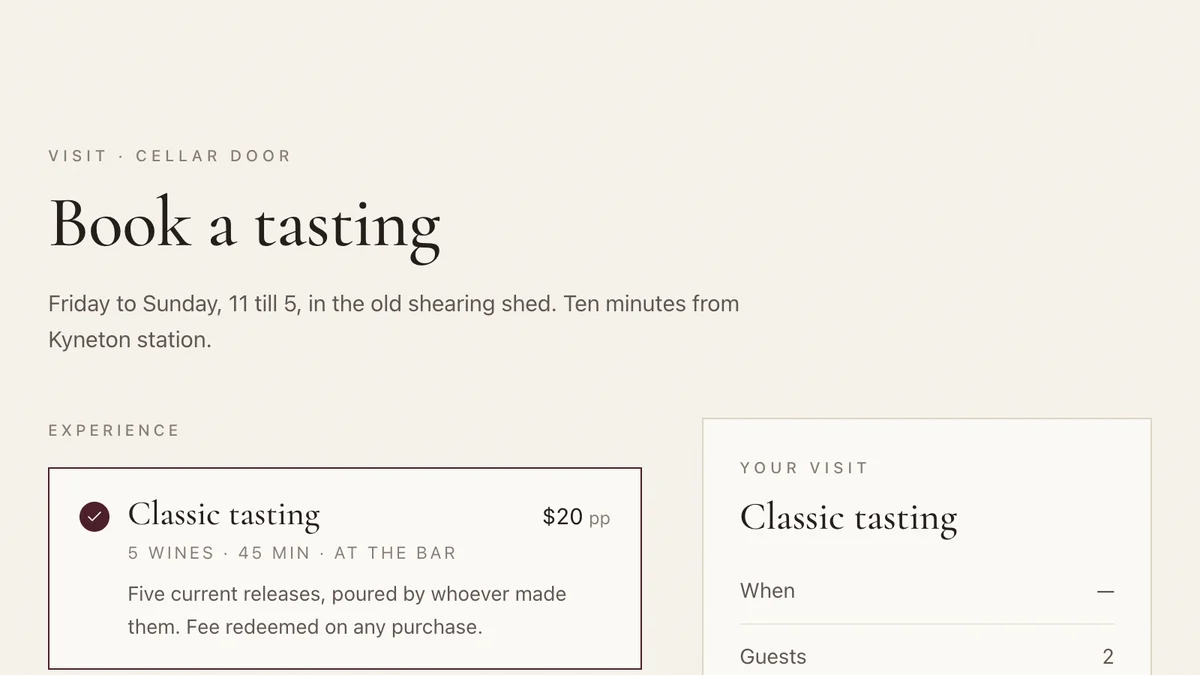
- Wineries, cellar doors and small producersCellar door and wine clubTasting bookings, club memberships and member-customised shipments for a small winery.Live demoTry it
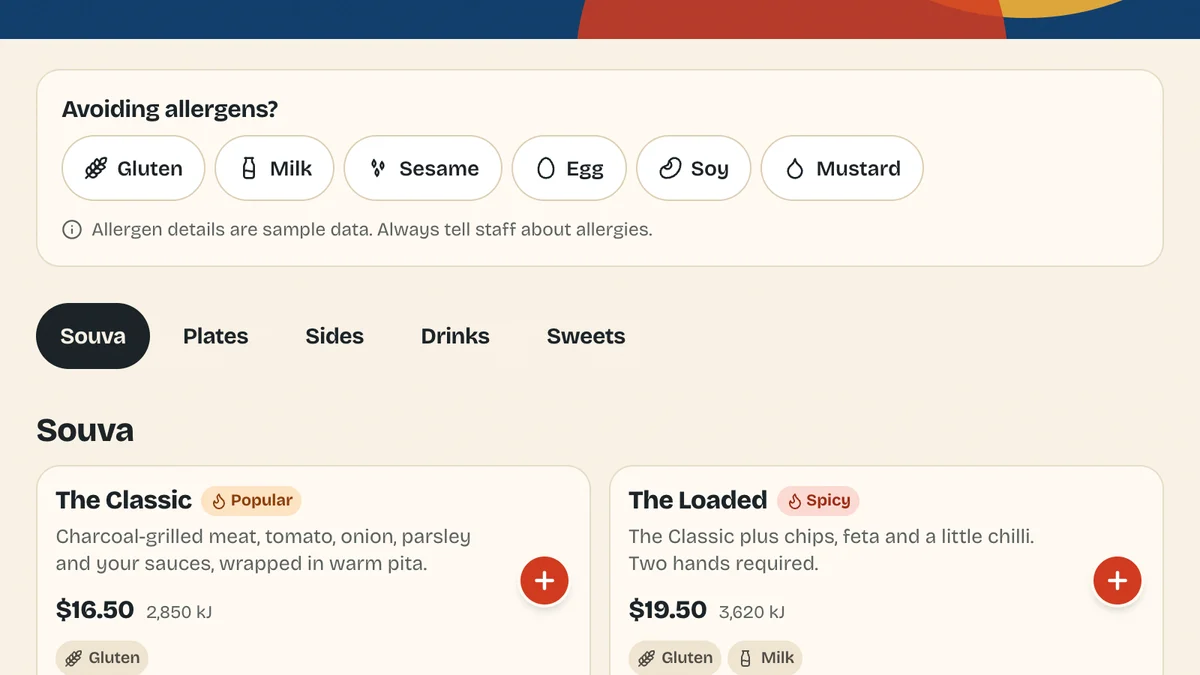
- Quick-service restaurants, cafés and takeawaysOnline ordering for restaurantsCommission-free order-ahead with modifiers, allergens and kitchen-aware pickup times.Live demoTry it
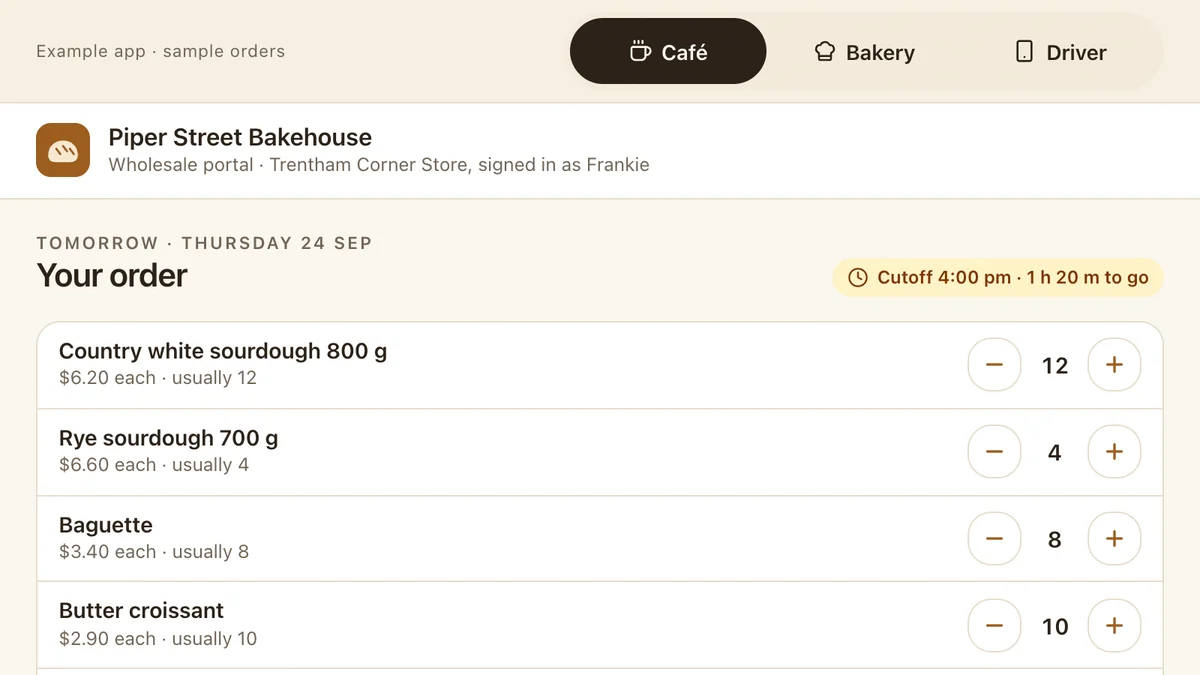
- Bakeries, wholesale food and drink suppliers, growersWholesale orders and delivery runsStanding orders with a cutoff, bake and run sheets that build themselves, proof of delivery and invoices to Xero.Live demoTry it
Last reviewed .