Leaving WordPress
Is it time to move your site away from WordPress?
WordPress runs a huge share of the web, and for a content-heavy site with people publishing every week it's still a sensible choice. Most small business sites aren't that. They're a dozen pages carrying thirty plugins, a theme nobody updates and a login page that's attacked daily. The question isn't whether WordPress is good. It's whether yours is earning its upkeep.
Rather just ask someone? Talk to usIn short
Move away from WordPress when plugin updates keep breaking the site, security patching is a job nobody owns, pages stay slow after proper fixes, or you're maintaining a CMS for a site that rarely changes. If staff publish often and the site is well kept, stay: managed hosting and a maintenance plan fix most problems for less.
- Where WordPress risk actually comes from
- Very little of it is WordPress itself. Patchstack counted more than 11,000 new vulnerabilities in the WordPress ecosystem in 2025: 91% were in plugins, 9% in themes, and only a handful in core. Nearly half had no fix available when they were disclosed. Every plugin is software someone has to keep patched.
What running WordPress really involves
Vulnerability figures from Patchstack's 2026 report, covering 2025. Costs are indicative Australian ranges for a small business site.
- New ecosystem vulnerabilities in 2025 11,000+
- 91% in plugins, 9% in themes and a handful in WordPress core, per Patchstack.
- No fix when disclosed 46%
- Of the vulnerabilities disclosed in 2025. Removing plugins you don't need is the cheapest protection there is.
- Maintenance $30 – $300+ a month
- Updates, backups, monitoring and security from an Australian provider, depending on what's included.
- A managed modern site (businesses of 1–5 staff) $950 setup, then $95/month
- Our The Small Business Plan: up to 5 pages, hosting, security, backups and monthly updates. Larger sites are quoted individually.
Signs it's time to go
Updates break things, so nobody updates
Once a plugin update has broken the site, people stop updating. That's how most small business WordPress sites end up running code with known holes in it.
A simple site runs dozens of plugins
Sliders, forms, SEO, caching, security, backups and a page builder, each with its own update cycle and its own vulnerabilities. A twelve-page site doesn't need thirty of them.
The page builder is why it's slow
Heavy page builders make editing easy and pages slow. If speed fixes keep falling short, the builder's markup is often the reason, and it can't be fixed without rebuilding the pages.
Nobody owns the maintenance
Someone set it up years ago, and now nobody's sure who has the admin login, where it's hosted or when it was last backed up. An unowned WordPress site is a liability whether or not you leave.
The site barely changes
If you update a page a few times a year, a CMS and the upkeep it needs may be the wrong tool. A modern site with no plugins to patch can be faster, safer and cheaper to run, with edits done for you.
You've been hacked, or nearly
Spam pages in Google, a defaced home page, or a malware warning from your host. Cleaning up and hardening comes first. Whether to rebuild afterwards depends on how much of the site you'd keep.
Maintain it properly, rebuild it, or move?
Three honest options for a small business WordPress site that's become a worry.
| Criteria | Stay, properly maintained | Rebuild on WordPress | Move to a modern site |
|---|---|---|---|
| Best for | Content-heavy sites, staff who publish often | Good content on a bad build: plugin sprawl, slow builder | Sites that change a few times a year |
| Fixes | Security, backups, uptime | Speed and plugin debt | Speed, security surface and upkeep |
| Keeps | Everything | Content, addresses and a familiar editor | Content and addresses, with redirects |
| Ongoing cost | Managed hosting and a maintenance plan | The same, with fewer plugins to patch | Hosting and changes, often in one monthly plan |
Before you leave WordPress
The steps that protect your content, your email and your rankings.
- Export content from Tools, Export, and copy the media library separately: the export only references images
- Take a full backup of the database and files, and test that it restores
- Crawl the site and map every address to its new home for 301 redirects
- List every plugin and what it actually does: forms, bookings, SEO, tracking
- Find out where your email is hosted before changing any DNS
- Export form entries, subscribers and any shop data
- Keep the old site backed up for a few months after launch
When staying is the better answer
If people publish on your site every week, or it's a large content library, WordPress is still a good home and leaving is a big job. Fix it instead: managed hosting, fewer plugins, a lighter theme and someone responsible for updates. We build and look after WordPress sites too, and we'd rather tidy one that suits you than move you for the sake of it.
Tell us what you're on, and what isn't working
Name the platform, roughly what you pay, and what's getting in the way. We'll tell you whether to stay, switch to another product or build, and what the move would involve. Staying is a perfectly good answer.
jayson@pixelapps.com.au
1300 204 802
Macedon Ranges, Victoria
Serving clients across Australia
Common questions
Yes, if it's maintained. Most WordPress compromises come through plugins and themes that weren't updated, not WordPress itself. Keep plugins few and current, use strong logins with multi-factor, and take backups you've tested.
Not if every old address redirects to its new equivalent, the content that ranks comes across, and the new site is at least as fast. Rankings drop when redirects are skipped.
The content, yes. The built-in export covers posts, pages, comments, custom fields, categories and menus. Images are referenced rather than included, and theme and plugin settings don't export, so copy the media library and rebuild the design and features.
For a simple site you'll edit yourself, it can be a fair trade: less upkeep, fewer options. If you'll want custom features or more speed later, it's a step sideways. Our guide to leaving Squarespace and Wix covers the other direction.
For a small business site, typically $3,000 to $10,000, depending on how much is rebuilt rather than carried across. For businesses of 1 to 5 staff, our The Small Business Plan covers a new site of up to 5 pages for $950 setup, then $95/month.
See it working
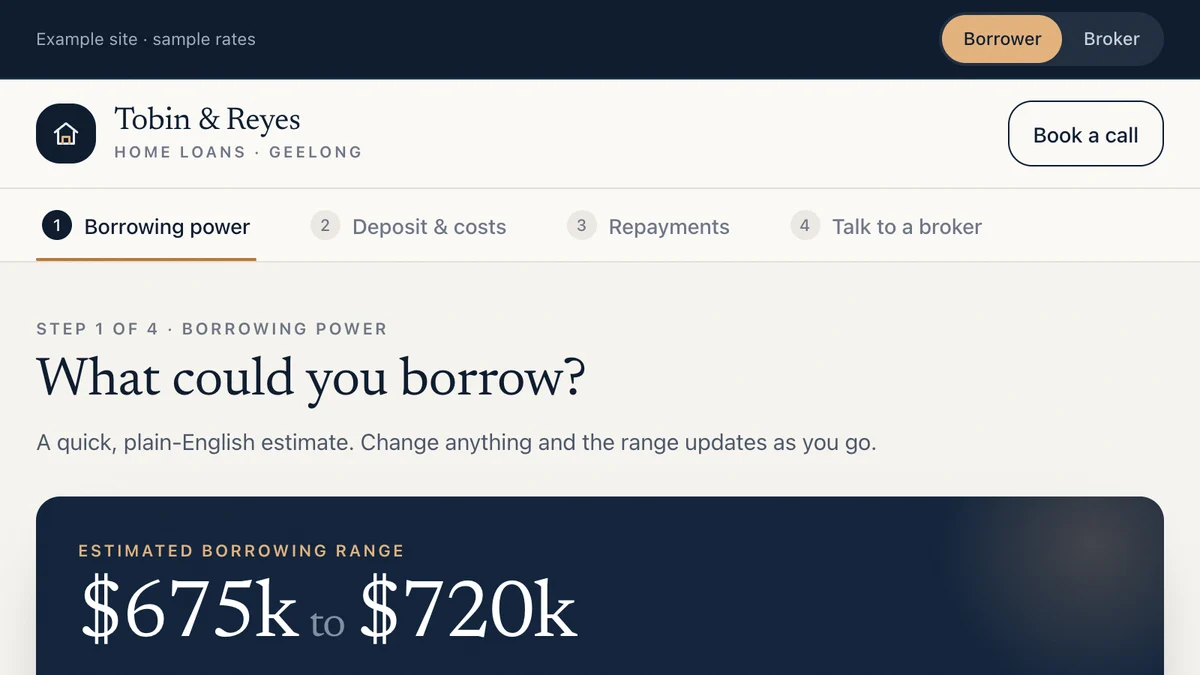
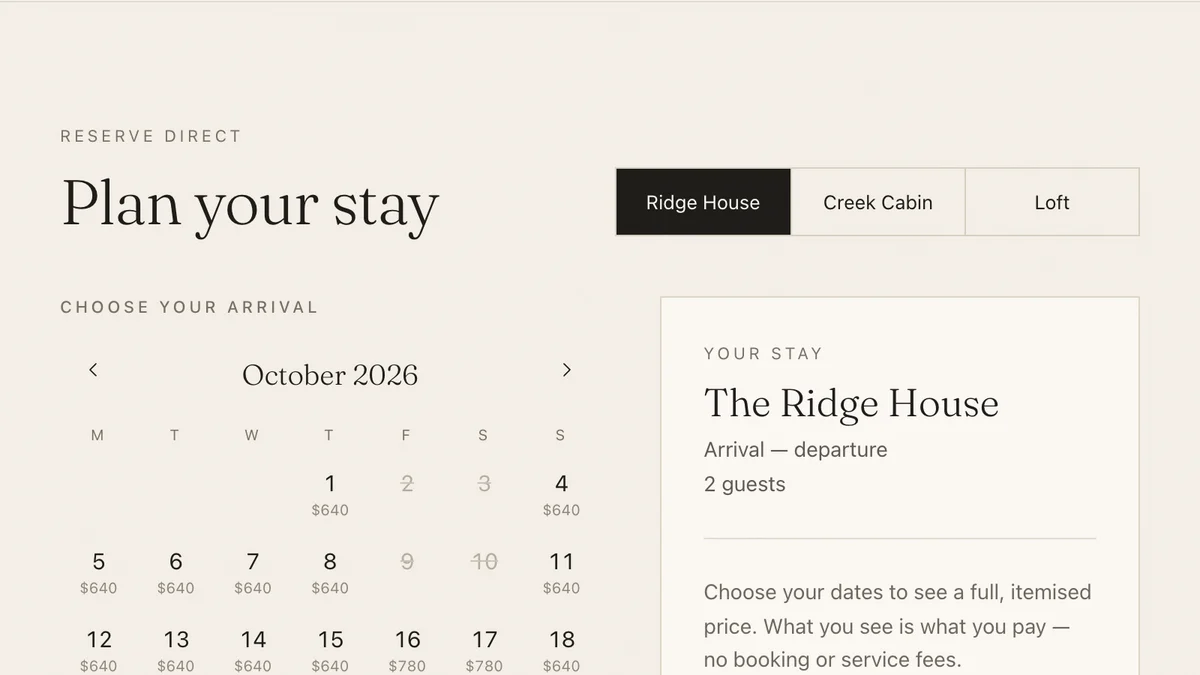
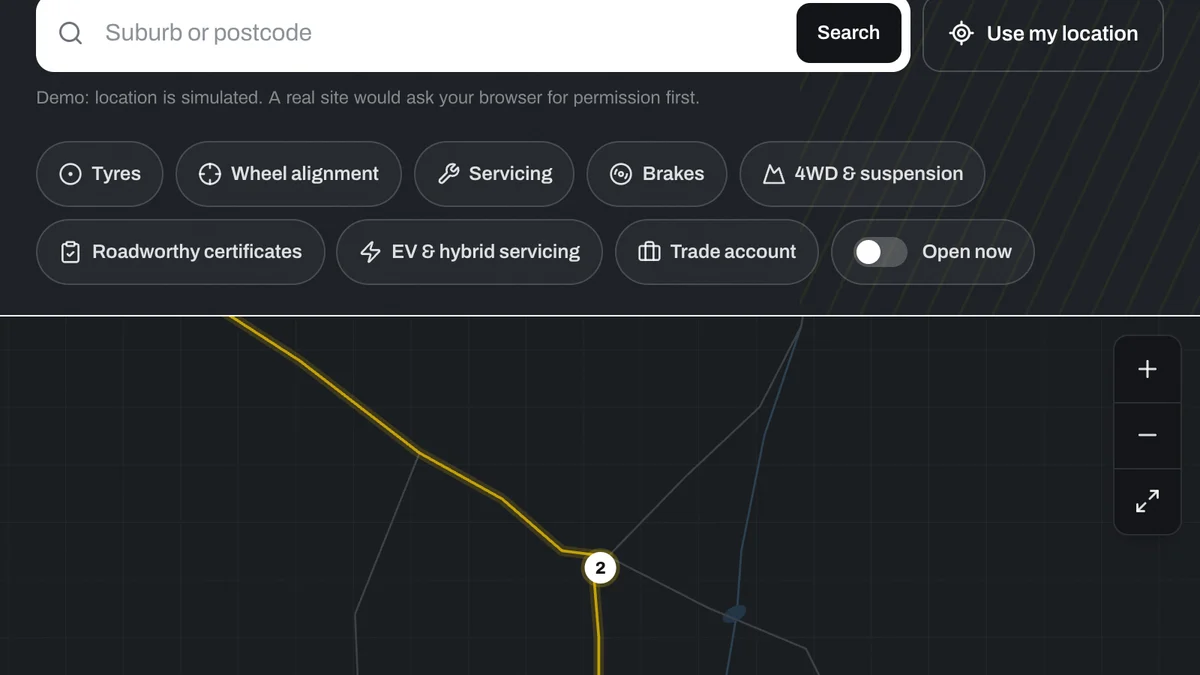
Software we'd build, running with a fictional business and sample data. Use it, then decide.
Also worth a look
- Is It Time to Move Off Bubble?
- Is It Time to Move Away From HubSpot?
- Is It Time to Move Off Airtable?
- Redesigning without losing your Google rankings
- Moving off Squarespace or Wix instead
- Hacked? What to do in the first hours
- Wondering whether to build your own instead? The signs it's time
Last reviewed . Platform prices are the vendor's published list prices when this page was reviewed and change often; check current pricing. Migration costs are indicative Australian ranges, not quotes.