Leaving HubSpot
Is it time to move away from HubSpot?
HubSpot is a good product, and most businesses that want to leave it aren't unhappy with the software. They're unhappy with the invoice: a Professional tier bought for one feature, seats for people who rarely log in, a marketing contact count that climbs every month. Some have a real fit problem. Many have a renewal problem that a few hours of clean-up would fix.
Rather just ask someone? Talk to usIn short
Move away from HubSpot when you're paying Professional prices for Starter-level use, marketing contact costs keep climbing, or your process doesn't fit its deals and pipelines. First remove unused seats, mark old contacts non-marketing and drop a tier at renewal. Pipedrive or Zoho suit many small teams; a custom CRM suits unusual processes.
- How HubSpot charges
- By Hub, tier and seat. Since 2024, each person who needs to edit pays for a seat, and Professional and Enterprise tiers cost several times Starter and need a one-off onboarding fee. Marketing Hub also charges by marketing contacts: the people you can email. Plans auto-renew, and most reductions only take effect at renewal.
What HubSpot costs, and what moving costs
HubSpot's published list prices, checked November 2026, in US dollars on annual billing; HubSpot also publishes Australian dollar prices. Migration costs are indicative Australian ranges.
- Sales Hub Professional US$90 a seat a month
- Or US$100 billed monthly. Starter is a fraction of that per seat.
- Professional onboarding US$1,500 – $3,000
- A required one-off fee: US$1,500 for Sales Hub Professional and US$3,000 for Marketing Hub Professional.
- Marketing Hub Professional US$800 a month
- Billed annually, with 3 core seats and 2,000 marketing contacts. More contacts are added in blocks.
- Moving to another CRM $2,000 – $10,000
- Exporting, cleaning, mapping and importing records, and rebuilding the automations that matter.
Signs it's time to go
You're on Professional for one feature
Professional tiers carry a much higher seat price and a one-off onboarding fee. If the team mainly uses contacts, deals and email logging, Starter or a simpler CRM does that for far less. List the Professional features you actually use before the renewal.
Marketing contacts keep pushing up the bill
Old leads, unsubscribes and imported lists all count as marketing contacts unless they're set as non-marketing. If the contact bill grows while the list you actually email doesn't, cleaning up may be the whole fix.
Seats grow faster than the people using them
Seats given to people who log in once a month add up across every Hub. Check who uses what before each renewal, and give view-only access where that's enough.
Your work doesn't fit deals and pipelines
If the business runs on projects, jobs, applications or multi-party transactions, you end up bending HubSpot's objects and custom properties to fit, then building reports around the bend. Industry software or a custom CRM may model it properly.
Nobody trusts the data
Duplicates, properties nobody fills in, workflows nobody remembers creating. Moving doesn't fix a messy CRM; cleaning does. But if the clean-up is as big as a migration, do it once, in the new system.
Your website lives in HubSpot too
If the site, landing pages, forms and blog run on HubSpot's CMS, leaving the CRM means moving the website as well. Plan both together, or keep the site where it is and connect it to the new CRM.
Right-size, switch, or build?
Three ways to deal with a HubSpot bill or fit that's stopped making sense. Costs are indicative Australian ranges.
| Criteria | Clean up and right-size | Another CRM | Custom CRM |
|---|---|---|---|
| What it means | Remove idle seats, set old contacts non-marketing, drop a tier at renewal | Pipedrive, Zoho CRM, or a CRM built for your industry | A CRM built around your process, connected to Xero and your other tools |
| Solves | Cost, often substantially | Cost and complexity, for simpler sales processes | Processes no CRM models well, and per-seat fees |
| Doesn't solve | A process that genuinely doesn't fit | Poor data quality; automations need rebuilding | Email marketing and ads tools, which you'd still buy |
| Typical cost | Staff time, or a few days of help | A new subscription, plus $2,000 – $10,000 to migrate | $15,000 – $60,000, then hosting and care |
| Best when | HubSpot fits; the bill doesn't | You use a fraction of what HubSpot does | Your process is how you win work |
Before you leave HubSpot
Start a couple of months before renewal. Most changes only take effect on that date.
- Find your renewal date; tell HubSpot of any downgrade or cancellation well before it
- Export every object (contacts, companies, deals, tickets) with associations; download links expire after 30 days
- Document every workflow, sequence and email template: they don't export as working logic
- List the forms, landing pages and tracking code on your website that depend on HubSpot
- Export the email history and attachments you need to keep
- List every integration that reads from or writes to HubSpot
- Set up your email sending domain in the new system before you switch
When staying is the better answer
Most HubSpot frustration is a pricing and set-up problem, not a product problem. If the team likes it and uses it, a renewal review that removes idle seats, cleans out marketing contacts and drops what you don't use will often save more than a move, with no disruption. Leave when your process genuinely doesn't fit, or you're using a fraction of what you pay for.
Tell us what you're on, and what isn't working
Name the platform, roughly what you pay, and what's getting in the way. We'll tell you whether to stay, switch to another product or build, and what the move would involve. Staying is a perfectly good answer.
jayson@pixelapps.com.au
1300 204 802
Macedon Ranges, Victoria
Serving clients across Australia
Common questions
Mostly tiers, seats and contacts. Professional plans cost several times Starter per seat and need a one-off onboarding fee, Marketing Hub charges by marketing contacts, and each Hub is priced separately. Many businesses pay for capability they don't use.
Usually. Remove seats nobody uses, set old and unsubscribed contacts as non-marketing, and drop to a lower tier on Hubs you barely use. Most changes take effect at your renewal date, so start a month or two before it.
Records, yes: each object exports as CSV or Excel with its properties and associations. Workflows, sequences and templates don't come across as working logic, and HubSpot forms and tracking stop when the account closes, so document and rebuild them.
For a straightforward sales pipeline, Pipedrive or Zoho CRM cost less and are simpler. Many industries have CRMs built for their process. Where your process is unusual, a custom CRM connected to Xero can replace several tools.
Generally no. Plans auto-renew; cancelling means turning auto-renew off so the plan ends at renewal, and downgrades take effect on the same date. Check your renewal date and contact HubSpot well before it.
HubSpot offers data hosting in Sydney, and existing customers have been offered migration to it. Ask HubSpot which data centre your account is in if it matters to your customers or contracts.
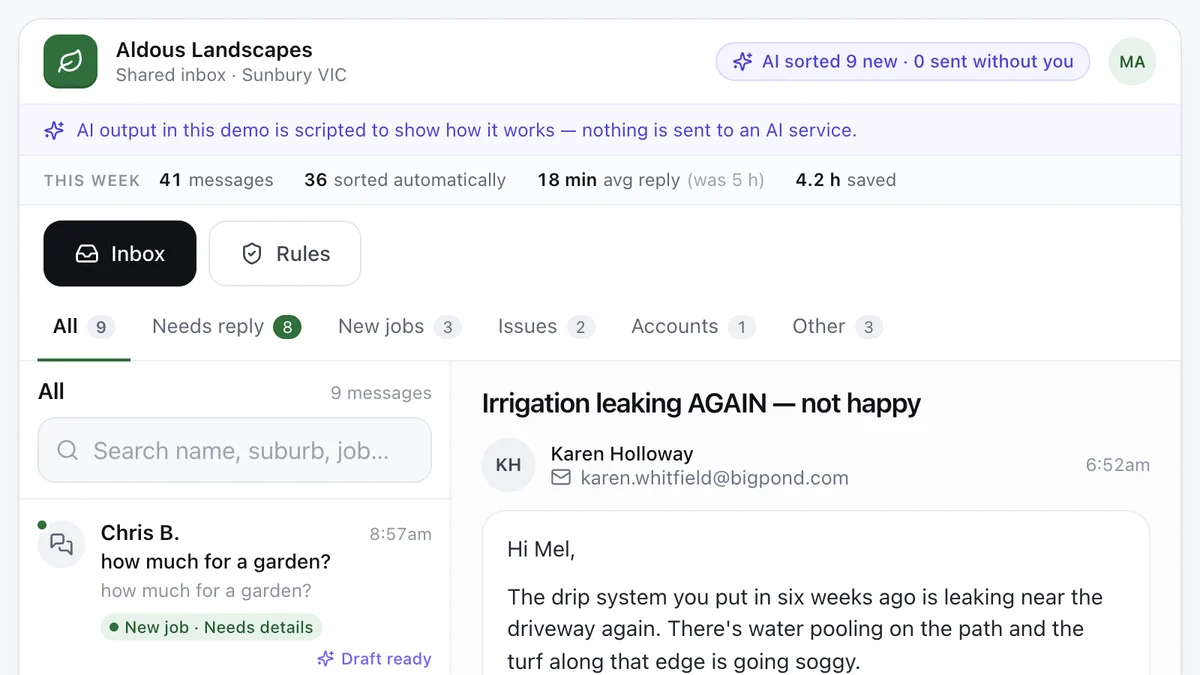
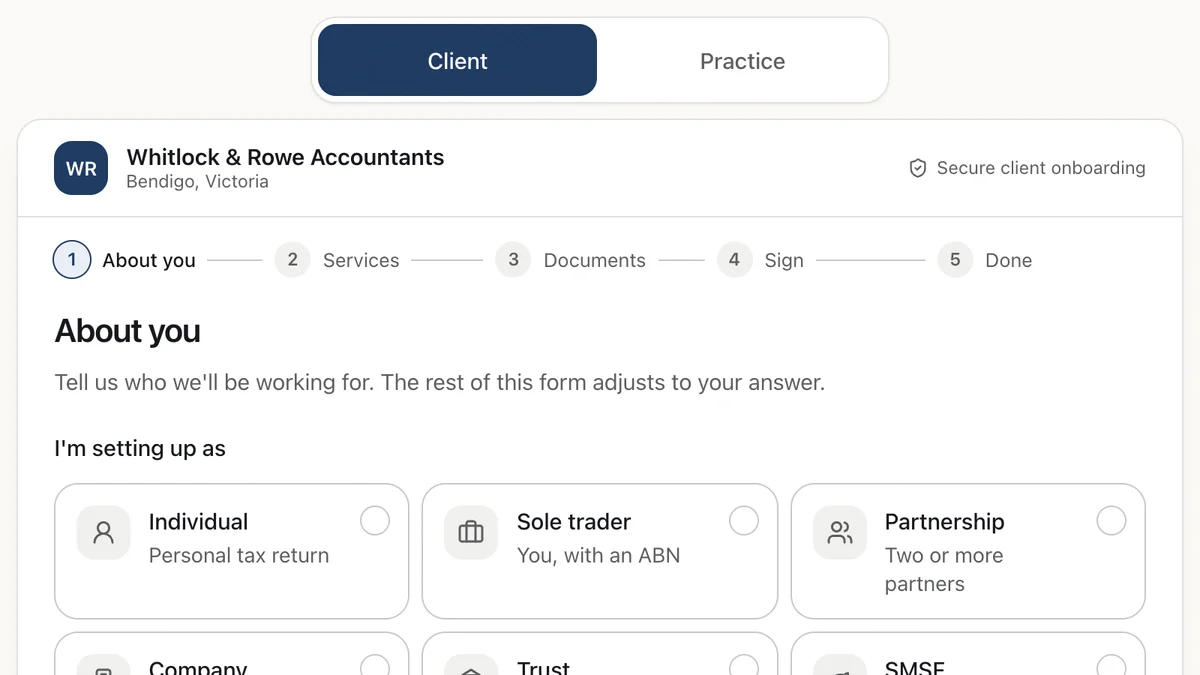
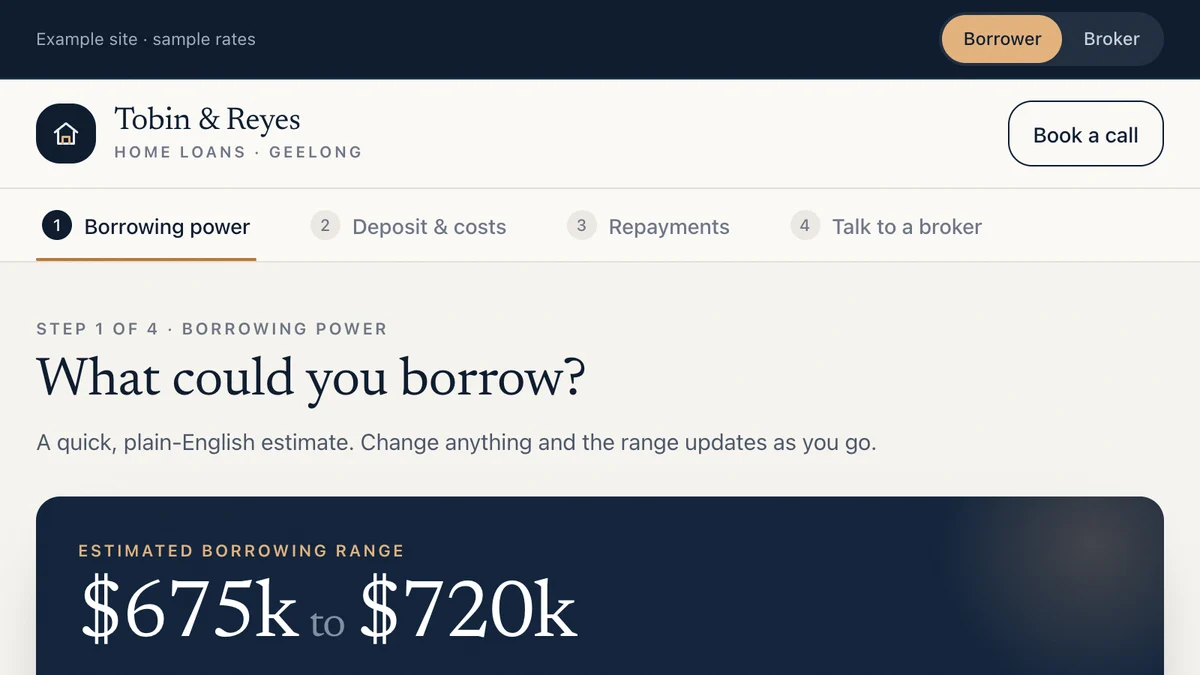
See it working
Software we'd build, running with a fictional business and sample data. Use it, then decide.
Also worth a look
- Is It Time to Move Away From Salesforce?
- Is It Time to Move Off Zapier?
- Is It Time to Move Away From WordPress?
- A one-afternoon audit of the software you pay for
- Connecting your CRM to Xero and everything else
- Wondering whether to build your own instead? The signs it's time
Last reviewed . Platform prices are the vendor's published list prices when this page was reviewed and change often; check current pricing. Migration costs are indicative Australian ranges, not quotes.