Browser extensions
Your own tools, inside the websites your team can't change
A lot of office work now happens inside other people's websites: the CRM, the supplier portal, the government login, the webmail. Staff read something in one tab and type it into another, hundreds of times a week, because nobody can add a button to a website they don't own. A browser extension is how you add that button.
Rather just ask someone? Talk to usIn short
A custom browser extension adds your own buttons, panels and checks to websites you don't control, such as a CRM, supplier portal or webmail. It suits desk-based teams who copy information between tabs all day. A staff extension is installed privately and reads only the sites it needs. If the other system has an API, connect to that instead.
- What is a browser extension?
- A small program that runs inside Chrome, Edge, Firefox or Safari and adds to the pages you visit: a side panel, a button on a page, a check before a form is sent, or a shortcut that fills fields in. It runs on each person's computer with only the permissions it was granted at install. Chrome and Edge share one extension format, so a single build usually covers both.
What a custom extension typically costs
Indicative Australian ranges in 2026, not quotes. Ongoing care is extra, and matters more here than for most software.
- Single-purpose staff tool $4,000 – $10,000
- One or two sites, one job: a button that sends what's on screen to your system, or a check before a form is submitted. Installed privately.
- Side panel connected to your systems $10,000 – $30,000
- Signs in to your own software, looks up and updates records beside the page you're on, with roles and an audit trail.
- An extension sold as a product $30,000+
- Public listings in the Chrome and Edge stores, customer accounts, billing, support and a website. A product with a product's needs.
- Ongoing care from $750 per month
- Fixes when the sites it works on change, browser updates, security patches and store resubmission.
What actually helps
Find the copy-and-paste
Good extensions start with one job done fifty times a day: open a record in one site, copy six fields, paste them into another. Sit beside the person who does it and time it. If it happens a few times a week, it isn't worth building.
Use the API first, the page second
An extension that reads a web page depends on how that page is laid out, and needs fixing when the vendor redesigns it. If the system has an API, an integration is sturdier and cheaper to run. Extensions earn their place where there's no API, where the API doesn't expose what's on screen, or where someone needs help at the moment they're looking at the page.
Read the other site's terms
Some platforms forbid automated copying from their pages, and LinkedIn's user agreement names browser add-ons specifically. Helping a staff member with a page they're already entitled to see, at their click, is a different thing from harvesting a site, but the line matters. We check the terms before we build and design around them.
Ask for the narrowest permissions
An extension can be allowed to read and change every website a person visits, or only the two sites it works on. Ask for the second. Narrow permissions make the install prompt less alarming, the store review simpler, and the damage smaller if anything goes wrong.
Install it privately, not publicly
A staff tool doesn't belong in the public store. Chrome can publish to your Google Workspace domain only, and managed Chrome and Edge browsers can be sent an extension through Google Admin, Microsoft Intune or Group Policy. Nobody installs anything by hand, and it can be withdrawn from everyone just as easily.
Treat it as part of your security
Extensions live in the browser where staff are signed in to everything, which makes them a favourite target. In December 2024, attackers phished the Chrome Web Store login of security company Cyberhaven and pushed a malicious update that browsers installed automatically. Put multi-factor sign-in on the publishing account, limit who can publish, and review every release.
Budget for the other site changing
The extension's code is yours; the pages it works on aren't. When a vendor redesigns, a page-reading extension needs a fix, and every code change goes back through store review, because current extensions can't load new code from the internet. Plan for that in the care budget, not as a surprise.
Keep copying, integrate, try an AI browser, or build an extension?
Four ways to deal with work that crosses between websites, for a typical office team.
| Criteria | Keep copying | API integration | AI browser agent | Custom extension |
|---|---|---|---|---|
| Best when | It happens a few times a week | Both systems have a usable API | A varied, one-off task | The work happens inside a site you don't control |
| Speed per task | Minutes | Instant, in the background | Slow, and needs watching | Seconds, at a click |
| Breaks when | Someone's rushed or away | The vendor retires an API version | The page or the request is unusual | The other site changes its layout |
| Main risk | Typos and missed fields | Low, with good error handling | Mistakes you don't see, and instructions hidden in pages | Broad access, if built or published carelessly |
| Cost to set up | Nothing but time | $2,500 – $25,000 | A subscription | $4,000 – $30,000 |
Before you brief an extension
Answer these and the quote gets faster and the build gets smaller.
- The exact sites and pages it needs to work on
- The task it removes, and how many times a week it happens
- Whether those sites have an API, and what their terms say about automation
- Which browsers your team uses, and whether computers are managed through Google Admin or Microsoft Intune
- What information it will see, and where that information is allowed to go
- Who in the business owns the publishing account
- Who will tell us when a site changes and the extension stops working
Where we'd tell you otherwise
If the other system has a decent API, connect to it and skip the extension: it will be sturdier and cheaper to keep running. If your team works mostly on phones and tablets, an extension won't reach them. And if the task comes up a few times a week, a good checklist beats any software. Extensions pay off for desk-based teams doing the same thing in the same sites all day.
Tell us what's getting in the way
Describe the systems you run and what isn't working. We'll tell you what we'd do first, including when the answer is a product you can buy or a setting you can change.
jayson@pixelapps.com.au
1300 204 802
Macedon Ranges, Victoria
Serving clients across Australia
Common questions
As a rough guide, a single-purpose staff extension runs $4,000 to $10,000, a side panel connected to your own systems $10,000 to $30,000, and an extension sold as a product from about $30,000. Budget for ongoing care as well, because the sites it works on will change.
Yes. Chrome can publish an extension privately so only people in your Google Workspace domain can find and install it, and managed Chrome and Edge browsers can be sent one through Google Admin, Microsoft Intune or Group Policy. The public never sees it.
Chrome and Edge use the same extension format, so one build covers both with little extra work. Firefox needs small changes and its own listing. Safari needs the extension wrapped in an Apple app and an Apple developer account, so we add it only when part of the team uses Safari.
Mostly not. Chrome on Android and iPhone doesn't run extensions. Safari on iPhone and Firefox on Android can, with separate work, but the teams that benefit from an extension are almost always at a desk.
Not for repeat work. AI browsers such as ChatGPT Atlas and Perplexity Comet can attempt a varied, one-off task, but they're slower, can get things wrong without saying so, and can be steered by text hidden in a page. For the same task done fifty times a day, predictable code is faster, cheaper and auditable. An extension can still use AI for one step, such as summarising a page.
Technically it can read what's on the screen. That doesn't make it allowed. Some platforms' terms forbid automated copying, and any personal information it collects is covered by your privacy obligations like anything else you hold. We check the terms first, then design around them, or tell you not to build it.
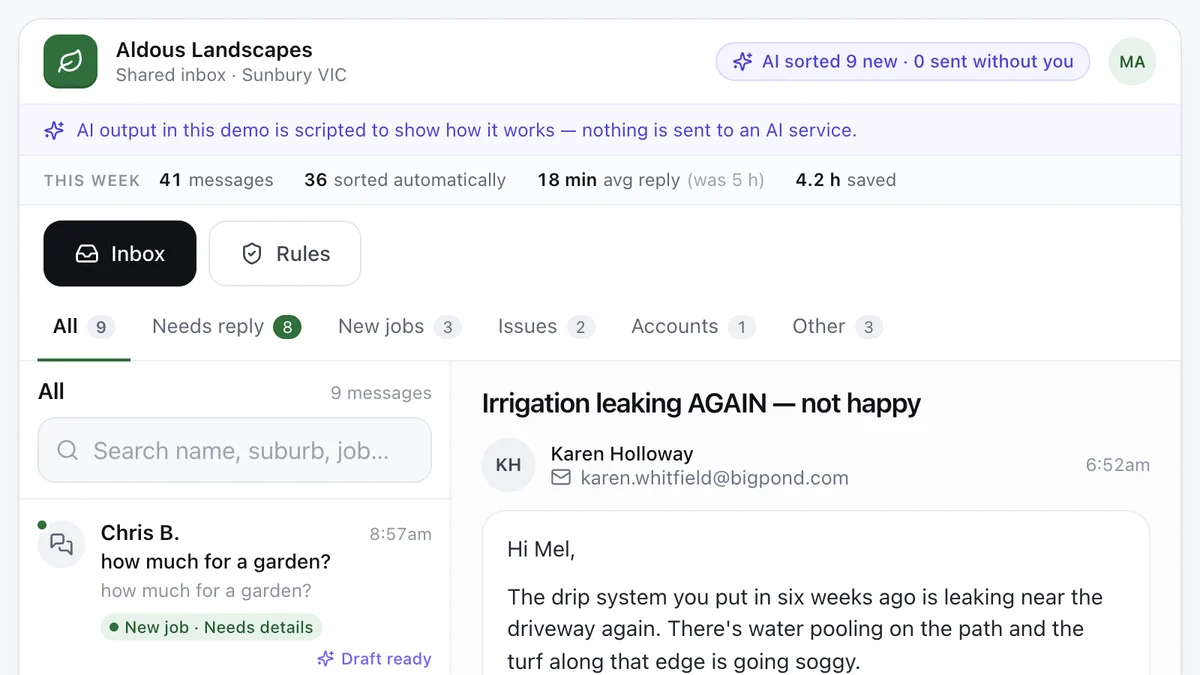
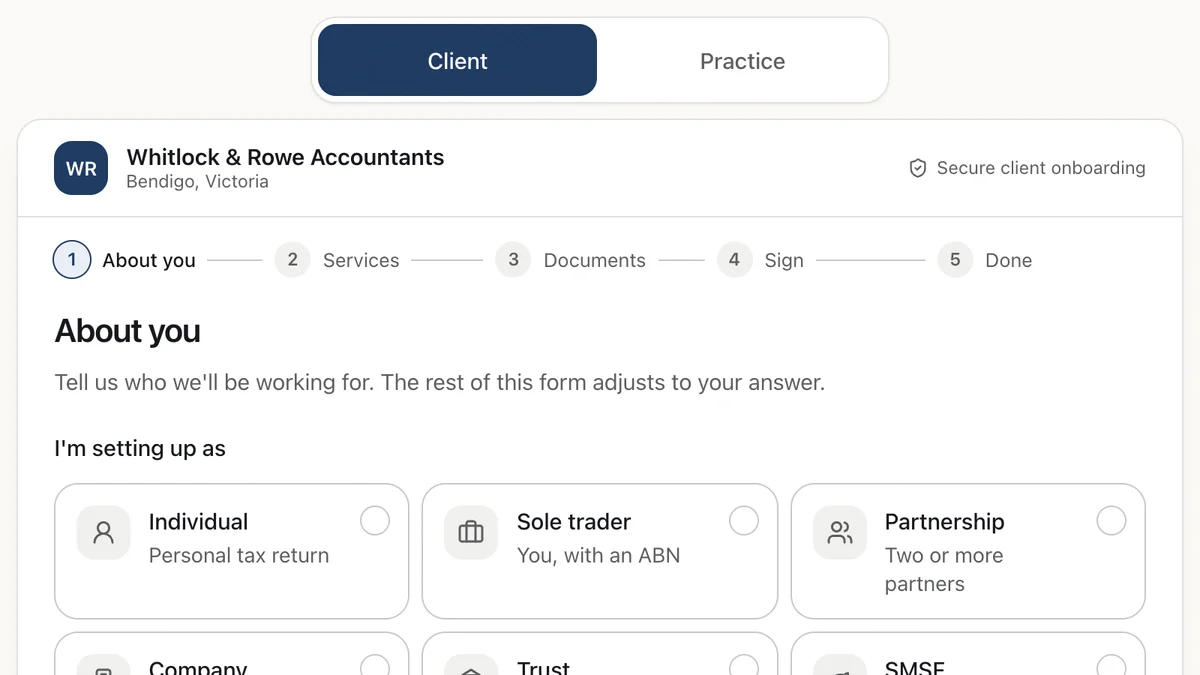
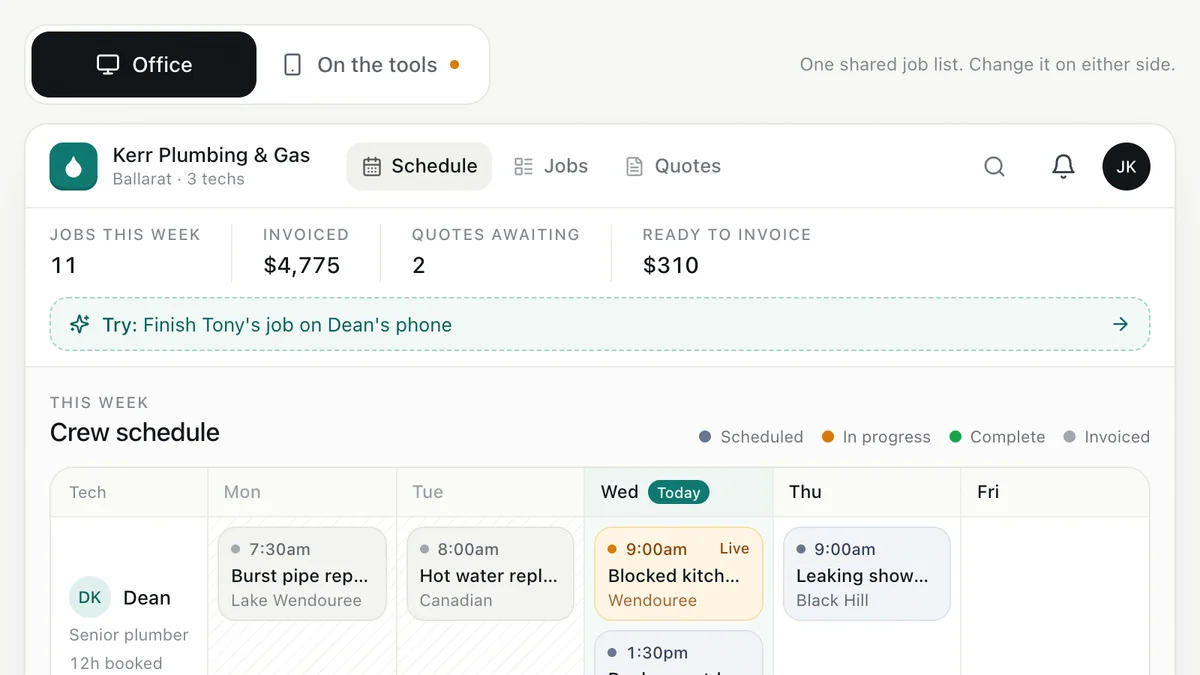
See it working
Software we'd build, running with a fictional business and sample data. Use it, then decide.
Also worth a look
- How to Connect Xero, MYOB and Your Other Systems
- Signs It's Time to Build Your Own Software
- Cyber Security Basics for Small Businesses
- Ready to automate the repetitive work? AI for your business
Last reviewed . Prices are indicative Australian ranges, not quotes.