Cyber security
Cyber security basics for Australian small businesses
Most attacks on small businesses aren't sophisticated. They're a reused password, an email that looks like it's from a supplier, an unpatched website plugin or an app nobody remembered was still connected. That's good news: a short list of basics, done consistently, closes most of the doors attackers actually use.
Rather just ask someone? Talk to usIn short
Turn on multi-factor authentication for email, banking and every business system, keep software and websites updated, back up important data somewhere attackers can't reach, and train staff to verify payment changes by phone. Those basics stop most attacks on small businesses. The Australian Cyber Security Centre at cyber.gov.au publishes free guidance and takes reports.
This is a plain-English summary, not legal or security advice for your circumstances. Obligations depend on your business; check cyber.gov.au and the OAIC, or ask a professional.
Australian obligations worth knowing
Summaries only, as at October 2026. Check the official sources for how they apply to you.
- Notifiable Data Breaches scheme Privacy Act
- Businesses covered by the Privacy Act (generally turnover over $3 million, plus some smaller ones such as health providers) must notify the OAIC and affected people of breaches likely to cause serious harm.
- Ransomware payment reporting Within 72 hours
- Under the Cyber Security Act 2024, businesses with turnover over $3 million must report a ransomware payment to the Australian Signals Directorate within 72 hours.
- Essential Eight ASD framework
- The Australian Signals Directorate's baseline set of mitigations. ASD has said it will fold it into a broader 'Essentials' series over the next couple of years; the basics it covers stay the same.
- Automated decisions From 10 December 2026
- Covered businesses must explain in their privacy policy when personal information is used in automated decisions that significantly affect people.
What actually helps
Multi-factor authentication, everywhere
Email first, because whoever controls your email can reset everything else. Then banking, accounting, payroll, your website admin and every system holding customer data. An authenticator app beats SMS codes. This one step blocks most account takeovers.
Updates are security fixes
Operating systems, browsers, phones, website platforms and plugins. Outdated WordPress plugins are among the most common ways small-business sites get compromised. Turn on automatic updates where you can, and make someone responsible for the rest.
Backups you've actually tested
Keep copies of important data that are separate from the systems they protect, so ransomware can't encrypt both. Then try restoring from them. A backup you've never restored is a hope, not a plan.
Verify every change to bank details
Payment redirection scams, where a fake 'supplier' email changes the account number on an invoice, cost Australian businesses heavily every year. Make it a rule: any change to payment details is confirmed by phoning a number you already have.
Secure what you build and connect
Custom apps, especially ones built quickly with AI tools, often ship with exposed database rules, leaked keys or missing access checks. Websites need security headers, current software and admin logins protected by multi-factor. Integrations should use their own credentials with only the access they need.
Know what you'd do on the bad day
Write down who to call, how to lock accounts, where backups are and how you'd contact customers. Ten minutes of planning saves hours of panic. Report incidents to the ACSC through cyber.gov.au.
This week's security list
Each of these takes under an hour, and together they close most of the common doors.
- Multi-factor login on email, banking, accounting and payroll
- Automatic updates on every computer and phone
- Website platform and plugins up to date, admin protected by multi-factor
- A backup stored separately, and one test restore
- A rule that bank-detail changes are confirmed by phone
- Former staff and old apps removed from every system
- A one-page plan for who to call if something goes wrong
Where we'd tell you otherwise
We secure websites, web apps, databases and integrations: the software layer. Device management, network security, email filtering and staff phishing training are the job of a managed IT or security provider, and a business holding sensitive data should have one. We work alongside them.
Tell us what's getting in the way
Describe the systems you run and what isn't working. We'll tell you what we'd do first, including when the answer is a product you can buy or a setting you can change.
Common questions
Multi-factor authentication on your email. Whoever controls your inbox can reset the passwords to almost everything else, so protecting it protects the rest.
It applies to businesses covered by the Privacy Act. That generally means annual turnover over $3 million, but some smaller businesses are covered too, including health service providers and businesses that trade in personal information. Check the OAIC's guidance for your situation.
To the Australian Cyber Security Centre through ReportCyber at cyber.gov.au. If money has been sent to a scammer, call your bank immediately as well, because speed matters for recovering funds.
Often not by default. Apps built quickly with tools like Lovable, Bolt or Cursor frequently ship with open database rules or exposed keys. A security review finds these before someone else does. Our rescue audit is $495.
See it working
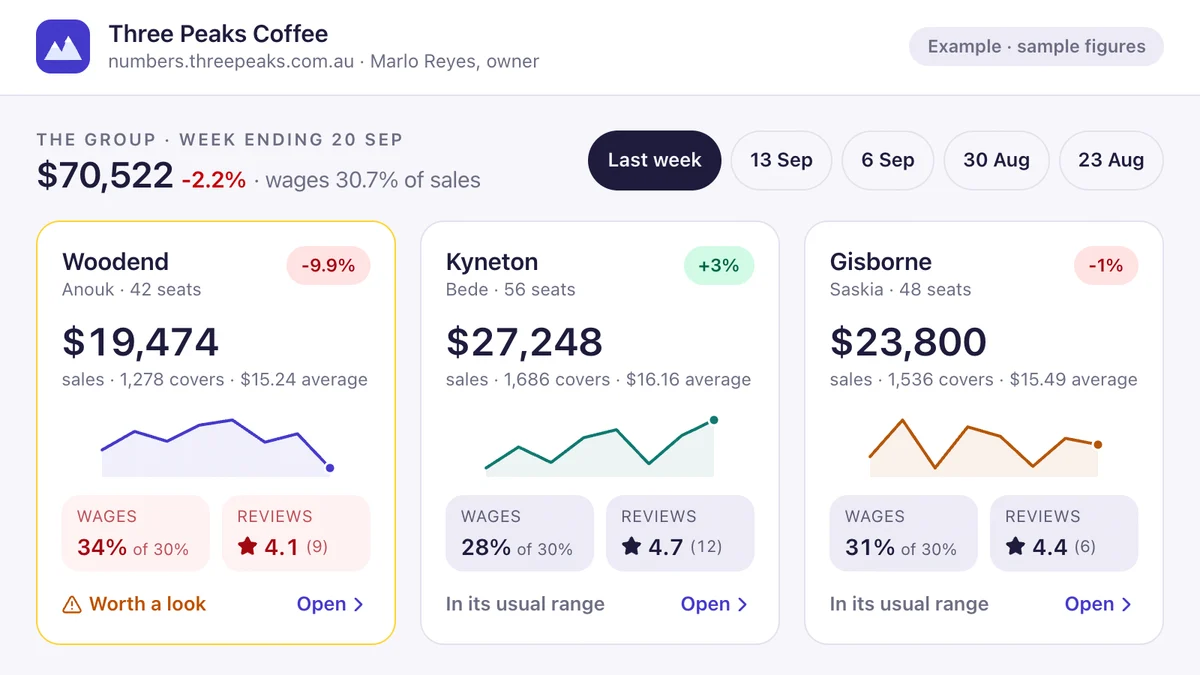
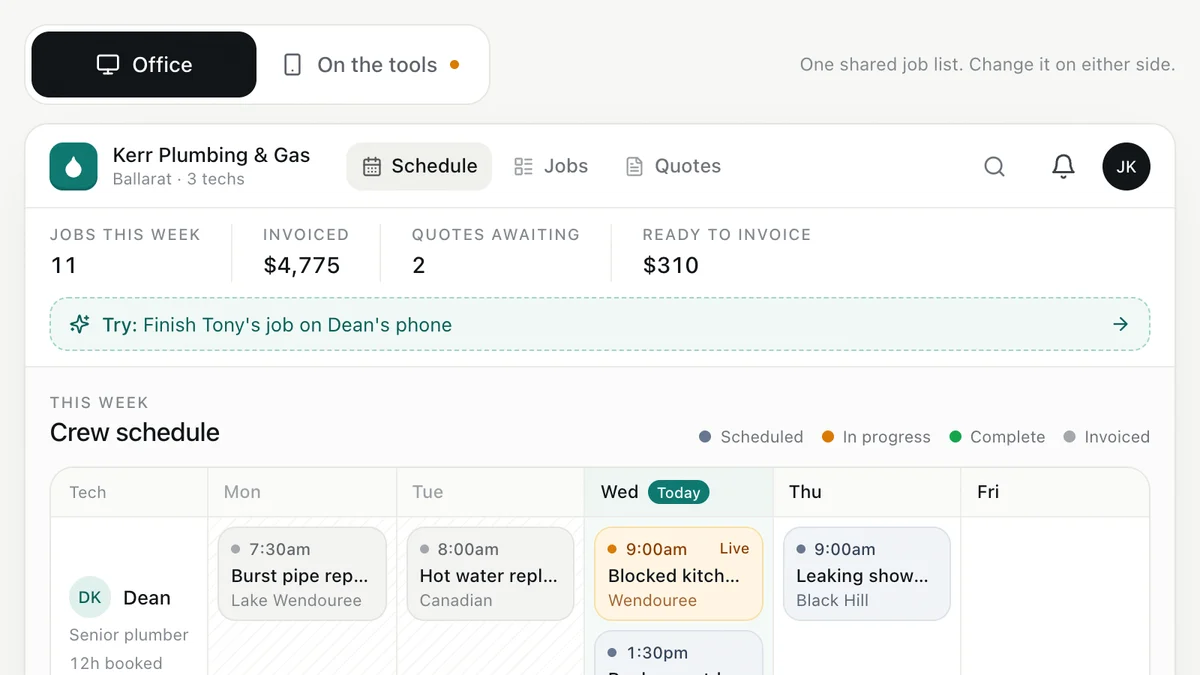
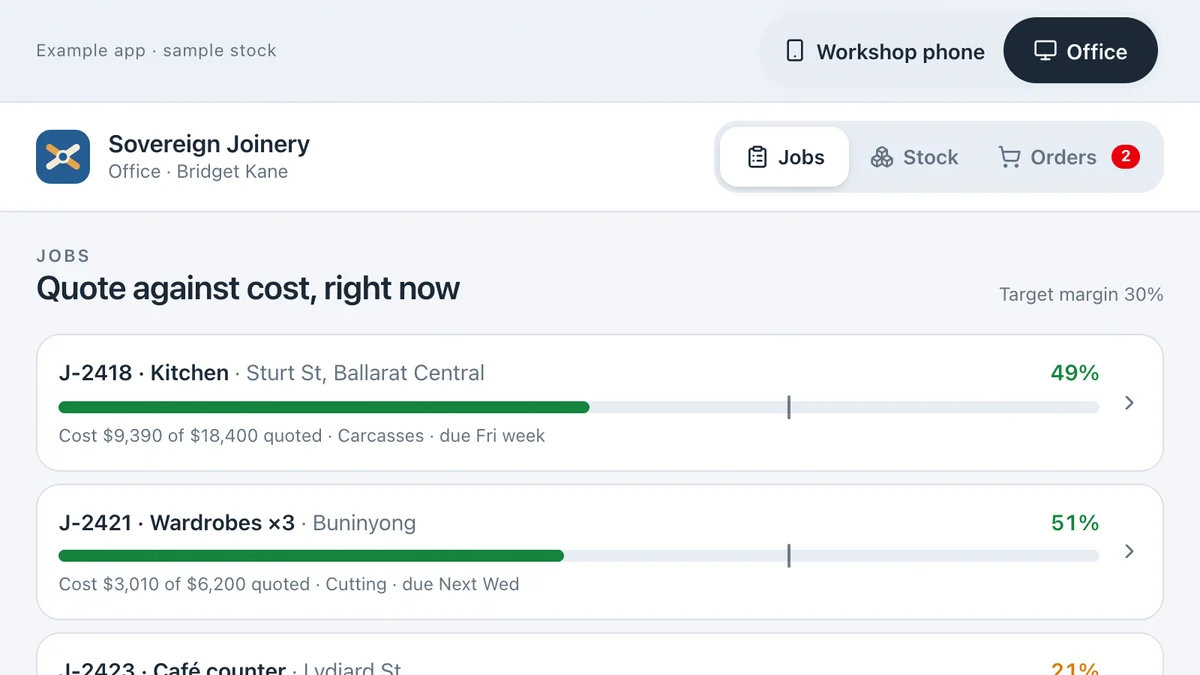
Software we'd build, running with a fictional business and sample data. Use it, then decide.
Also worth a look
- Too Many Apps? How to Simplify Your Business Software
- Who Can Help My Small Business With Technology?
- How to Replace an Old Business System Safely
- Ready to automate the repetitive work? AI for your business
Last reviewed . Prices are indicative Australian ranges, not quotes.