Integrations
How to get your business systems talking to each other
Re-typing the same customer, job or invoice into two systems is the most common, and most invisible, cost in a small business. It's slow, it introduces errors your bookkeeper finds at BAS time, and it means nobody fully trusts either system. Almost every mainstream product can be connected. The question is how.
Rather just ask someone? Talk to usIn short
Start with the built-in integrations your software already offers, such as the Xero connection inside ServiceM8 or Shopify. Use Zapier or Make for simple one-way automations. Build a custom integration when you need two-way sync, several record types, reliable error handling or volumes that make per-task pricing expensive. Each step costs more and does more.
- What is a system integration?
- An integration is code that moves data between two pieces of software automatically, using each product's API: the documented way programs talk to one another. Done well, a record entered once appears everywhere it's needed, and someone is told when a sync fails.
The three ways to connect, and what they cost
Indicative Australian ranges in 2026, not quotes. Subscription prices vary by product and volume.
- Native integration Free – low monthly
- Built into the product. Switch it on, check what it syncs, done.
- Zapier or Make automation $500 – $3,000 setup
- Plus a monthly subscription that grows with task volume. Good for simple one-way flows.
- Custom one-way sync $2,500 – $8,000
- Reliable, logged, with retries. No per-task fees. Small hosting cost.
- Custom two-way integration $8,000 – $25,000
- Several record types, matching existing records, conflict rules and monitoring.
What actually helps
Map where data gets typed twice
Spend a week noting every time someone copies information from one screen to another. Customers into the CRM and the accounts. Jobs into the scheduler and the invoice. Orders into the store and the warehouse sheet. That list is your integration plan, already prioritised by pain.
Use the native connection first
Most popular Australian business software already connects to Xero and MYOB out of the box. These built-in integrations are free or cheap, supported by the vendor, and should be switched on before anything is built. Check what they actually sync; many are one-way or skip some fields.
Zapier and Make are great until they aren't
No-code automation tools handle 'when this happens, do that' brilliantly. They struggle with two-way sync, matching records that already exist, complex logic and high volumes, and they bill per task. A business running thousands of tasks a month can pay more for the automation tool than a custom integration would cost to run.
Decide which system is the source of truth
For every type of record, pick one system that owns it. Customers live in the CRM, invoices in Xero, stock in the inventory system. Integrations that let two systems both edit the same record without rules are how duplicate contacts and mystery balances appear.
Plan for failure, not just success
APIs go down, passwords expire and someone renames a field. A good integration retries, logs every sync and tells a person when something needs attention. The cheapest integrations fail silently, and you find out at end of month.
Keep the connection in your name
Integrations authorise against your accounts. The app connection, the automation account and any custom code should belong to your business, so a change of provider doesn't break the link between your systems.
Before you connect anything
Answer these first and the integration will be faster, cheaper and more reliable.
- List every place the same information gets typed twice
- Check which integrations your software already includes
- Choose one source of truth for each type of record
- Tidy duplicate customers and old records before syncing
- Decide who gets told when a sync fails
- Make sure every connected account is in your business's name
- Involve your bookkeeper before anything touches the accounts
Where we'd tell you otherwise
If the built-in integration does what you need, use it. You don't need us for that, and we'll tell you so. Custom integrations make sense when the native option is one-way, misses the fields you care about, or the volume makes automation-tool pricing silly.
Tell us what's getting in the way
Describe the systems you run and what isn't working. We'll tell you what we'd do first, including when the answer is a product you can buy or a setting you can change.
Common questions
ServiceM8 and Tradify both have their own Xero integrations, and those should be your first stop. Custom work makes sense when you need something they don't sync, or need to bring a third system into the loop.
For simple one-way automations at modest volume, often yes. Zapier and Make start to struggle with two-way sync, matching existing records, complex rules and high volumes, and their per-task pricing can overtake the cost of a custom integration.
A focused one-way sync is usually two to four weeks from scoping to live. A two-way integration with several record types takes longer, mostly because of testing against real data and edge cases.
Options narrow but rarely vanish. Some products offer scheduled exports or email notifications that can be read automatically. If there's genuinely no way in, it's a strong sign the product is holding your business back.
See it working
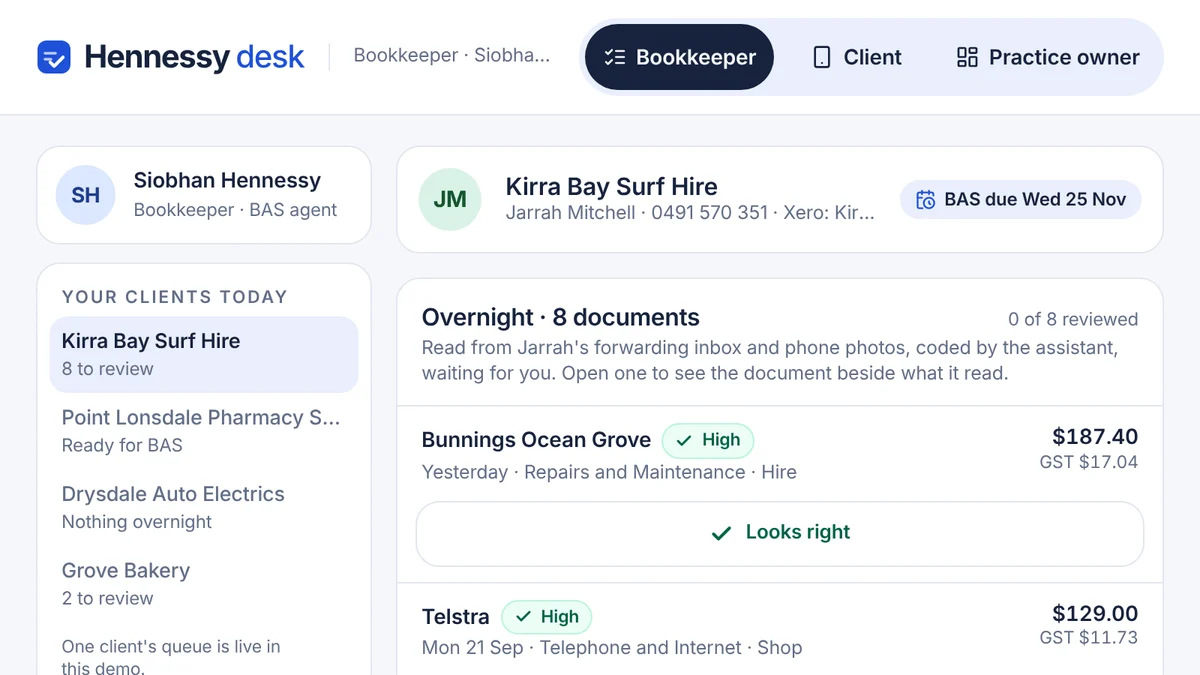
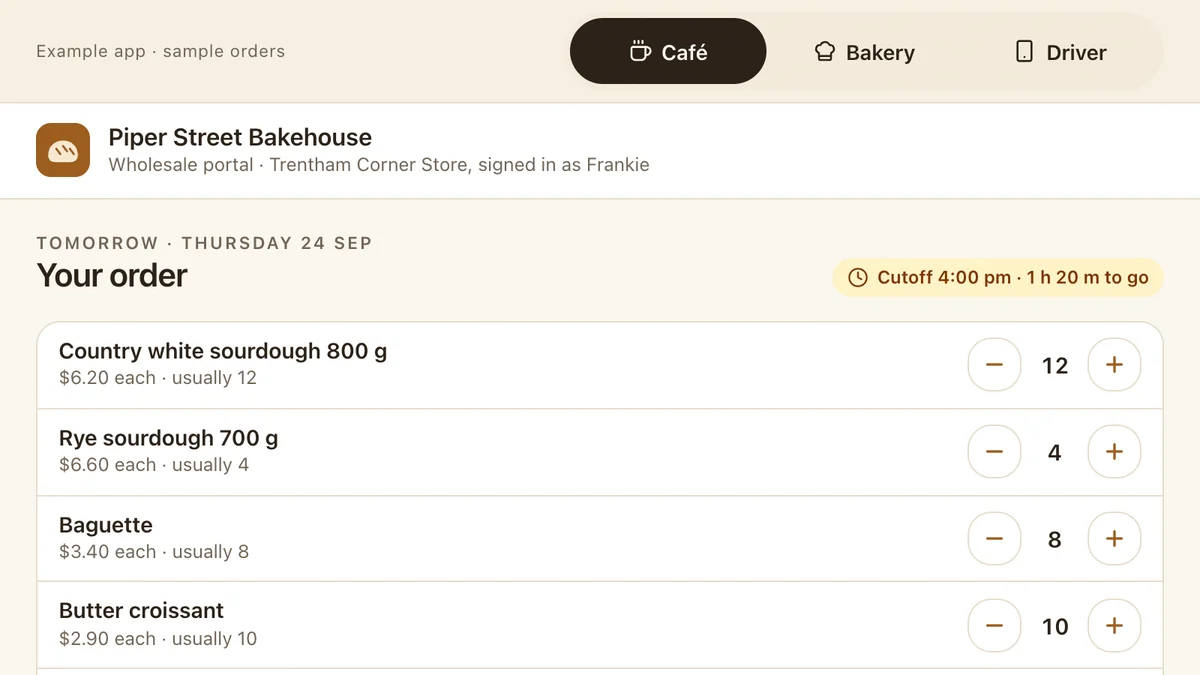
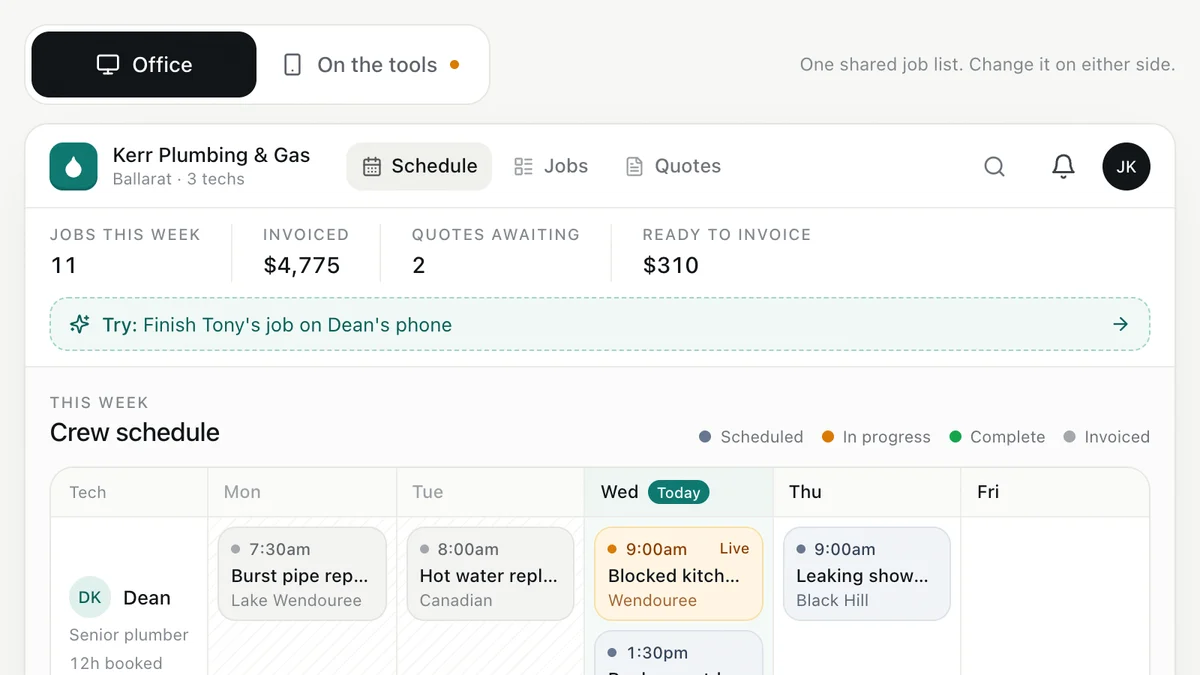
Software we'd build, running with a fictional business and sample data. Use it, then decide.
Also worth a look
- Too Many Apps? How to Simplify Your Business Software
- Custom Software vs Off-the-Shelf: Build or Buy?
- Business Dashboards for Small Businesses
- Ready to automate the repetitive work? AI for your business
Last reviewed . Prices are indicative Australian ranges, not quotes.