Build or buy
Should you build custom software or buy off the shelf?
Every business that grows past a handful of people hits the same fork. The software you bought doesn't quite fit, the workarounds are piling up, and someone suggests building your own. Sometimes that's right. More often the answer is to buy for the common parts of the business and build only the part that makes you different.
Rather just ask someone? Talk to usIn short
Buy off-the-shelf software for anything most businesses do the same way: accounting, payroll, email, scheduling, standard job management. Build custom software only for the workflow that makes your business different, or when the off-the-shelf options force costly workarounds. Most businesses end up with a hybrid: bought systems, connected together, plus one custom tool.
- Off-the-shelf, custom and hybrid
- Off-the-shelf software is a product many businesses subscribe to, such as Xero, ServiceM8 or Shopify. Custom software is built for one business and owned by it. A hybrid keeps the bought products for what they do well and adds custom code that connects them or covers the gap between them.
What custom work typically costs
Indicative Australian ranges in 2026, not quotes. Ongoing hosting and care is extra.
- Integration between two systems $2,500 – $15,000
- One-way sync at the low end; two-way with several record types and error handling at the top.
- Internal tool $8,000 – $40,000
- Replaces a spreadsheet or a manual process: screens, roles, a database and reports.
- Custom web application $30,000+
- Customer-facing logins, payments and business logic. A product with a product's needs.
- Ongoing care from $750 per month
- Hosting, updates, security patching, monitoring and an agreed block of development time.
What actually helps
Buy for anything regulated or commodity
Accounting, payroll, Single Touch Payroll reporting, tax and payments change with the law, and the big products keep up so you don't have to. Building your own payroll is almost never a good idea for a small business.
Build where the workarounds are costing real hours
Count the time. If three people spend an hour a day re-keying, exporting or reconciling because the software doesn't fit, that is about 750 hours a year. At that point a fixed-price custom tool often pays for itself inside a year, and keeps paying after.
Build where the process is your advantage
If the way you quote, schedule, inspect or serve customers is genuinely why people choose you, forcing it into a generic product flattens it. That is the part worth owning.
Compare five-year cost, not first-year price
Subscriptions look cheap until you multiply per-user fees by staff and years, and add the add-ons. Custom software costs more up front and needs maintenance, but has no per-seat fee and nobody can change the pricing on you. Model both over five years before you decide.
Try connecting before you replace
Many 'the software doesn't do what we need' problems are really 'the software doesn't talk to our other software' problems. An integration costs a fraction of a replacement and keeps the tools your team already knows.
If you build, own it
Custom software should be yours: the code in a repository in your name, hosting on your accounts, and documentation good enough for another developer to pick up. Otherwise you've swapped a vendor you can leave for one you can't.
Build, buy or both
How the three approaches compare for a typical small or medium business.
| Criteria | Off-the-shelf | Custom | Hybrid |
|---|---|---|---|
| Up-front cost | Low | High | Medium |
| Ongoing cost | Per user, per month, rising | Hosting and maintenance | Subscriptions plus light maintenance |
| Time to start | Days | Weeks to months | Weeks |
| Fits your process | You fit the software | The software fits you | Bought where standard, custom where not |
| Who controls changes | The vendor | You | Mostly you |
| Best for | Standard back-office work | Your core, distinctive workflow | Most growing businesses |
Before you decide to build
If you can't tick most of these, buy or connect first.
- You've trialled the two or three leading products for your industry
- You can name the specific workflow they get wrong
- You've counted the hours the workarounds cost each week
- You've asked whether connecting your existing tools would solve it
- You've compared five-year costs, including per-user fees
- You have someone who will own the software after launch
Where we'd tell you otherwise
If a mainstream product does 90% of what you need, buy it and live with the 10%, or connect it to something that covers the gap. We'll tell you that on the first call. Custom software earns its cost when the gap is your core workflow, not a preference about button placement.
Tell us what's getting in the way
Describe the systems you run and what isn't working. We'll tell you what we'd do first, including when the answer is a product you can buy or a setting you can change.
Common questions
Sometimes. It's worth it when off-the-shelf tools force workarounds that cost hours every week, or when your process is what sets you apart. For standard back-office work like accounting and payroll, off-the-shelf is almost always better value.
As a rough guide, a focused internal tool runs $8,000 to $40,000, an integration between two systems $2,500 to $15,000, and a customer-facing web application from about $30,000. A fixed-price quote after a short scoping call is the only reliable number.
Not owning it, and nobody maintaining it. Make sure the code, hosting and accounts are in your name and that someone is responsible for updates. Unmaintained custom software becomes a liability within a couple of years.
Yes. Both have APIs, so a custom tool can raise invoices, record payments and sync contacts without anyone re-keying. Keeping accounting in Xero or MYOB and building only the operational part is the most common hybrid we see.
See it working
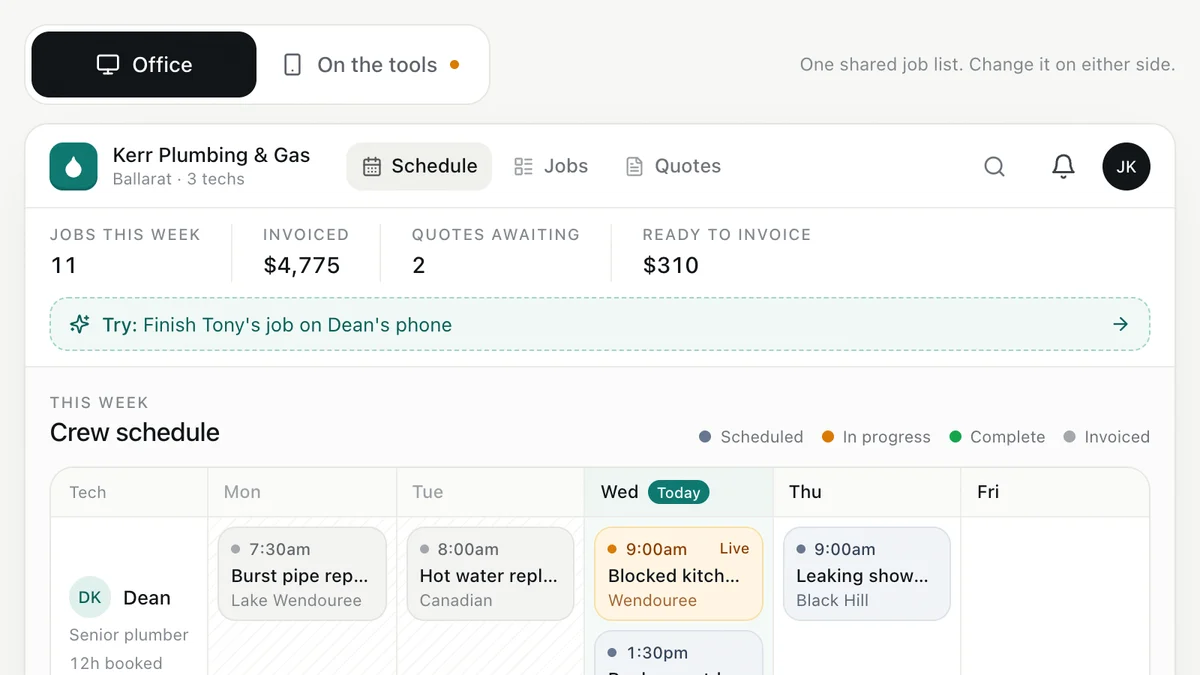
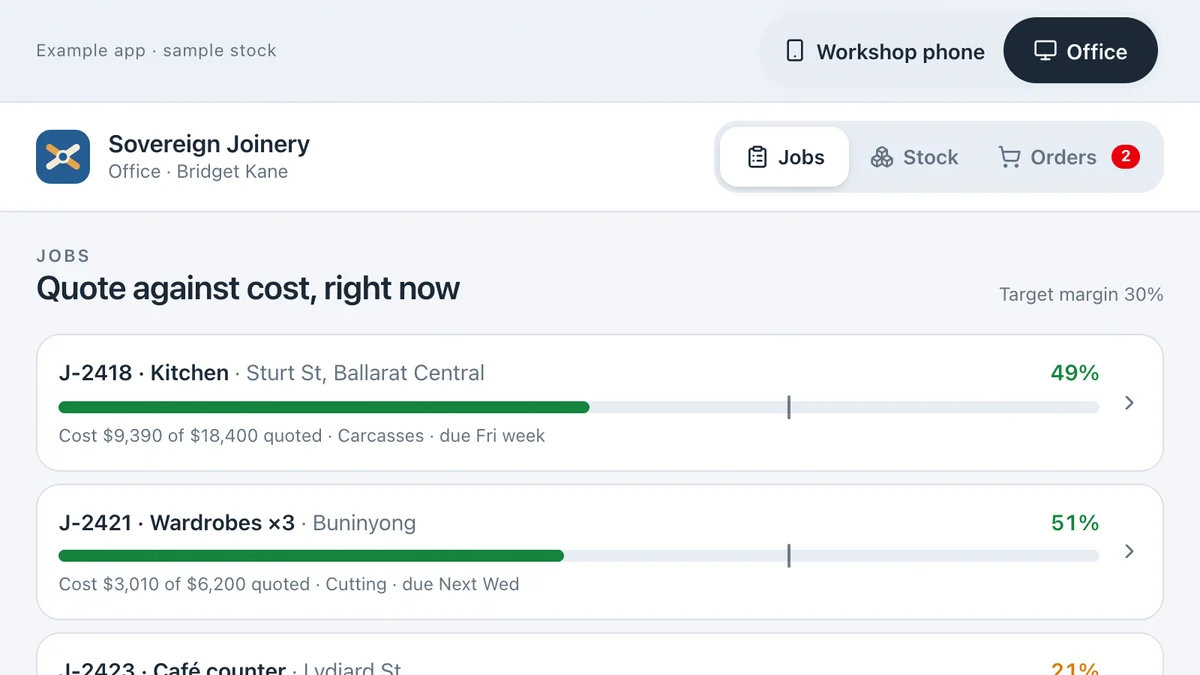
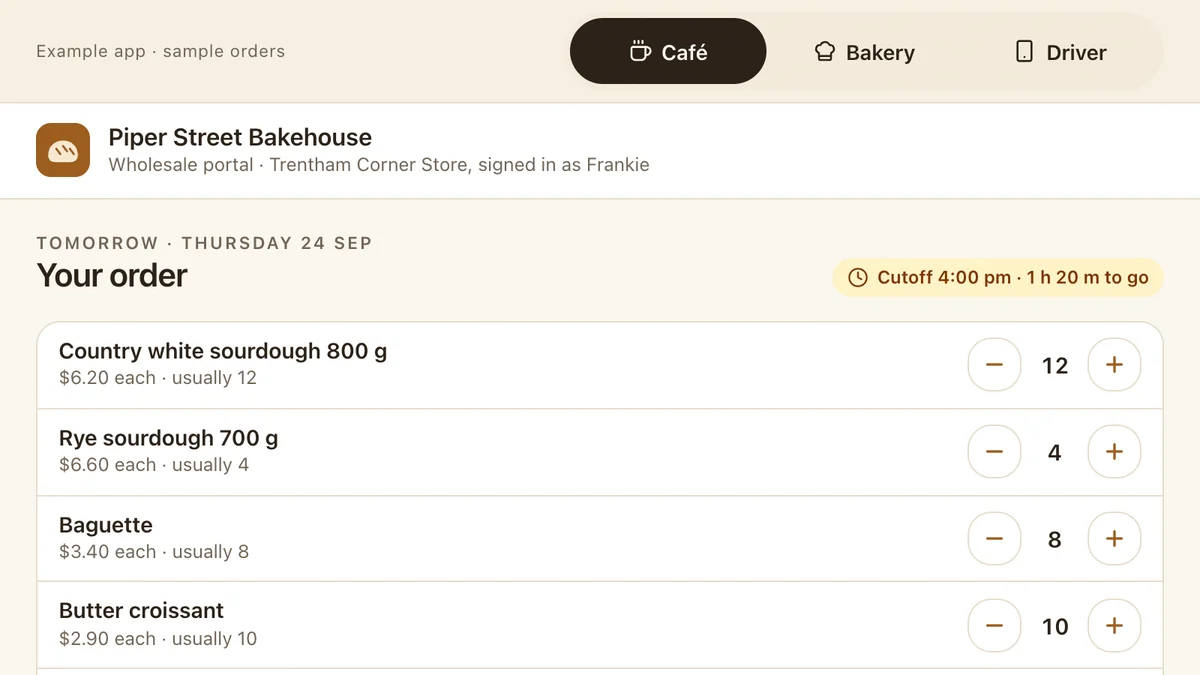
Software we'd build, running with a fictional business and sample data. Use it, then decide.
Also worth a look
- How to Connect Your Business Systems (Xero, MYOB & More)
- When Should a Business Stop Running on Spreadsheets?
- How to Choose Software for Your Small Business
- Ready to automate the repetitive work? AI for your business
Last reviewed . Prices are indicative Australian ranges, not quotes.