Outgrowing spreadsheets
When your business has outgrown its spreadsheet
Spreadsheets are the most successful business software ever made, and almost every small business runs on at least one critical one. That's fine until the business grows around it: more people editing, more rules hidden in formulas, more decisions made from a file only one person really understands. The spreadsheet isn't wrong. It's a prototype of the software you actually need.
Rather just ask someone? Talk to usIn short
Replace a spreadsheet when several people edit it at once, versions get emailed around, formulas break without anyone noticing, the data matters legally or financially, or reporting takes hours of copying. Two or more of those signs usually means the spreadsheet is costing more than proper software would. Look for an existing product first, then consider a custom tool.
What replacing a spreadsheet typically costs
Indicative Australian ranges in 2026, not quotes.
- Off-the-shelf product Subscription
- If one fits your process, the cheapest route. Budget time to migrate and train.
- Low-code tool $2,000 – $10,000
- Airtable, Softr and similar, configured for you. Good for simple shared records; limits appear with growth.
- Custom internal tool $8,000 – $40,000
- A proper database, screens for each role, permissions, reports and integrations.
What actually helps
Know the warning signs
Two people overwriting each other's changes. 'Final_v7_USE THIS ONE.xlsx'. A formula that's been wrong for three months. Someone spending Friday afternoon copying numbers into a report. Only one person who dares to edit the master tab. Each is a symptom of a database being forced to act like a document.
The real risk is the person, not the file
Critical spreadsheets usually depend on the one person who built them. When they're away, sick or leave, the business finds out how much of its process lived in their head. Turning the sheet into software turns that knowledge into something the business owns.
Check for a product before you build
Many spreadsheets are reinventing something that already exists: a CRM, an inventory system, a rostering tool. If an off-the-shelf product fits, it'll be cheaper and faster. Custom makes sense when the spreadsheet encodes a process that is genuinely yours.
Your spreadsheet is the best requirements document you'll ever have
Its columns are the data model. Its formulas are the business rules. Its tabs are the screens people need. A developer who studies it properly can build software that feels familiar from day one, and carry years of refinement across.
Move the data properly
Historical records should come across cleaned and checked, not abandoned. Plan for a period where both run side by side, compare the outputs, and only retire the spreadsheet once the numbers match.
Signs it's time
Two or more of these and the move usually pays for itself.
- More than two people edit it regularly
- Versions get emailed or saved as copies
- A broken formula has gone unnoticed for weeks
- It holds customer, financial or compliance records
- Reporting means copying data into another file
- Only one person really understands how it works
- Staff need to use it on a phone, on site
Where we'd tell you otherwise
A spreadsheet that one person edits, that holds nothing sensitive and that works, should stay a spreadsheet. Replacing it would be spending money to solve a problem you don't have. The trigger is shared editing, risk or wasted hours, not the fact that it's a spreadsheet.
Tell us what's getting in the way
Describe the systems you run and what isn't working. We'll tell you what we'd do first, including when the answer is a product you can buy or a setting you can change.
Common questions
Not at first. Spreadsheets are a perfectly good way to start. They become a problem when several people edit them, when they hold financial or compliance data, or when the business depends on one person who understands them.
Yes. The historical data is imported and checked, and the formulas are rebuilt as tested business rules. The logic you've refined over years carries across without the fragility.
They're a good middle step for simple shared records and small teams. They get expensive per user and hit limits with complex permissions, logic or integrations. If you're likely to outgrow them within a year or two, it can be cheaper to build once.
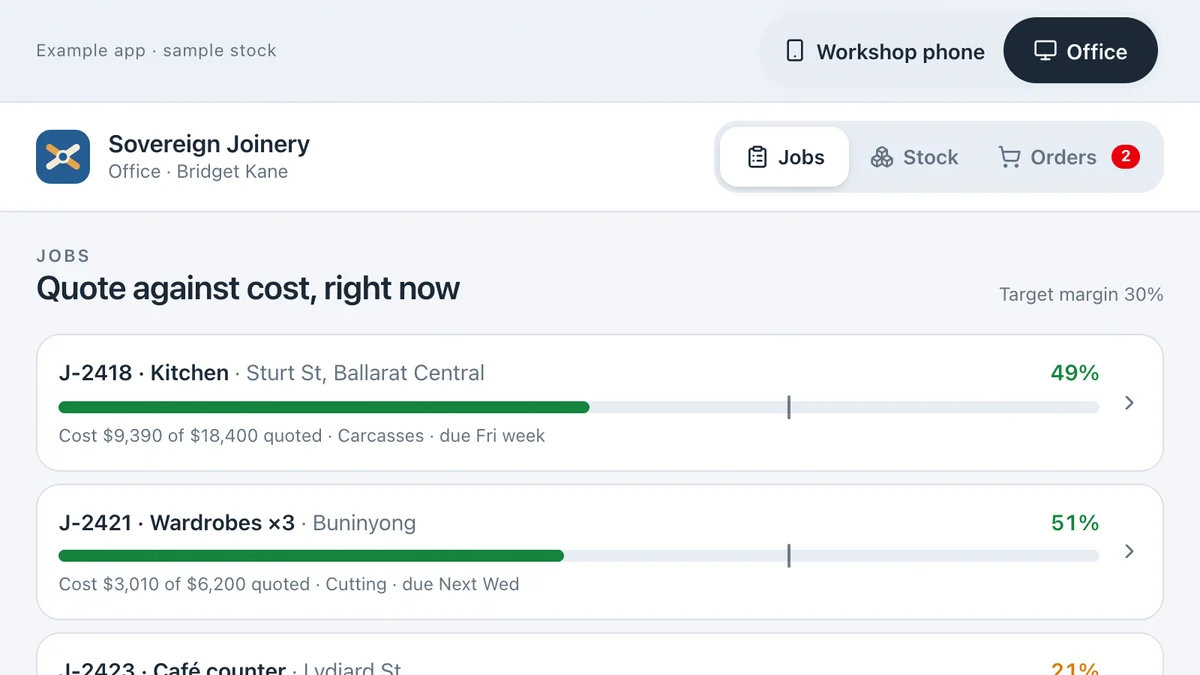
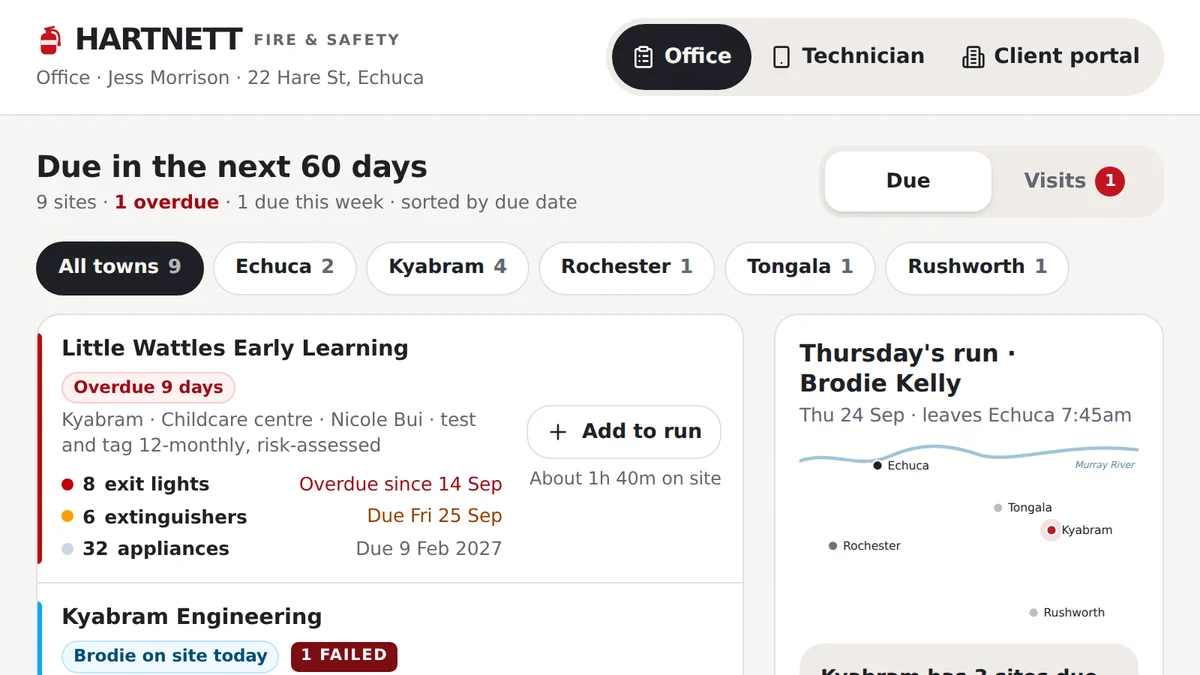
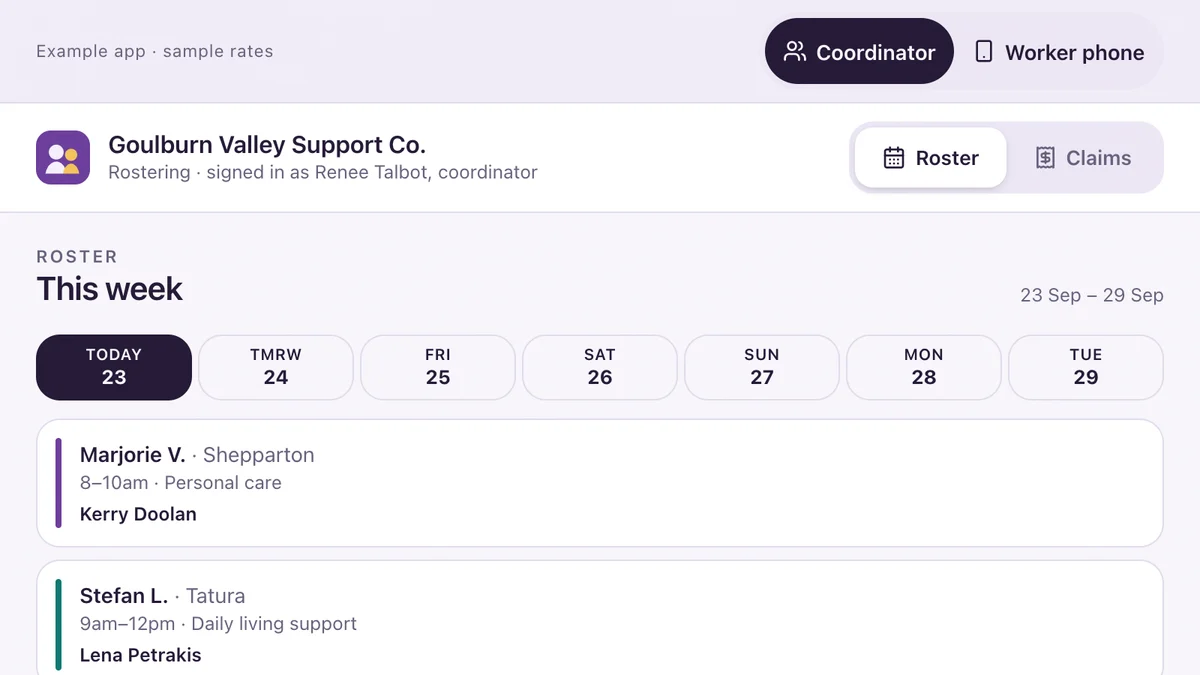
See it working
Software we'd build, running with a fictional business and sample data. Use it, then decide.
Also worth a look
- Custom Software vs Off-the-Shelf: Build or Buy?
- Business Dashboards for Small Businesses
- How to Connect Your Business Systems (Xero, MYOB & More)
- Ready to automate the repetitive work? AI for your business
Last reviewed . Prices are indicative Australian ranges, not quotes.