Choosing software
How to choose business software you won't regret
Choosing software is one of the most consequential decisions a small business makes, and one of the least supported. Sales demos show the happy path, review sites are full of affiliate links, and the real costs (switching, training, integrations, the price rise in year two) only appear after you've committed. A few checks before you sign avoid most of the regret.
Rather just ask someone? Talk to usIn short
Choose business software by testing it against your real workflow, not the vendor's demo. Check that it connects to your accounting software, lets you export all your data, holds data appropriately for Australian privacy obligations, and has pricing that still works at twice your current size. Trial the top two with real staff and real jobs before you commit.
What actually helps
Write down the job before you look at products
List the five things the software must do, in your words, with a real example of each. Without that list, every demo looks good, because every demo is designed to.
Integration with your accounts is non-negotiable
Almost every business system ends in an invoice or a payment. If the product doesn't connect properly to Xero or MYOB, someone will be re-typing data for as long as you use it.
Check you can get your data out
Ask how you export everything, in what format, and whether it includes history and attachments. Software that makes leaving hard is betting you'll stay because of the pain, not the product.
Ask where your data lives and who can see it
Customer and employee data carries obligations under the Privacy Act for covered businesses. Check where the vendor stores it, whether it supports multi-factor authentication, and what happens if it has a breach. A vendor who can't answer clearly is a risk you're inheriting.
Model the price at twice your size
Per-user pricing and feature tiers mean costs climb as you grow. Work out what you'd pay with double the staff and the add-ons you'll probably need. The cheapest product today can be the most expensive in three years.
Trial with real work, and the people who'll use it
Run real jobs, quotes or orders through the trial, with the staff who will use it daily rather than the owner alone. The person in the van or at the counter will find the problems a demo never shows.
Questions to ask every vendor
Get the answers in writing before you sign.
- Does it integrate with Xero or MYOB, and exactly what does it sync?
- How do we export all our data if we leave?
- Where is our data stored, and is multi-factor login available?
- What will it cost at double our current staff?
- What's the contract length and notice period?
- How often have prices gone up in the last three years?
- Is support available in Australian business hours?
- Does it have an API if we need to connect something later?
Where we'd tell you otherwise
For a lot of choices you don't need outside help: pick the product your industry peers use, check the integrations and the exit, and run a proper trial. Bring someone in when the decision is expensive, hard to reverse, or touches several systems at once.
Tell us what's getting in the way
Describe the systems you run and what isn't working. We'll tell you what we'd do first, including when the answer is a product you can buy or a setting you can change.
Common questions
Choosing from the demo instead of a real trial. Demos show the vendor's ideal workflow. A trial with your own jobs and your own staff shows whether it fits yours.
It can. If your business is covered by the Privacy Act, you're responsible for how personal information is handled, including by your vendors and overseas. Check where data is stored and how it's protected, and record it in your privacy policy.
All-in-one is simpler and cheaper to manage while it fits. Separate best-in-class tools fit better but need connecting. Most small businesses do well with one core platform plus accounting, connected properly.
See it working
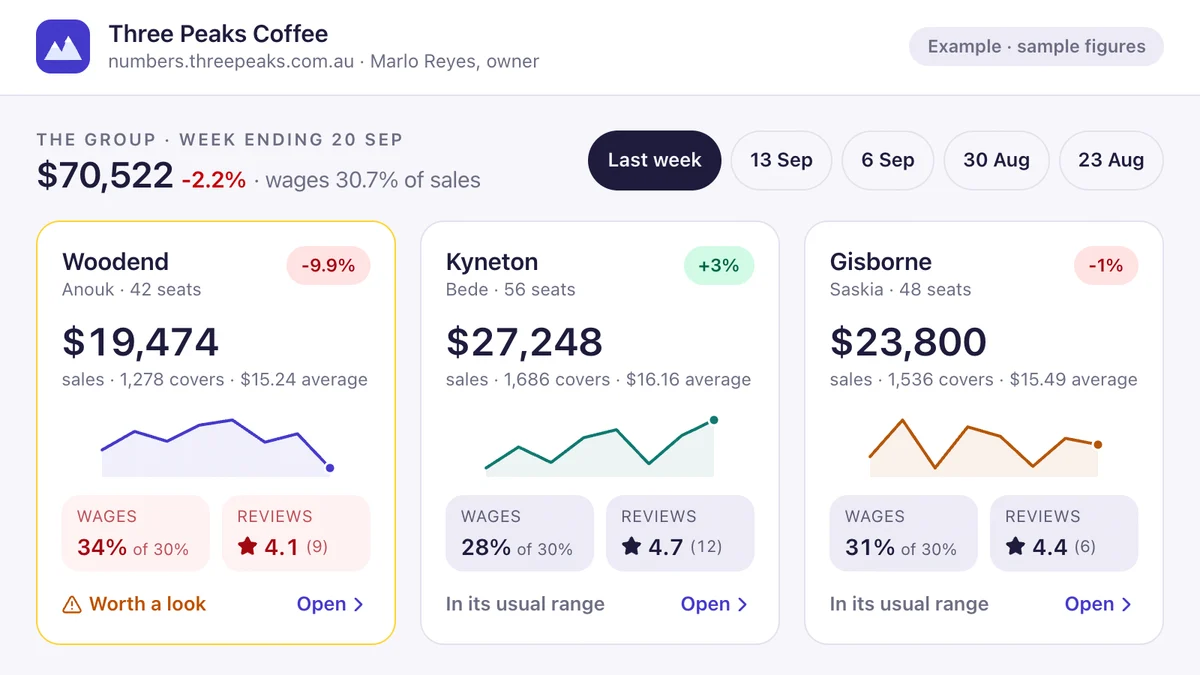
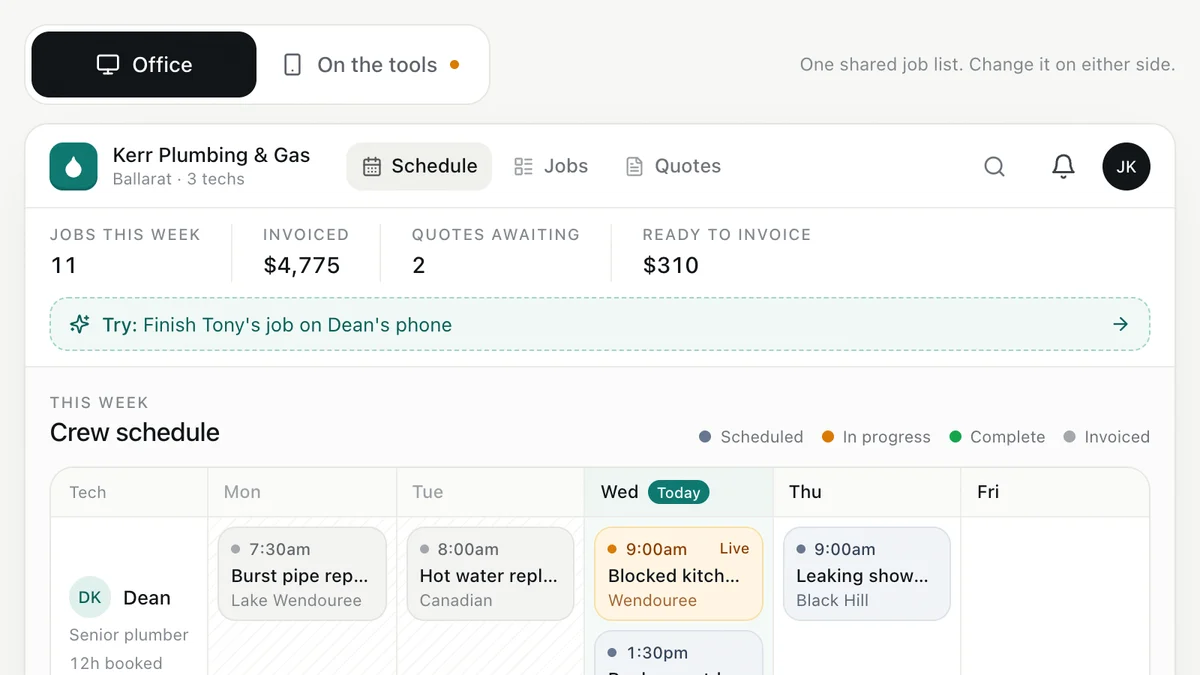
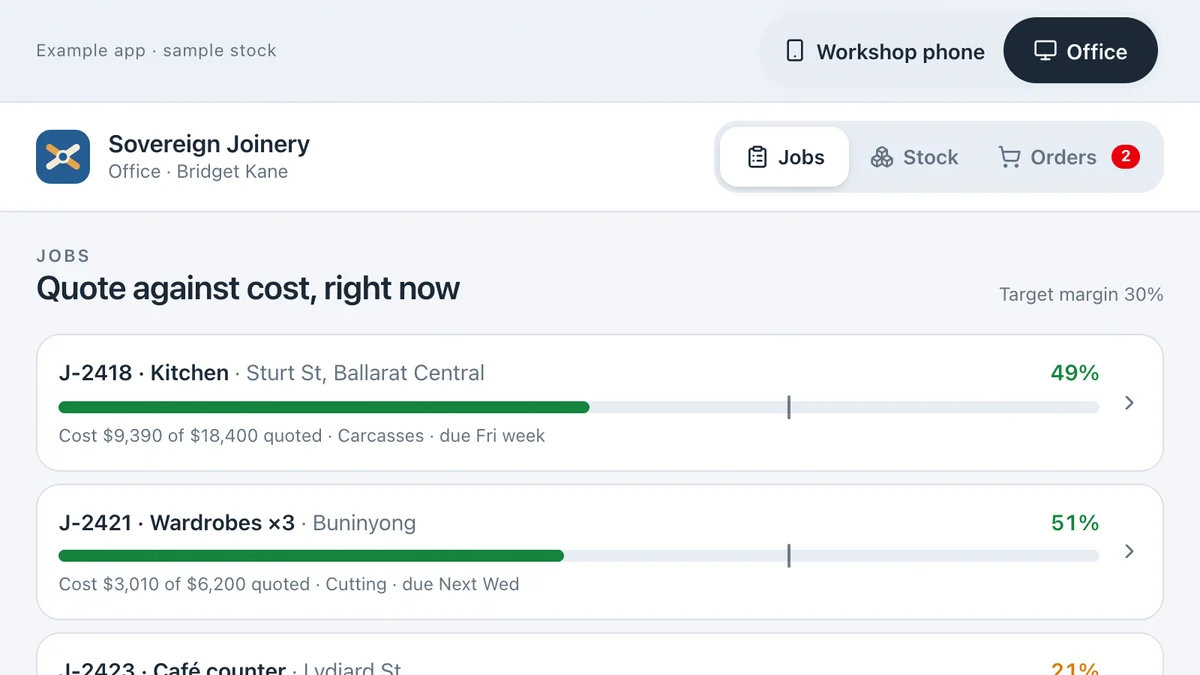
Software we'd build, running with a fictional business and sample data. Use it, then decide.
Also worth a look
- Custom Software vs Off-the-Shelf: Build or Buy?
- Too Many Apps? How to Simplify Your Business Software
- A Technology Roadmap for Your Small Business
- Ready to automate the repetitive work? AI for your business
Last reviewed . Prices are indicative Australian ranges, not quotes.