Simplifying your tech
Too many apps, and none of them talk to each other
Software gets added one problem at a time. A booking tool here, a form builder there, a second CRM someone trialled and never cancelled. A few years in, the business pays for a dozen subscriptions, staff log into six places a day, and customer information lives in all of them. Simplifying it is one of the highest-return technology jobs a small business can do.
Rather just ask someone? Talk to usIn short
Start with a software audit: list every subscription, what it costs, who uses it and what data it holds. Cancel what nobody uses, merge tools that overlap, choose one core system for customers and jobs, and connect the rest to your accounting software. Most small businesses find savings and remove a whole category of double entry.
What actually helps
Find everything you pay for
Go through twelve months of card and bank statements, not just what you remember. Free trials that converted, tools a former staff member signed up for and annual renewals all hide there. Record the cost, the owner, the users and what data each one holds.
Look for overlap, not just waste
Unused subscriptions are easy. The bigger win is overlap: two tools holding customer details, three ways of taking bookings, forms that feed nowhere. Each overlap is a place records drift apart.
Choose a core system
Most businesses need one place that owns customers and work, whether that's a job management tool, a CRM or an industry platform. Everything else should feed it or be fed by it.
Connect what stays
Once the list is shorter, connect the survivors so data flows one way from the system that owns it. That's usually where the hours come back.
Close accounts properly
Before cancelling, export the data, remove stored payment details and revoke any connections to your other systems. Old apps with live access to your accounts are a quiet security risk.
A one-afternoon software audit
A spreadsheet with these columns is all you need to start.
- Every subscription from twelve months of statements
- Monthly cost and renewal date
- Who owns it, and who actually uses it
- What customer or business data it holds
- What it connects to, and what it should connect to
- Keep, merge, replace or cancel
- Whether the login is in the business's name with multi-factor on
Where we'd tell you otherwise
Most of the audit you can do yourself in an afternoon with the checklist above. Where we earn our keep is the next step: picking the core system, migrating data out of what you're retiring and connecting what remains so it stays connected.
Tell us what's getting in the way
Describe the systems you run and what isn't working. We'll tell you what we'd do first, including when the answer is a product you can buy or a setting you can change.
Common questions
There's no right number. What matters is that each type of information has one home, nothing important lives only in a tool nobody's responsible for, and the systems that share data are connected.
Done carefully, it usually reduces disruption: fewer logins and one place to look. Change one system at a time, migrate the data properly, and involve the people who use each tool before you retire it.
Yes. Every app holding customer data, and every old account with access to your other systems, is somewhere a breach can start. Fewer, well-managed accounts with multi-factor authentication are easier to protect.
See it working
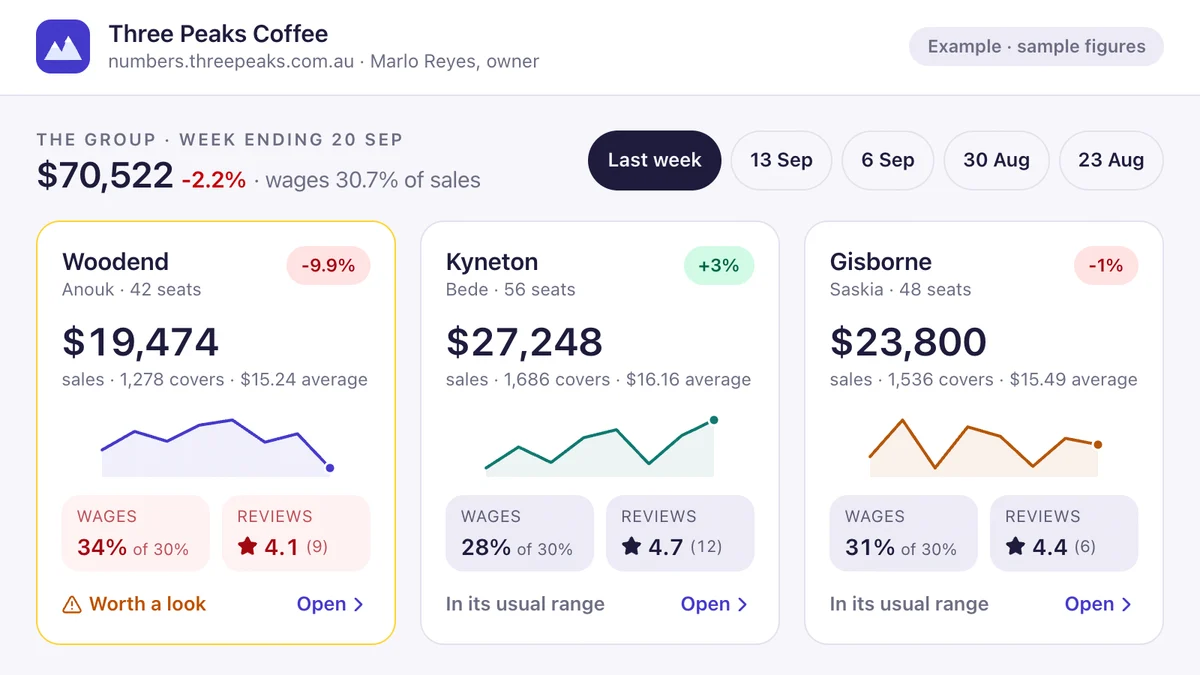
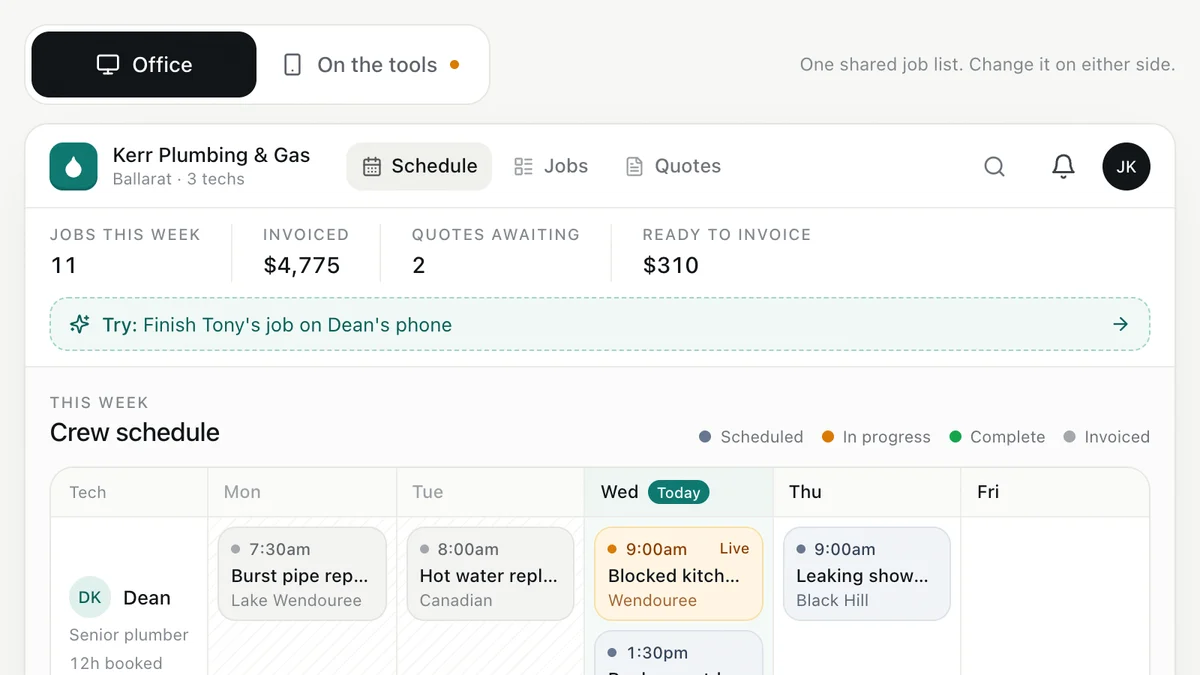
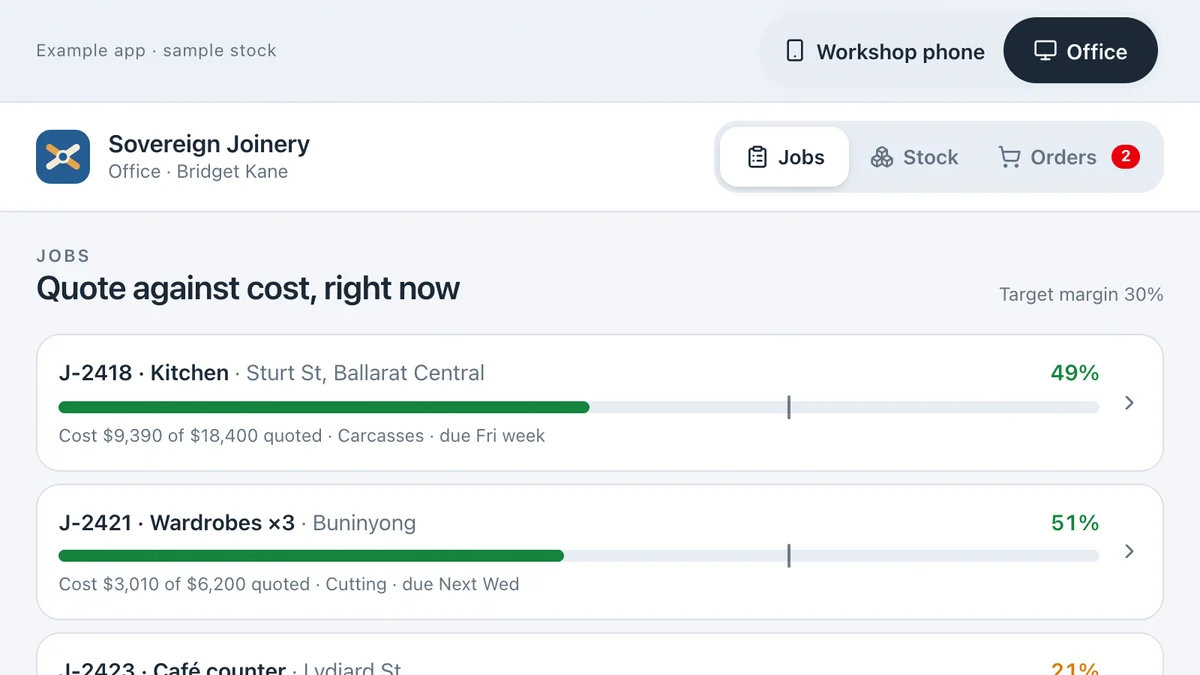
Software we'd build, running with a fictional business and sample data. Use it, then decide.
Also worth a look
- How to Connect Your Business Systems (Xero, MYOB & More)
- How to Choose Software for Your Small Business
- Cyber Security for Australian Small Businesses: The Basics
- Ready to automate the repetitive work? AI for your business
Last reviewed . Prices are indicative Australian ranges, not quotes.