Reporting & dashboards
How to see your business's numbers in one place
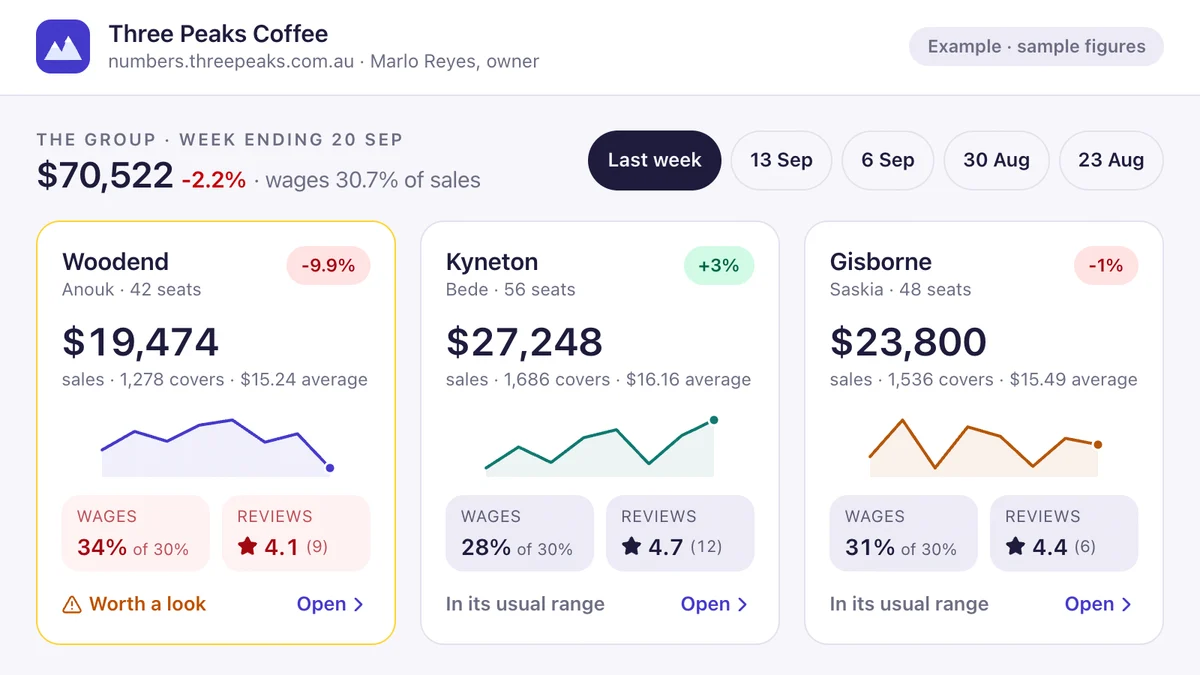
Most owners can tell you their bank balance but not, without an afternoon's work, their margin by job type, how many quotes turned into work last month, or which staff are overbooked next week. The numbers exist, spread across the accounts, the job system, the booking tool and the website. A good dashboard brings them together automatically.
Rather just ask someone? Talk to usIn short
Start with the reports your software already has, then pick the five numbers that actually drive decisions, such as revenue, margin, quote conversion, capacity and cash. Connect your systems so those numbers update automatically, using a tool like Looker Studio or Power BI, or a custom dashboard when the data comes from several systems or needs business logic.
Options and indicative costs
Indicative Australian ranges in 2026, not quotes.
- Built-in reports Included
- What your existing software already offers. Start here.
- Looker Studio or Power BI $1,500 – $8,000 setup
- Connected to your data sources and configured for you. Tool licences may apply.
- Custom dashboard $5,000 – $25,000
- Combines several systems, applies your business rules and runs on any device.
What actually helps
Decide what you'll do with each number
A dashboard is only useful if a number changes a decision. 'Quote conversion dropped, so follow up faster' earns its place. A chart nobody acts on is decoration. Five numbers you check weekly beat fifty you never look at.
Use the reports you already pay for
Xero, MYOB, Shopify, ServiceM8 and most business software include reports that go unused. Check them first. They may already answer most of your questions.
Fix the data before the dashboard
If jobs aren't categorised consistently or customers are duplicated, the dashboard will be wrong in a confident, well-designed way. Tidy the inputs, and make the right data easy to enter.
Automate the collection
The goal is never copying numbers again. Connect the systems so the data flows in on its own, daily or live, and the Friday spreadsheet disappears.
Put it where people already look
A dashboard on a phone, a weekly email summary or a screen in the workshop gets used. One buried behind three logins doesn't.
Five numbers most small businesses should see weekly
Adjust for your industry, but start here.
- Revenue this week and month, against the same time last year
- Gross margin, ideally by job or product type
- Quotes sent and quotes won
- Booked capacity for the next two weeks
- Cash in the bank and money owed to you
Where we'd tell you otherwise
If your numbers live in one system, its own reports are probably enough. A custom dashboard pays off when the answer needs data from three places and someone is currently stitching it together by hand.
Tell us what's getting in the way
Describe the systems you run and what isn't working. We'll tell you what we'd do first, including when the answer is a product you can buy or a setting you can change.
Common questions
Yes. Xero's own reports cover a lot, and its data can feed Looker Studio, Power BI or a custom dashboard alongside your job, booking or sales systems.
Power BI and Looker Studio are good value when someone in the business is comfortable maintaining them and the data is reasonably clean. A custom dashboard suits owners who want it to just work, data from several systems and business rules applied consistently.
The few numbers that change decisions: revenue, margin, quote conversion, upcoming capacity and cash. Add more only when someone will act on them.
See it working
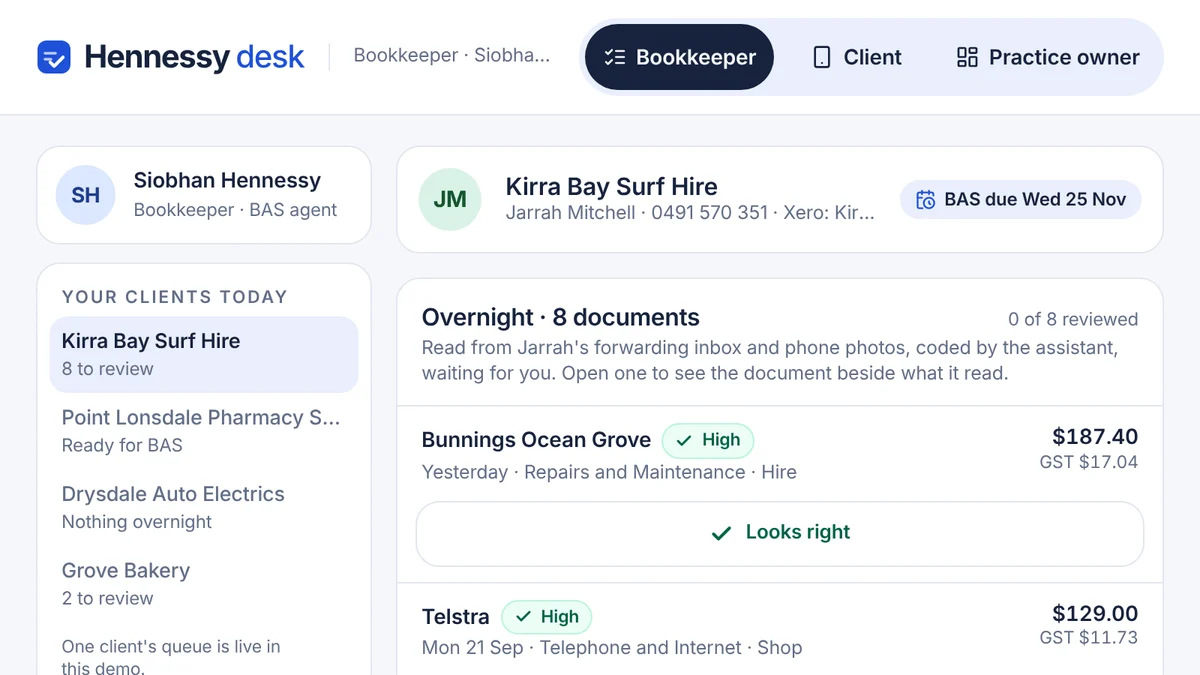
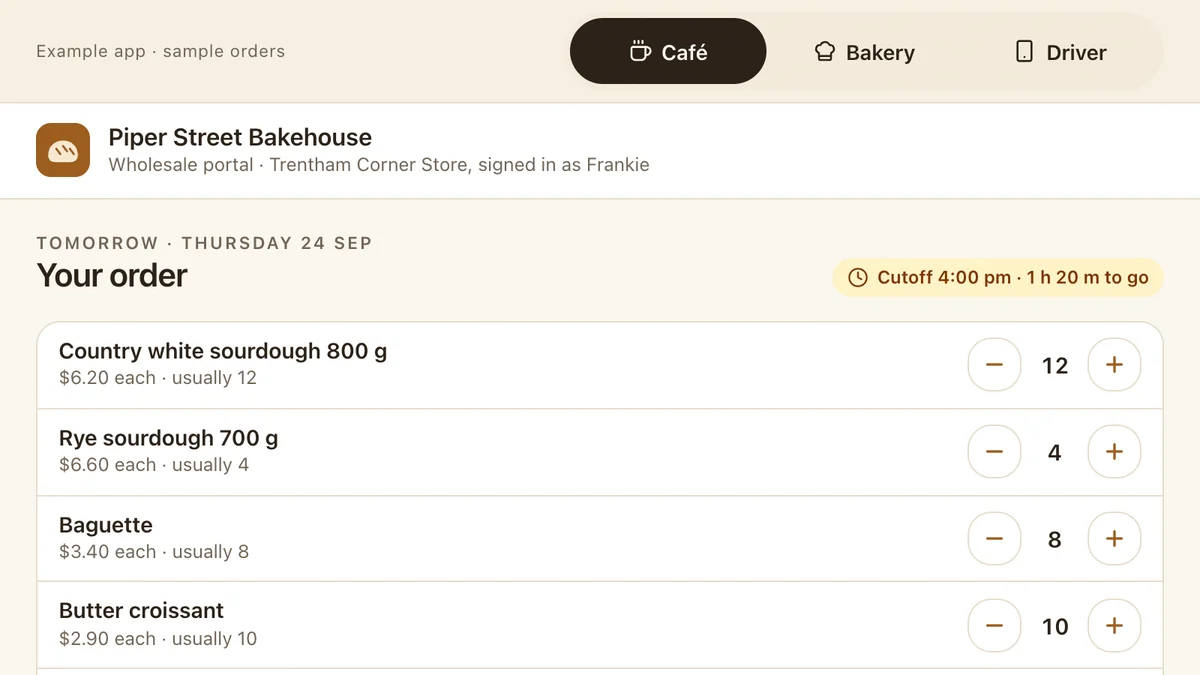
Software we'd build, running with a fictional business and sample data. Use it, then decide.
Also worth a look
- How to Connect Your Business Systems (Xero, MYOB & More)
- When Should a Business Stop Running on Spreadsheets?
- A Technology Roadmap for Your Small Business
- Ready to automate the repetitive work? AI for your business
Last reviewed . Prices are indicative Australian ranges, not quotes.