Legacy systems
How to replace an old business system without breaking the business
Every established business has one: the system that's been running for ten years, that nobody fully understands, that the original developer built and then left, and that everyone's afraid to touch. It still works, mostly. But it's getting harder to support, it doesn't connect to anything new, and the risk of it failing grows every year.
Rather just ask someone? Talk to usIn short
Replace an old business system in stages, not in one weekend. Document what it actually does, including the undocumented rules, move the data in rehearsed steps, run old and new side by side until the outputs match, and only then switch off the old one. Sometimes modernising the existing system is cheaper and safer than replacing it.
What it typically costs
Indicative Australian ranges in 2026, not quotes. Depends heavily on data volume and how much logic the old system holds.
- Code and data assessment $495
- A written report on the existing system, its risks and the options, in 3 business days.
- Modernise in place $5,000 – $30,000
- New hosting, security fixes, an API or a refreshed interface on the existing logic.
- Replace with off-the-shelf $3,000 – $20,000
- Migration, configuration and integration work, plus the new subscription.
- Rebuild as custom software $30,000 – $150,000+
- For systems that hold core, distinctive business logic. Delivered in slices.
What actually helps
Document what it really does
Old systems accumulate rules nobody wrote down: a discount that applies on Tuesdays, a report the accountant depends on, a field that means something different from its name. Interview the people who use it and study the data before anyone designs a replacement.
Consider modernising before replacing
If the system's logic is sound but its technology is old, it can sometimes be moved to modern hosting, given a new interface or connected through an API for a fraction of a rebuild. Replacement is right when the logic itself no longer fits the business.
Treat the data as the most valuable part
Years of customer, job and financial history are worth more than the software. Migrate it in rehearsed steps, clean it on the way, and check the totals match at every stage.
Run both systems side by side
For a period, use the new system for real work while the old one keeps running, and compare outputs. It costs some double handling, and it's the cheapest insurance in any migration.
Replace in slices
Move one part of the business at a time, such as quoting first, then scheduling, then invoicing, rather than switching everything at once. Each slice is smaller, safer and delivers value sooner.
Before you switch anything off
The questions that prevent the classic migration disasters.
- Every report and export people depend on is listed
- The undocumented rules are written down
- A full backup of the old system and its data exists, and has been restored
- Data migration has been rehearsed at least once
- Old and new outputs have been compared on real work
- Staff are trained, and know who to call
- There's a rollback plan if the new system fails in week one
Where we'd tell you otherwise
If the old system is stable, secure and does what the business needs, the cheapest option is to leave it alone and connect new tools to it. Replacement is justified by risk, cost of support or a business that has outgrown it, not by age alone.
Tell us what's getting in the way
Describe the systems you run and what isn't working. We'll tell you what we'd do first, including when the answer is a product you can buy or a setting you can change.
Common questions
Start with an assessment. A senior developer reviews the code, data and hosting and writes down what it does, what's risky and what the options are. Our rescue audit does exactly this for $495, and the report is yours to take to anyone.
Moving to an off-the-shelf product is often a few weeks of migration and training. A custom rebuild of a core system usually runs several months, delivered in slices so the business benefits along the way.
Almost always. Data migration is the most important part of the job. It's planned and rehearsed, with totals checked at each step so nothing is lost or quietly changed.
See it working
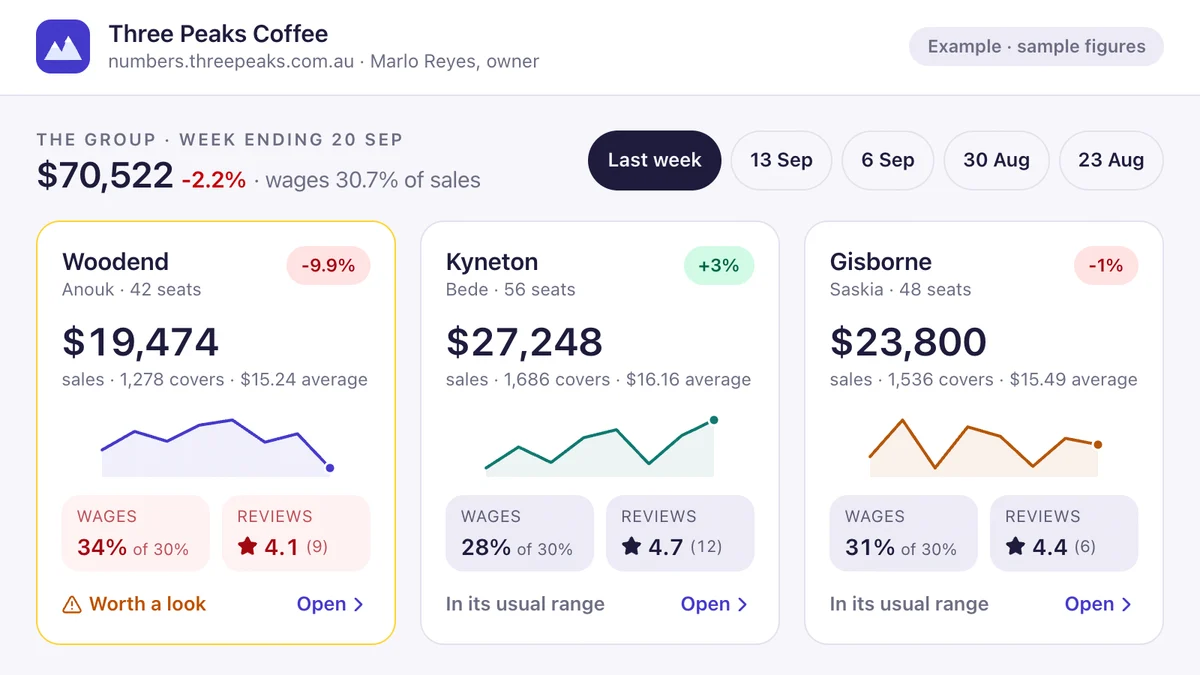
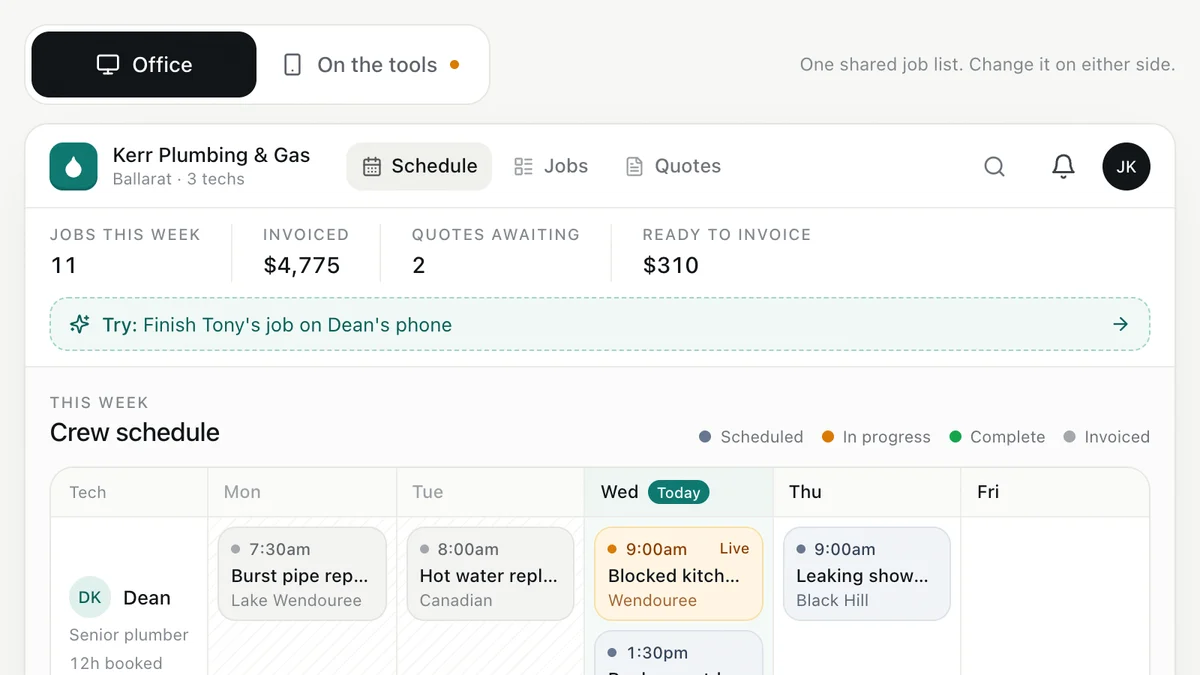
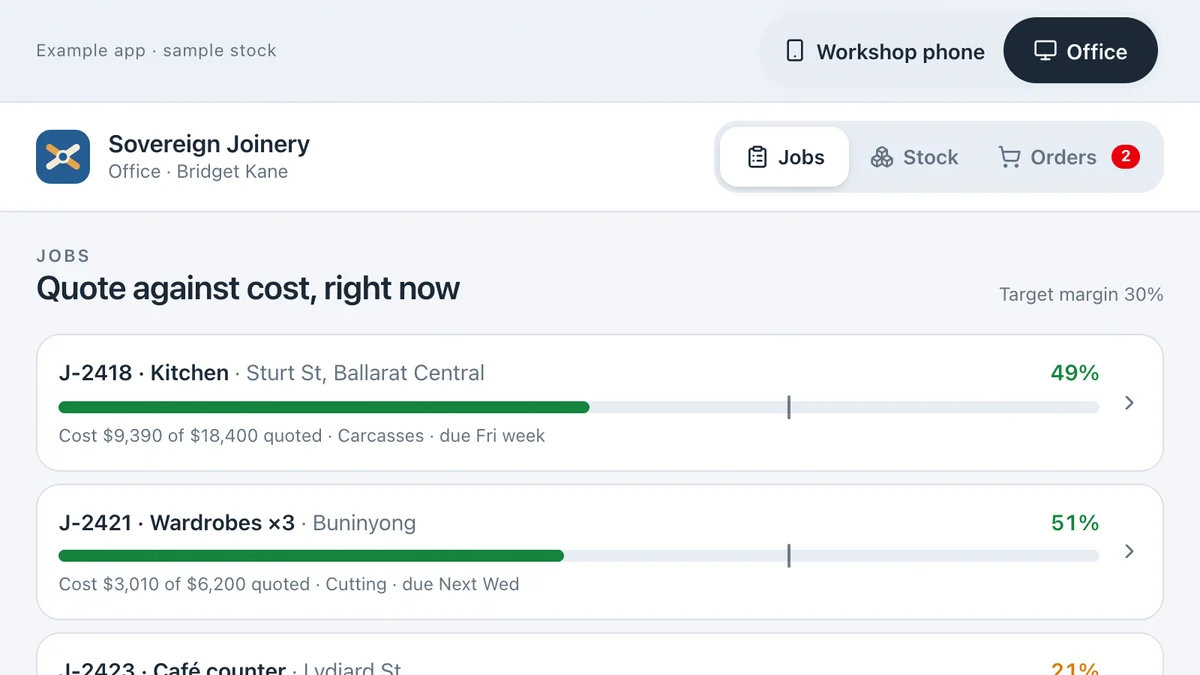
Software we'd build, running with a fictional business and sample data. Use it, then decide.
Also worth a look
- Custom Software vs Off-the-Shelf: Build or Buy?
- Cyber Security for Australian Small Businesses: The Basics
- When Should a Business Stop Running on Spreadsheets?
- Ready to automate the repetitive work? AI for your business
Last reviewed . Prices are indicative Australian ranges, not quotes.