3D product viewers and AR
Let customers turn the product around, then see it in their own room
Photos show a product from the angles the photographer chose. A 3D viewer lets the shopper choose: turn it, zoom into the stitching, look underneath. Augmented reality goes one step further and places the product at true size in their room through a phone camera. Both run in the browser on a normal product page. Both depend on one thing done well, which is the model.
Rather just ask someone? Talk to usIn short
A 3D product viewer lets a shopper turn, zoom and inspect a product on the page. AR places that same product at true size in their room through a phone camera, with no app to install. PixelApps makes the 3D models or prepares the ones you already have, and builds both into your online store.
- 3D viewer or AR: what's the difference?
- A 3D viewer shows a model of the product on the page that the shopper can rotate and zoom. Augmented reality, or AR, uses the phone's camera to show the same model sitting in the real room at its real size. One model serves both, so AR is usually a small addition once the viewer exists.
What goes into it
The model is most of the job
A viewer is only as good as the 3D model in it. We can build models from your product photos, drawings and measurements, or tidy up design files you already have so they load quickly on the web. Models made for manufacturing are usually far too heavy for a product page as they come.
Speed matters more than polish
A beautiful model that takes ten seconds to appear loses the sale. Models are slimmed down for the web and loaded only when the shopper reaches for them, so the page stays as fast as it was with photos.
True size is the point of AR
AR is useful when the question is 'will it fit?' or 'how will it look here?': a sofa against a wall, a lamp on a desk, a print above a bed. The model has to be built to real measurements for that to be worth anything.
It works in the browser
Recent iPhones and Android phones can open AR straight from a product page, with nothing to download. On a computer, the shopper gets the 3D viewer and a code to scan with their phone.
Colours and finishes without a model each
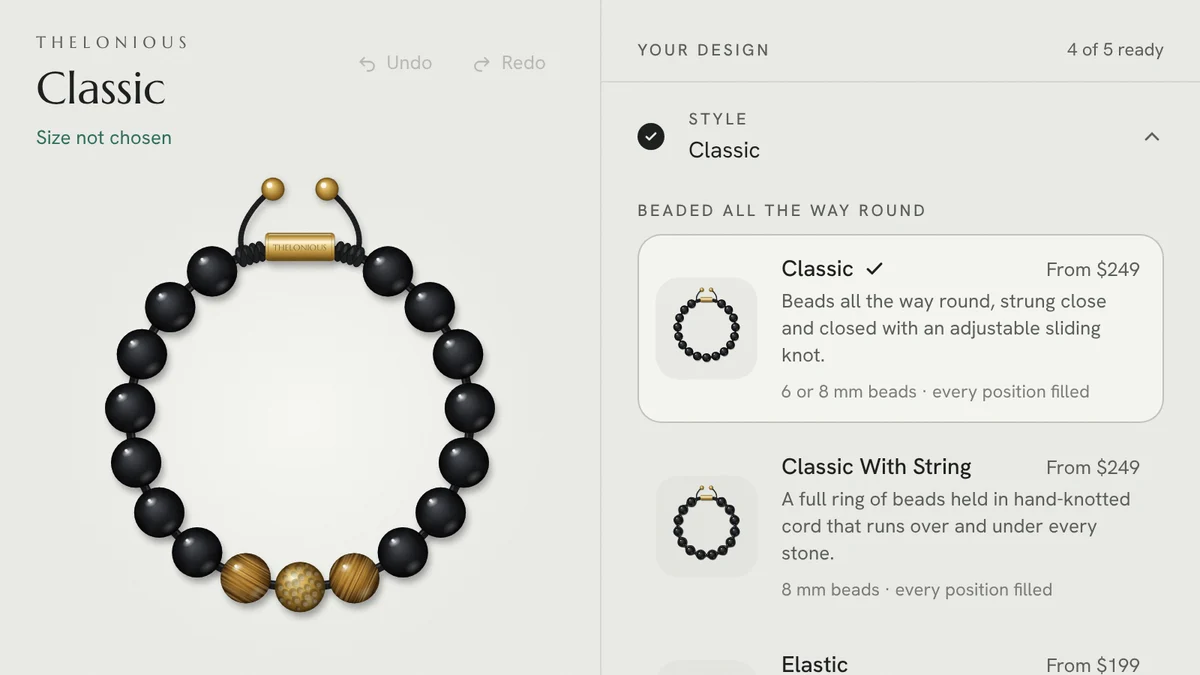
One model can carry every colour, fabric and finish you sell, switched on the page. That's often cheaper than photographing each combination, and it's where a viewer and a configurator start to overlap.
Keep the photos
3D sits beside photography, not in place of it. Lifestyle photos still do the selling. The viewer answers the questions photos can't.
Photos, a 3D viewer, or a viewer with AR
What each gives the shopper, and what it asks of you.
| Criteria | Product photos | 3D viewer | 3D viewer with AR |
|---|---|---|---|
| What the shopper can do | Look at fixed angles | Turn, zoom and inspect | All of that, and see it in their room at true size |
| Best for | Every product | Products with detail, shape or finish to inspect | Products that have to fit a space |
| What you need | A photographer | A 3D model per product | A 3D model built to real measurements |
| Works on | Everything | Any modern browser | Recent iPhones and Android phones |
| Adding a colour or finish | A new shoot | A change to the model | A change to the model |
Which products are worth a 3D model
Start with a few products, not the catalogue. A product earns a model when most of these are true.
- Shoppers ask about size, fit or how it looks from another side
- It gets returned because it wasn't what the buyer pictured
- It's a higher-value item, where a little more confidence is worth a lot
- It comes in several colours or finishes you'd otherwise photograph one by one
- It stays in the range for a long time
- You can supply measurements, drawings or a sample to model from
When this isn't the answer
We don't have a 3D example on this site yet, so ask us to walk you through the approach on a call rather than take it on trust. For a large catalogue of low-priced items, the cost of modelling each product rarely pays back, and good photography does more. Some store platforms, Shopify among them, will already show a 3D model and AR on a product page once the model is uploaded. If that covers what you need, you need models made, not a custom build, and we'll tell you.
Tell us what people need to see
Describe the product, place or data, who needs to look at it, and what they should be able to do. We'll tell you what we'd build, what it depends on, and when something off the shelf would do the job.
Common questions
No. Recent iPhones and Android phones open AR from a link on the product page using what's already built into the phone. On older phones and on computers, the shopper still gets the 3D viewer.
Either. We can model from photos, drawings and measurements, or prepare existing design or manufacturing files for the web. Supplied files nearly always need slimming down before they're fast enough for a product page.
Not if it's built properly. The model is compressed for the web and only loaded when the shopper opens the viewer, so the page loads as it does now.
Yes. Shopify can display a 3D model and AR on a product page itself, and we build custom viewers where you need more than that, such as switching finishes or linking to a configurator. The same applies to WooCommerce and custom stores.
A handful. Pick the products where shoppers hesitate most or returns are highest, see whether it helps, then decide on the rest.
See it working
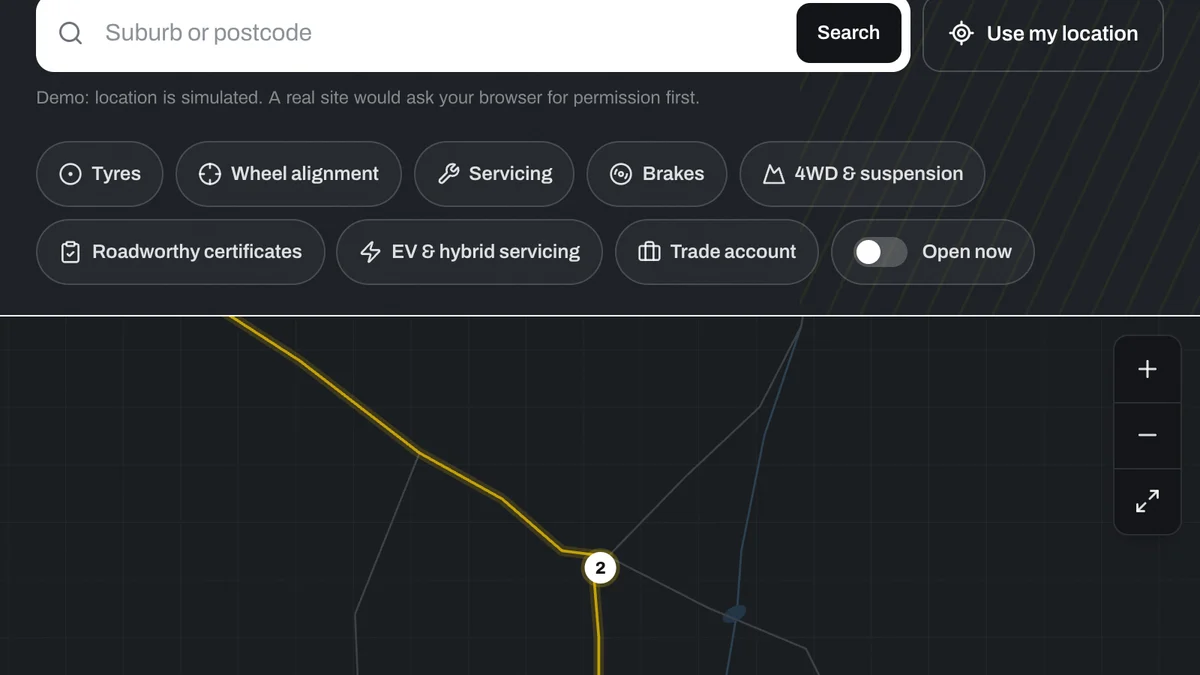
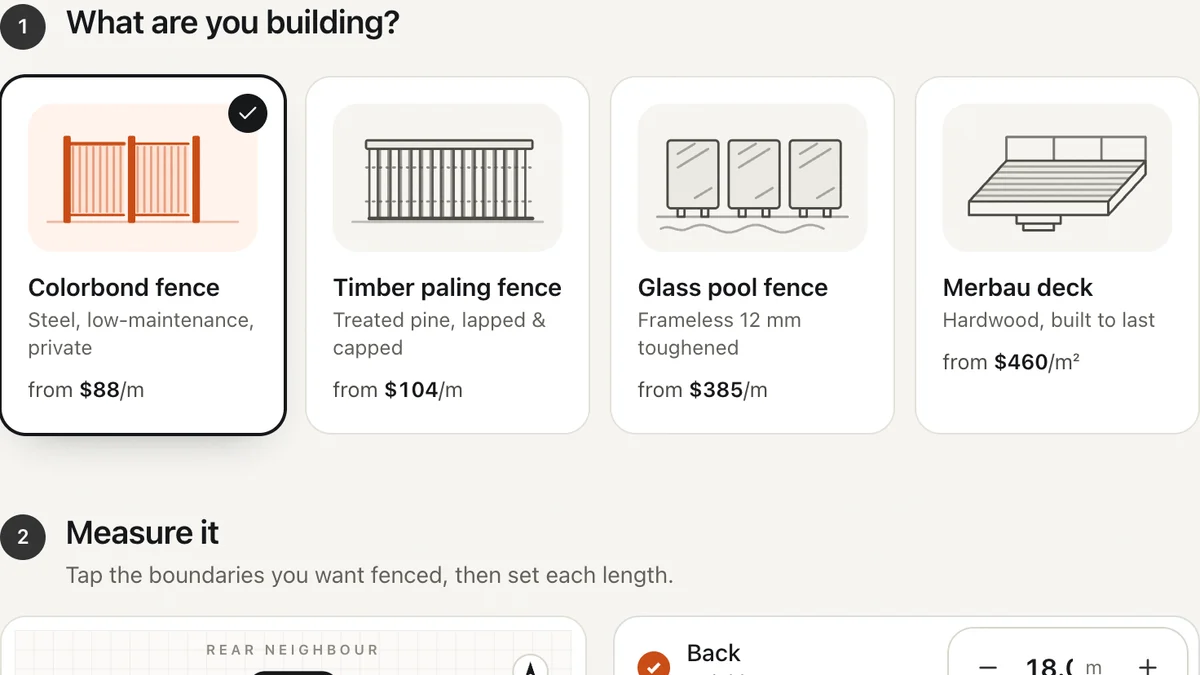
Software we'd build, running with a fictional business and sample data. Use it, then decide.
Also worth a look
- Custom Product Configurator Development
- Interactive Site Plans and Apartment Finders
- Digital Twin or Interactive 3D Model?
- See one working: a bracelet configurator you can use right now
Last reviewed . Custom work is quoted individually, at a fixed price.