Digital twins, plainly
Digital twin or interactive 3D model: which do you actually need?
'Digital twin' gets used for everything from a rotating building on a website to a live copy of a power station. The difference matters, because one costs a great deal more than the other and most projects asking for a twin need the simpler thing. This page draws the line plainly, including which side of it we work on.
Rather just ask someone? Talk to usIn short
A digital twin is a digital copy of a real asset that stays connected to it through live data, so it shows what is happening now. An interactive 3D model shows what you load into it and changes when you update it. PixelApps builds interactive 3D models for the browser. It does not build live sensor integrations.
- What is a digital twin?
- A digital representation of a physical thing, such as a building, a precinct or a machine, that is kept in step with the real one by data flowing from it. The live connection is what makes it a twin. Without it, the same model is an interactive 3D model: still useful, much simpler, and often all a project needs.
What goes into it
The test is the data, not the graphics
A twin and a model can look identical. Ask what happens when something changes in the real world. If the screen updates by itself from sensors or operating systems, it's a twin. If a person updates it, it's a model.
Most public-facing projects need a model
Showing a development to buyers, a campus to visitors, a site to a community or a product to customers is communication. Nothing needs to stream. An interactive 3D model in the browser does the job.
Twins belong to operations
A twin pays off when people run the asset from it: facilities teams watching energy and occupancy, engineers tracking the condition of equipment. That's an operational system with sensors, integrations and ongoing support, and it's specialist work.
A model can still carry real information
An interactive model isn't just a picture. Each level, room, lot or component can open its details, documents and status, drawn from a list you maintain. For many organisations that covers what they hoped a twin would do.
Start with the model either way
Every twin starts as a good model. Building the model first, in a form that runs in a browser, gives you something useful now and doesn't shut the door on a specialist connecting live data later.
3D model, interactive 3D model or digital twin
Three things that often get called by the same name.
| Criteria | Static 3D model | Interactive 3D model | Digital twin |
|---|---|---|---|
| What it is | A render or a file to view | A model in the browser you can explore and click | A model kept in step with the real asset |
| Where its information comes from | Nowhere: it's a picture | Data you load and update | Live feeds from sensors and operating systems |
| Typical use | Marketing images | Sales, wayfinding, engagement and asset registers | Operations, monitoring and maintenance |
| Who uses it | Anyone, passively | Customers, visitors and staff | Facilities and engineering teams |
| Ongoing effort | None | Updating the data as things change | Sensors, integrations and support |
| Does PixelApps build it? | Yes, including the modelling | Yes | No. We build the model; live integration needs a specialist |
Six questions to work out which you need
Answer these before anyone quotes.
- Who will use it: the public, customers, or the people who run the asset?
- Does anything on screen need to change by itself, without a person updating it?
- If so, what produces that data today, and can it be accessed?
- What should someone be able to click, and what should it show?
- Does a 3D model already exist, or does one need to be made?
- Who keeps the information current once it's live?
When this isn't the answer
If you need live feeds from sensors, building management systems or equipment, you need a specialist in that field, and we'll say so on the first call rather than sell you a model and call it a twin. What we build is the interactive model: accurate, quick in a browser, and connected to the information you maintain. For a lot of projects that's the whole requirement. For some it's the first stage.
Tell us what people need to see
Describe the product, place or data, who needs to look at it, and what they should be able to do. We'll tell you what we'd build, what it depends on, and when something off the shelf would do the job.
Common questions
Not by the usual definition. A twin is connected to the real asset by live data. An interactive model shows information you load into it. Many things marketed as digital twins are interactive models, which is fine as long as everyone knows which they're buying.
We build the interactive 3D model and connect it to data you maintain, such as availability, documents or asset details. We don't build live sensor or equipment integrations. If your project needs those, we'll tell you, and we can build the model for a specialist to connect.
Yes. Modern phones and computers can display a detailed building model in the browser with nothing to install, provided the model is prepared for the web. Models from design software are usually too heavy as they come and need slimming down first.
Yes. We model from architectural drawings, plans and photos, or prepare an existing model for the web.
It can be the starting point. A well-built model with each part identified gives a specialist something to attach live data to. We'd plan for that from the start if you think you'll want it.
See it working
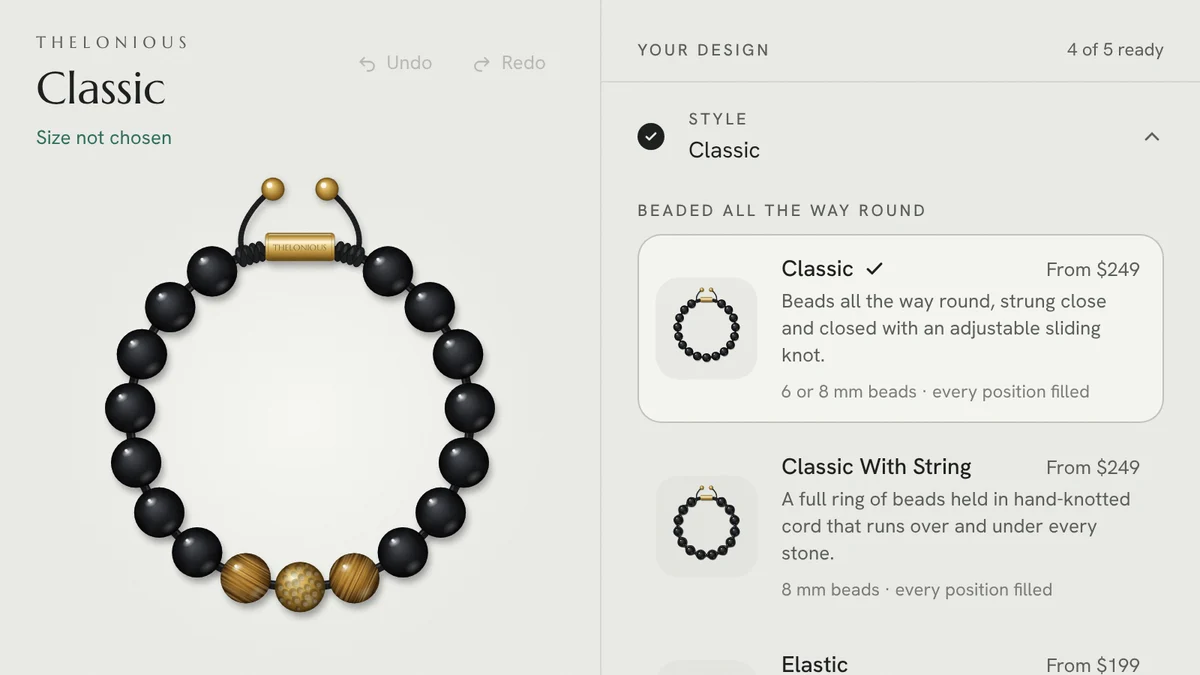
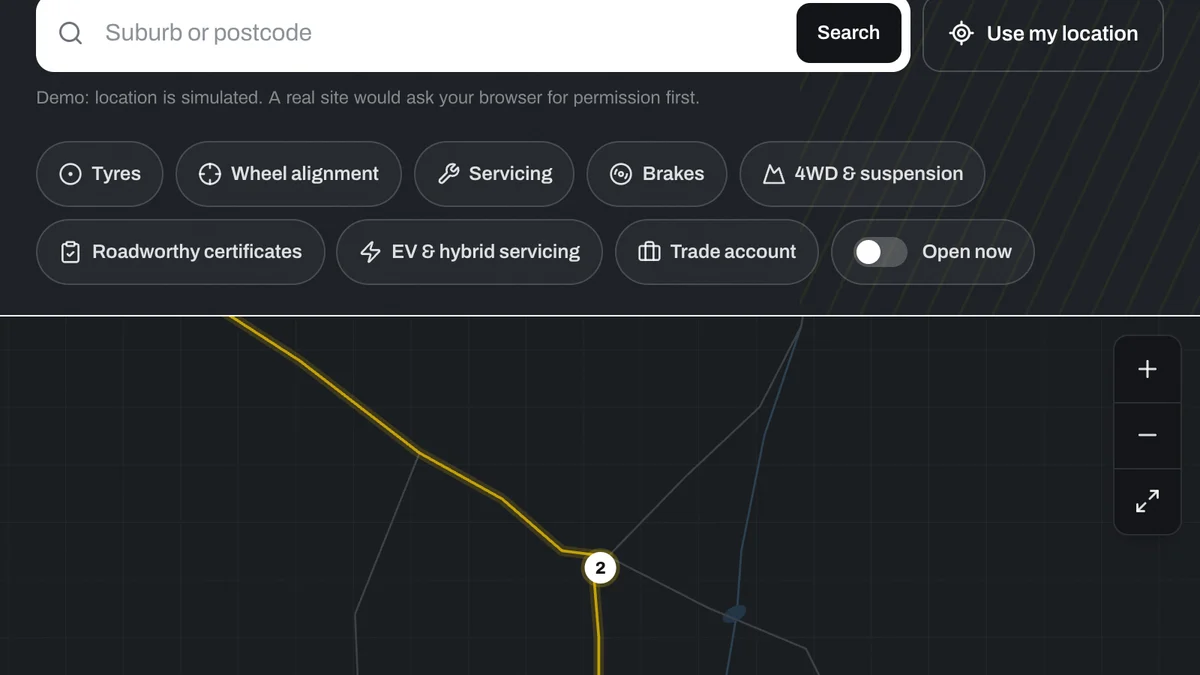
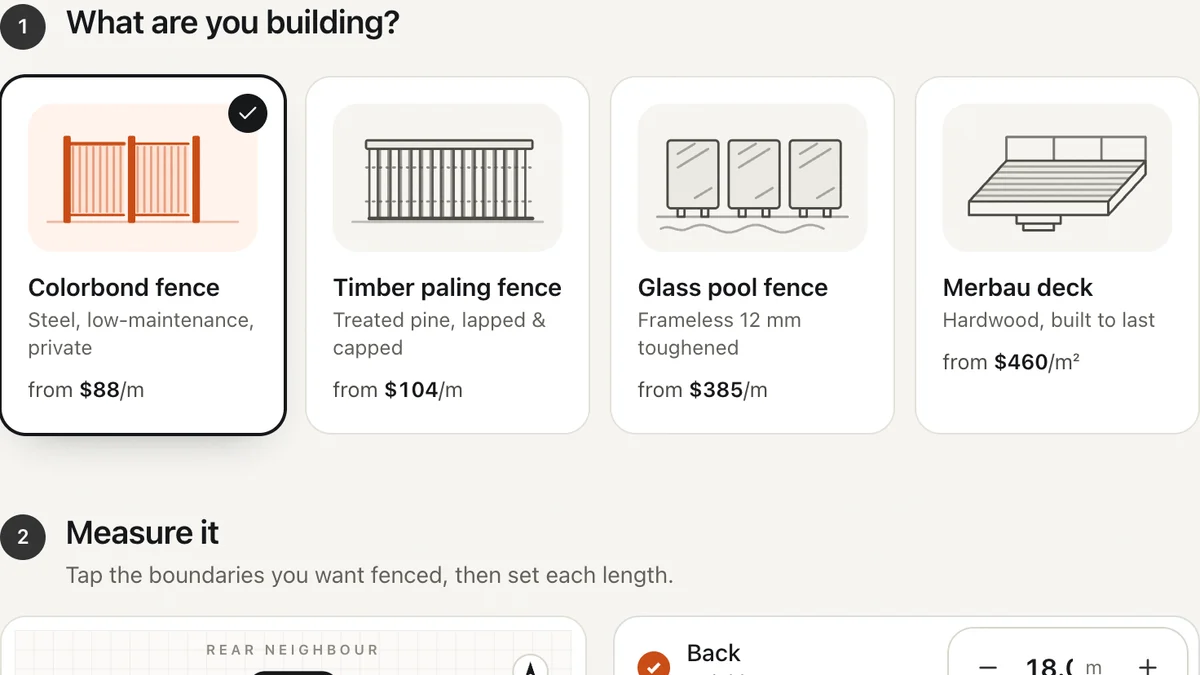
Software we'd build, running with a fictional business and sample data. Use it, then decide.
Also worth a look
- Interactive Site Plans and Apartment Finders
- Interactive Map Development for Websites
- 3D Product Viewers and AR for Online Stores
- See one working: a bracelet configurator you can use right now
Last reviewed . Custom work is quoted individually, at a fixed price.