Leaving Zapier
Is it time to move your automations off Zapier?
Zapier is how most small businesses first connect their tools, and for simple 'when this happens, do that' jobs it's hard to beat. It gets expensive and fragile in a particular way: the busiest workflows run thousands of times a month, each step is billed, and the logic that now runs part of the business sits in Zaps that only one person understands.
Rather just ask someone? Talk to usIn short
Move off Zapier when task charges grow faster than the work, failures surface as missing invoices or bookings, or business-critical logic lives in Zaps nobody can test. Start by trimming: filters and paths don't use tasks. Make or n8n cost less at volume; a custom integration suits high-volume, two-way or business-critical syncs.
- What Zapier counts as a task
- Each successful action step in a Zap. Triggers, filters and paths don't count, and nor do failed steps. A five-step Zap that runs 1,000 times a month uses 5,000 tasks. Go over your plan's allowance and Zapier switches you to pay-per-task at a higher rate, up to a cap.
Zapier's pricing model
Zapier's published pricing, checked November 2026, in US dollars. Zapier can also bill in Australian dollars.
- Free 100 tasks a month
- Enough to try it, not to run anything important.
- Professional from US$19.99 a month
- Billed annually, for 750 tasks a month. Higher task allowances cost more.
- Team from US$69 a month
- Billed annually, with shared workspaces for more people.
- Going over 1.25 × per task
- Extra tasks are billed at 1.25 times your plan's per-task rate, up to three times the plan's limit.
Signs it's time to go
The task bill grows faster than the business
Every action step is billed on every run. Go over your plan and extra tasks cost 1.25 times your plan's per-task rate. At thousands of runs a month, the bill can overtake the one-off cost of building the integration properly.
You find out about failures from customers
A login expires, a field is renamed, an API has a bad hour. If you learn a Zap failed because an invoice or booking went missing, you need retries, logs and alerts that a named person owns.
You need a two-way sync
Zapier is excellent at one-way 'when this, do that'. Keeping two systems in step both ways, matching records that already exist and resolving conflicts is a different job, and it's where duplicate contacts and mystery balances come from.
Business rules live in Zaps
Pricing logic, approvals and routing spread across dozens of Zaps, built by whoever needed them. None of it is tested, versioned or documented, and a former staff member's Zaps may still be running on their login.
A Zap has become a program
Loops, nested paths, code steps and workarounds for step limits. When an automation needs that much engineering, it should be written and tested as code.
Customer data must stay in Australia
Zapier hosts data in the US, and Make offers US and EU data zones but not an Australian one. If contracts or regulators care where customer data travels, that narrows the options.
Trim it, switch tools, or build the integration?
Most businesses end up with a mix: a few custom integrations for the critical flows, and a tool for the rest.
| Criteria | Trim and tidy Zapier | Make, n8n or Power Automate | Custom integration |
|---|---|---|---|
| Solves | Cost, with fewer steps; filters and paths are free | Per-task cost at volume, and more complex logic | Cost at volume, two-way sync, monitoring, ownership |
| Doesn't solve | Two-way sync, hidden logic | Hidden logic; it's still a platform you rent | Quick experiments: changes need a developer |
| Pricing | Per task, by plan | Make by credits; n8n by execution, or self-hosted; Power Automate per user | A fixed price to build, then small hosting costs |
| Typical cost | A few hours of clean-up | A subscription, plus rebuilding each workflow | $2,500 – $8,000 one-way; $8,000 – $25,000 two-way |
| Best when | A few Zaps have grown wasteful | Many simple workflows at high volume | A business-critical sync between core systems |
Before you leave Zapier
Move the critical workflows first, and one at a time.
- Export your Zaps as JSON, and the run history you need as CSV
- List every Zap with its trigger, steps, owner and monthly runs
- Find Zaps owned by people who've left, and what relies on them
- Note every connected account and whose login it uses
- Rebuild the busiest and most important workflows first
- Run old and new in parallel and compare the results
- Switch old Zaps off one at a time, not all at once
When staying is the better answer
For simple automations at modest volume, Zapier is excellent: keep it. Before moving anything, open your busiest Zaps. Replacing action steps with filters, merging Zaps and removing duplicates often cuts the task count sharply. Move only the workflows that are business-critical, high-volume or two-way, and leave the rest where they are.
Tell us what you're on, and what isn't working
Name the platform, roughly what you pay, and what's getting in the way. We'll tell you whether to stay, switch to another product or build, and what the move would involve. Staying is a perfectly good answer.
jayson@pixelapps.com.au
1300 204 802
Macedon Ranges, Victoria
Serving clients across Australia
Common questions
Every successful action step is a task, so multi-step Zaps that run often add up fast, and going over your plan moves you to pay-per-task at a higher rate. Triggers, filters and paths don't use tasks, so restructuring the busiest Zaps often cuts the count.
Make and n8n usually cost less for the same volume, and n8n can be self-hosted. For a few critical, high-volume syncs, a custom integration has no per-task fee and costs little to host. Power Automate can suit businesses already deep in Microsoft 365.
Yes, as JSON, and up to 5,000 runs of history at a time as CSV or JSON. The JSON can only be imported back into Zapier Team or Enterprise accounts, so any other tool means rebuilding each workflow.
For many, yes, if someone watches the error alerts. Where a silent failure costs money, such as invoicing, bookings or stock, the workflow deserves retries, logging and alerts a named person owns, wherever it runs.
In the US. Make offers US and EU data zones. If customer data must stay in Australia, a custom integration hosted here is the way to control where it goes.
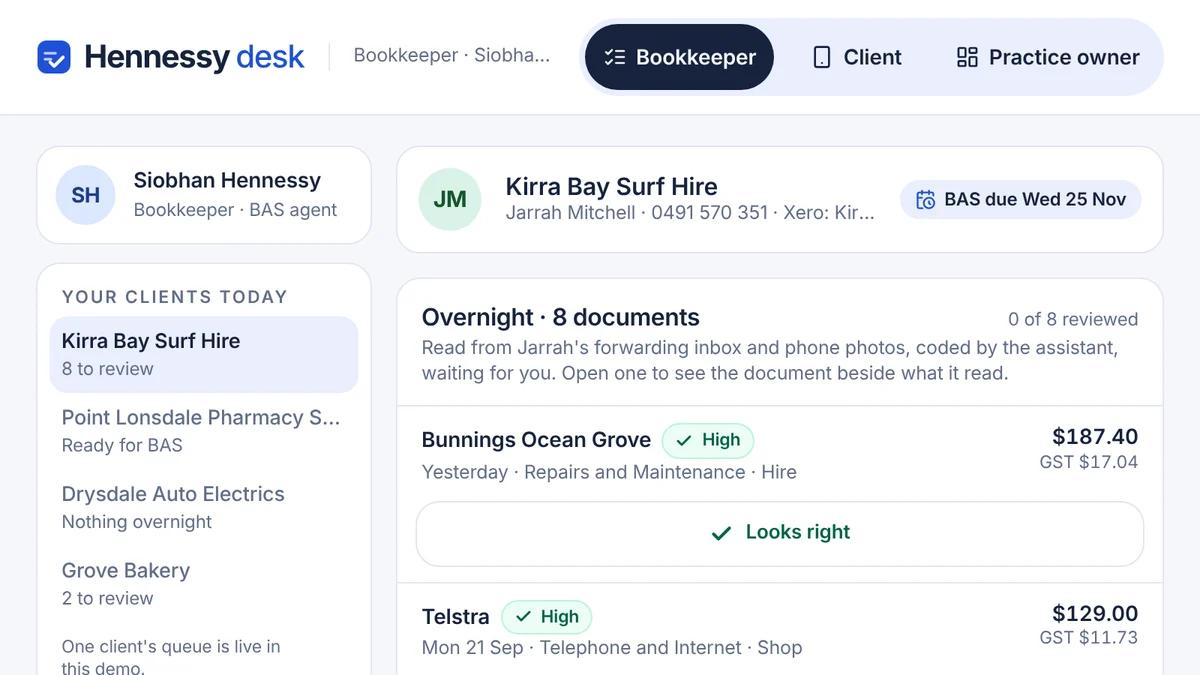
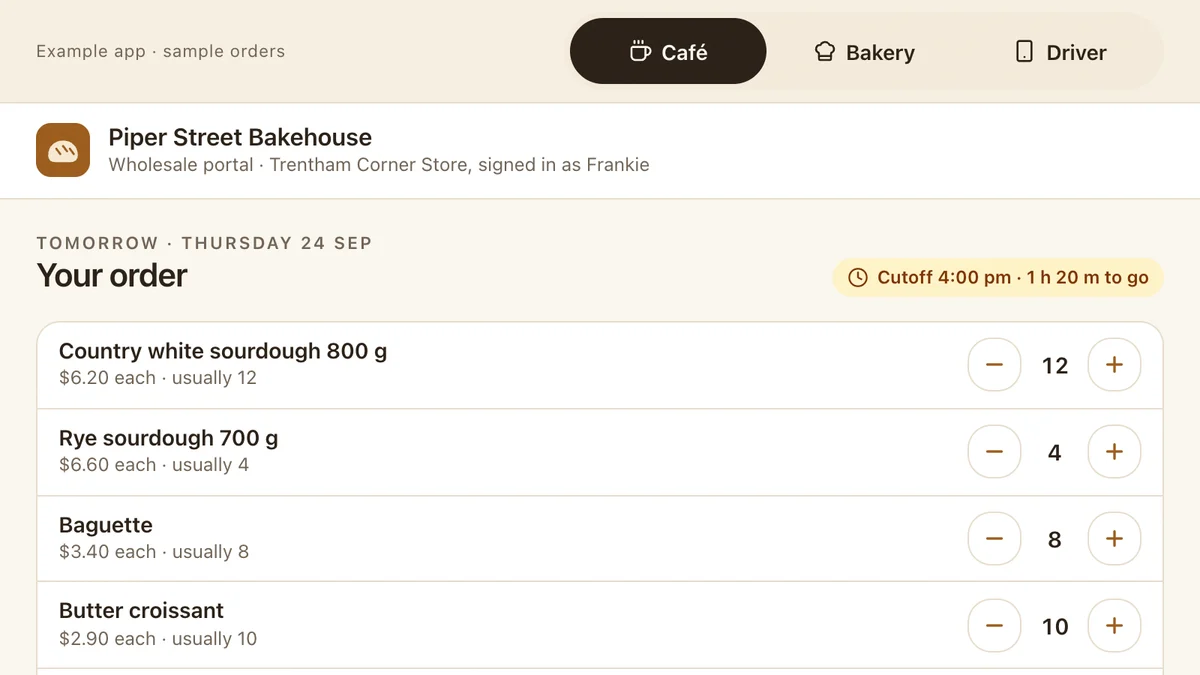
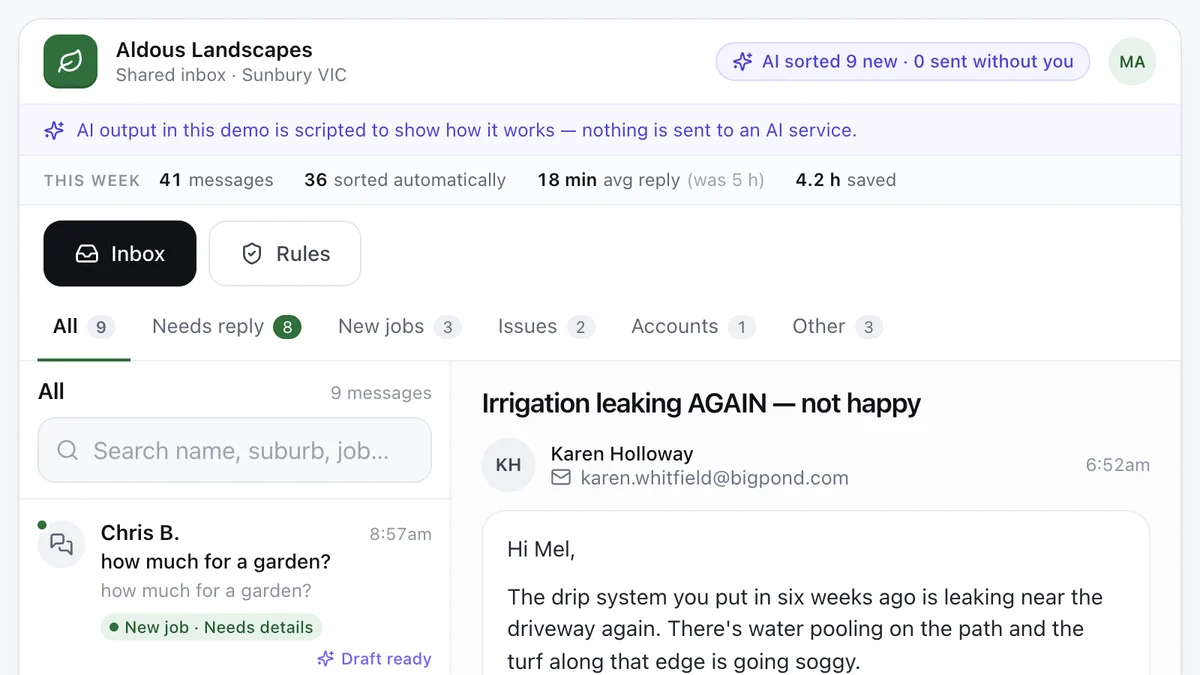
See it working
Software we'd build, running with a fictional business and sample data. Use it, then decide.
Also worth a look
- Is It Time to Move Away From HubSpot?
- Is It Time to Move Off Airtable?
- Outgrowing ServiceM8? When to Move, and Where
- How to get your business systems talking to each other
- Automation or an AI agent? Which you actually need
- Wondering whether to build your own instead? The signs it's time
Last reviewed . Platform prices are the vendor's published list prices when this page was reviewed and change often; check current pricing. Migration costs are indicative Australian ranges, not quotes.