Examples
What can a small business actually automate?
Most lists of things to automate are written by software companies, and every item happens to need their product. The real list is shorter and more useful, and several of the best automations are already inside Xero, MYOB or your booking system, switched off. Here are twenty, in the order work moves through a business, with what each one usually needs and the time it tends to give back.
Rather just ask someone? Talk to usIn short
The automations that most often pay off for small businesses are enquiries into a CRM, quote and invoice follow-ups, invoices sent when a job is done, supplier bills into Xero or MYOB, bank rules, appointment reminders, super with each pay run and review requests. Several are built into software you already pay for. Switch those on before building anything.
- What counts as automation here
- Anything that moves information or sends a message when something happens, without a person doing it each time. Some of it is a setting in software you already own. Some is a workflow in a tool like Zapier, Make or n8n connecting two systems. Some has an AI step that reads an email or drafts a reply. Only a few jobs on this list need custom software, and the table says which.
What actually matters
Switch on what you already pay for
Overdue invoice reminders, repeating invoices, bank rules, and bill and receipt capture are all in Xero and MYOB. SMS reminders are in most booking systems, and paying super with each pay run is standard in any STP-enabled payroll. None of it needs a developer, and it's common to find at least one switched off. Check these before paying anyone, including us.
Chase money before saving time
Follow-ups are the most under-automated work in a small business: quotes nobody chased, invoices reminded late, reviews never asked for. They save fewer hours than data entry, but they bring money in, they're simple to set up, and the risk is low because the messages are ones you'd send anyway if you remembered.
Connect before you add another app
Much of this list is the same information moving between two systems you already own: the enquiry into the CRM, the finished job into Xero, the timesheet into payroll. A native integration or a single workflow usually beats a new subscription that promises to do everything.
Keep a person on anything that leaves the building
Quotes, customer replies and anything that moves money can be drafted automatically and approved with one click. That keeps most of the time saving and none of the risk of a confident mistake sent in your name. Internal summaries and record updates can run on their own.
Ask every customer for a review, not just the happy ones
Automated review requests work, and they should go to every customer once the job is done. Google's policies prohibit selectively asking for positive reviews or discouraging negative ones, and a Business Profile caught doing it can have new reviews blocked and existing ones hidden for a period.
Do the sum with your own numbers
The time-back figures in the table are arithmetic, not promises: minutes per item multiplied by the weekly volume shown. Redo them for your business. Anything under an hour a week isn't worth building unless it brings in money, which is why the follow-ups earn their place and most clever ideas don't.
Twenty jobs worth automating
Roughly in the order work moves through a business, from first enquiry to payroll. Time back is minutes per item multiplied by the volume shown, so redo it with yours.
| Criteria | What happens | Usually done with | Typical time back |
|---|---|---|---|
| Enquiries into the CRM | A website form or email creates the contact and the job, with the details pulled out of the free text | An automation tool with an AI step | 2 to 4 hours a week at 20 enquiries |
| Instant reply to new enquiries | Acknowledges within a minute, asks the two questions you'd ask, and offers a time where the job is simple | An automation tool, or an AI receptionist | Little time; it wins jobs that go to whoever replies first |
| Missed-call text back | A missed call gets a text within a minute with a link to book or reply | Your phone system, if it offers it, or an automation tool | Little time; fewer callers lost to the next number |
| Quote follow-ups | Reminders a few days and a week after sending, stopping the moment the quote is accepted | Job management software, or an automation tool | 1 to 2 hours a week, and more quotes won |
| Quotes drafted from the enquiry | Reads the scope, prices it from your rate card and drafts a quote for you to check and send | A custom build with an AI step | 3 to 6 hours a week at 10 quotes |
| Accepted quote to booked job | Creates the job, books it, confirms with the customer and tells the crew | Job management software, plus an automation where it stops short | 1 to 3 hours a week |
| Appointment reminders | A text the day before, with reply-to-confirm and a link to reschedule | Built into most booking systems, including Cliniko and Halaxy | Fewer no-shows rather than hours |
| Invoice when the job is done | Marking the job complete creates and sends the invoice in Xero or MYOB the same day | The job software's own Xero or MYOB integration | 1 to 3 hours a week, and earlier payment |
| Overdue invoice reminders | Polite reminders at set days overdue that stop once the invoice is paid | Built into Xero and MYOB | 1 to 2 hours a week |
| Repeating invoices | Retainers, rent and service agreements invoiced on schedule without anyone remembering | Built into Xero and MYOB | An hour or so a month |
| Supplier bills entered | Emailed bills read, coded, attached to the record and queued for approval | Xero or MYOB's own capture, Dext or Hubdoc | 2 to 4 hours a week at 50 bills |
| Bank reconciliation | Rules match recurring transactions, so reconciling becomes reviewing rather than typing | Bank rules, built into Xero and MYOB | 1 to 2 hours a week |
| Missing receipts chased | A text to whoever made a card purchase that still has no receipt after a few days | An expense tool, or a small custom workflow | About an hour a week, and a calmer BAS |
| Super with each pay run | Payroll calculates super every pay run and pays it to reach funds within seven business days, as Payday Super has required since 1 July 2026 | STP-enabled payroll software | Compliance rather than hours |
| Timesheets into payroll | Approved clock-ins from the rostering or job app become the pay run, with no re-keying | The rostering app's payroll integration | 1 to 3 hours a pay run |
| New starter paperwork | Contract, TFN declaration, super choice and bank details collected in one form and entered into payroll | Your payroll's onboarding feature, or a custom form | 1 to 2 hours a starter |
| Review requests | A text after each completed job asking for a Google review, sent to every customer | Job software or an automation tool | Minutes, but a steady stream of reviews |
| Weekly owner's brief | A Monday summary of sales, overdue invoices, jobs booked and anything off track, written from your systems | A custom build with an AI step | 1 to 2 hours a week |
| Shared inbox triage | Emails sorted and labelled, urgent ones flagged, routine replies drafted for approval | An AI step, or a small agent | 3 to 5 hours a week for a busy inbox |
| Documents into your systems | Purchase orders, forms and PDFs read and entered, with anything uncertain sent to a person | AI document processing | 3 to 8 hours a week at 100 documents |
Already in your software: check these are on
Free, supported, and often switched off. Most take minutes in the settings.
- Xero or MYOB: automatic reminders for overdue invoices
- Xero or MYOB: repeating invoices for regular clients
- Xero or MYOB: bank rules for recurring transactions
- Xero or MYOB: bill and receipt capture by email or phone
- Booking system: SMS reminders with reply-to-confirm
- Job management software: its built-in Xero or MYOB integration
- Payroll: super paid with each pay run, as Payday Super requires
- Website forms: sending to a shared inbox or your CRM, not one person's email
When this isn't the answer
A list like this makes everything look worth automating. Most of it isn't, for most businesses: if you do something twice a week, the time-back figure in the table doesn't apply to you. And several of the most valuable items, like invoice reminders and bank rules, cost nothing and need nobody, us included. Switch those on first and see what's left.
Stay up to date
Tech that matters to Australian small businesses. Unsubscribe anytime.
Start with a 30-minute call
Tell us the task that eats the most time, or just that you're not sure where to begin. We'll tell you on the call whether it's worth automating, and what we'd do first.
jayson@pixelapps.com.au
1300 204 802
Macedon Ranges, Victoria
Serving clients across Australia
Common questions
The ones your software already does: overdue invoice reminders, repeating invoices and bank rules in Xero or MYOB, and SMS reminders in your booking system. After those, getting website enquiries into your CRM and sending the invoice when a job is marked complete.
Anything that needs judgement every time, anything involving vulnerable people or legal or medical decisions, and anything so infrequent the setup never pays back. Customer replies, quotes and payments can be drafted automatically, but a person should approve them.
For most service businesses: getting enquiries into the CRM, drafting quotes, entering supplier bills and triaging a shared inbox, because they happen every day. Quote and invoice follow-ups save fewer hours but bring in more money.
Much of the data entry, yes. Bill capture, coding suggestions and bank matching are built into Xero and MYOB, and custom AI processing can handle documents they don't. The judgement stays with you and your bookkeeper: approvals, BAS and anything unusual.
Not for the built-in ones. To connect two systems, check for a native integration first, then use Zapier, Make, n8n or Power Automate. Our comparison of the four covers which suits what, and what each costs at your volume.
Built-in features cost nothing extra. A single workflow in an automation tool, with an AI step, typically costs $2,500 to $7,000 to build in Australia, plus a small monthly running cost. Our costs page has the full ranges.
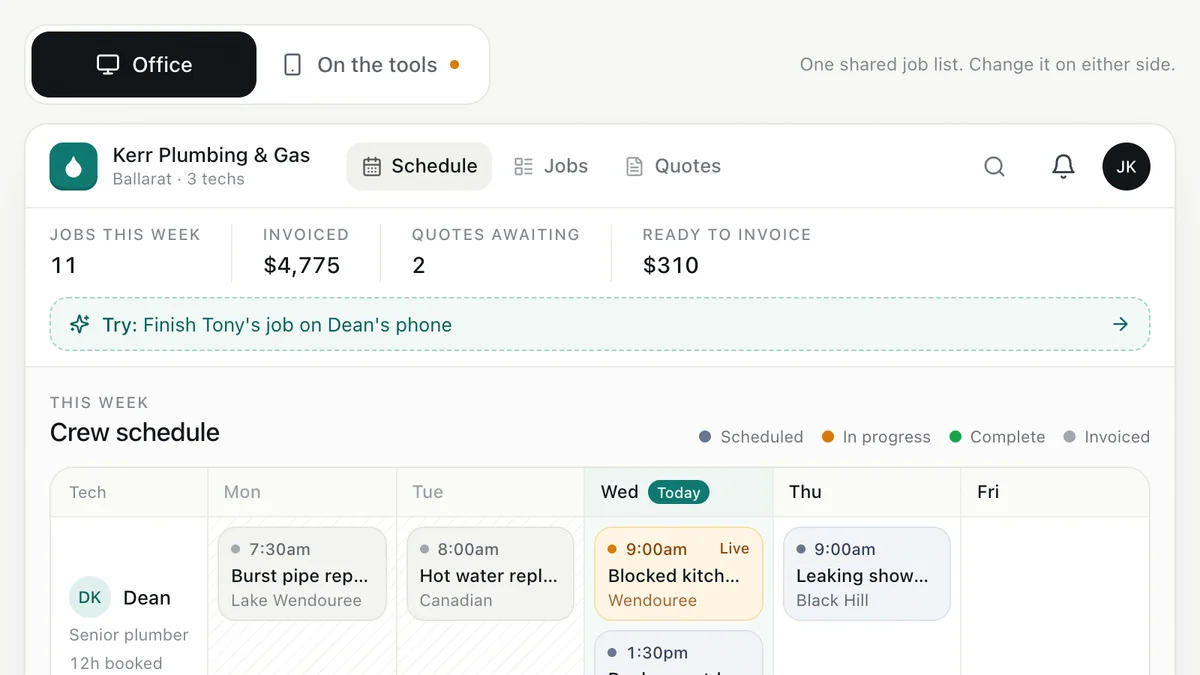
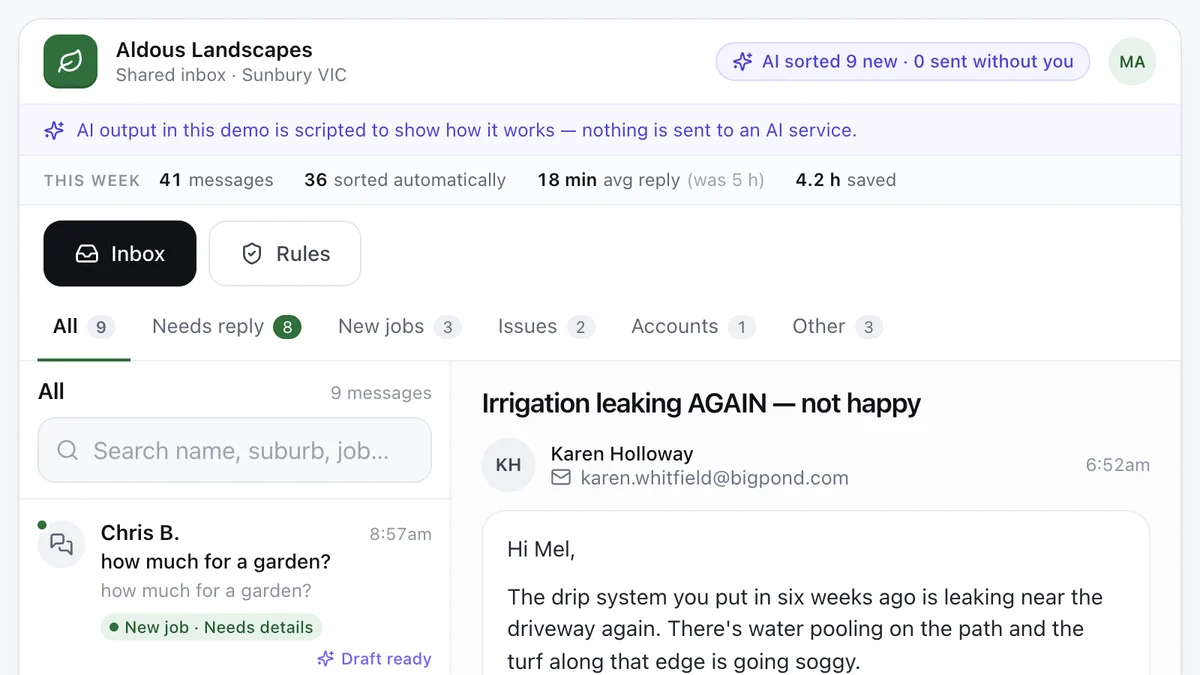
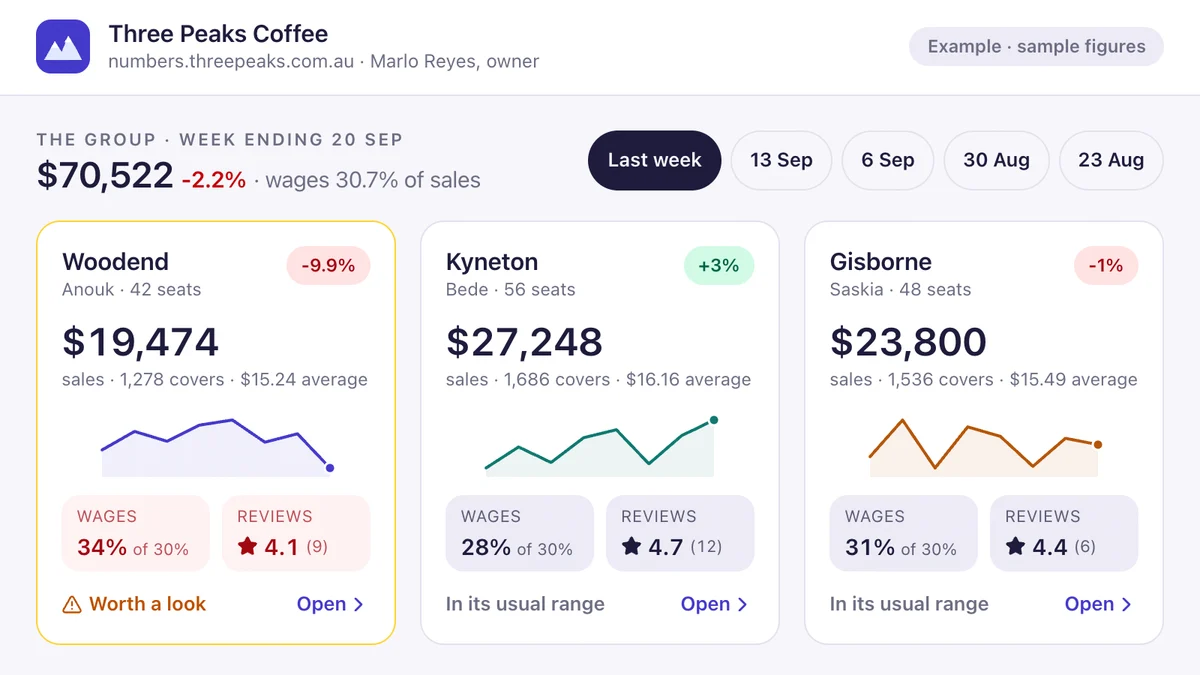
See it working
Software we'd build, running with a fictional business and sample data. Use it, then decide.
Also worth a look
- Where to Start With AI in a Small Business
- Automate Data Entry From PDFs and Emails With AI
- Zapier vs Make vs n8n vs Power Automate (2026)
- AI Receptionist for Australian Small Businesses
- How to get your business systems talking to each other
- Want the do-it-yourself guide to showing up in AI answers?
Last reviewed . Figures are indicative Australian ranges, not quotes.