Choosing a tool
Zapier, Make, n8n or Power Automate: which should run your automations?
Most comparisons of these four are written by one of the vendors or by someone earning a referral fee. We have a view too, since we build on n8n and Make most days, so the reasons are here rather than just the verdict. The short version: they charge for completely different things, so the same workflow can cost US$12 a month on one and US$89 on another, and only two of them can keep your workflow data in Australia.
Rather just ask someone? Talk to usIn short
Use Zapier if non-technical staff will build and maintain simple automations and the volume is low. Use Make for more complex logic at lower cost. Use n8n when volume is high, a developer looks after it, or data must stay in Australia via self-hosting. Use Power Automate if you already run on Microsoft 365.
- Tasks, credits and executions: what each tool actually bills for
- Zapier charges a task for every action step that succeeds; the trigger, filters and paths are free. Make charges a credit for every module that runs, including the trigger, and a polling trigger uses a credit each time it checks, even when it finds nothing. n8n charges one execution per run of the whole workflow, however many steps it has. Power Automate charges per user, and flows using standard connectors are included in Microsoft 365 business plans. The same workflow can therefore be cheap on one tool and expensive on another.
The same workflow, priced on each tool
A trigger and five actions, running 1,000 times a month. Published US list prices billed yearly, except n8n in euros, checked November 2026. GST excluded; prices vary by country and change often.
- Zapier US$89 a month
- Five actions × 1,000 runs is 5,000 tasks, which needs Professional's 5,000-task tier. The trigger is free. At 10,000 runs it's 50,000 tasks and US$289 a month.
- Make US$12 a month
- Six modules × 1,000 runs is 6,000 credits, inside Core's 10,000. The trigger counts, and a polling trigger that checks every five minutes uses about 8,600 credits a month on its own, so use an instant trigger where the app has one.
- n8n Cloud €20 a month
- 1,000 executions, inside Starter's 2,500. Steps don't count, so adding ten more actions to the workflow costs nothing extra.
- n8n self-hosted Server costs only
- The Community Edition is free for your own business's workflows, and a small server in Sydney costs tens of dollars a month. The real cost is the person who updates, backs up and secures it.
- Power Automate Included, or US$15 a user
- Flows that only use standard connectors such as Outlook, SharePoint, Excel and Teams come with Microsoft 365 business plans. Premium connectors, including HTTP calls to systems outside Microsoft, need Power Automate Premium at US$15 per user a month.
What actually matters
Price your busiest workflow, not the plan
Entry prices tell you almost nothing. Take the two or three workflows that will run most often, count their steps and monthly runs, and price each on every tool's own pricing page. Zapier bills each action, Make bills each module including the trigger, and n8n bills each run, so a long workflow that fires on every order can cost seven times more on one tool than another.
Choose for whoever will fix it
Zapier is the easiest for non-technical staff to build and, more importantly, to read later. Make's visual canvas rewards someone who enjoys logic. n8n is closest to programming, with JavaScript or Python available at any step, and is at its best with a developer looking after it. Power Automate feels familiar to anyone who runs Microsoft 365 and clumsy to everyone else. The right tool is the one the person on call at 4pm on a Friday can understand.
Check the exact trigger, not the logo
Zapier lists more than 8,000 apps, Make more than 3,000, n8n around 1,000 plus anything with an API through its HTTP node, and Power Automate is strongest inside Microsoft. A logo on the integrations page isn't enough. Check that the specific trigger and action you need exist for your accounting, job management or practice software. 'Can create an invoice' and 'can tell you when one is paid' are different integrations.
Decide where customer data may go
Zapier hosts in the United States. Make offers US and EU data zones. n8n Cloud runs in Frankfurt. Power Automate runs flows in your Power Platform environment's region, which can be Australia, and self-hosted n8n runs wherever you put it, including Sydney. If a contract, an insurer or a regulator asks where customer data travels, that's a short list. The AI model a workflow calls is a separate question with its own answer.
Self-host only if someone owns the server
Self-hosted n8n has no licence fee, but it isn't free. It holds the logins to your inbox, accounts and CRM, so it needs updates, backups, monitoring and proper security every month. Its Sustainable Use License covers a business running its own workflows; it doesn't allow reselling n8n itself as a service. Without someone responsible for the server, n8n Cloud or Make is the safer choice.
Make failures someone's job
Every tool here can alert someone when a run fails. Point the alert at a named person rather than a shared inbox, add retries where the tool allows, and keep run history long enough to investigate. Silent failures in invoicing or bookings are found by customers, and that costs more than any subscription.
Know when a tool is the wrong answer
When a workflow runs thousands of times a month, has to keep two systems in step both ways, or is the thing your invoicing depends on, a small custom integration with no per-run fee is often cheaper to run and easier to test. Most businesses end up with both: a tool for the many small automations, and custom code for the two or three that matter most.
Side by side
Published US list prices billed yearly, except n8n in euros, checked November 2026.
| Criteria | Zapier | Make | n8n | Power Automate |
|---|---|---|---|---|
| Bills for | Each action that succeeds | Each module that runs, including polling checks | Each full run of a workflow | Each user; standard connectors come with Microsoft 365 |
| Entry paid plan | US$19.99 a month for 750 tasks | US$12 a month for 10,000 credits | €20 a month for 2,500 runs, or free to self-host | Included in Microsoft 365 business plans; Premium US$15 a user |
| Ready-made integrations | 8,000+ | 3,000+ | About 1,000, plus any API | 1,000+, strongest inside Microsoft |
| Easy for non-technical staff | Yes | Once the canvas clicks | Not really; it suits a developer | If they know Microsoft 365 |
| Where data is hosted | United States | United States or EU | Germany, or wherever you self-host | Your environment's region, which can be Australia |
| Self-hosting | No | No | Yes | No |
| Best for | A few simple automations staff look after themselves | Complex logic at a modest price | High volume, AI-heavy work, data kept in Australia | Businesses that run on Outlook, Teams and SharePoint |
Before you pick one
An hour on these saves rebuilding everything a year from now.
- List your three busiest workflows, with steps and runs per month
- Price each one on every tool's own pricing page, at your volume
- Confirm the exact triggers and actions exist for your accounting and job software
- Name who will build it, and who will fix it when it breaks
- Decide where customer data is allowed to be stored
- Send failure alerts to a named person
- Create every account in the business's name, not a staff member's
- Keep a written list of what each workflow does, so you can change tools later
When this isn't the answer
If you have a handful of automations running a few hundred times a month, the tool barely matters. Pick the one your team finds easiest, which is usually Zapier, and spend the effort on building it carefully. The price differences only become real at volume. And if what you're automating is your invoicing or bookings, the question isn't which tool, it's who's watching it.
Stay up to date
Tech that matters to Australian small businesses. Unsubscribe anytime.
Start with a 30-minute call
Tell us the task that eats the most time, or just that you're not sure where to begin. We'll tell you on the call whether it's worth automating, and what we'd do first.
jayson@pixelapps.com.au
1300 204 802
Macedon Ranges, Victoria
Serving clients across Australia
Common questions
At volume, almost always, because n8n bills per workflow run and Zapier bills per action. A workflow with five actions running 1,000 times a month costs about US$89 a month on Zapier and €20 on n8n Cloud, both billed yearly. Self-hosted n8n has no licence fee, but you pay for the server and for someone to look after it.
Cheaper for multi-step workflows, and better at branching, loops and reshaping data. Zapier is easier to learn, connects to more apps, and is easier for non-technical staff to keep running. For a few simple automations at low volume, Zapier's ease is worth the extra cost.
With two of the four. Power Automate runs flows in your Power Platform environment's region, which can be Australia, and self-hosted n8n runs wherever you host it, such as a server in Sydney. Zapier hosts in the US, Make in the US or EU, and n8n Cloud in Germany. Any AI model a workflow calls may process data elsewhere, so check that separately.
The licence is, for your own business's workflows. The server costs tens of dollars a month, and someone has to update, back up and secure it, because it holds the logins to your other systems. For a business without a developer, n8n Cloud is usually the safer start.
Not for the basics. Flows between Outlook, SharePoint, Excel, Teams and other standard connectors are included in Microsoft 365 business plans. Connecting to systems outside Microsoft often needs a premium connector, which means Power Automate Premium at US$15 per user a month.
n8n for most client work, especially anything with AI steps or high volume. Make where a client wants to maintain workflows themselves on a visual canvas. Zapier when a client already runs on it and it's working. Custom code for business-critical syncs. Whichever it is, the account is in the client's name.
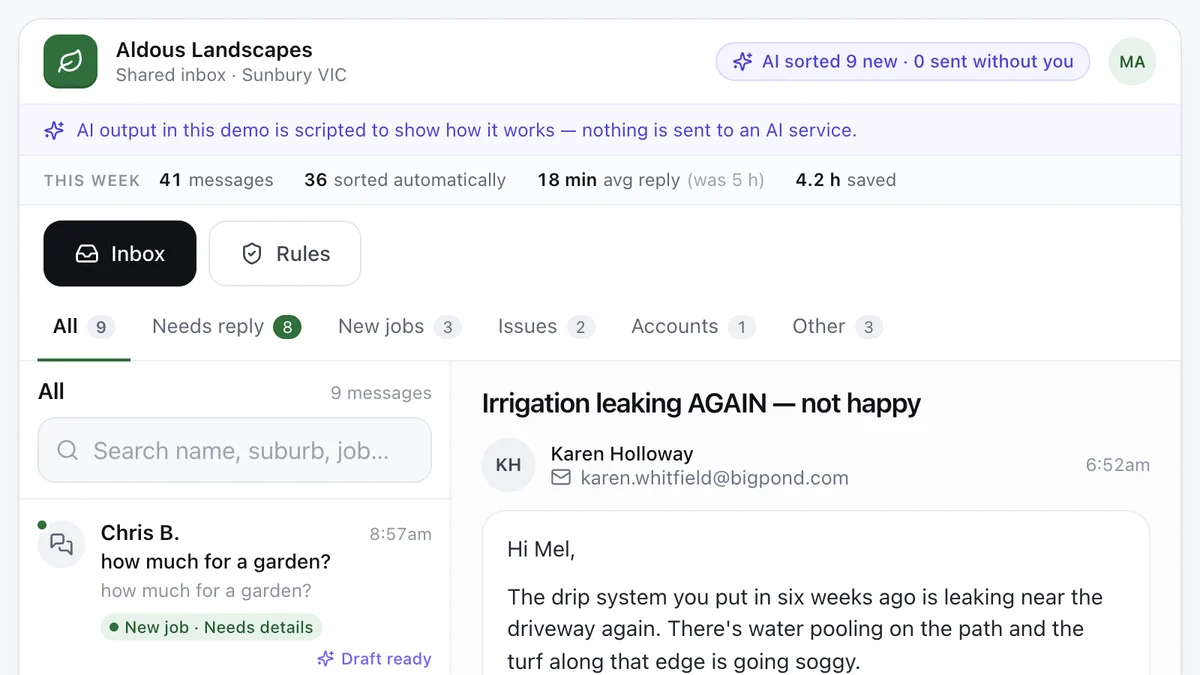
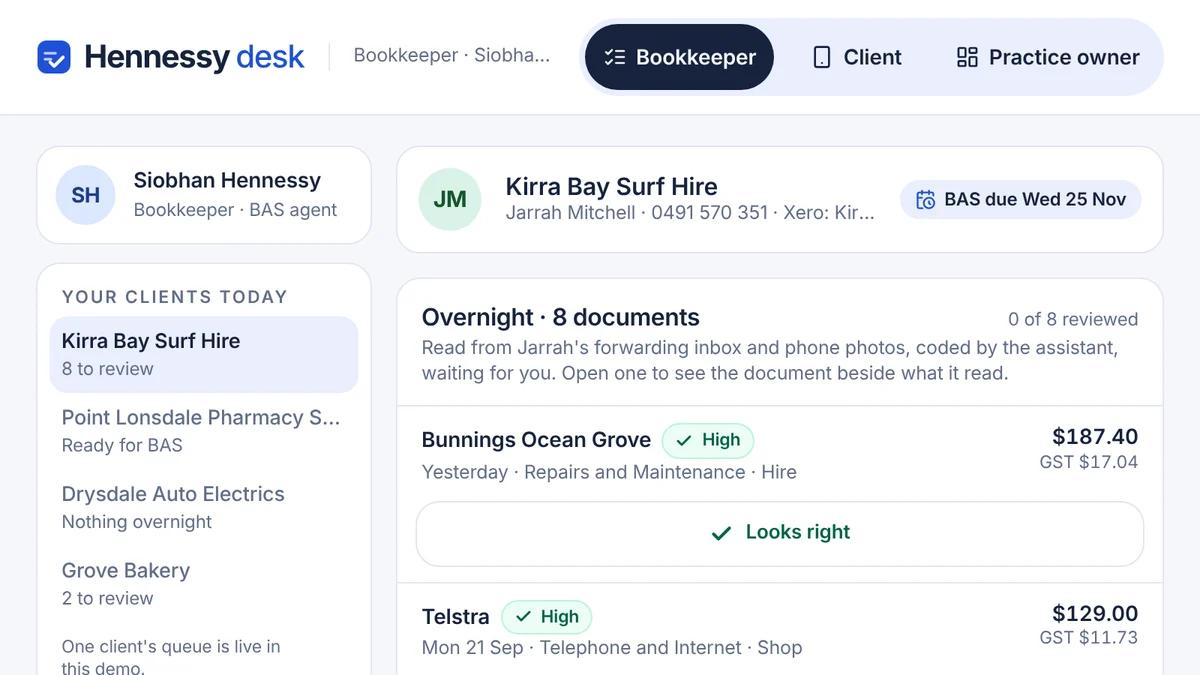
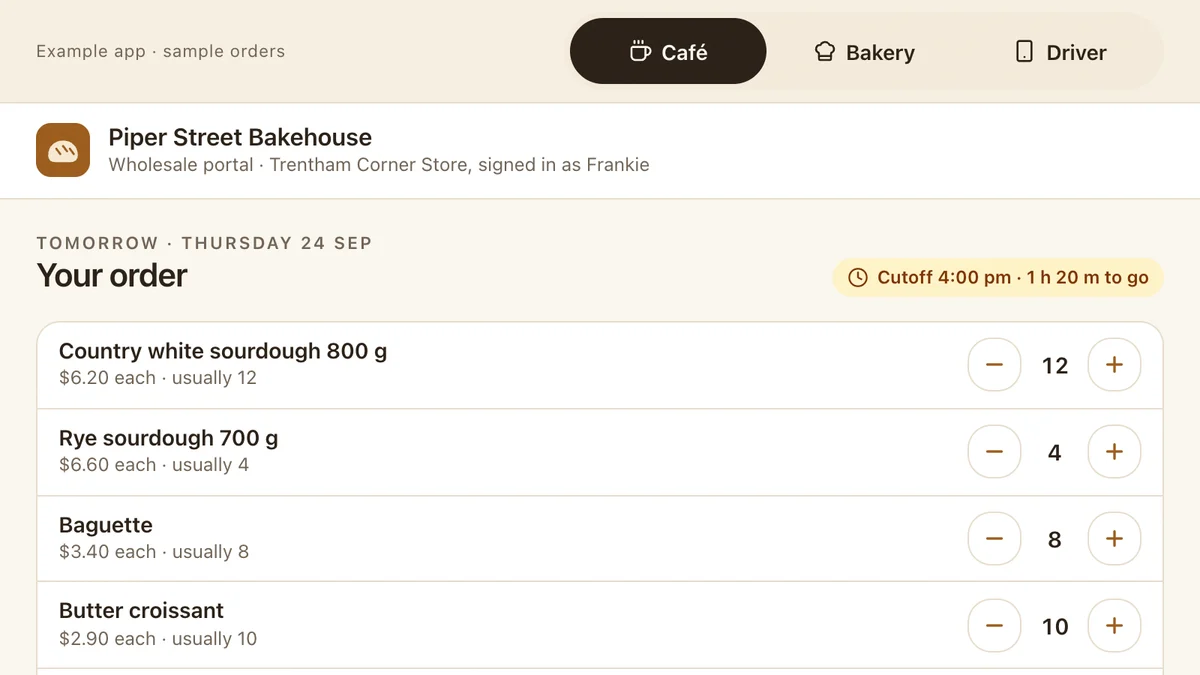
See it working
Software we'd build, running with a fictional business and sample data. Use it, then decide.
Also worth a look
- What AI Automation Costs in Australia (2026)
- 20 Small Business Automation Examples
- AI Agent vs Automation vs Chatbot
- Already on Zapier? When it's time to move off it
- How to get your business systems talking to each other
- Want the do-it-yourself guide to showing up in AI answers?
Last reviewed . Figures are indicative Australian ranges, not quotes.