Leaving Microsoft Access
Is it time to replace your Microsoft Access database?
Plenty of established Australian businesses run on an Access database someone built fifteen years ago. It still works, which is exactly why it's still there. Microsoft hasn't retired Access, and it's still part of Microsoft 365. But the business around it has changed: staff work from home and on phones, the person who built it has moved on, and older versions of Access are out of support.
Rather just ask someone? Talk to usIn short
Replace a Microsoft Access database when people need it outside the office or on phones or Macs, the file is nearing its 2 GB limit, it corrupts over the network or VPN, or nobody can safely change it. Microsoft hasn't retired Access, so there's no forced deadline. Moving the data to SQL Server first is often the cheapest step.
- Is Microsoft retiring Access?
- No. Access is still included in Microsoft 365 Business Standard and Business Premium, for Windows only, and Microsoft's Access team said in 2026 that it isn't going away. What has ended is support for older versions: Access 2016 and 2019 in October 2025, and Access 2021 in October 2026. Access web apps were shut down in 2018.
What it typically costs
Indicative Australian ranges, not quotes. Microsoft's licence price checked November 2026.
- Assessment of the database $495
- A written report on the tables, queries, forms and VBA, what's risky and the options, in 3 business days.
- Data to SQL Server, Access kept $3,000 – $12,000
- Using Microsoft's migration assistant, then fixing the queries and forms that slow down or break.
- Rebuild as a web application $15,000 – $80,000
- Screens for each role, your rules as tested code, data migrated, and both systems run side by side before switch-off.
- Power Apps Premium A$29.90 a user a month
- Microsoft's Australian list price, billed annually, excluding GST. A US price rise takes effect in January 2027.
Signs it's time to go
People need it away from the office
Access is a Windows desktop application. Microsoft advises against running a shared database over a WAN or cloud file share because it's slow and can corrupt, and suggests Remote Desktop instead. If staff work from home, on site or on phones, that's a workaround, not a system.
The file is getting big
Each Access database file is capped at 2 GB, including its system objects. Splitting data across files and compacting regularly buys time, but it's a sign the data has outgrown the format.
It corrupts, and someone has to fix it
Compact and repair is a routine chore in many offices. Each corruption risks losing recent work, and the fix depends on someone knowing how.
Nobody can safely change it
The forms, queries and VBA hold years of business rules. When the person who built it has left, every change is a gamble, and the database freezes in place while the business moves on.
You're on an unsupported version
Access 2016 and 2019 stopped getting security updates in October 2025, and Access 2021 in October 2026. Unsupported Office software on business computers is a security risk in its own right.
It can't talk to anything else
Customers expect online forms and portals, your accountant expects Xero, and staff expect a phone. Access can link to some systems, but connecting a desktop database to cloud services is fragile.
Three ways off Access
From least to most change. Many businesses do the first now and the third later.
| Criteria | SQL Server back end, Access front end | Power Apps and Dataverse | Custom web application |
|---|---|---|---|
| What changes | Data moves to SQL Server or Azure SQL; the forms stay in Access | Data moves to Dataverse; screens are rebuilt in Power Apps | Data moves to a modern database; screens are rebuilt for browser and phone |
| Fixes | Size limit, corruption, multi-user load | Web and phone access, Microsoft 365 sign-in | Web, phone, Mac, integrations and ownership |
| Doesn't fix | Web, phone and Mac access | Per-user licences; complex logic gets awkward | Nothing comes free: it's a rebuild |
| Ongoing cost | Database hosting | Power Apps Premium per user, plus storage | Hosting and care, no per-user fee |
| Best when | The database is sound but straining | You're deep in Microsoft 365 with few users | Access runs a core process that needs to go everywhere |
Before you move off Access
The rules that matter most are usually the ones nobody wrote down.
- Copy the front-end and back-end files, and check the copy opens
- List every table, query, form, report and macro, and which are still used
- Find the VBA and write down what each module does
- Ask staff which reports and exports they rely on each month
- Check the data: duplicates, blank required fields, text in number fields
- Note which spreadsheets or other systems link to it
- Run old and new side by side until the totals match
When staying is the better answer
If a handful of people in one office use it, it's well under the size limit and it doesn't corrupt, an Access database can keep running for years. Make sure it's backed up and on a supported version of Microsoft 365, write down what it does, and leave it alone. Replace it when people need it elsewhere, or when the risk of it failing outweighs the cost of moving.
Tell us what you're on, and what isn't working
Name the platform, roughly what you pay, and what's getting in the way. We'll tell you whether to stay, switch to another product or build, and what the move would involve. Staying is a perfectly good answer.
jayson@pixelapps.com.au
1300 204 802
Macedon Ranges, Victoria
Serving clients across Australia
Common questions
No retirement has been announced. Access is still part of Microsoft 365 Business Standard and Premium for Windows, and Microsoft's Access team said in 2026 it isn't going away. Support has ended for Access 2016, 2019 and 2021, so if you're on one of those, move to a supported version.
No. Access is Windows-only, and Access web apps were shut down in 2018. Remote use usually means Remote Desktop, or moving to a web application or Power Apps.
Each Access database file can hold up to 2 GB, including system objects. Splitting the database, or moving the tables to SQL Server, removes the limit for the data.
It can suit simple lists used by people already in Microsoft 365, and Access can move tables to SharePoint lists or Dataverse while keeping them linked. Complex queries and VBA don't translate directly, and Power Apps Premium is licensed per user, so compare the five-year cost with a custom build.
Yes, and it's the safest way. The data is migrated in rehearsed steps, both systems run side by side, and Access is retired only once the new system's totals match.
See it working
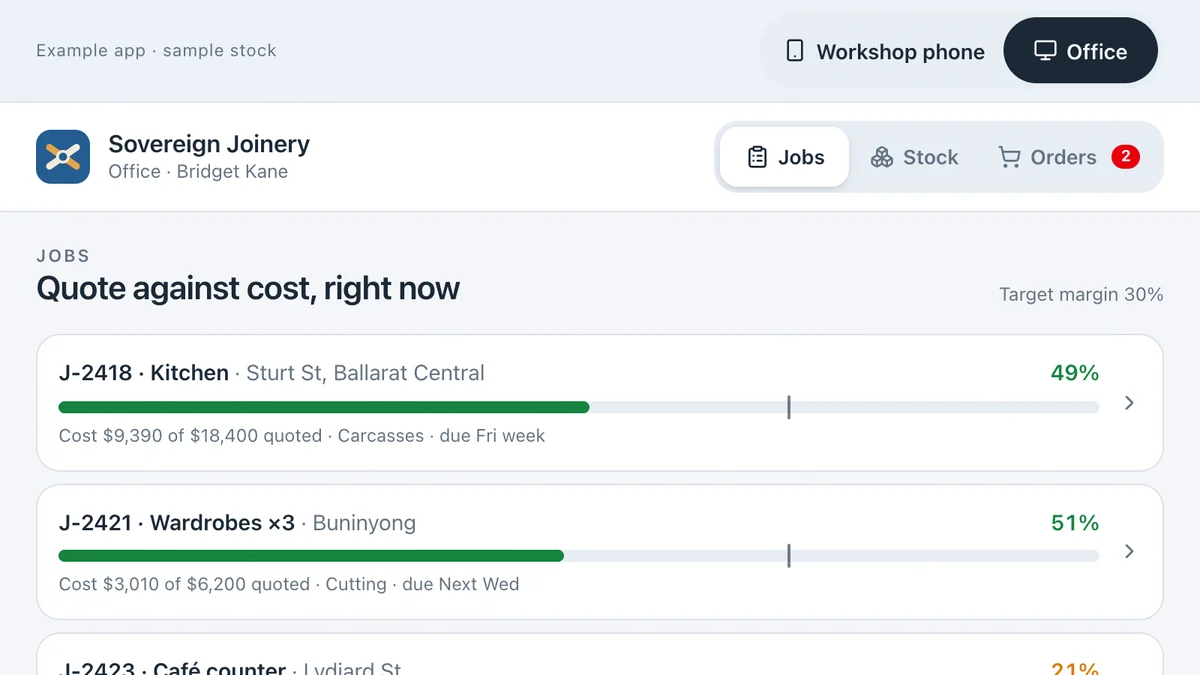
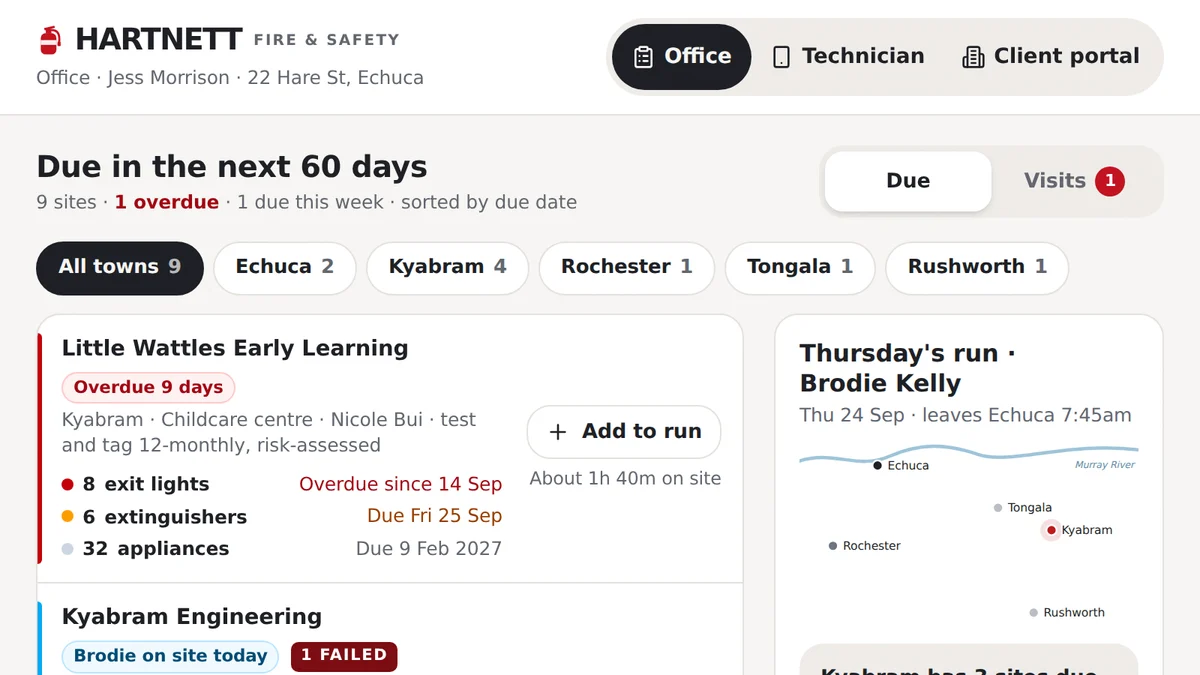
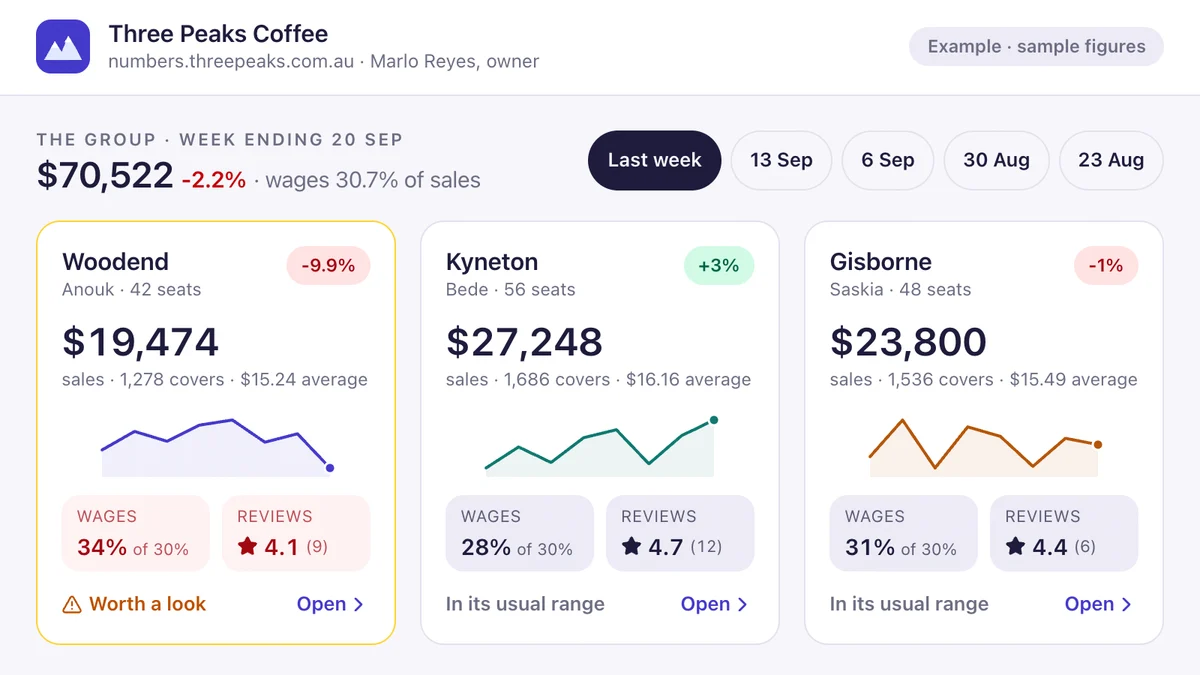
Software we'd build, running with a fictional business and sample data. Use it, then decide.
Also worth a look
- Is It Time to Move Off Airtable?
- Is It Time to Move Off Zapier?
- Outgrowing ServiceM8? When to Move, and Where
- How to replace an old business system safely
- Outgrowing spreadsheets as well?
- Wondering whether to build your own instead? The signs it's time
Last reviewed . Platform prices are the vendor's published list prices when this page was reviewed and change often; check current pricing. Migration costs are indicative Australian ranges, not quotes.